7 Best Standard Operating Procedure Examples PDF Downloads for 2026
Imagine a day where your team isn't bogged down searching through Google Drive, pinging colleagues, or waiting for a simple answer. They just ask in Slack and get an instant, correct response. This isn't a distant future; it's the result of having clear, accessible knowledge that powers your team's productivity.
Standard Operating Procedures (SOPs) are the foundation, but static PDFs collecting dust in a folder are the problem. They create more work than they solve, forcing your team to hunt for information across multiple platforms. This guide isn't just another list of standard operating procedure examples pdf downloads. It’s a strategic blueprint for transforming those static documents into a living, intelligent knowledge source that your team actually uses.
We’ve curated the best SOP examples and templates from top platforms, complete with direct links and actionable analysis. For each one, we'll break down how to extract the core processes and convert them into a centralized knowledge source within Slack. Our focus is on transforming your workflow, not just collecting files. Let's explore the best templates to help you stop the endless cycle of repeat questions and build a business that runs itself.
1. Smartsheet
Smartsheet stands out as a premier destination for high-quality, free SOP templates. It’s less of a random file repository and more of a curated library, offering expertly crafted documents for virtually every business function-from IT and HR to manufacturing and customer service. If you're looking for a reliable starting point, Smartsheet eliminates the guesswork and provides a solid foundation for your process documentation.
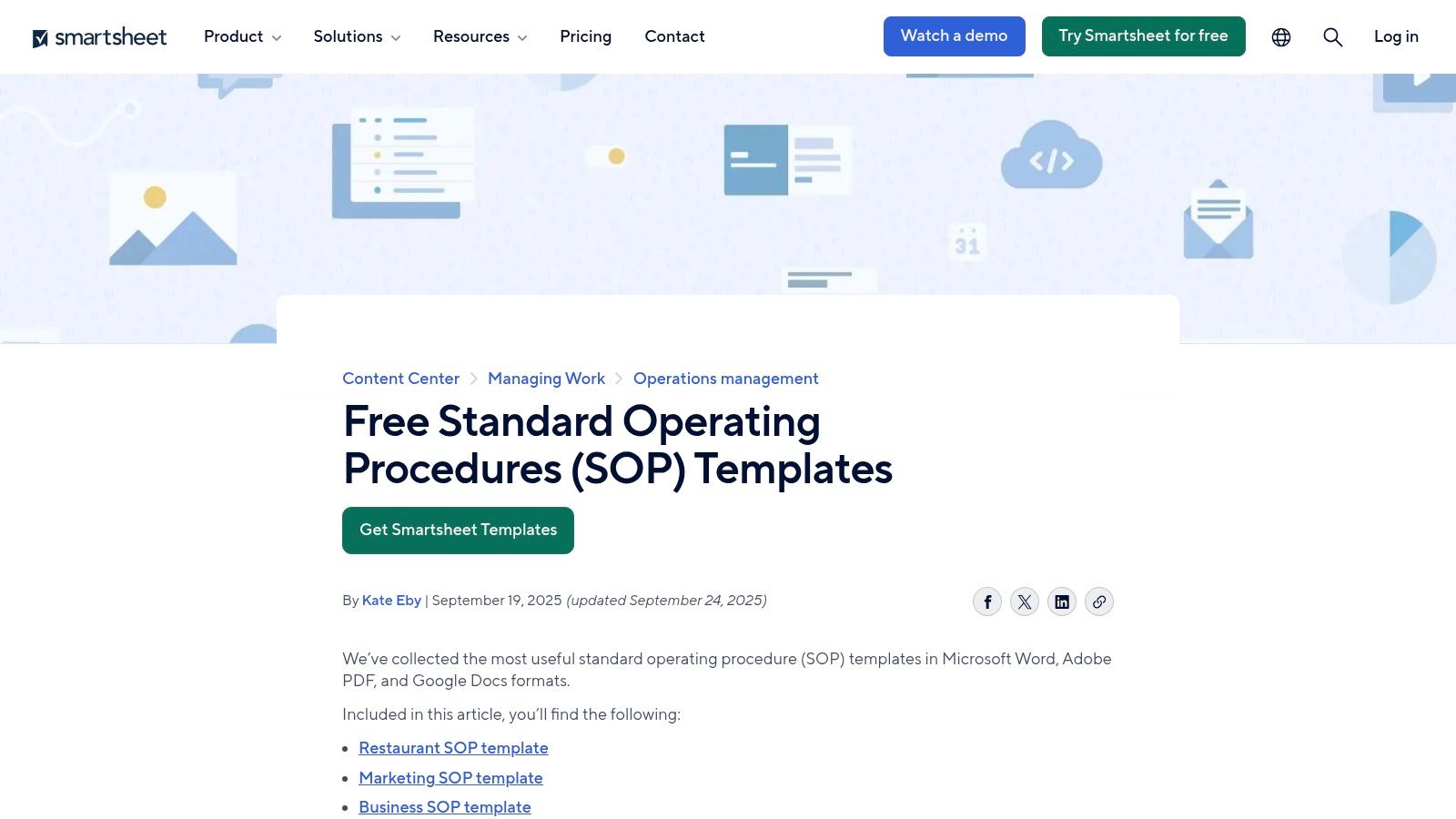
This platform excels by offering multiple download formats (PDF, Word, Google Docs) for each template, giving your team immediate flexibility. This is crucial because a static PDF is often just the first step. True efficiency comes when you transform these documents into living, accessible knowledge. Understanding how to use these templates effectively is a key part of maximizing efficiency with process documentation.
Why It's a Top Resource
Smartsheet’s primary advantage is its editorial quality and breadth. The resources are frequently updated, ensuring the examples reflect current best practices. Unlike generic template sites, Smartsheet provides context and guidance on how to best use each SOP, making it a valuable educational tool, not just a download hub.
How to Use Smartsheet's SOPs Effectively
- Browse by Function: Navigate to their SOP section and filter by your department (e.g.,
Customer Service,
IT Incident Response
). - Select Your Format: Download the template in your preferred format. Google Docs or Word is ideal for easy editing and collaboration.
- Customize and Adapt: Use the template's structure as a guide. Replace the placeholder text with your company’s specific procedures, tools, and responsible parties.
The real power move? Don’t let these documents gather digital dust in a shared drive. Once customized, their contents are perfect for feeding into a Slack-native AI tool. Imagine your team never having to search a drive or open another tab again. Instead, they just ask their question in Slack and get the right answer, instantly. This is how you transform a static standard operating procedure examples pdf into a true productivity engine.
Website: Smartsheet Standard Operating Procedures
2. Template.net
Template.net is a massive digital library where you can find a standard operating procedure examples pdf for nearly any imaginable business scenario. It positions itself as a go-to resource for teams that need polished, ready-to-print documents immediately. From restaurants and manufacturing plants to IT help desks and HR departments, the sheer volume of its catalog is its defining feature.
The platform provides an impressive array of file types, including editable PDFs alongside Word and Google Docs versions. This is perfect for teams who want a professionally designed document that looks good on paper but can also be adapted digitally. The choice between free and premium templates allows you to get started without commitment, making it a flexible option for businesses of any size.
Why It's a Top Resource
Template.net's main advantage is its vast selection, especially for niche industries that might be overlooked by other platforms. Many of their templates are designed to be visually appealing and ready for immediate use, saving you time on formatting. While many of the best designs are behind a paywall, the free selection is still robust enough to serve as a solid starting point for building your internal processes.
How to Use Template.net's SOPs Effectively
- Search with Specificity: Use their search bar to look for your exact need (e.g.,
Restaurant Closing Checklist PDF,
HR Onboarding SOP
). - Filter for Free Options: If you’re on a budget, use the site’s filters to narrow down the results to free templates first.
- Download and Extract: Download the template in Word or Google Docs for easy editing. The goal is to extract the core procedural steps and customize them with your own tools, roles, and policies.
Once you’ve tailored the content, the next step is to make it instantly accessible. Instead of letting it sit in a folder, load the finalized procedures into a Slack-native AI tool. This move converts a static document into dynamic knowledge. Imagine your team getting immediate answers on any process directly in Slack without ever having to hunt for a PDF again. That’s the end of repetitive questions.
Website: Template.net SOP in PDF
3. Process Street
Process Street takes a different approach, treating SOPs not just as static documents but as active, trackable checklists. It excels at turning procedures into repeatable workflows your team can run, assign, and monitor. While its core strength lies in this operational power, it also serves as a robust library of templates that can be easily exported as a standard operating procedure examples pdf for more traditional use cases.
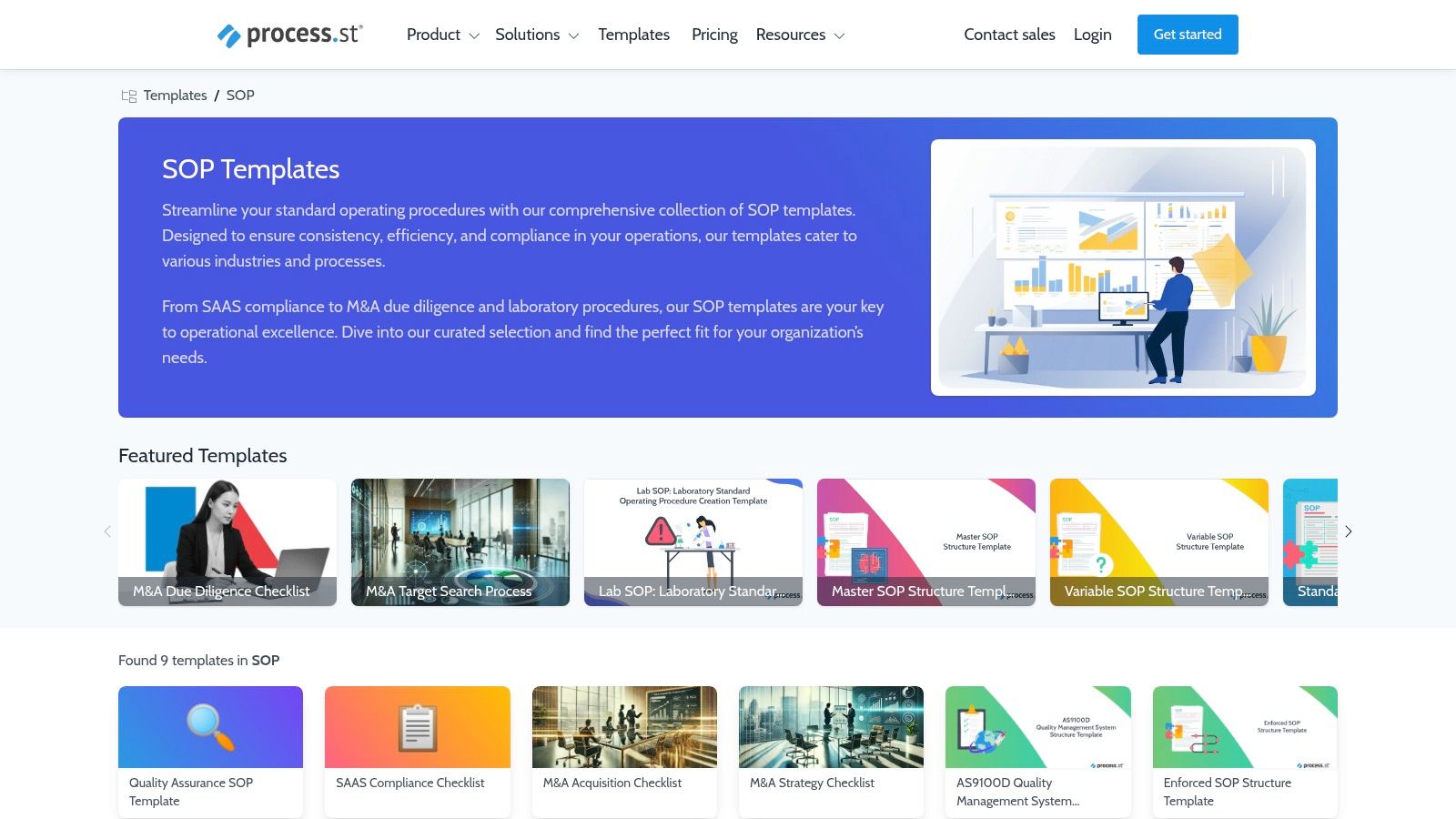
This platform is ideal for teams that need more than just a reference document; they need accountability. The ability to run an SOP as a checklist ensures no step is missed, from onboarding a new hire to handling a critical IT incident. Even if you only need a PDF, the templates are structured with this action-oriented mindset, making them exceptionally clear and easy to follow. Knowing how to write an SOP your team actually uses is about creating this kind of clarity and structure.
Why It's a Top Resource
Process Street’s main advantage is its focus on operationalizing procedures. While you can get a simple PDF, the real value comes from its workflow features like task assignments, conditional logic, and progress tracking. This transforms your SOP from a passive guide into an active management tool. Even if you don't use the full platform, the quality and variety of their free templates make it an excellent resource for well-structured examples.
How to Use Process Street's SOPs Effectively
- Explore the Template Library: Navigate to their SOP templates section and search for your specific need, such as
Client Onboarding
orContent Creation.
- Duplicate or Export: You can sign up for a free account to duplicate and customize a template as an interactive checklist. Alternatively, many guides include content you can copy or export to PDF.
- Adapt for Your Workflow: Strip down the template to its core steps and responsibilities. Focus on the essential actions, tools, and decision points relevant to your team.
Once you’ve finalized the procedure, don’t let it get lost in the Process Street app or a downloads folder. Transfer the core knowledge into a Slack-native AI tool. This is the key to unlocking true efficiency. Picture your team asking, What is step 3 of the client onboarding process?
and getting an answer in seconds, directly in Slack, without ever switching context or searching through a different app.
Website: Process Street SOP Templates
4. SafetyCulture (iAuditor) Public Template Library
SafetyCulture, primarily known for its iAuditor app, provides a massive public library of templates perfect for businesses focused on compliance, safety, and operational audits. This resource is less about traditional, long-form SOPs and more about actionable checklists and inspection forms that can be easily exported. For teams in construction, manufacturing, or hospitality, this is a goldmine for creating field-ready procedural documents.
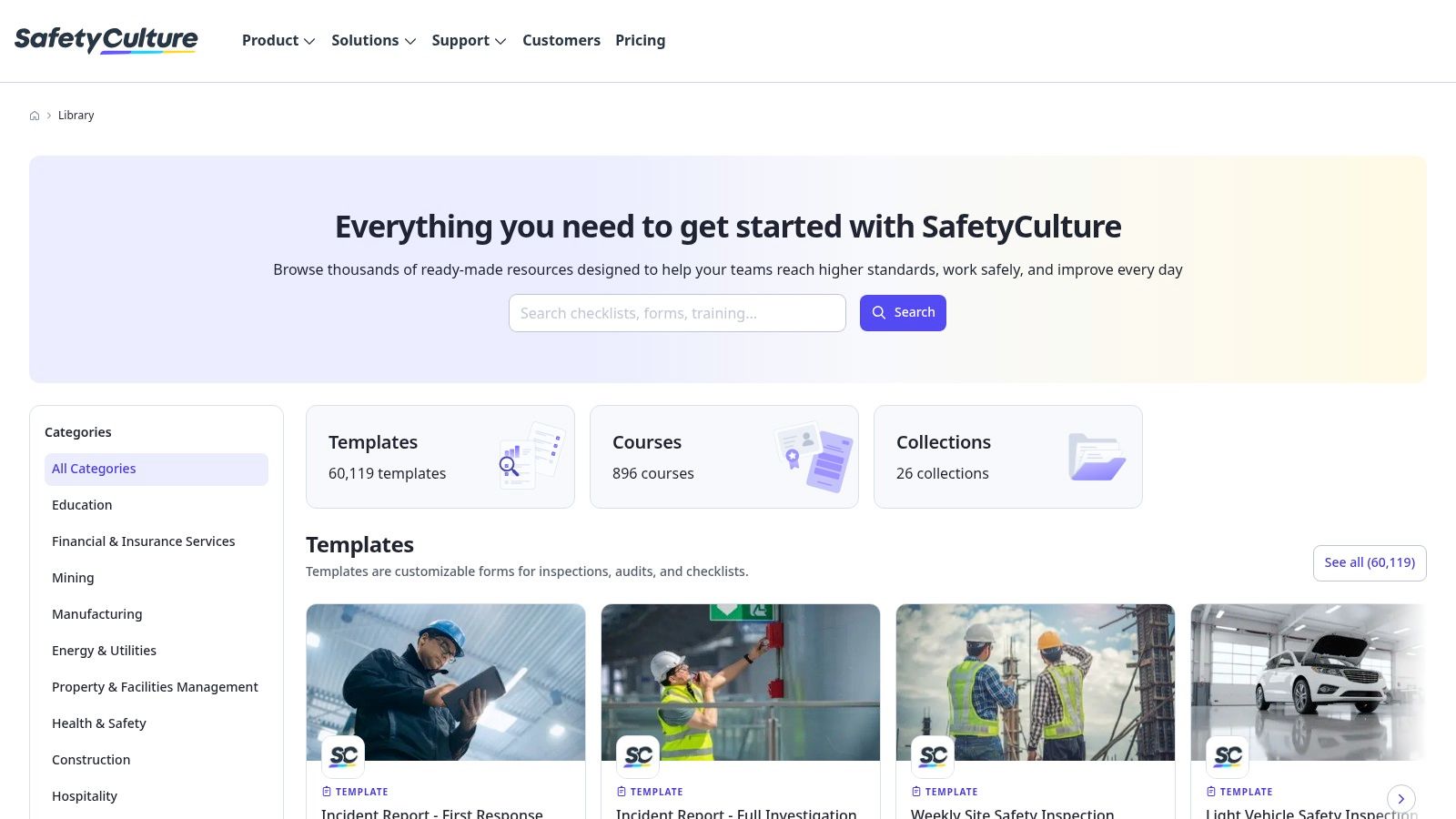
The platform is built with a mobile-first mindset, which means its templates are designed for on-the-go use. While many are structured as checklists, they can be printed or downloaded as PDFs, serving as a solid foundation for more detailed procedures. This makes it an excellent source for anyone needing a structured standard operating procedure examples pdf for hands-on, operational tasks.
Why It's a Top Resource
SafetyCulture’s strength lies in its sheer volume and specificity. With over 100,000 templates, you can find a pre-built checklist for almost any compliance or safety-related task imaginable, from daily restaurant opening procedures to forklift safety inspections. This drastically reduces the time spent creating documentation from scratch for highly regulated or standardized processes. Its focus on operational checklists provides a unique, practical alternative to more narrative-heavy SOPs.
How to Use SafetyCulture's SOPs Effectively
- Search the Library: Use specific keywords related to your task (e.g.,
food safety audit,
workstation ergonomics
) to find relevant templates. - Preview and Download: Review the checklist and select the option to print or download it as a PDF. The free public library allows access without needing a full software subscription.
- Extract and Repurpose: Identify the core procedural steps and safety checks within the checklist. This content is the
what
andhow
of your SOP.
Instead of your field team constantly searching through PDFs on their phones, imagine them just asking a question in Slack. By extracting the key steps from these checklists and feeding them into a Slack-native AI, you give your team immediate, in-the-moment answers. Questions like What's the first step for the pre-shift safety check?
get resolved instantly, ensuring compliance without ever disrupting workflow.
Website: SafetyCulture Public Template Library
5. ClickUp Templates
For teams already embedded in the ClickUp ecosystem, its template library is an excellent resource for creating and managing SOPs. Instead of just offering a downloadable file, ClickUp provides dynamic documents that integrate directly into your workspace. This approach transforms static procedures into collaborative, trackable tasks, centralizing process management where work already happens.
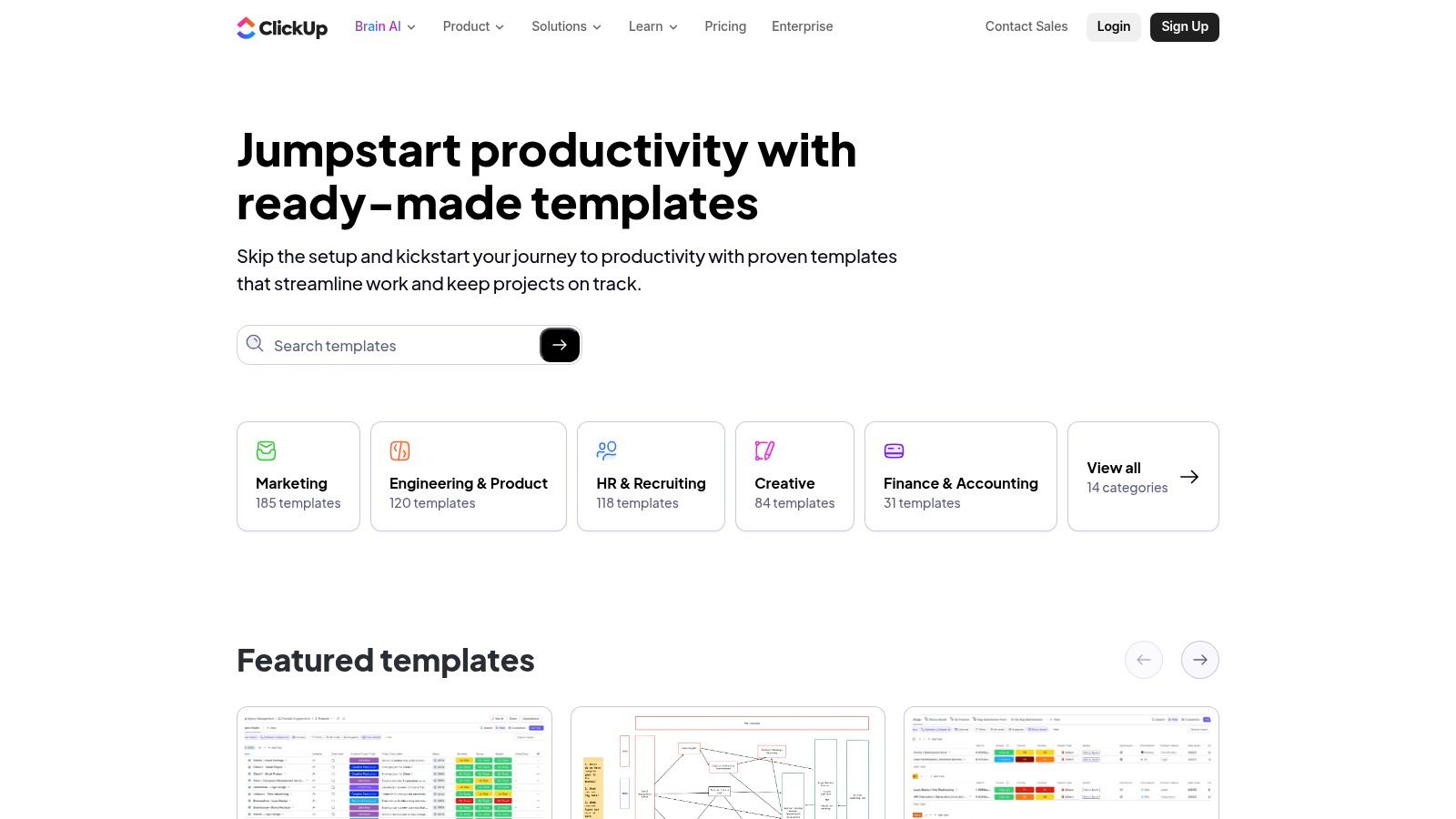
The platform’s strength lies in its collaborative features. You can assign owners, leave comments, and track version history directly within the SOP document. While you can easily export a final version as a standard operating procedure examples pdf, the real value comes from maintaining it as a living document within your project management hub, ensuring it never becomes outdated.
Why It's a Top Resource
ClickUp's primary advantage is its seamless integration with project management workflows. It’s ideal for organizations that want their SOPs to be more than just reference documents; they want them to be actionable. The built-in collaboration tools, like comments and version history, make the process of creating and updating procedures a team effort, fostering greater buy-in and accuracy. While you do need a ClickUp account (even a free one), the benefit of a centralized, dynamic system is a significant draw.
How to Use ClickUp's SOPs Effectively
- Select a Template: Go to the ClickUp templates library and search for
SOP.
Choose a template that fits your needs, such as a general SOP or a more specific one for documentation or restaurants. - Add to Workspace: Integrate the template directly into your ClickUp space. This creates an editable document that your team can access and collaborate on.
- Customize and Collaborate: Fill in the template with your specific processes, assign tasks or sections to team members, and use comments for feedback and approvals.
Once your SOP is finalized, don't let it remain trapped in ClickUp. The best practice is to extract that valuable knowledge and make it instantly accessible. Feed the content into a Slack-native AI to empower your team with immediate answers. Imagine a world where no one has to search through ClickUp docs; they just ask a question in Slack and get the correct procedural step instantly.
Website: ClickUp Templates
6. ProjectManager.com Templates
For teams seeking a no-frills, direct approach to creating SOPs, ProjectManager.com offers a highly practical solution. It provides a straightforward, free Standard Operating Procedure template in Word format. This resource is ideal for managers who need a simple, universally compatible document that can be quickly customized and saved as a PDF without navigating a complex platform or signing up for a service.
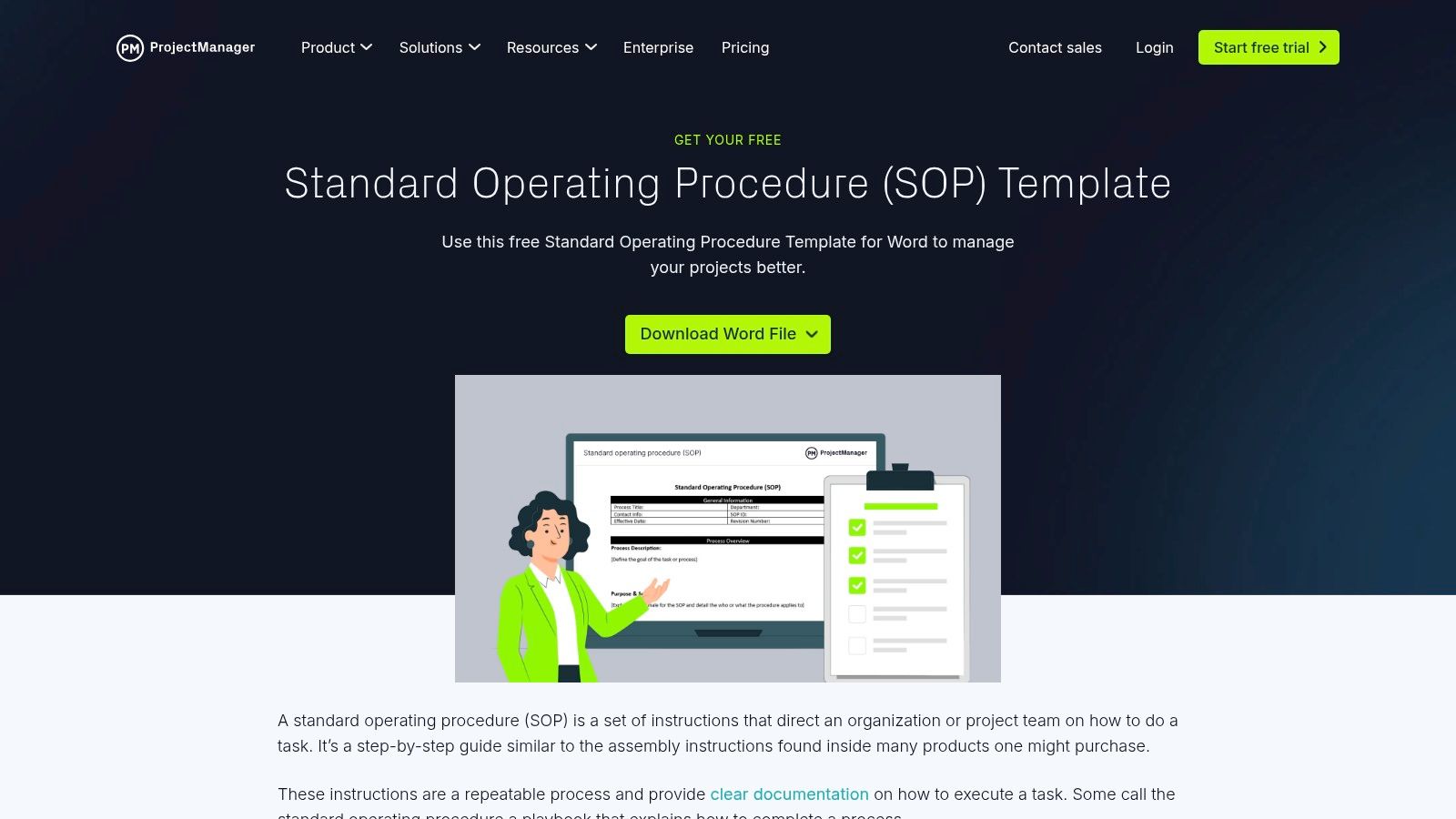
The platform’s strength is its simplicity and accessibility. You get a well-structured Word document that covers all the essential components of a formal SOP, from purpose and scope to procedural steps and references. This familiar format eliminates the learning curve, allowing teams to focus entirely on documenting their processes and converting them into a shareable standard operating procedure examples pdf.
Why It's a Top Resource
ProjectManager.com is a top resource because it delivers exactly what it promises: a free, effective SOP template without unnecessary complexity. Its value lies in its directness. There are no mandatory sign-ups or gated content, just an immediate download. This makes it a perfect choice for small teams or companies just beginning to formalize their operations who need a solid, offline document to start with.
How to Use ProjectManager.com's SOPs Effectively
- Download the Template: Visit the site and download the Word template directly.
- Customize the Content: Open the document and replace the placeholder text with your company's specific information. Detail the roles, step-by-step actions, and required resources for your procedure.
- Export to PDF: Once finalized, save the document as a PDF to create a standardized, uneditable version for formal distribution or archival.
Don’t stop at just having a PDF in a folder. The real efficiency gain comes from making this knowledge instantly accessible. By feeding the key steps and guidelines from your customized template into a Slack-native AI, you empower your team to get procedural answers on the spot. Instead of searching drives for a PDF, they can simply ask a question in Slack and receive an immediate, accurate response, keeping them focused and productive.
Website: ProjectManager.com Standard Operating Procedure Template
7. Etsy (Digital Downloads Marketplace)
Etsy may be known for handmade crafts, but it's also a surprisingly rich marketplace for professionally designed SOP templates. It serves as a creative hub where business consultants and design-savvy creators sell downloadable SOP packs, often catering to niche industries like retail, e-commerce, restaurants, and creative agencies. If you're looking for a document that’s not just functional but also visually appealing, Etsy is an excellent place to find it.
The platform's strength lies in its vast and specialized selection. Sellers often bundle multiple documents into comprehensive kits, such as an HR Onboarding Pack
or a Restaurant Operations Manual,
which can include a standard operating procedure examples pdf for immediate use. These are typically delivered as editable Canva, Word, or Google Docs files, providing the flexibility to tailor them precisely to your brand and operational needs.
Why It's a Top Resource
Etsy’s unique value is its combination of niche specificity and design quality. While corporate sites offer functional templates, Etsy sellers often provide a level of polish and industry-specific detail you won't find elsewhere. The review system also helps you vet the quality before purchasing, ensuring you get a product that meets your standards.
How to Use Etsy's SOPs Effectively
- Search with Specificity: Use targeted keywords like
restaurant opening SOP,
e-commerce customer service template,
orHR policy bundle
to find relevant listings. - Evaluate the Seller: Check the seller’s reviews and look at the item previews carefully to gauge the quality and comprehensiveness of the templates.
- Customize and Brand: After purchasing, download the editable files. Adapt the procedures, add your company logo and colors, and ensure the tone reflects your brand’s voice.
Once your branded SOP is finalized, don't let it become another forgotten file. The next step is to make this knowledge instantly accessible. By feeding the customized content into a Slack-native AI, you empower your team to ask questions like, What's our return policy for damaged goods?
and get immediate, accurate answers directly in Slack. This transforms your one-time purchase into a living, responsive knowledge source that eliminates repetitive questions and search time.
Website: Etsy
Top 7 SOP PDF Template Comparison
| Template | Implementation Complexity (🔄) | Resource Requirements (⚡) | Expected Outcomes (📊) | Ideal Use Cases (💡) | Key Advantages (⭐) |
|---|---|---|---|---|---|
| Smartsheet | 🔄 Low–Medium: download-ready; some templates link to platform | ⚡ Minimal: browser; Smartsheet optional | 📊 Ready, industry-specific SOP PDFs with editorial guidance | 💡 Teams wanting curated, industry-specific SOP examples | ⭐ Curated, frequently updated, free downloads |
| Template.net | 🔄 Low: instant downloads; some items gated by subscription | ⚡ Low–Moderate: free + subscription for premium designs | 📊 Polished, ready-to-print SOP PDFs across many functions | 💡 Users needing a large variety of printable templates | ⭐ Very broad selection; both free and premium options |
| Process Street | 🔄 Medium: duplicate templates and set up checklist workflows | ⚡ Moderate: account required; paid tiers for advanced features | 📊 Living SOPs — checklists, versioning, runs; exportable to PDF | 💡 Teams that need to operationalize, assign and track SOPs | ⭐ Strong for workflow-driven SOPs and operational tracking |
| SafetyCulture (iAuditor) | 🔄 Low–Medium: mobile-first checklist templates (less narrative) | ⚡ Minimal for downloads; platform needed for collaboration | 📊 Field-ready inspection and compliance checklists (PDF export) | 💡 Field teams focused on safety, audits and compliance workflows | ⭐ Large searchable library; print/download optimized for inspections |
| ClickUp Templates | 🔄 Medium: add to workspace, customize, collaborate in-platform | ⚡ Moderate: ClickUp account; workspace setup for full value | 📊 Centralized collaborative SOP docs with version history and export | 💡 Teams already using ClickUp wanting integrated SOPs | ⭐ Strong collaboration, comments and change-tracking |
| ProjectManager.com Templates | 🔄 Low: simple Word template to download and edit offline | ⚡ Minimal: Word or compatible editor for editing/exporting to PDF | 📊 Static, easy-to-customize SOP Word file ready for PDF export | 💡 Teams preferring offline, familiar Word-based SOPs | ⭐ Free, straightforward template with practical guidance |
| Etsy (Digital Downloads) | 🔄 Low–Varies: purchase and instant download; seller-dependent | ⚡ Low–Moderate: payment; may need Canva/Word to edit files | 📊 Niche, tailored SOP packs with variable scope and quality | 💡 Buyers seeking highly specific or niche industry SOPs | ⭐ Extensive variety and niche specificity; fast digital delivery |
From PDF to Productivity: Make Your Knowledge Instantly Accessible
You’ve explored a powerful collection of standard operating procedure examples pdf from sources like Smartsheet, Process Street, and SafetyCulture. You’ve seen how to structure everything from employee onboarding to critical incident response. But downloading a template is just the starting line. The real victory isn't in having a perfectly formatted PDF; it's in making that knowledge instantly and effortlessly available to your team when they need it most.
The core problem these SOPs solve isn't a lack of information. It's the friction your team experiences trying to access it. Every minute spent searching a chaotic shared drive, every Slack message asking where's the link to...
, and every interruption to ask a senior team member a repetitive question breaks concentration and drains productivity. Static documents, no matter how well-written, are passive. They require someone to stop what they’re doing, remember where to look, find the file, and then search for the right section.
The Shift from Static Documents to Instant Answers
Imagine a different reality. Imagine your team never has to leave Slack to get an answer. A new hire needs the Wi-Fi password? They just ask. A support agent needs to know the refund process for a specific product? They just ask. No more context switching, no more waiting for a reply, and no more interrupting your experts. This is the transformation that happens when you move your standard operating procedures from isolated PDFs into an intelligent, centralized knowledge system within your existing workflow.
The ultimate goal is to eliminate the search entirely. By feeding these standard operating procedure examples pdf into a tool like an AI assistant, you convert them from reference materials into immediate, conversational answers. This isn't just about saving time; it's about creating a culture of autonomy and empowerment.
Your Actionable Next Steps
To make this a reality, consider these final steps:
- Audit Your Current Friction Points: Identify the top 5-10 questions your team asks repeatedly. These are your prime candidates for SOP automation.
- Prioritize a Single Process: Don't try to convert everything at once. Start with one high-impact SOP, like the customer support escalation process or new employee tech setup, and perfect its integration into your workflow.
- Focus on Accessibility, Not Perfection: A slightly imperfect SOP that is instantly accessible in Slack is infinitely more valuable than a perfect one buried in a folder. The goal is to make the right information available in the moment of need.
You have the templates and the strategy. Now it's time to bridge the gap between documentation and true productivity. Stop managing files and start delivering the instant answers that empower your team to focus, execute, and achieve their best work.
Ready to transform your PDFs into a frictionless knowledge source? SAI instantly learns from your documents, wikis, and conversations to provide immediate, trusted answers directly in Slack. Stop searching and start solving by visiting SAI to see how you can give your team the gift of instant knowledge.
