12 Cool Slack Apps to Transform Your Workflow in 2025
Imagine your team’s workday without the constant interruptions. No more shoulder taps for the same question asked yesterday. No more digging through wikis, shared drives, and old DMs to find that one crucial piece of information. The promise of productivity is often lost in the digital noise of context switching and repetitive tasks. What if your most critical tool, Slack, could become the central nervous system of your business? It can be more than a place for conversations; it can be a platform for automated action and instant knowledge.
This isn't about adding more notifications. It's about making Slack work for you. We’ve curated a list of the genuinely cool Slack apps and integration platforms designed to do just that. They transform your workspace from a simple communication tool into an intelligent, efficient hub that gives your team back its most valuable resource: time for focused work.
In this guide, you won't find generic feature lists. Instead, you'll discover practical use cases, setup tips, and honest assessments for each tool. We'll explore powerful automation, AI-driven knowledge management like SAI for answering questions instantly, and specialized apps that solve specific workflow headaches. This resource is designed to help you stop searching for solutions and start implementing them, complete with screenshots and direct links to get started immediately.
1. SAI
Imagine a day where your team never has to open another resource to find information. No more switching to a wiki, searching a cluttered drive, or pinging a colleague for a link they shared last week. Instead, they just ask SAI a question in Slack and get an instant, accurate answer sourced from your team's collective knowledge. SAI fundamentally transforms how your team works by making Slack the single source of truth, eliminating the constant hunt for information that fragments the workday. This is one of the coolest Slack apps available because it delivers on the promise of effortless knowledge access.
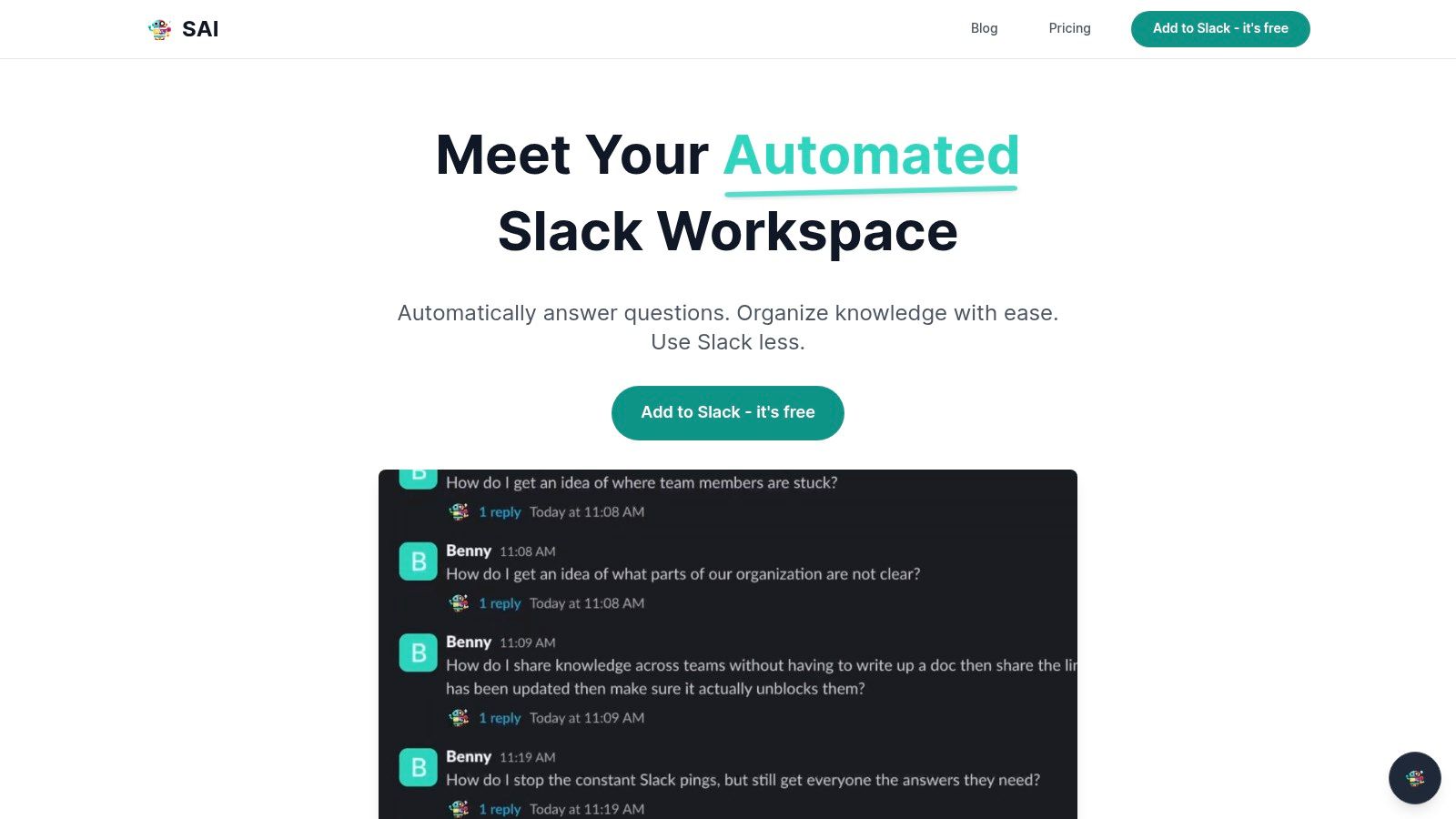
It works by observing the conversations already happening in your Slack channels. Every time a question is asked and answered, SAI learns. It turns your team's organic discussions into a powerful, self-building knowledge base without anyone having to lift a finger. The transformation is immediate: new hires can onboard themselves, support staff can find solutions instantly, and your experts are freed from answering the same questions over and over. SAI claims it can save a five-person team over 40 hours per month by providing 24/7 answers, reclaiming the focus and deep-work time that constant interruptions destroy.
Key Details & Considerations
- Best Use Case: Ideal for operations, support, HR, and IT teams drowning in repetitive questions. It’s a game-changer for streamlining new hire onboarding.
- Pricing: The early access plan is completely free. You can add SAI to a single Slack channel with unlimited AI responses and community support, no credit card required.
- Pros: Zero-effort setup, immediate time savings, and it creates a permanent knowledge base directly within Slack.
- Cons: The free plan is limited to one channel. Organizations with strict compliance needs (like SOC 2 or HIPAA) should note that formal certifications and enterprise SLAs are not yet detailed publicly.
By centralizing answers where conversations happen, SAI doesn't just add a tool; it streamlines an entire process, making it a standout choice for any team serious about efficiency.
Website: https://sai-bot.ai
2. Slack App Directory (Slack Marketplace)
Before you can install any cool Slack apps, you need to know where to find them. The official Slack App Directory is the definitive starting point and your command center for discovering, vetting, and managing every integration for your workspace. Think of it less as a simple store and more as a curated, secure ecosystem where every app has been reviewed by Slack for quality and safety. This is where your journey to a more productive Slack environment begins.
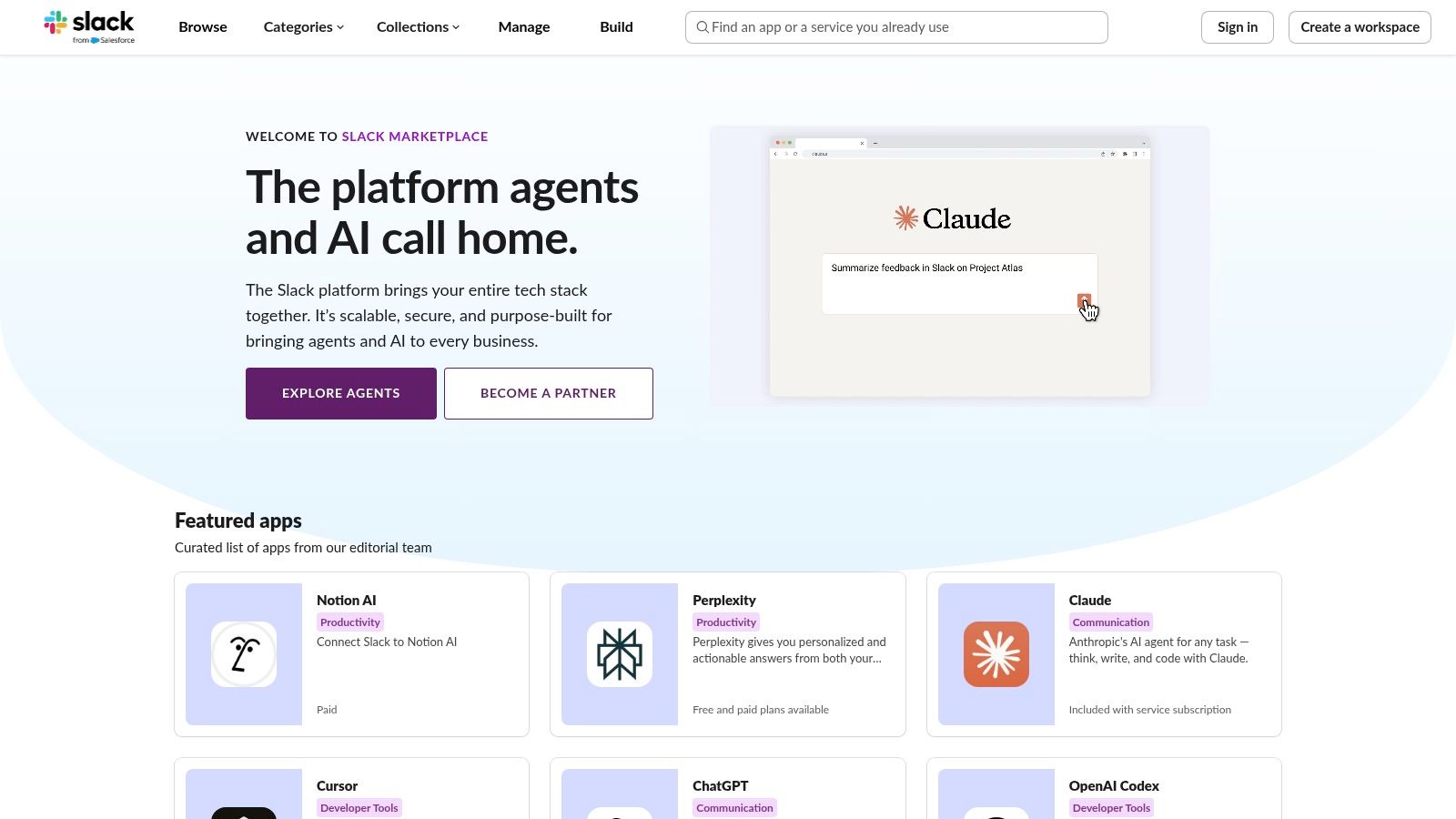
The user experience is seamless. You can search by category, such as Sales
or AI,
browse curated collections for specific problems, and instantly see crucial details like required permissions and security compliance. For admins, it’s the central hub for approving or restricting apps, ensuring you maintain control over your digital workspace. This level of integrated management and security vetting is what makes it an indispensable resource over just browsing third-party lists.
Key Considerations & Practical Tips
- Permissions First: Always review the
Permissions
tab on an app’s page before installing. This tells you exactly what data the app can access. - Approval Workflow: For larger teams, enable the
Approve Apps
setting. This allows any team member to request an app, which an admin can then approve or deny, streamlining discovery while maintaining security. - App Limits: Remember that free Slack plans are limited to 10 app integrations. Paid plans (Pro, Business+) offer unlimited apps, which is essential for building a truly powerful workflow. Many apps listed, like Google Drive or Asana, also require a separate paid subscription for their own service.
Website: https://slack.com/apps
3. Product Hunt – Slack Topic
If the Slack App Directory is the established encyclopedia, Product Hunt is the bleeding edge of innovation. It’s a community-driven discovery platform where new tech products launch daily. The Slack topic page aggregates every new Slack-related tool as it's released, letting you see what’s trending and what’s getting genuine buzz from early adopters. This is where you find experimental, niche, and brand-new apps before they hit the mainstream, making it a fantastic source for finding unique, cool Slack apps that solve very specific problems.
The value of Product Hunt lies in its community. Instead of just a marketing description, you get immediate feedback through upvotes, user comments, and maker Q&As. This social proof helps you quickly gauge an app's potential and see how others envision using it. It’s the perfect place to hunt for that unique integration that could give your team a competitive edge or solve a persistent workflow annoyance that mainstream apps don't address.
Key Considerations & Practical Tips
- Look Beyond the Upvotes: Read the comments section for honest feedback, bug reports, and practical use cases from real users. This is often more valuable than the upvote count alone.
- Embrace the Beta: Many apps launching on Product Hunt are new or in beta. Be prepared for a less polished experience but relish the opportunity to influence a product’s development with your feedback.
- Follow the Makers: If you find a developer who builds high-quality Slack integrations, follow their profile on Product Hunt to be notified of their future launches.
Website: https://www.producthunt.com/topics/slack
4. Zapier – Slack Integrations
If the Slack App Directory is the command center, Zapier is the ultimate no-code automation engine connecting Slack to everything else you use. It acts as the digital glue between Slack and over 8,000 other applications, allowing you to create automated workflows (called Zaps
) without writing a single line of code. Imagine instantly posting new Typeform submissions to a #leads channel or creating a Trello card from a saved Slack message. Zapier makes these complex cross-app automations not just possible, but incredibly simple to build.
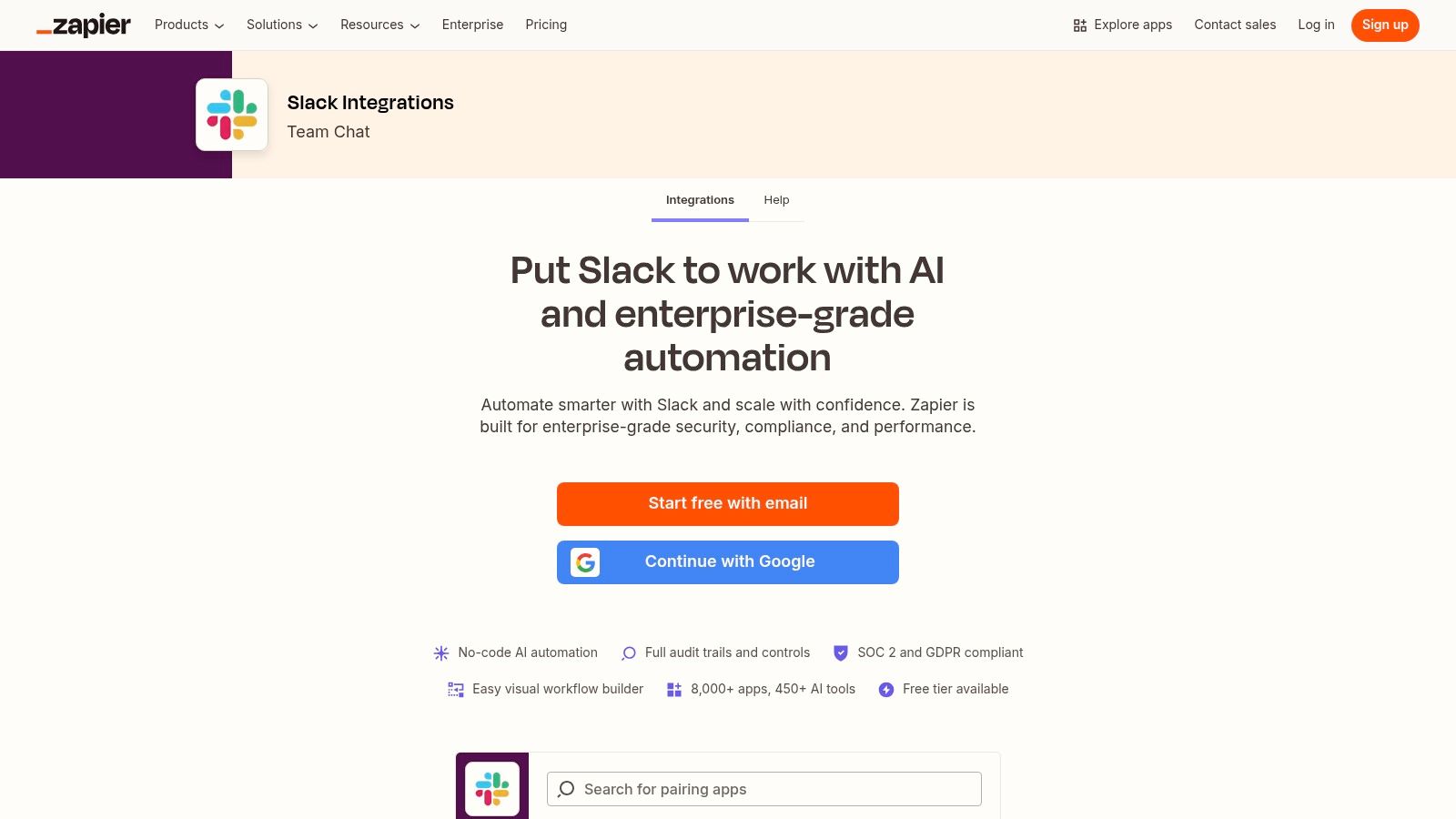
The platform’s strength lies in its massive library of pre-built templates and its intuitive visual builder. You simply choose a trigger
(e.g., a new email in Gmail) and an action
(e.g., send a direct message in Slack), and Zapier handles the rest. This is what makes it one of the most powerful and cool Slack apps for any team looking to eliminate manual data entry and streamline communication. For businesses aiming to build efficient, interconnected systems, Zapier is an indispensable tool. You can learn more about how automation transforms small business workflows to see the potential impact.
Key Considerations & Practical Tips
- Start with Templates: Don’t build from scratch. Browse the vast library of popular Slack Zaps for inspiration and to get your first automations running in minutes.
- Mind Your Tasks: Zapier's free plan offers a limited number of
tasks
(actions your Zaps perform) per month. For high-volume workflows, like syncing a busy CRM, you will likely need a paid plan. - Multi-Step Zaps: The real power comes with multi-step Zaps available on paid plans. For example, a new form entry could create a Salesforce lead, send a Slack notification, and add the contact to a Mailchimp list, all in one seamless workflow.
Website: https://zapier.com/apps/slack/integrations
5. IFTTT – Slack Service
IFTTT (If This Then That) is the quintessential tool for simple, no-code automations that connect your digital life directly to Slack. It’s perfect for individuals or small teams who need to pipe in notifications from other services without the complexity of a full-scale integration platform. Instead of building complex workflows, you use simple Applets
that follow a basic trigger-action formula, making it one of the most approachable and cool Slack apps for quick, set-and-forget tasks.
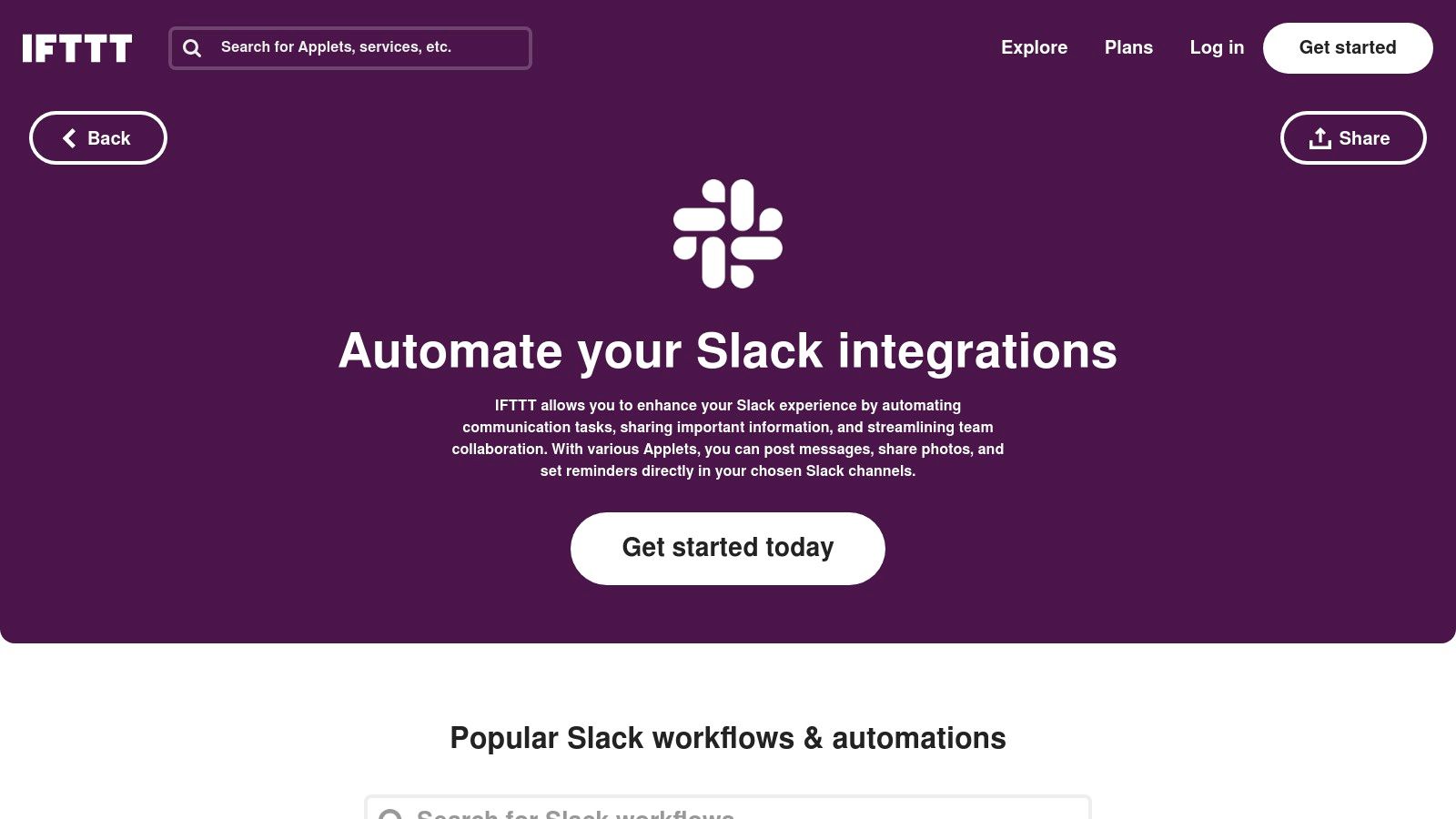
The platform excels at bringing external information into a specific channel. Imagine getting a Slack message every time a competitor posts on Twitter, a new article appears in an RSS feed you follow, or even when the weather forecast predicts rain. While it lacks the deep, multi-step actions of more powerful tools, IFTTT’s strength is its massive ecosystem of services and its sheer simplicity. You can set up a valuable notification in under a minute.
Key Considerations & Practical Tips
- Start with Pre-built Applets: Browse the extensive library of existing Slack Applets first. There's a high chance someone has already built the exact connection you need, like posting new Google Calendar events to a #meetings channel.
- Best for Inbound Information: Use IFTTT primarily for pushing notifications into Slack. Its ability to trigger actions from Slack is more limited compared to platforms like Zapier or Make.
- Understand Pricing Tiers: The free plan is great for getting started, but it has limits on the number of Applets and their execution speed. The Pro and Pro+ plans are necessary for faster polling times, multi-action Applets, and higher usage limits.
Website: https://ifttt.com/slack
6. Make (formerly Integromat) – Slack Integrations
When basic automations aren't enough, Make steps in as the powerhouse for creating sophisticated, multi-step workflows without writing a single line of code. It's an integration platform (iPaaS) that uses a visual, drag-and-drop builder to connect Slack to thousands of other apps. This lets you build complex logic, with branching paths and error handling, that goes far beyond what simpler tools can offer. Make is where you turn a simple notification into an entire automated business process.
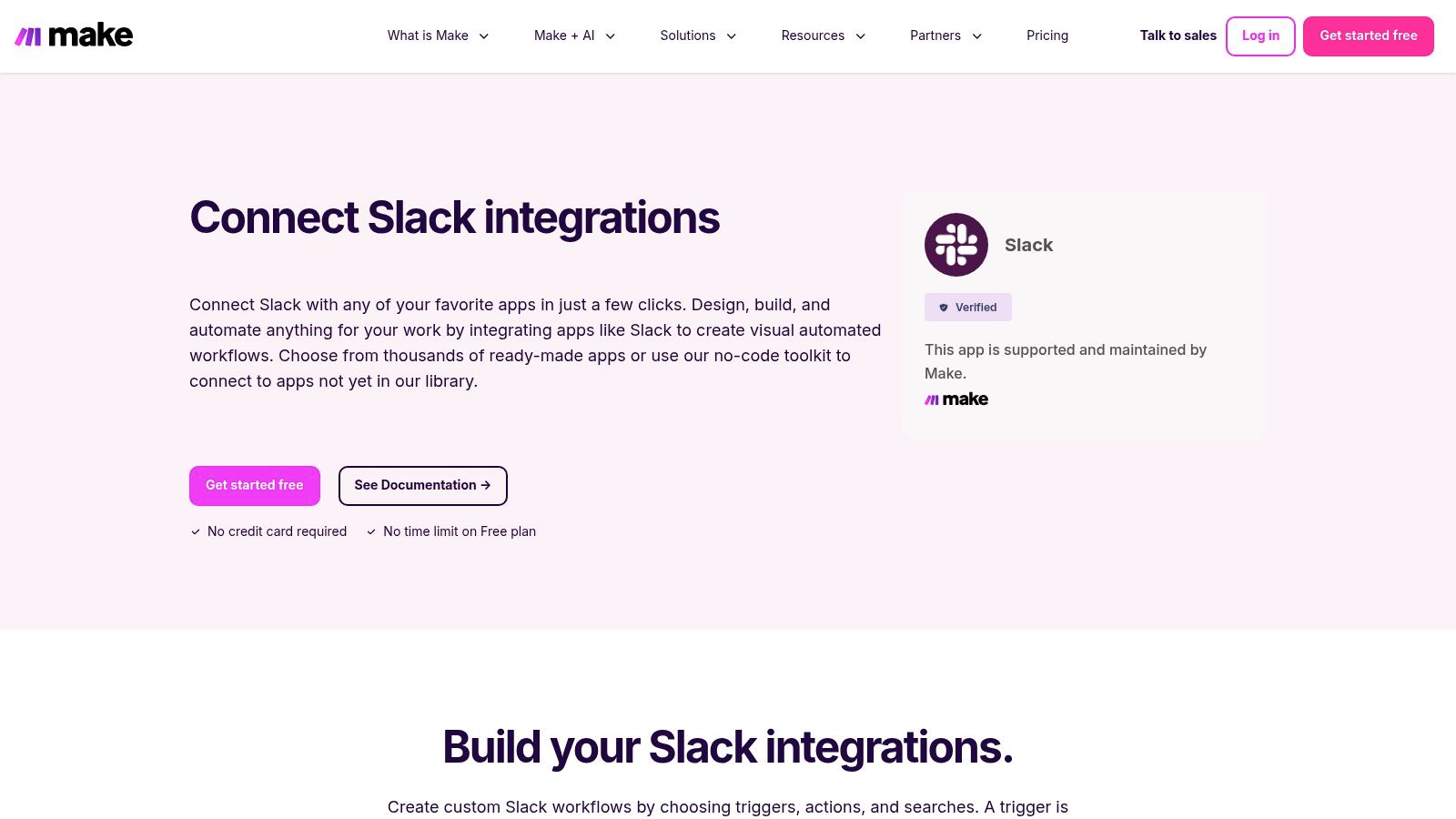
Unlike single-purpose apps, Make’s strength is in its versatility. You can design a scenario that triggers when a specific emoji is added to a Slack message, then automatically creates a new customer record in your CRM, adds a task in your project management tool, and sends a confirmation email. The visual builder makes it easy to map data between services, giving you precise control over every step. It’s one of the coolest Slack apps for operations and IT teams looking to orchestrate complex actions across their entire tech stack, directly from Slack.
Key Considerations & Practical Tips
- Start with a Template: Make’s library of pre-built Slack
scenarios
is the best place to start. Find one that’s close to your goal and customize it to learn the platform's logic. - Understand
Operations
: Your usage is measured inoperations
(actions an app performs). A single workflow can use multiple operations. Monitor your usage on the generous free plan before committing to a paid tier. - Error Handling is Key: For critical workflows, use Make’s built-in error handling modules. You can set up rules to automatically retry a failed step or send a Slack alert to an admin if something breaks.
Website: https://www.make.com/en/integrations/slack
7. Pipedream – Slack Integrations and Actions
For teams that need automation beyond what typical no-code tools can offer, Pipedream is the developer-friendly bridge to unlimited possibilities. It allows you to build sophisticated, event-driven Slack bots and workflows by blending prebuilt actions with custom Node.js or Python code. This unique hybrid approach lets you connect Slack to any API, automate complex internal processes, and create custom slash commands that are perfectly tailored to your team’s specific needs, making it one of the most powerful and cool Slack apps for technical teams.
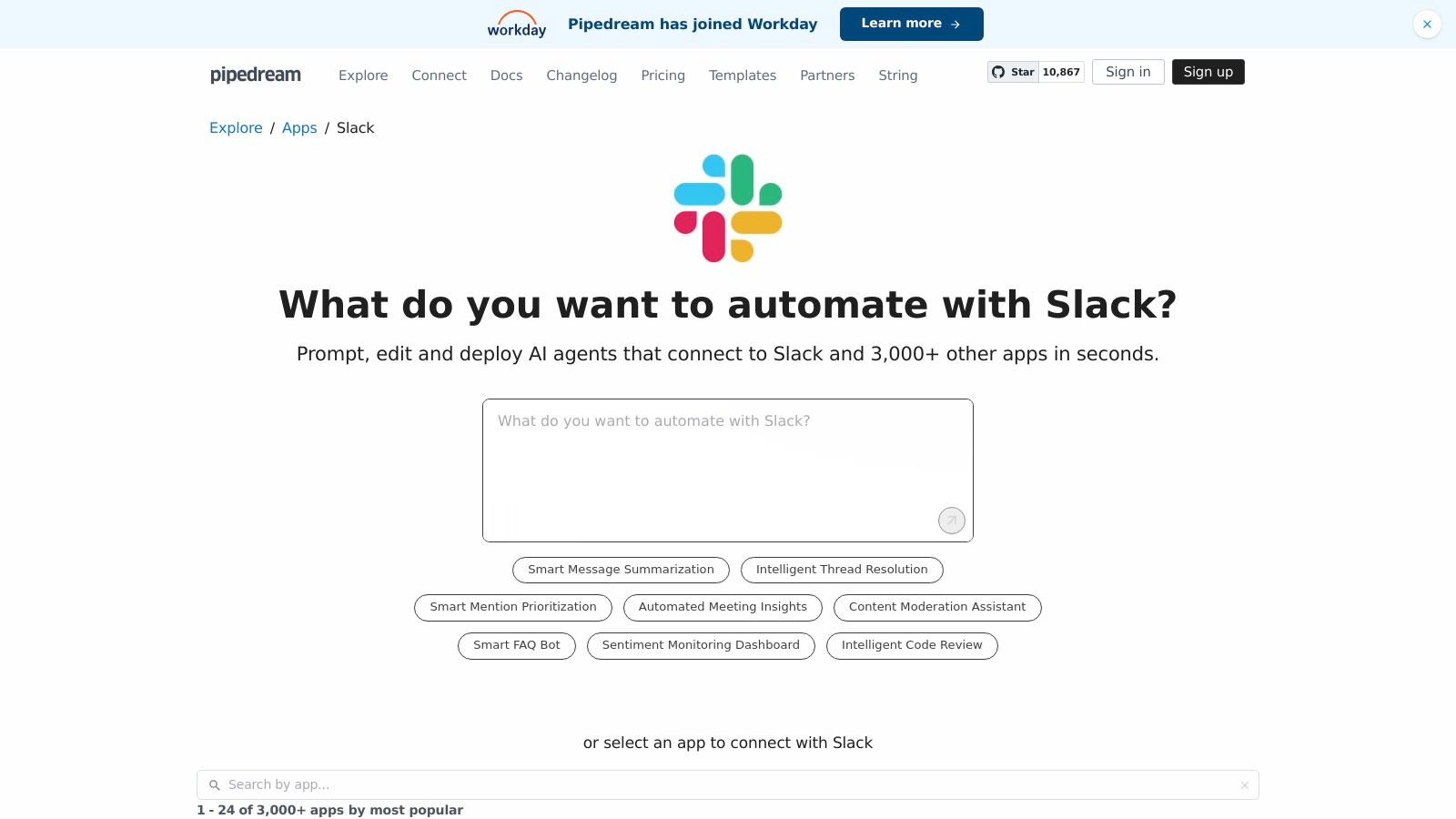
Unlike rigid platforms, Pipedream gives developers the keys to the engine. You can start a workflow with a Slack event, process the data with custom code, pull information from a proprietary database, and then format a rich, interactive response using Slack’s Block Kit. This makes it ideal for tasks like creating dynamic status dashboards, building custom CI/CD notifications, or integrating with internal tools that lack official Slack apps, all without managing your own server infrastructure.
Key Considerations & Practical Tips
- Start with Templates: Pipedream offers thousands of pre-built workflow templates. Find one that's close to your goal and customize it instead of starting from scratch to save significant development time.
- Balance Code and No-Code: Use Pipedream's prebuilt actions for common tasks like sending a message, and reserve custom code steps for unique logic, data transformation, or API calls.
- Understand Pricing: The free tier is generous for development and low-volume workflows. However, be mindful that pricing scales with the number of executions, so high-frequency automations can become costly.
Website: https://pipedream.com/apps/slack
8. Atlassian Marketplace – Slack Integrations
For teams deeply embedded in the Atlassian ecosystem, the Atlassian Marketplace is the essential hub for unlocking powerful, native Slack integrations. While the main Slack Directory lists these apps, the Atlassian Marketplace provides deeper context, documentation, and specific version information directly from the source. It's the best place to discover and manage the official connectors that bridge your development and project management workflows directly into your communication channels, turning Slack into a true command center for products like Jira, Confluence, and Trello.
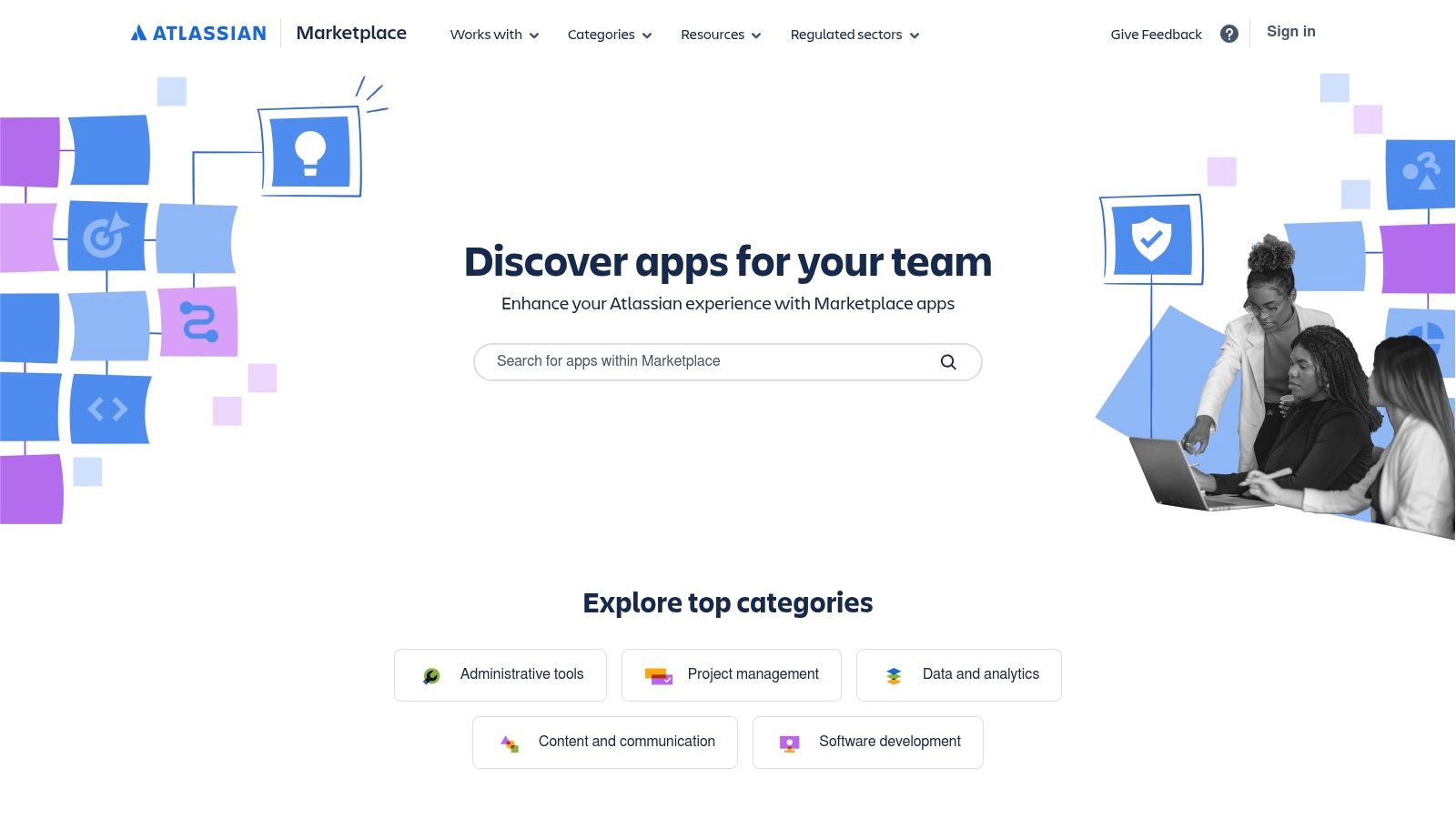
This marketplace excels by offering high-quality, officially maintained integrations. Instead of generic notifications, you get rich, interactive messages. For instance, the Jira Cloud app lets you create new issues, transition tickets, and assign tasks without ever leaving a Slack conversation. This direct integration is what makes it one of the most powerful sources for cool Slack apps, as it eliminates context switching and keeps your engineering and product teams focused and aligned.
Key Considerations & Practical Tips
- Go Beyond Notifications: Don't just set up notifications. Explore the app's slash commands (
/jira create) to build actions directly into your team's muscle memory. - Granular Control: Use the filtering capabilities in apps like Jira and Confluence to send specific updates to dedicated channels (e.g.,
#dev-alerts,#product-updates), preventing notification fatigue. - Admin Permissions: Be aware that installing and configuring these integrations often requires admin privileges in both Slack and the corresponding Atlassian product (like Jira or Confluence).
Website: https://marketplace.atlassian.com/
9. GitHub Marketplace – Slack Apps
For development teams, bridging the gap between code repositories and communication channels is a non-negotiable part of a streamlined workflow. The official GitHub app for Slack, found in the GitHub Marketplace, is one of the most essential and cool Slack apps for any team that lives in GitHub. It moves critical repository activity like pull requests, issues, comments, and deployment statuses directly into the relevant Slack channels, eliminating the need to constantly switch contexts between platforms.
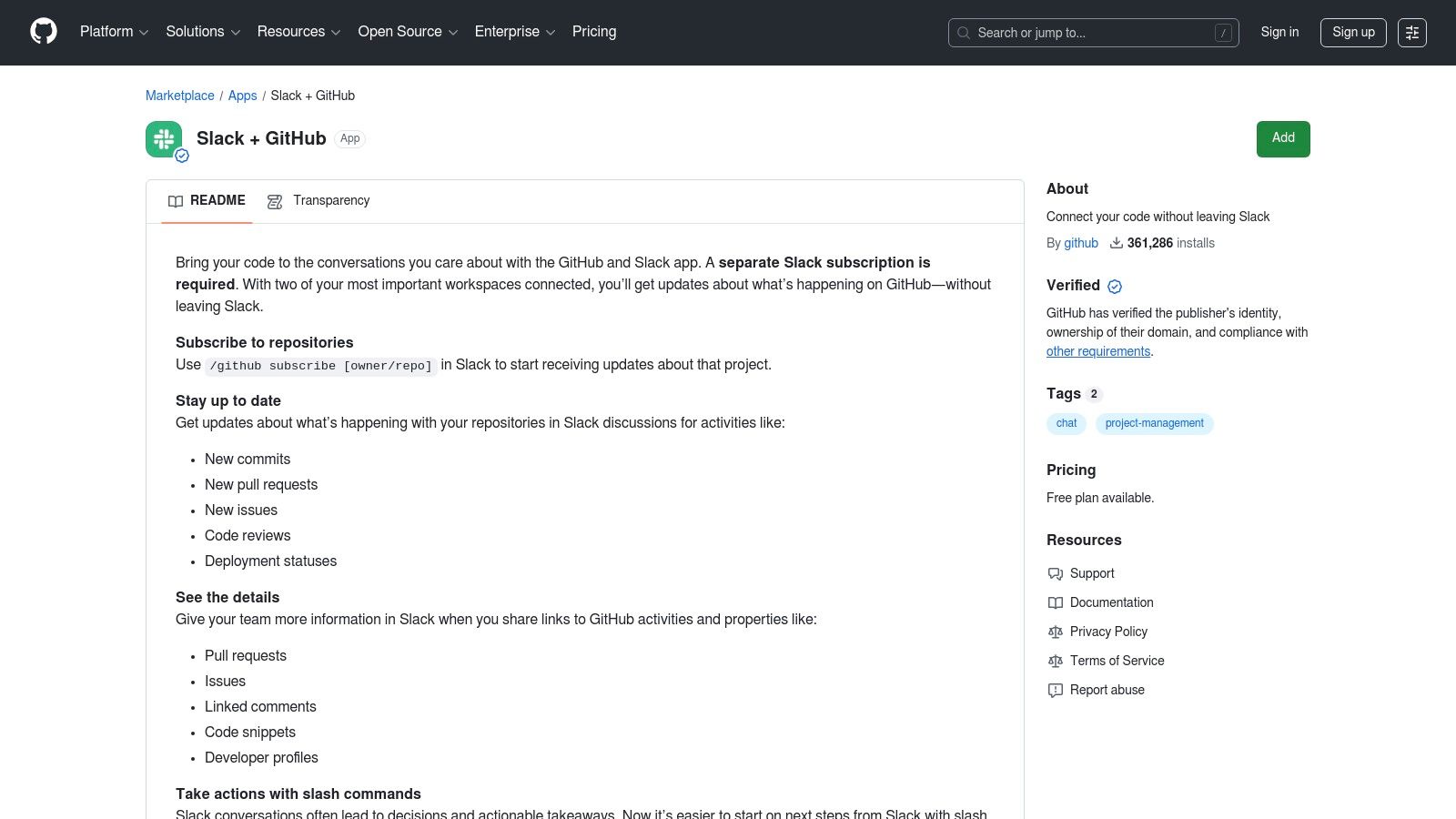
This integration is more than just notifications; it’s about making Slack an actionable hub for your development cycle. You can subscribe a channel to a specific repository and get granular updates, or use slash commands to open, close, and search for issues and pull requests without leaving your conversation. Link unfurling provides instant context when a teammate shares a GitHub link, speeding up code reviews and collaborative problem-solving dramatically. Maintained directly by GitHub, it's a reliable and secure choice.
Key Considerations & Practical Tips
- Granular Subscriptions: Don't flood a channel. Use the
/github subscribe [owner/repo]command and customize notifications for what matters most, likereviews,comments, ordeployments. - Dedicated Channels: Create specific channels like
#dev-deploysor#design-reviewsand subscribe them to relevant repositories. This keeps your main team channels from becoming cluttered with automated messages. - Authentication: Each user needs to authenticate their GitHub account with Slack by typing
/github signin. This ensures that actions taken from Slack are properly attributed and authorized within GitHub.
Website: https://github.com/marketplace/slack-github
10. AppSumo – Slack Integrations Collection
For teams on a budget, finding powerful new tools without committing to expensive monthly subscriptions can be a challenge. AppSumo is a marketplace that addresses this exact pain point by offering lifetime deals and heavy discounts on emerging software, many of which are cool Slack apps. It's a goldmine for discovering innovative, cost-effective integrations that can add significant value to your workspace, from AI assistants to project management aids.
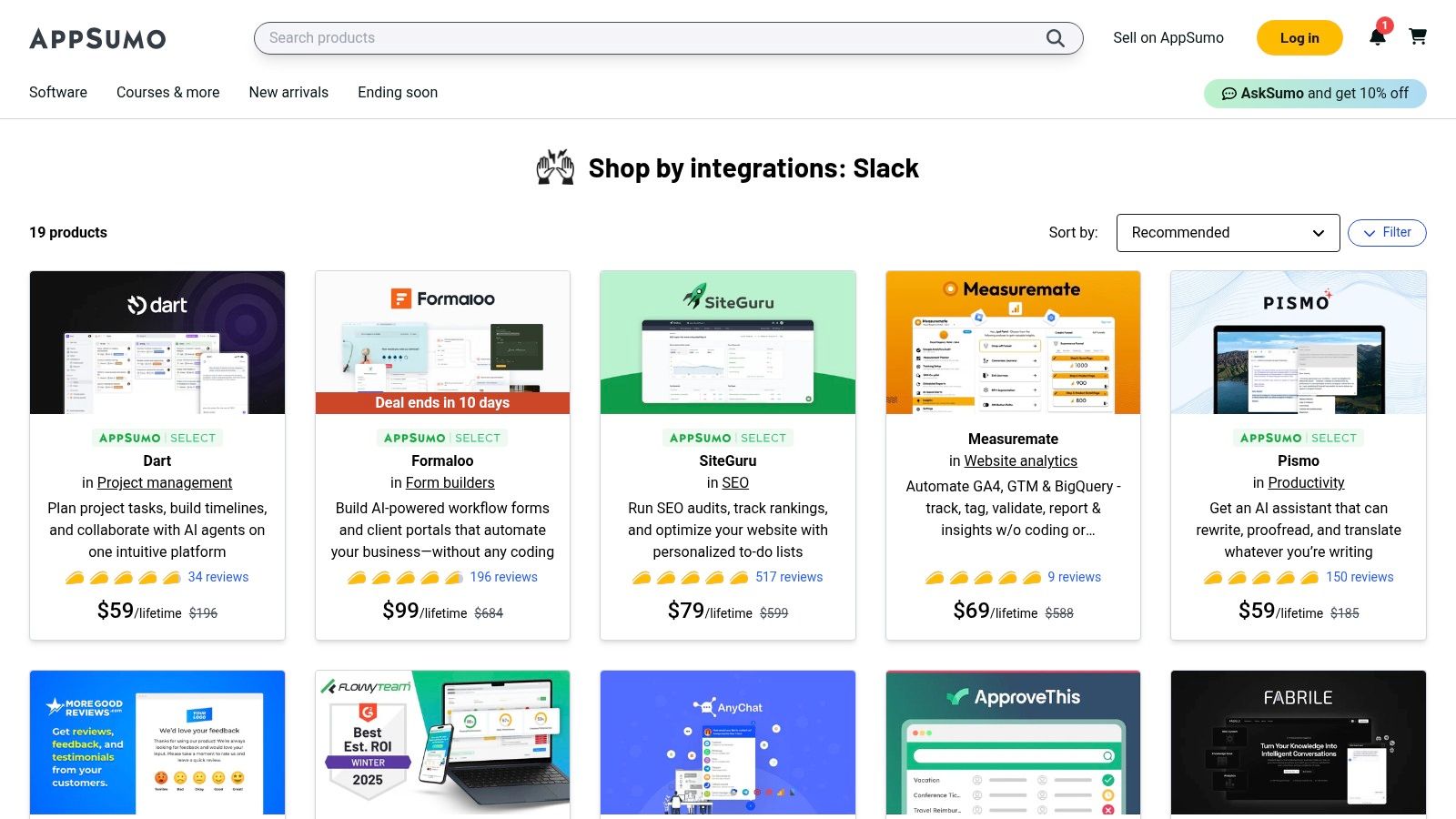
Unlike the official directory, AppSumo is about opportunity and high-value experimentation. You can filter their collection specifically for Slack integrations to find unique tools that aren’t yet mainstream. The robust user reviews and Q&A sections on each deal page provide honest, real-world feedback, helping you vet a tool's quality and practical application before you buy. It’s the perfect place to equip your team with powerful features for a one-time cost.
Key Considerations & Practical Tips
- Read the Reviews: The community feedback is the most valuable asset. Pay close attention to user reviews and the founder’s answers in the Q&A section to understand potential limitations.
- Act Quickly: The best deals on AppSumo are temporary and can sell out. If you see a tool that fits a critical need, it’s often best to act on it.
- Check Redemption Terms: Every deal has a redemption period (usually 60 days) to activate your purchase. Always check the terms and integration steps to ensure a smooth setup with your Slack workspace.
Website: https://appsumo.com/collections/integrations/slack/
11. StackShare – Slack Page
While the Slack App Directory is your official marketplace, StackShare is your strategic reconnaissance tool. It answers the crucial question: What cool Slack apps are companies like mine actually using?
This community-driven platform provides a transparent look into the technology stacks of thousands of companies, from fast-growing startups to established enterprises. Instead of just seeing a list of features, you see real-world adoption and validation.
The platform’s power lies in its social proof. You can explore the Integrations
tab to discover tools commonly paired with Slack and browse Stacks
to see how specific companies build their entire workflow around it. This insight is invaluable for de-risking your app choices, finding complementary tools you hadn't considered, and making a more informed decision before you ever click install.
It shifts your app discovery process from guesswork to data-driven strategy.
Key Considerations & Practical Tips
- Validate Your Shortlist: Before committing to a new app, search for it on StackShare to see which companies use it and what they use it with. This can highlight potential integration synergies or conflicts.
- Filter by Industry: Use StackShare's filtering options to see what tools are popular within your specific industry or among your direct competitors for tailored inspiration.
- Check for Freshness: Stack data can sometimes be dated. Always cross-reference the information with the app's official website or recent reviews before making a final decision. It’s best used for high-level research and ideation.
Website: https://stackshare.io/slack
12. Salesforce – Slack Integration Hub
For sales and service teams living in both Salesforce and Slack, bridging the gap between them isn't just a convenience; it's a competitive necessity. The official Salesforce Integration Hub is your blueprint for creating a unified command center. It provides all the documentation and guidance needed to connect Sales Cloud and Service Cloud directly into your Slack channels, transforming how your teams access and act on customer data. This isn't just about notifications; it's about making your CRM an active, conversational part of your daily workflow.
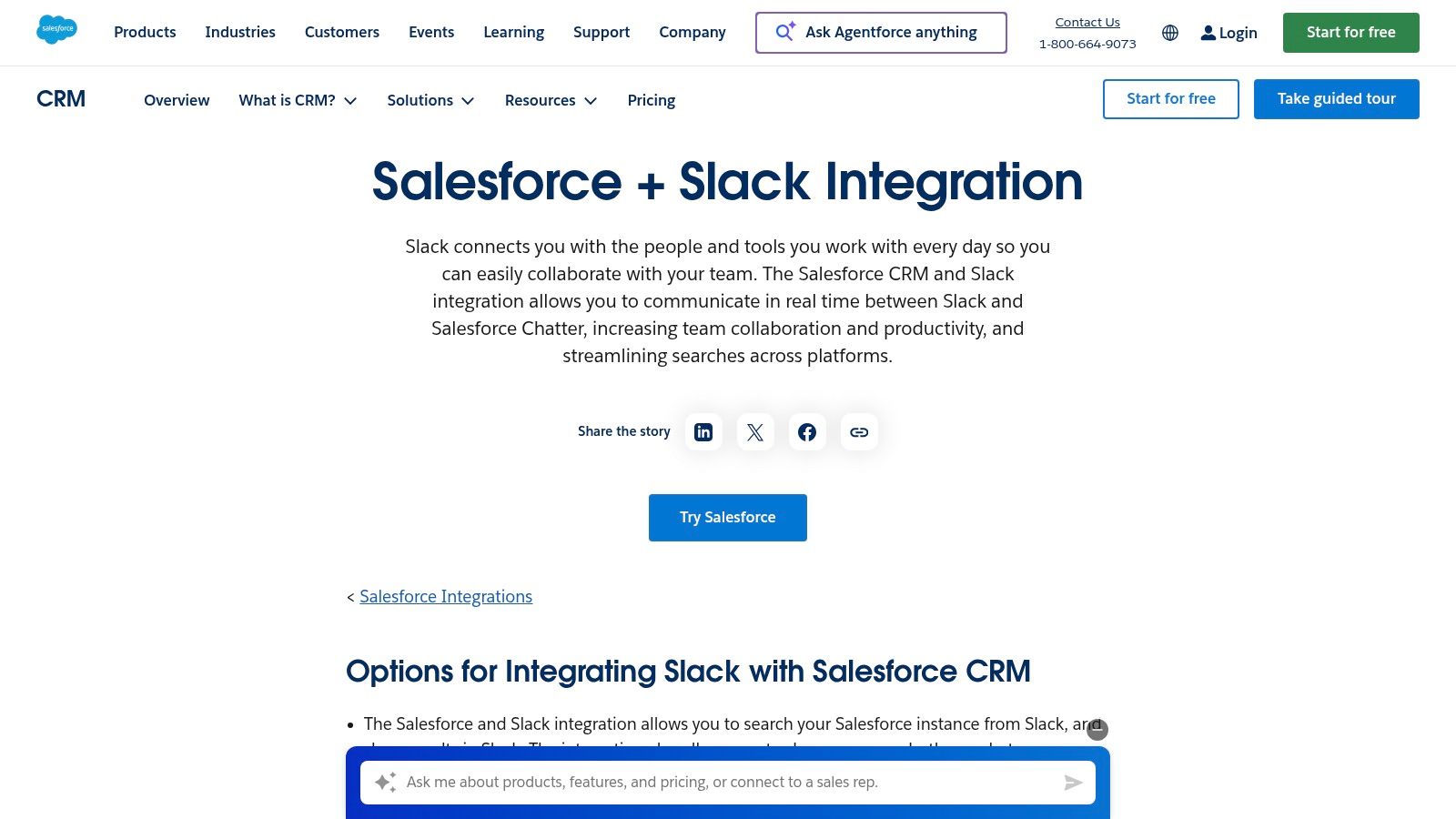
This resource guides you through setting up deep integrations that allow your team to search for records, get real-time alerts on deal progress, and even link critical Slack conversations directly to a Salesforce record without ever leaving the app. By providing a direct, Salesforce-supported path to integration, it ensures your setup is secure, stable, and uses the most current connectors. This is one of the most powerful and cool Slack apps for any organization that relies on Salesforce as its system of record.
Key Considerations & Practical Tips
- Admin Access Required: The initial setup requires both Salesforce and Slack admin permissions to authorize the connections and configure the companion apps properly. Plan accordingly with your IT team.
- Start with One Use Case: Don't try to boil the ocean. Begin by implementing a single, high-impact workflow, such as
new lead
alerts in a sales channel orhigh-priority case
notifications for the support team. - Focus on Current Apps: Salesforce has updated its integration methods over time. Ensure you follow the guidance for the newest apps, like
Salesforce for Slack,
as some legacy connectors have been deprecated.
Website: https://www.salesforce.com/products/integrations/slack/
Top 12 Resources for Cool Slack Apps — Comparison
| Product | Core features | UX/Quality (★) | Price/Value (💰) | Target audience (👥) | Unique selling points (✨) |
|---|---|---|---|---|---|
| 🏆 SAI | In‑Slack AI that learns from channel history; zero setup; persistent KB | ★★★★☆ — context‑aware, 24/7 answers | 💰 Free early single‑channel, unlimited responses; paid tiers TBD | 👥 Slack admins, team leads, support/HR, SMBs | ✨ Zero setup; every answer becomes durable team knowledge; understands intent beyond keywords |
| Slack App Directory | Catalog of 2,000+ vetted apps with perms & reviews | ★★★★★ — Slack‑reviewed, secure | 💰 Free to browse; apps may have own fees; workspace app limits | 👥 IT/admins, app approvers | ✨ Centralized app discovery & workspace management |
| Product Hunt – Slack Topic | Aggregated launches, upvotes, reviews for Slack apps | ★★★☆☆ — discovery quality varies | 💰 Free discovery; product pricing varies | 👥 Makers, early adopters, product scouts | ✨ Early access to new/experimental Slack tools |
| Zapier – Slack Integrations | No‑code automations (8,000+ apps); templates & visual builder | ★★★★★ — mature, reliable | 💰 Free tier; paid for advanced features/volume | 👥 Ops, PMs, non‑dev automators | ✨ Huge template library; fast to implement common workflows |
| IFTTT – Slack Service | Simple Applets for notifications, RSS, calendar triggers | ★★★★☆ — quick & simple | 💰 Mostly free; Pro for multi‑actions/faster runs | 👥 Individuals, small teams for basic automations | ✨ Very fast setup for common alerts and notifications |
| Make (Integromat) | Visual iPaaS with branching, routers, error handling | ★★★★☆ — powerful, steeper learning curve | 💰 Generous free tier; paid for high usage | 👥 Automation builders, ops teams | ✨ Complex multi‑step flows without coding; rich Slack modules |
| Pipedream – Slack Integrations | Dev‑friendly workflows with code (Node/Python) + no‑code parts | ★★★★☆ — flexible for dev use cases | 💰 Free to start; pricing scales with executions | 👥 Developers, SREs, custom bot builders | ✨ Blend of code + prebuilt actions; event‑driven workflows |
| Atlassian Marketplace | Official Slack connectors for Jira/Confluence/Trello | ★★★★★ — official, well‑documented | 💰 Paid listings; clear pricing per app | 👥 Atlassian users, engineering & ops teams | ✨ Deep issue/notification workflows tied to Atlassian tools |
| GitHub Marketplace – Slack Apps | GitHub↔Slack app: PRs, issues, unfurls, slash commands | ★★★★★ — maintained by GitHub | 💰 Free to install; GitHub plan may apply | 👥 Developer teams, code reviewers | ✨ Native GitHub activity surfaced directly in Slack |
| AppSumo – Slack Integrations Collection | Curated deals & lifetime offers for Slack‑integrated tools | ★★★☆☆ — deal quality varies | 💰 Discounted/lifetime deals; limited availability | 👥 Budget‑conscious founders, SMBs | ✨ Value pricing on productivity tools & apps |
| StackShare – Slack Page | Community stacks showing tools used with Slack | ★★★★☆ — real company examples | 💰 Free browsing | 👥 Researchers, decision makers, tool shortlisters | ✨ Real‑world stack insights and adoption stats |
| Salesforce – Slack Integration Hub | Guides & connectors to bring Salesforce records into Slack | ★★★★★ — enterprise‑grade workflows | 💰 Included or add‑on with Salesforce plans | 👥 Sales & service teams using Salesforce | ✨ Deep record linking, alerts, and message↔record workflows |
From App to Asset: Making Your Slack Workspace an Engine for Growth
We've explored a powerful roster of platforms and individual integrations, moving far beyond a simple list of cool slack apps.
The real takeaway isn't the sheer number of tools available; it's the strategic potential lying dormant within your Slack workspace. The right application doesn't just add a feature. It fundamentally changes team behaviors, automates tedious workflows, and unlocks productivity you didn't know was possible.
Each app, from the expansive automation platforms like Zapier and Make to the niche project management integrations in the Atlassian Marketplace, serves a specific purpose. Your task is to diagnose your team's most significant friction point and apply the right digital remedy. Is your team bogged down by manual data entry between systems? An integration platform is your solution. Is your development workflow disconnected from your team communication? A GitHub app can bridge that gap.
The True Transformation: Beyond Features to Intelligence
The most profound shift, however, comes from solving the universal problem of knowledge management and repetitive questions. Imagine a workday where no one on your team has to open another tab, search through a forgotten Google Drive folder, or ping a senior colleague to find an answer. Picture a reality where your team's most valuable asset, its collective intelligence, is captured and organized automatically with every question asked and answered.
This isn't just about efficiency; it's about empowerment. It’s for the new hire who can find the Wi-Fi password or understand a complex process on their first day without feeling like a burden. It’s for the customer support lead who can focus on high-stakes escalations because their team has instant access to troubleshooting guides. It’s for the engineer who can stay deep in their work, free from the constant interruption of process-related questions. This is the new standard for a truly productive workspace.
Your Action Plan for a Smarter Slack
To get started, don't try to implement everything at once. Instead, identify your single biggest bottleneck.
- Is it manual processes? Start with Zapier or Make.
- Is it siloed information? Explore Salesforce or Atlassian integrations.
- Is it a constant stream of repetitive questions? This is where an AI-powered tool can deliver the most immediate and transformative value.
For teams drowning in the endless cycle of repeated questions in public channels, a solution like SAI can be a game-changer. It turns your daily conversations into a self-updating, instantly searchable knowledge base right within Slack. By automating the capture and delivery of information, you reclaim countless hours and empower your experts to focus on innovation, not repetition. Whatever you choose, the goal remains the same: to evolve your Slack from a simple communication tool into your company’s most valuable, intelligent asset.
Ready to stop answering the same questions and turn your Slack channels into a self-service knowledge hub? Discover how SAI can capture your team's expertise automatically and make information instantly accessible. Start your free trial today and experience a smarter way to work: SAI.
