12 Essential apps for small business to transform workflow
As a small business owner, your most valuable asset isn't your inventory or your office space; it's your time and your team's focus. Yet, how much of that precious resource is wasted every single day? Think about the endless searching across different platforms, the constant context-switching between tabs, and the repetitive questions that derail productivity. What if you could reclaim that lost time and channel it directly into growth? That transformation isn't just a possibility; it's a strategic decision away.
This isn't another generic list of popular software. This is your definitive playbook for finding the exact apps for small business that will consolidate your workflow, automate tedious tasks, and centralize your company's knowledge. We’re moving beyond simple efficiency hacks to a fundamental shift in how your team operates. Imagine a reality where every question is answered instantly, right within Slack, eliminating the need to hunt through documents, CRMs, or old project files ever again.
We’ve curated and analyzed the most critical platforms and marketplaces, from specialized tools like SAI that turn Slack into an instant knowledge hub, to essential ecosystems like the Shopify and QuickBooks app stores. For each entry, you'll find a clear, action-oriented summary, ideal use-cases, honest pros and cons, and direct links to get started.
This guide is built for action. Our goal is to help you stop the endless search for solutions and start implementing the right tools that will genuinely transform your business operations. Let's dive in and build a more focused, efficient, and powerful tech stack for your company.
1. SAI
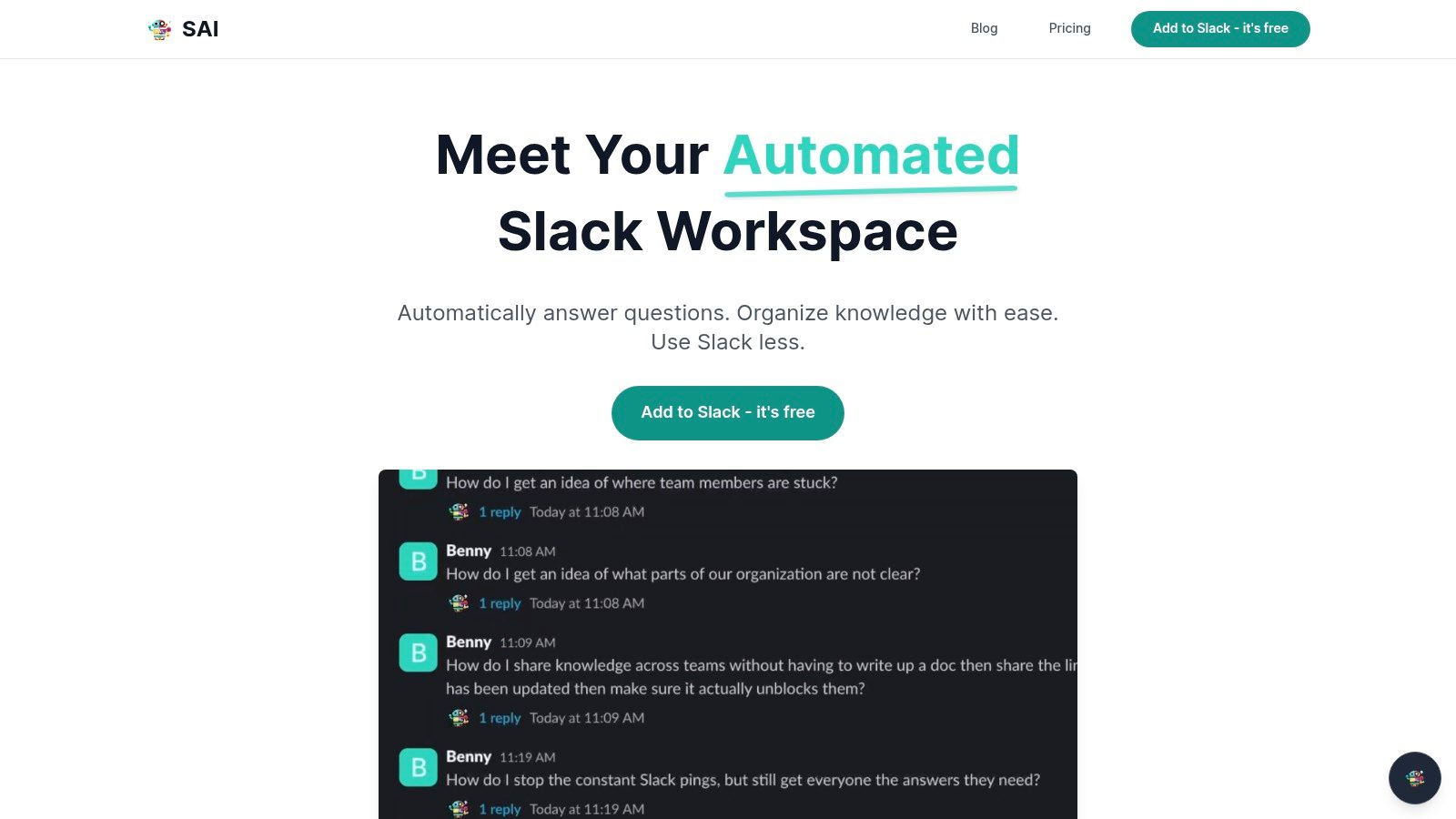
Imagine a workday where your team never has to leave Slack to find an answer. No more opening Google Drive, no more searching through old project folders, and no more interrupting a colleague for that one piece of information they shared last week. SAI transforms this vision into reality. It’s an intelligent layer within Slack that eliminates the endless hunt for information. Instead of your team digging through multiple resources, they simply ask SAI a question in their channel and get the exact answer they need, instantly. It's like having your company's entire collective brain available on demand, 24/7.
Why SAI is a Standout Choice
What truly sets SAI apart is its effortless transformation of your workflow. The moment you add it to a Slack channel, it starts learning from your team's conversations—no manual setup, no data entry, no complex configuration required. It’s not about building a knowledge base; it’s about having one emerge naturally from the work you’re already doing. This means your team can immediately stop wasting time searching and start getting instant answers. SAI is designed to understand the intent behind questions, ensuring that the information it provides is always relevant, accurate, and gets your team back to focusing on what matters.
Key Features and Use Cases
- Instant, On-Demand Answers: For remote teams spread across time zones, SAI becomes the single source of truth. It resolves questions after hours and on weekends, ending the wait for a specific team member to come online.
- Effortless Knowledge Retention: When a teammate answers a question, SAI remembers it forever. This
answer once, reuse forever
model stops crucial information from disappearing into the Slack scroll, transforming scattered conversations into a reliable, shared memory. - Productivity Amplification: By handling repetitive questions instantly, SAI eliminates the constant interruptions that kill focus and deep work. The platform cites savings of over 40 hours per month for a small five-person team, freeing up invaluable time for strategic growth.
Pricing and Access
SAI currently offers a risk-free Early Access Plan, which is completely free and does not require a credit card. This plan allows you to add SAI to a single Slack channel with unlimited AI responses. This makes it an exceptionally accessible tool for any small business looking to test its impact before committing.
Practical Considerations
While the free tier is generous for a single project or team, businesses planning a wider rollout should note it’s currently limited to one channel. Organizations in highly regulated industries may also need to consult with the SAI team directly regarding enterprise-grade compliance and security certifications, as this information is not yet public. However, for the vast majority of small businesses looking to reclaim time and streamline internal communication, SAI is a powerful and immediately impactful solution.
2. Apple App Store (Business category)
For small businesses built on Apple's ecosystem, the App Store isn't just a place to find apps; it's the central, secure hub for your entire operational toolkit. If your team relies on iPhones, iPads, and Macs, this is your primary source for powerful, mobile-first apps for small business, from point-of-sale systems to advanced project management tools.
The App Store’s biggest advantage is its rigorous vetting process and transparent privacy labels. You can procure software with confidence, knowing each app has been reviewed for security and its data handling practices are clearly disclosed. This is a critical trust factor when you're connecting business-sensitive information. Many top-tier developers also launch their most innovative features on iOS first, giving Apple-centric businesses a competitive edge.
Key Details & Considerations
While access to the App Store itself is free, the apps within range from free to premium subscriptions. For streamlined deployment, it integrates with Apple Business Manager, allowing you to purchase apps in volume and distribute them to company devices with ease.
Pros:
* Unmatched Security: A stringent review process minimizes security risks.
* Seamless Integration: Apps are optimized for the Apple hardware and software your team already uses.
* Mobile-First Innovation: Access to the latest app features, often before they arrive on other platforms.
Cons:
* Platform Lock-In: Primarily serves businesses within the Apple ecosystem.
* Potential for Cost Creep: Multiple paid apps and in-app subscriptions can accumulate costs.
Website: https://apps.apple.com/us/genre/ios-business/id6000
3. Google Play Store (Business category)
For small businesses operating on Android or in a mixed-device environment, the Google Play Store is the essential gateway to a massive ecosystem of software. If your team uses Android smartphones and tablets, or you support a Bring Your Own Device (BYOD) policy, this is your core marketplace for powerful apps for small business, covering everything from mobile payments to on-the-go CRM access.
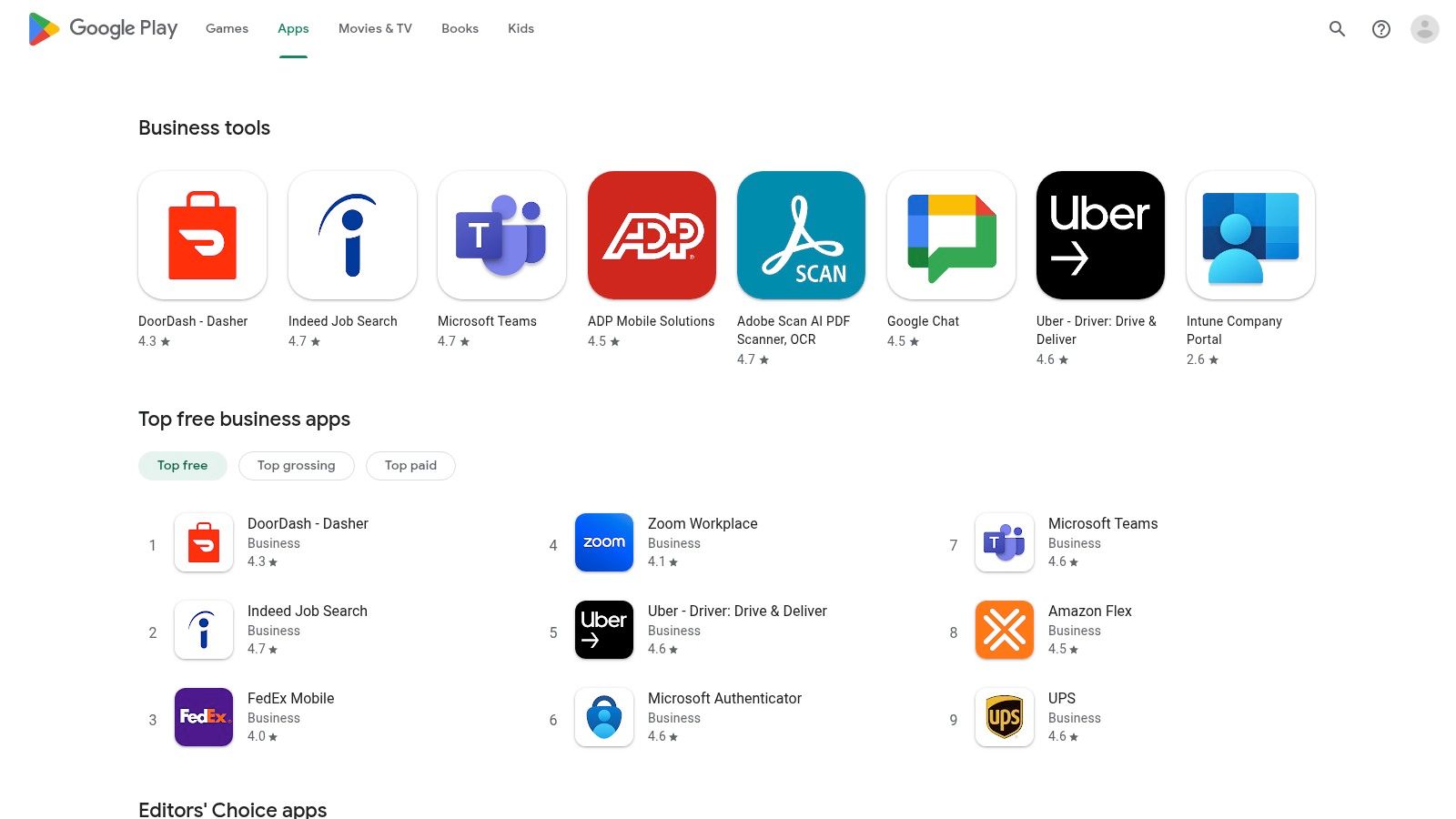
The Play Store's greatest strength is its flexibility and sheer volume, offering an unparalleled choice of applications that thrive in an open ecosystem. It empowers businesses to select from a wide range of hardware at various price points without sacrificing access to critical tools. For streamlined management, Managed Google Play integrates with enterprise mobility management (EMM) solutions, allowing you to securely deploy and manage business apps on any company-owned or employee device.
Key Details & Considerations
While the Play Store is free to access, apps can be free, paid, or subscription-based. The vast selection means you can find a solution for nearly any business need, but it also places a greater emphasis on doing your own research by checking reviews, update frequency, and developer reputation before committing.
Pros:
* Hardware Flexibility: Compatible with a huge range of devices, enabling lower-cost hardware choices.
* Enterprise-Ready Deployment: Managed Google Play simplifies app distribution and security for BYOD or corporate devices.
* Vast App Selection: An extensive library of apps ensures you can find niche tools to fit specific workflows.
Cons:
* Variable App Quality: The vetting process is less stringent than Apple's, requiring more diligence from users.
* Potential Feature Lag: Some developers prioritize iOS, meaning new features may arrive on Android later.
Website: https://play.google.com/store/apps/category/BUSINESS
4. Microsoft AppSource
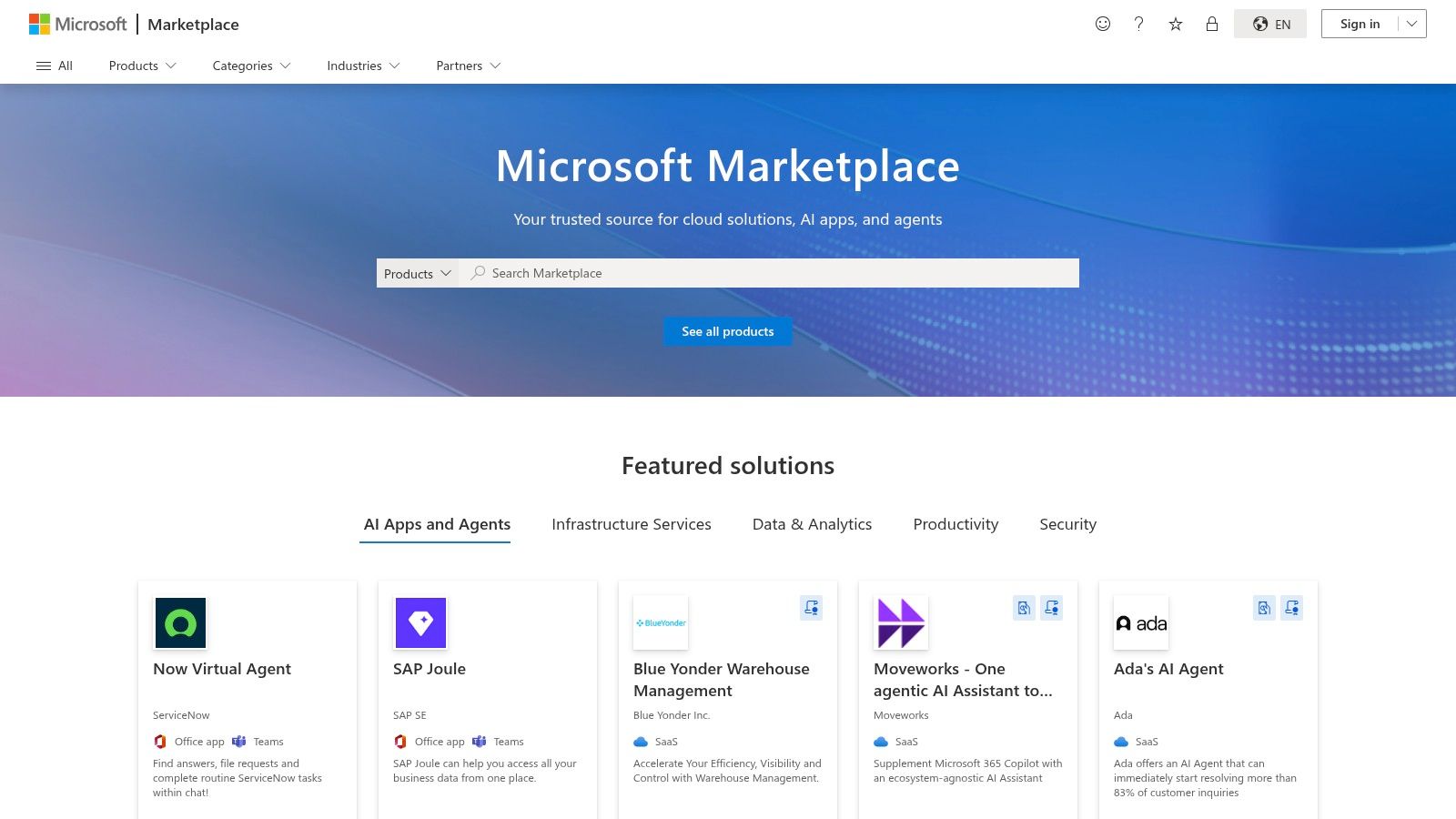
For small businesses already invested in the Microsoft 365 or Dynamics 365 ecosystems, AppSource is the essential marketplace for extending your capabilities. It acts as a centralized, trusted catalog for cloud-based apps for small business specifically designed to integrate seamlessly with tools like Outlook, Teams, Excel, and Power BI. This isn't just a list; it's a launchpad for discovering, trying, and deploying solutions that enhance the software your team already uses daily.
The primary benefit of AppSource is its deep integration and trust factor within the Microsoft environment. You can find everything from specialized industry add-ins to powerful SaaS platforms, often with the convenience of single sign-on and consolidated billing through your existing Microsoft account. Many apps offer in-product access, meaning your team can discover and use new functionalities directly within the familiar interfaces of Teams or Outlook, significantly reducing the learning curve.
Key Details & Considerations
Access to the AppSource marketplace is free, with listings that include free apps, premium subscriptions, and one-time purchases, many of which offer free trial periods. The platform is more than just software; it also lists consulting services from certified Microsoft partners, helping you find expert assistance for implementation or customization when needed.
Pros:
* Trusted Ecosystem: Deep integration with single sign-on and unified billing for many apps.
* Seamless Discoverability: Find and deploy apps directly within the Microsoft products you already use.
* Wide Range of Solutions: Offers both self-serve apps and professional consulting services.
Cons:
* Microsoft-Centric: Provides the most value to businesses already standardized on Microsoft's platform.
* Varied Offerings: Some listings are for partner services, which require more steps than installing a self-serve app.
Website: https://appsource.microsoft.com/en-us/
5. Google Workspace Marketplace
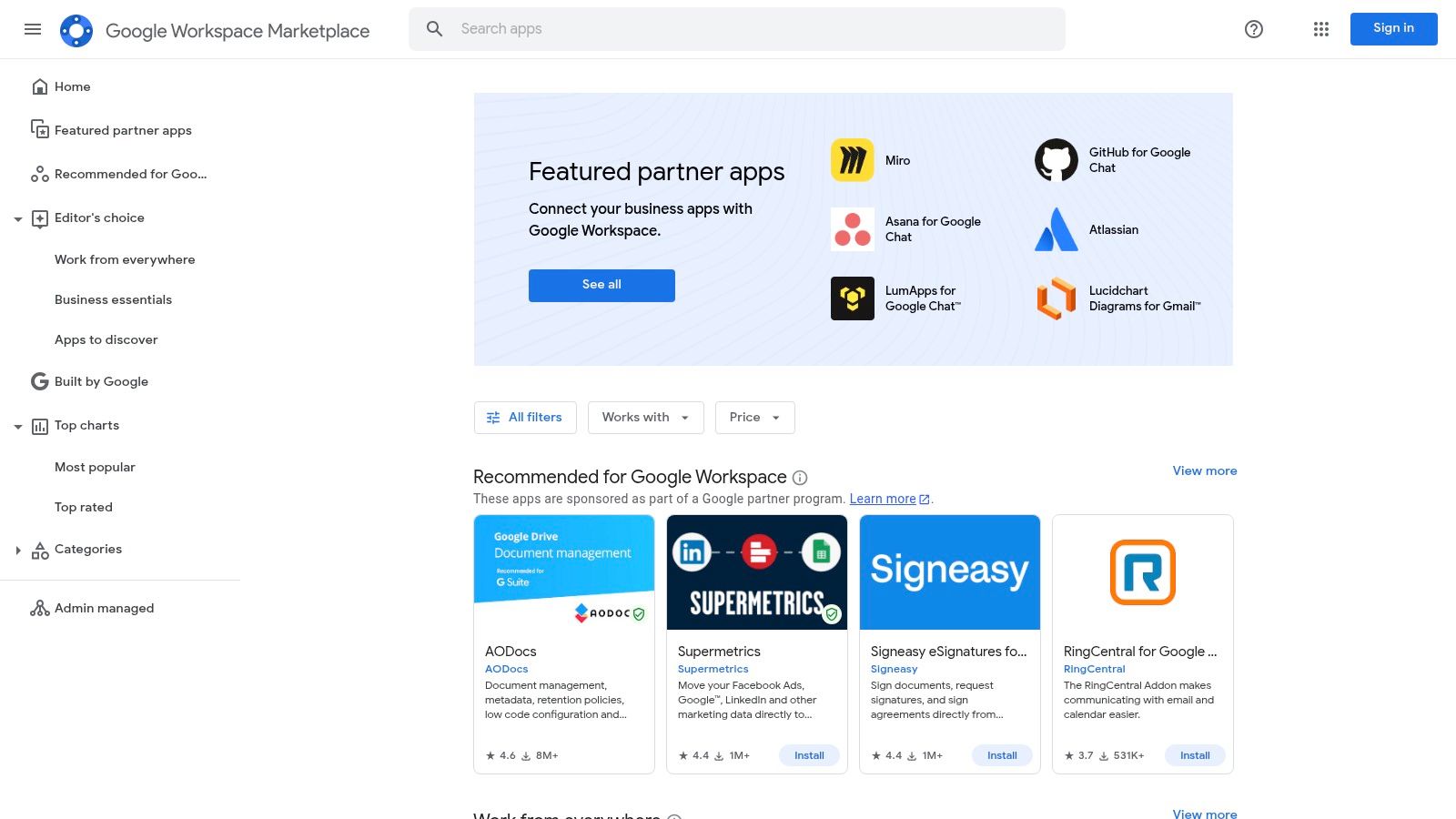
For the millions of small businesses that run on Google’s suite of tools, the Workspace Marketplace is the key to transforming individual apps like Gmail, Drive, and Sheets into a cohesive, supercharged operating system. It’s where you find thousands of third-party apps for small business designed to embed directly into your existing workflows, eliminating the need to constantly switch between tabs and applications.
The core advantage of the Marketplace is its deep, contextual integration. You can sign contracts from within Gmail, manage CRM contacts from your Calendar, or pull project data directly into a Google Sheet. For administrators, it offers centralized control, allowing you to vet, approve, and deploy applications domain-wide, ensuring security and consistency across your entire team. This turns your standard Google subscription into a custom-built platform tailored to your specific business needs.
Key Details & Considerations
Access to the Marketplace is free with any Google Workspace account, though many of the integrated applications require their own separate paid subscriptions. Listings are transparent about the permissions an app requires, helping you make informed security decisions. The ability for admins to perform domain-wide installations simplifies rollout significantly, getting powerful new tools into your team's hands in minutes.
Pros:
* Deep Workflow Integration: Apps work directly inside Gmail, Docs, and Sheets, saving significant time.
* Centralized Admin Control: Easily manage, install, and control app permissions for your entire organization.
* Vast Selection: A huge library of tools for virtually every business function, from e-signatures to accounting.
Cons:
* Separate Billing: Most powerful apps require a paid plan with the vendor, managed outside of your Google bill.
* Admin Gating: In managed domains, individual users may be blocked from installing helpful apps without IT approval.
Website: https://workspace.google.com/marketplace/
6. Shopify App Store
For ecommerce entrepreneurs, the Shopify App Store is the definitive command center for building and scaling an online business. It's an indispensable marketplace offering thousands of specialized apps for small business owners designed to seamlessly extend the functionality of their Shopify store, from enhancing marketing and SEO to streamlining shipping and inventory management.
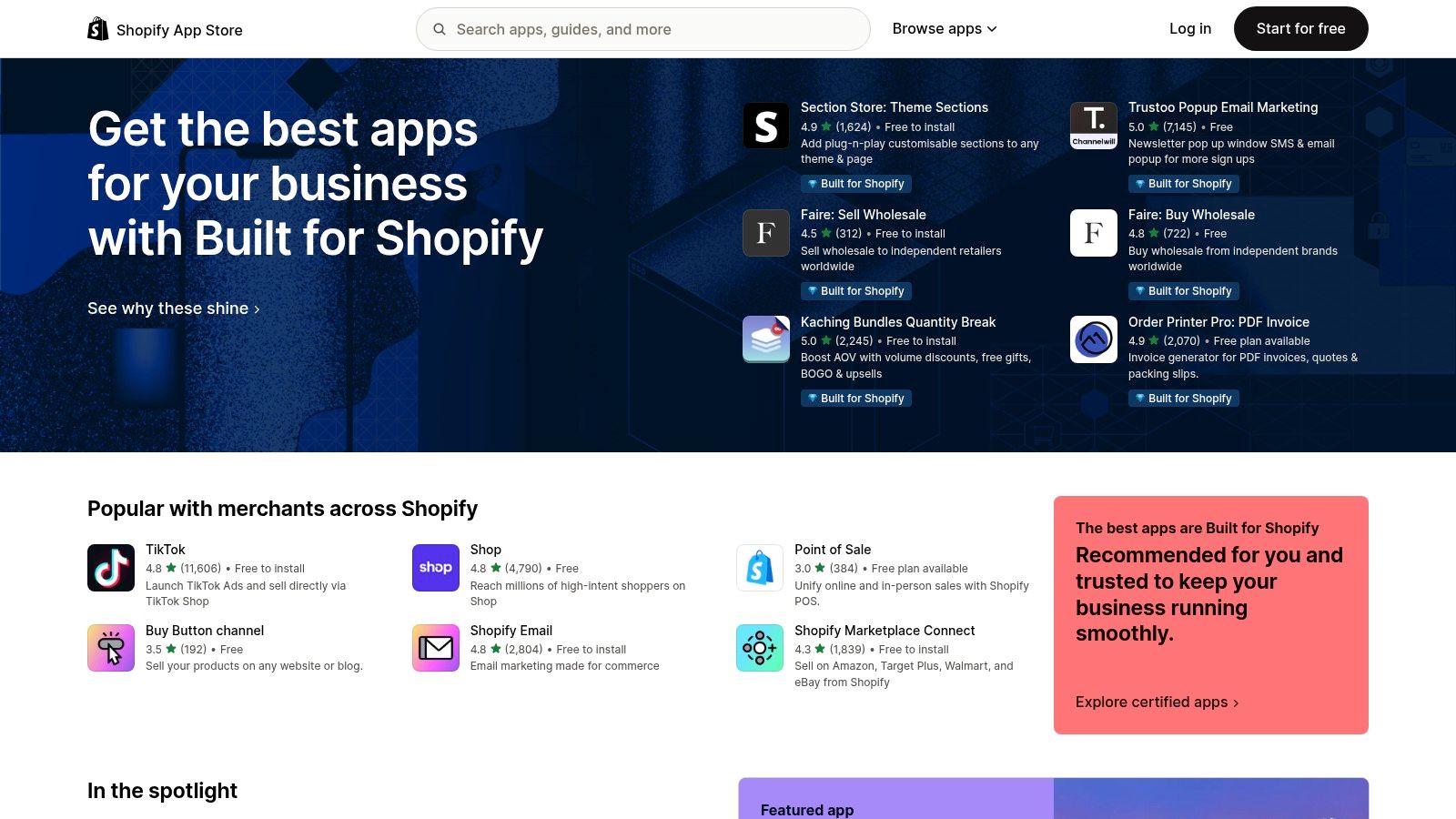
The primary advantage of the Shopify App Store is its deep, native integration. Apps install directly into your Shopify admin with a single click, providing a unified experience without complex configurations. The platform's merchant reviews and Built for Shopify
badge help you identify high-quality, reliable applications that meet stringent standards for performance, security, and support. This lets you confidently add powerful features like customer reviews, subscription models, or print-on-demand services.
Key Details & Considerations
While the store itself is free to browse, individual app pricing varies, with many offering free plans, one-time fees, or recurring subscriptions. All billing is conveniently consolidated into your main Shopify invoice, simplifying expense tracking. Be mindful that stacking multiple apps can increase monthly costs and potentially slow down your storefront, so choose solutions that solve specific, high-impact problems.
Pros:
* Purpose-Built Selection: A massive library of apps created specifically for SMB ecommerce challenges.
* Seamless Integration: One-click installation and unified authentication directly from your Shopify admin.
* Trusted Quality Signals: Merchant reviews and the Built for Shopify
badge help you vet app quality.
Cons:
* Platform Lock-In: Only useful for merchants operating on the Shopify platform.
* Potential for Cost Creep: Multiple app subscriptions can quickly accumulate and increase operating costs.
* App Overlap: The sheer volume can make it complex to find the best tool and avoid redundant functionality.
Website: https://apps.shopify.com/
7. QuickBooks App Store (Intuit)
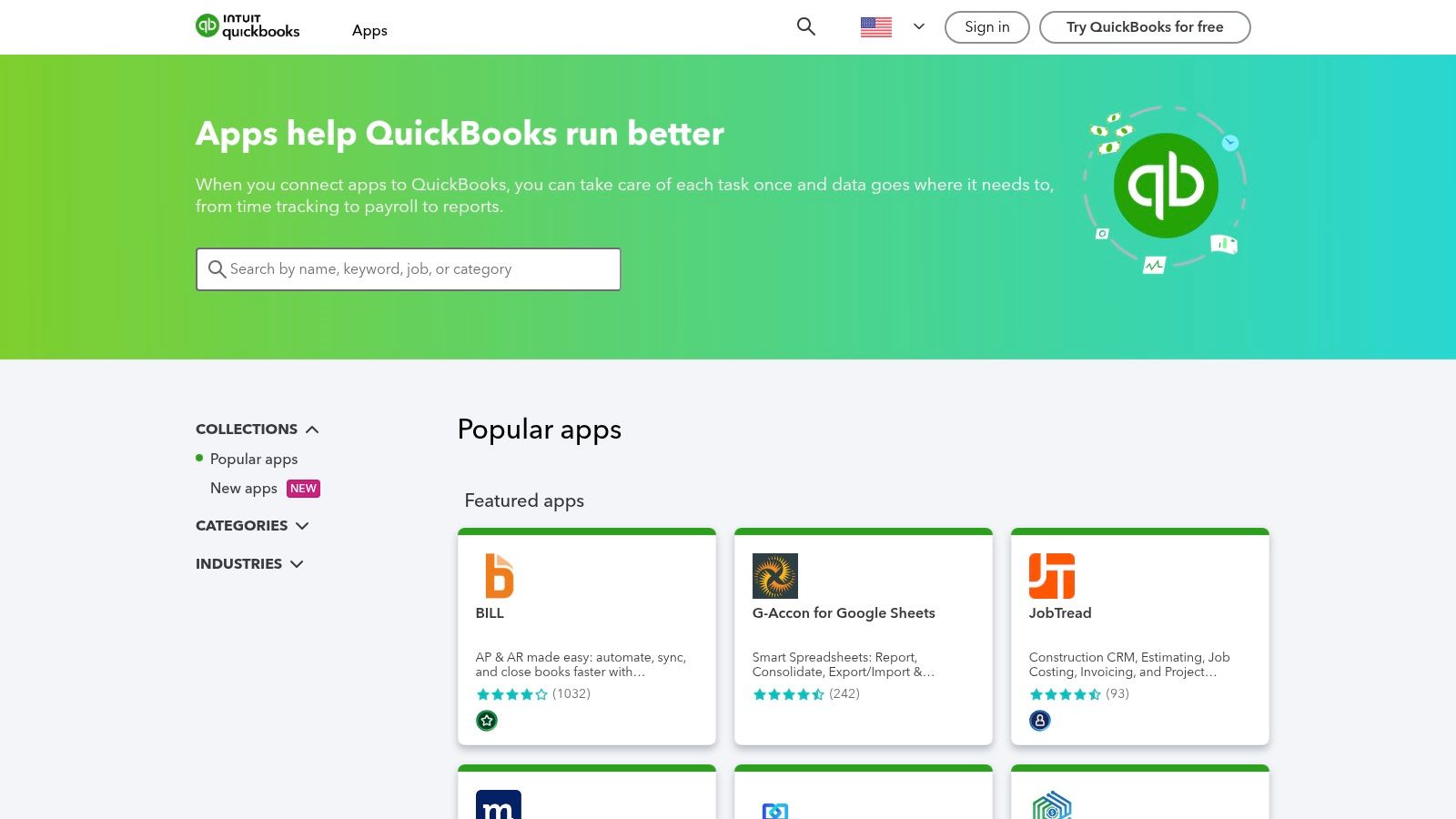
For businesses whose financial operations live in QuickBooks, this app store is the central nervous system for expanding its capabilities. It's not just a directory; it's a curated marketplace designed to connect your core accounting software with specialized tools that manage everything from inventory and time tracking to customer relationships. This is where you find vetted apps for small business that guarantee a seamless flow of data into your books.
The platform’s greatest strength is its deep integration. Instead of manually exporting and importing data between disparate systems, you can connect apps that automatically sync sales from your e-commerce store, log employee hours, and manage project expenses, all feeding directly into QuickBooks. This eliminates double-entry, reduces human error, and gives you a real-time, accurate picture of your business's financial health.
Key Details & Considerations
While browsing the App Store is free, most applications are third-party services with their own subscription costs. You can discover, install, and manage many of these integrations directly from the Apps
tab within your QuickBooks Online account, which simplifies the setup process. The listings are also region-aware, ensuring you only see apps compatible with your country’s version of QuickBooks.
Pros:
* Centralized Discovery: Find trustworthy, pre-vetted QuickBooks integrations in one place.
* Seamless Data Sync: Automate data flow between business tools to maintain accurate financial records.
* Integrated Management: Install and manage many connections directly within the QuickBooks Online interface.
Cons:
* Added Subscription Costs: Most useful apps are from third parties and require a separate subscription.
* Variable Availability: App features and compatibility can vary by your QuickBooks plan and region (US, UK, CA, etc.).
Website: https://quickbooks.intuit.com/app/apps/
8. Square App Marketplace
For businesses powered by Square's payment and point-of-sale systems, the Square App Marketplace is the definitive resource for expanding functionality. It’s not just a list of integrations; it's a curated directory of tools designed to seamlessly connect with your existing Square setup, centralizing data and automating critical workflows. If you use Square for payments, this marketplace transforms it from a simple POS into a comprehensive command center for your entire operation.
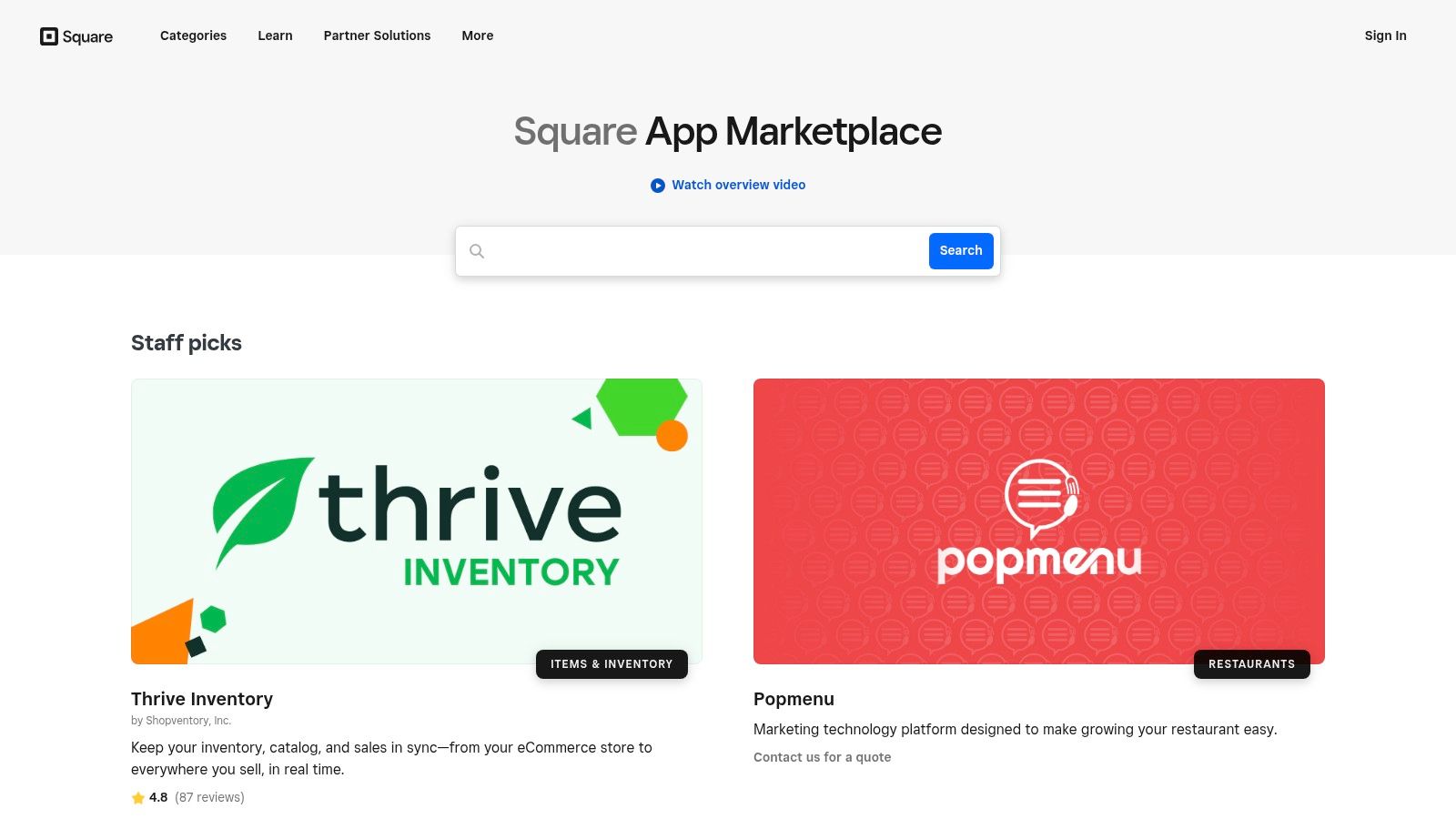
The primary advantage of the marketplace is its deep, native integration. These are not generic apps for small business; they are specifically built to sync sales, customer data, and inventory with your Square account in real-time. This eliminates manual data entry and ensures that your accounting software, marketing platforms, and delivery services all have the most current information, creating a cohesive and efficient business ecosystem.
Key Details & Considerations
Access to the marketplace is free, but individual app partners offer their own pricing, ranging from free tiers to premium monthly subscriptions. The listings are conveniently categorized by business need (like loyalty or bookkeeping) and industry (retail, restaurants, beauty), making it simple to find relevant solutions. Connecting an app is typically a one-click authorization process.
Pros:
* Effortless Integration: Apps are designed to work with Square out of the box, ensuring data syncs automatically.
* Operational Focus: Excellent coverage of day-to-day SMB needs like accounting, delivery, and marketing.
* Centralized Ecosystem: Builds a connected tech stack around your core payment processing system.
Cons:
* Ecosystem Dependent: Delivers the most value if you are already a committed Square user.
* Varying App Quality: While curated, the quality and support can vary between third-party developers.
Website: https://squareup.com/us/en/app-marketplace
9. HubSpot App Marketplace
For small businesses that have adopted HubSpot as their central nervous system for customer relationships, the App Marketplace is the key to unlocking its full potential. It’s not just an app store; it’s a curated ecosystem designed to extend your CRM, marketing, sales, and service hubs, turning a powerful platform into a fully customized command center. This is where you find the essential apps for small business that plug directly into your customer data, from e-commerce sync to advanced automation tools.
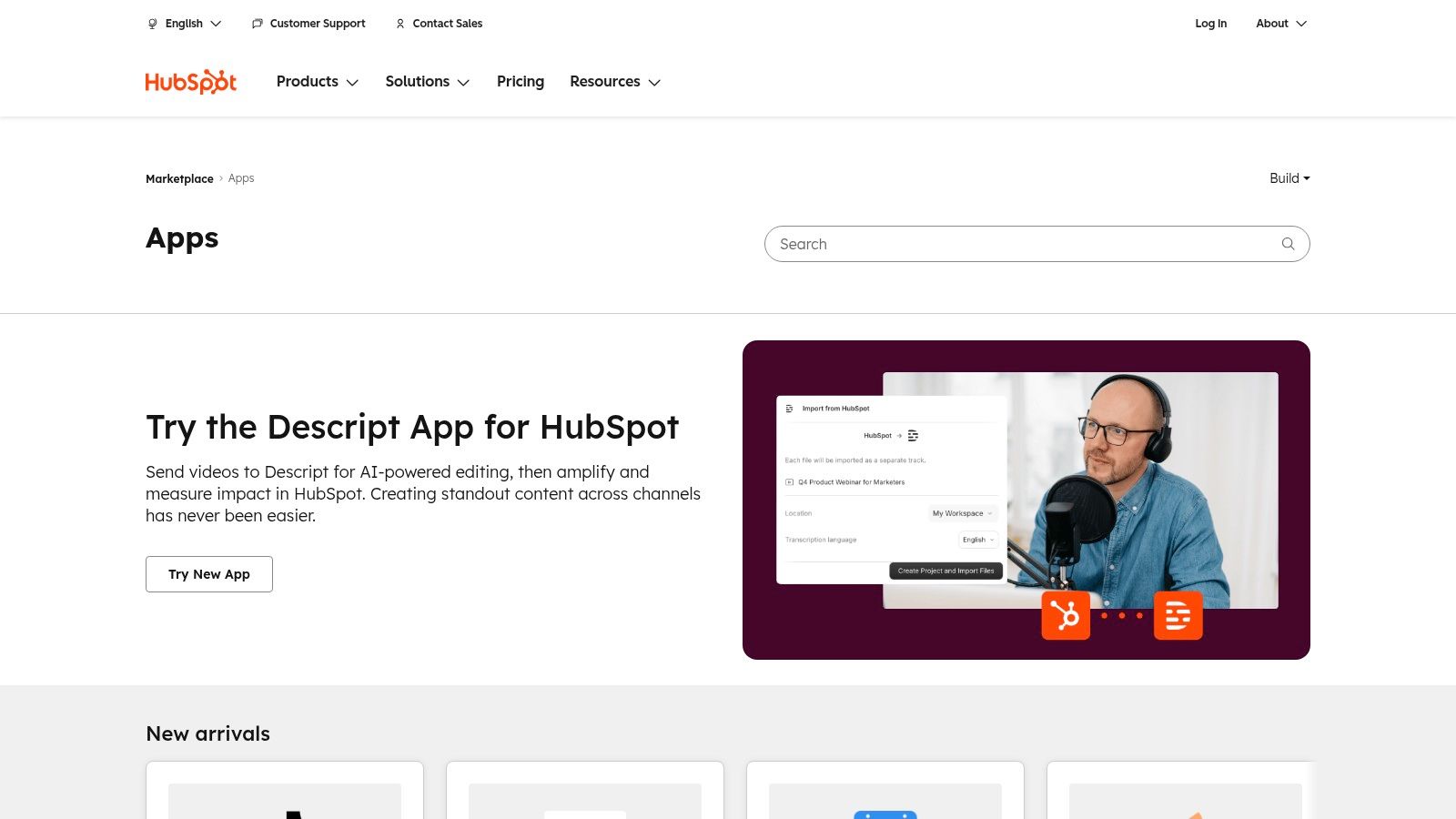
The primary advantage of the HubSpot App Marketplace is the depth of its native integrations. Apps listed here don't just connect; they embed themselves into HubSpot’s objects and workflows. This means you can trigger actions in third-party tools directly from a deal stage change or enroll a contact in a new sequence based on an external event. The marketplace offers clear details on installation counts and required subscription tiers, allowing you to find a perfect fit for your tech stack. Connecting tools like this is a core part of building modern, effective sales enablement strategies, as you can learn more about creating a powerful sales tech stack.
Key Details & Considerations
Access to the marketplace is free for any HubSpot user, but the apps themselves vary. Many are free, some offer freemium models, and others require a separate paid subscription with the third-party vendor. Installation is typically a one-click process that clearly outlines the permissions an app requires, ensuring you maintain control over your data.
Pros:
* Deep Native Integrations: Apps are built to work seamlessly with HubSpot workflows and data.
* Large, Vetted Ecosystem: Thousands of apps with transparent install counts and reviews provide choice and trust.
* Centralized Management: Easily find, install, and manage integrations directly within your HubSpot portal.
Cons:
* Dependency on HubSpot Tiers: The functionality of some key integrations is locked behind higher-priced HubSpot plans.
* Potential for Added Costs: Many powerful apps require their own separate subscriptions, which can increase your overall software spend.
Website: https://ecosystem.hubspot.com/marketplace/apps/
10. Zapier
Zapier isn't a traditional app store; it's the indispensable glue that connects your entire software stack. For small businesses, where every minute counts, Zapier acts as a no-code automation engine, enabling you to build powerful workflows between the different apps for small business you already use. Imagine new leads from your website form automatically creating a contact in your CRM, a task in your project manager, and a notification in your team's Slack channel, all without manual data entry.
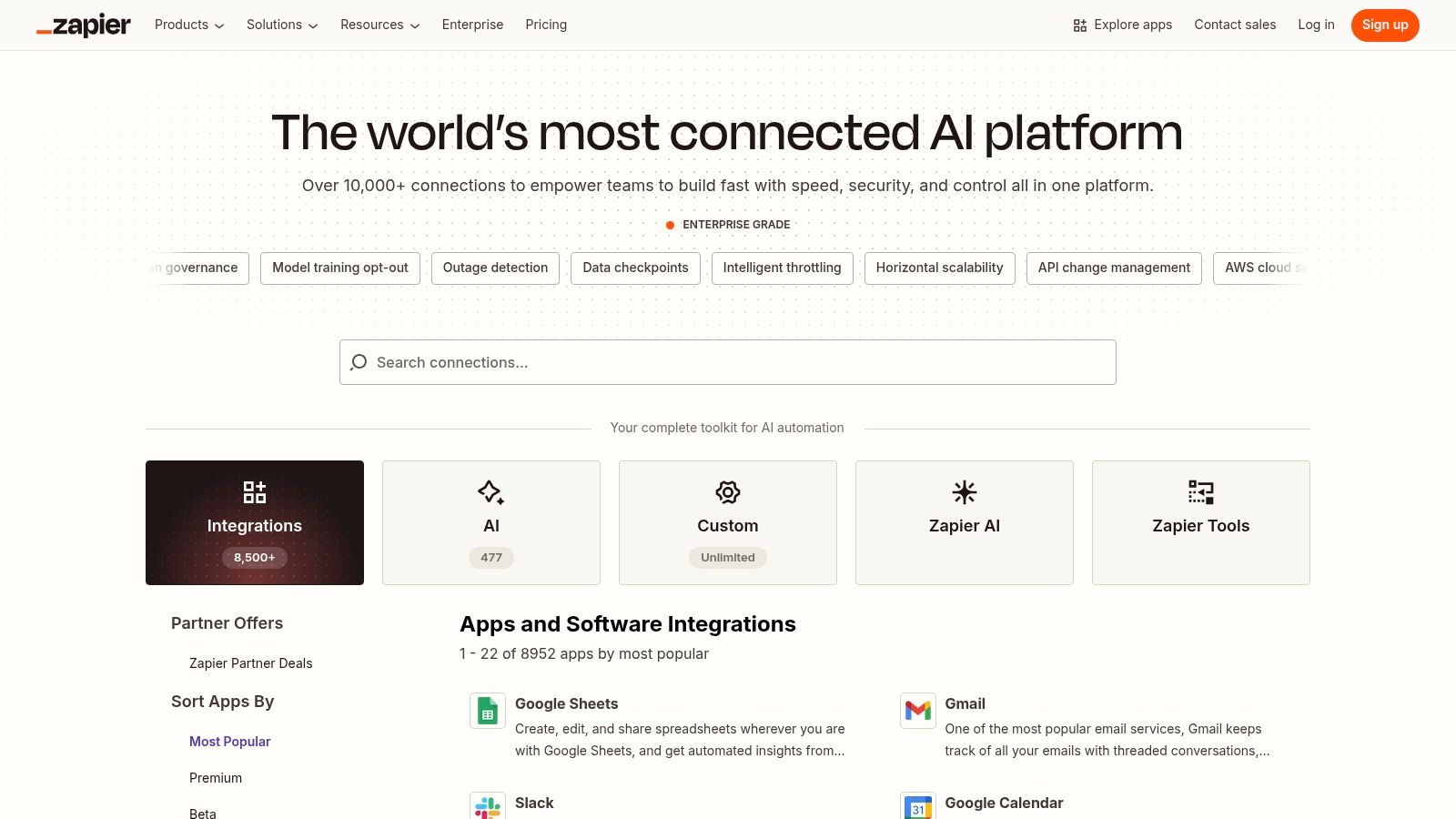
The platform’s power lies in its massive directory of over 7,000 app integrations and its user-friendly, if this, then that
workflow builder. Instead of paying for custom developer work, you can stitch together disparate tools to eliminate repetitive administrative tasks. This frees up your team to focus on high-value work rather than manual processes, forming the backbone of efficient cloud-based collaboration. It fundamentally transforms how your business operates by making your software work for you.
Key Details & Considerations
Zapier offers a free tier with limited tasks and single-step Zaps.
Paid plans scale based on the number of tasks you run per month and the complexity of your workflows, such as multi-step Zaps with conditional logic and filters. Team and Enterprise plans add collaboration features, centralized management, and enhanced security for larger organizations.
Pros:
* Massive Integration Library: Connects nearly every popular SMB tool on the market.
* No-Code Simplicity: Empowers non-technical users to build sophisticated automations.
* Extensive Templates: A vast library of pre-built workflows helps you get started instantly.
Cons:
* Usage-Based Costs: Monthly costs can become significant as your automation needs and volume grow.
* Potential for Downtime: Your workflows are dependent on Zapier's platform and individual app connectors, which can occasionally experience issues.
Website: https://zapier.com/apps
11. Capterra
When you’re facing decision fatigue from endless software options, Capterra acts as your comprehensive market research hub. Instead of visiting dozens of individual websites, this massive software directory lets you compare thousands of apps for small business side-by-side, armed with real user reviews, feature breakdowns, and pricing guides. It’s the starting point for finding the perfect tool, from CRM and accounting to highly specific niche software.
Capterra's strength lies in its structured comparison framework and extensive user-generated reviews. You can filter solutions by features, pricing models, and deployment type, quickly creating a shortlist of viable candidates. This process demystifies the crowded software market, helping you understand what your peers are using and what you can expect to pay, saving you invaluable research time and preventing costly mismatches.
Key Details & Considerations
Capterra is a free resource for buyers; its revenue comes from software vendors who pay for placement and leads. This model allows you to access a wealth of comparison data and market guides without a subscription. For instance, you can use its detailed category pages to explore everything from project management tools to knowledge base software, helping you make a more informed choice. To learn more about specific software categories, see this guide to free knowledge base options.
Pros:
* Broad Coverage: Compare countless apps across hundreds of specific business categories.
* User-Driven Insights: Genuine user reviews provide a realistic look at a tool's performance.
* Efficient Shortlisting: Powerful filters help you quickly narrow down options based on your exact needs.
Cons:
* Review Imbalance: Reviews can sometimes be uneven or skewed; always supplement with a free trial.
* External Onboarding: The site directs you to vendor pages for purchase, so the buying experience varies.
Website: https://www.capterra.com
12. AppSumo
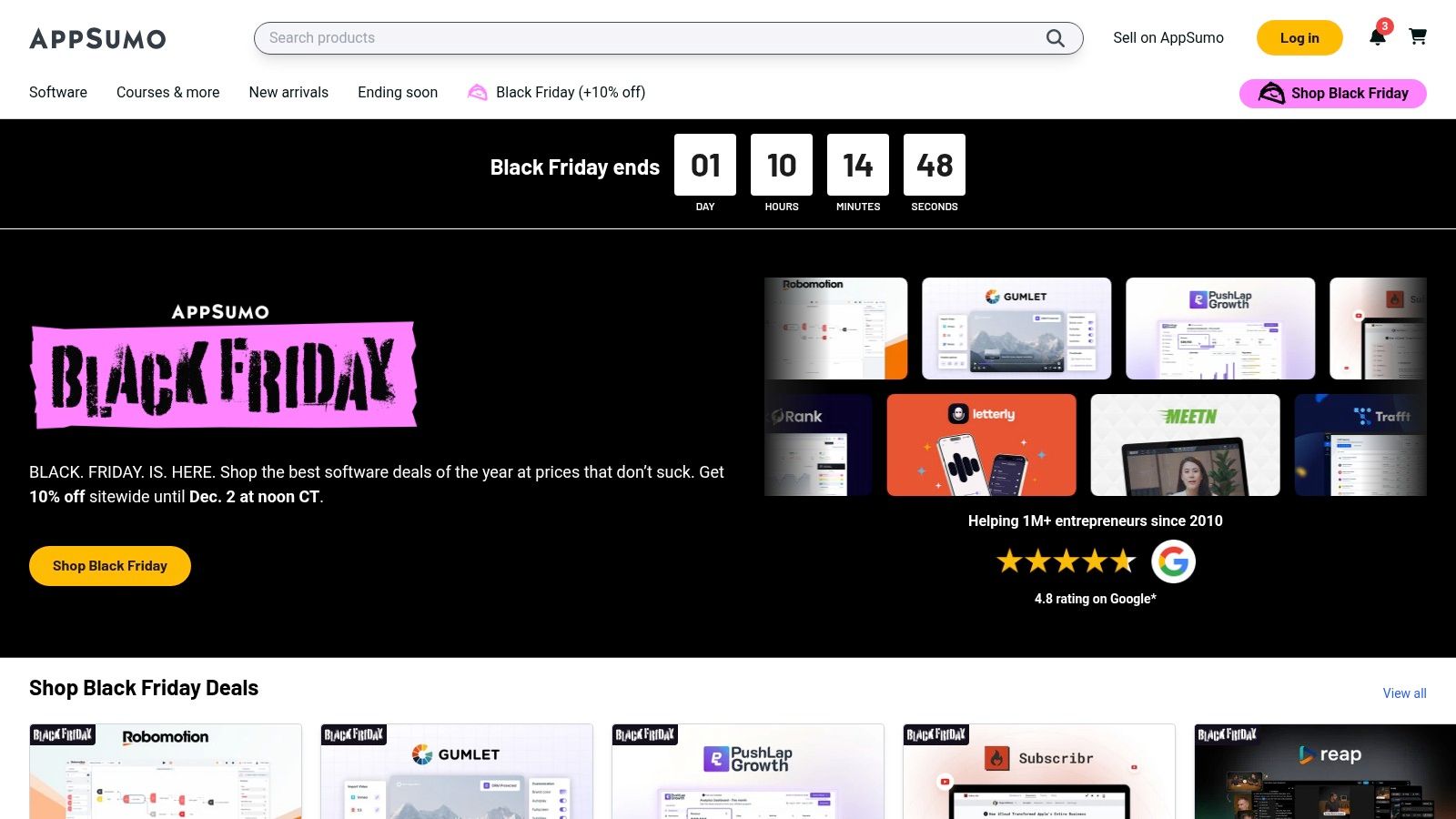
For the entrepreneurial small business owner who loves to experiment without breaking the bank, AppSumo is a must-visit digital marketplace. It’s not a traditional app store but a deal-centric platform offering substantial, often lifetime, discounts on up-and-coming apps for small business. This is the perfect place to discover innovative marketing, SEO, AI, and productivity tools at a fraction of their standard cost, enabling you to build a powerful software stack on a startup budget.
AppSumo’s core value lies in its model of curating limited-time deals on software that can give your business a competitive edge. The community-driven reviews and robust Q&A sections for each deal provide invaluable peer insights, helping you vet a product's real-world performance before committing. For businesses looking to stretch their software budget, snagging a lifetime deal here can mean securing a key operational tool for a single, one-time payment.
Key Details & Considerations
While browsing is free, AppSumo's power is in purchasing deals. Most deals come with a 60-day money-back guarantee, allowing you to test the software thoroughly. An optional AppSumo Plus
membership offers additional discounts and benefits, making it a worthwhile investment for frequent buyers who are serious about finding the best deals on new tech.
Pros:
* Significant Cost Savings: Access to lifetime deals (LTDs) and deep discounts on annual subscriptions.
* Discover New Tools: Find emerging and niche software you might not encounter otherwise.
* Risk-Free Exploration: A generous refund period lets you try tools with confidence.
Cons:
* Varying Deal Quality: Due diligence is essential as some startups offering deals may pivot or fail.
* Time-Sensitive Nature: The best deals are only available for a limited time, creating a sense of urgency.
Website: https://appsumo.com
12 App Marketplaces for Small Business — Quick Comparison
| Product | Core features | UX / Quality ★ | Value / Price 💰 | Target 👥 | Unique selling points ✨ |
|---|---|---|---|---|---|
| 🏆 SAI | Slack-native AI; zero-config learning; 24/7 context-aware answers; builds shared KB | ★★★★☆ — instant, context-aware | 💰 Early Access: $0/mo (1 channel, unlimited responses); paid tiers planned | 👥 Slack admins, team leads, support, HR/IT, startups | ✨ Learns from chats w/o setup; answer-once durable knowledge base |
| Apple App Store (Business) | Large iOS/iPadOS catalog; one-tap install; MDM & Apple Business Manager support | ★★★★★ — polished, secure review process | 💰 Apps vary: free, paid & in‑app subs | 👥 iOS-centric teams, enterprises using Apple devices | ✨ Robust security/privacy labels & managed deployment |
| Google Play Store (Business) | Huge Android app selection; device filters; Managed Google Play | ★★★★☆ — broad choice, variable app quality | 💰 Apps vary; supports trials, subs & enterprise deployment | 👥 Android-first teams, BYOD environments | ✨ Wide device compatibility; enterprise-managed rollout |
| Microsoft AppSource | Integrations for M365, Dynamics, Power Platform; SaaS & add-ins | ★★★★☆ — trusted MS ecosystem, in‑product access | 💰 Mix of free trials & paid SaaS; MS billing/SSO options | 👥 Microsoft‑centric orgs using Teams/Outlook/Excel | ✨ In-app discoverability and seamless SSO/billing |
| Google Workspace Marketplace | Add-ons for Gmail/Drive/Docs/Sheets; admin domain installs | ★★★★☆ — tight Google integration | 💰 Free & paid add-ons; vendor billing common | 👥 Google Workspace admins & users | ✨ Direct extensions inside Gmail/Docs with admin controls |
| Shopify App Store | Apps for storefront, checkout, POS, shipping, subscriptions | ★★★★☆ — merchant-focused, vetted apps | 💰 Many paid apps; recurring fees common | 👥 Shopify merchants, ecommerce SMBs | ✨ Deep storefront & checkout integrations; Built for Shopify |
| QuickBooks App Store (Intuit) | Apps that integrate with QuickBooks Online; setup guides | ★★★★☆ — finance-focused integrations | 💰 Many third‑party subscriptions; some free options | 👥 QuickBooks users, accountants, bookkeepers | ✨ Direct QBO integrations & region-aware listings |
| Square App Marketplace | Integrations for POS, appointments, online invoicing | ★★★★☆ — focused POS/retail experience | 💰 Mix of free & paid; best value with Square products | 👥 Retail, food, services SMBs using Square | ✨ Syncs sales, inventory & customers with Square payments |
| HubSpot App Marketplace | Integrations for CRM, marketing, sales & service | ★★★★☆ — deep native integrations | 💰 Many free installs; some require paid HubSpot tiers | 👥 Marketing, sales & service teams on HubSpot | ✨ Native objects & workflow integrations with HubSpot |
| Zapier | No-code automation; 7,000+ app connectors; templates | ★★★★☆ — powerful automations; occasional limits | 💰 Tiered pricing & task limits; free tier available | 👥 Ops, marketing, automation builders | ✨ Multi-step workflows, filters, webhooks across 7,000+ apps |
| Capterra | Software directory with reviews, comparisons & filters | ★★★★☆ — broad coverage; review quality varies | 💰 Free to use; links to vendor purchase pages | 👥 Buyers researching & shortlisting software | ✨ Extensive user reviews and side-by-side comparisons |
| AppSumo | Deals marketplace for discounted SaaS & lifetime offers | ★★★☆☆ — deal-driven, variable product longevity | 💰 Big discounts & occasional lifetime deals; vetting needed | 👥 Entrepreneurs, founders, budget-conscious SMBs | ✨ Limited-time discounts, bundled offers & refund windows |
From App Overload to a Transformed Business
Navigating the vast sea of digital tools can feel overwhelming. We've journeyed through comprehensive app marketplaces like the Apple App Store and Google Play, explored specialized ecosystems such as Shopify and QuickBooks, and uncovered powerful integration platforms like Zapier. The sheer volume of choices underscores a critical truth: the right stack of apps for small business isn't just about adding features, it's about fundamentally transforming how your business operates.
The goal is not to accumulate a long list of subscriptions. The real objective is to build a cohesive, streamlined digital nervous system for your company. Imagine a workflow where your accounting software seamlessly communicates with your project management tool, and your customer data from HubSpot automatically informs your marketing campaigns, all without manual data entry. This is the power of a thoughtfully curated app ecosystem.
However, the challenge often lies in the friction between these powerful, specialized tools. Each app becomes another silo of information, another login to remember, another interface to learn. This is where the concept of a central, intelligent hub becomes not just a convenience, but a competitive advantage.
Charting Your Course: How to Choose Your App Stack
Selecting the right tools from this extensive list requires introspection. Before you click subscribe,
take a moment to map out your path. This isn't just about software; it's about strategy.
- Identify Your Core Bottlenecks: Don't start with the app, start with the problem. Are you losing time on manual invoicing? Is customer communication disjointed? Pinpoint the single biggest source of friction in your daily operations. That's your starting point.
- Prioritize Integration: A powerful app that doesn't connect with your existing tools can create more work than it saves. Look for robust integrations, especially with platforms like Slack, which often serve as your team's central command center. An app’s ability to
talk
to others is a measure of its true value. - Think in Tiers: Must-Have vs. Nice-to-Have: Categorize your needs. What is absolutely essential for your business to function and grow (e.g., accounting, project management)? What would be a powerful enhancer (e.g., advanced analytics, social media scheduling)? Focus your budget and implementation energy on the
must-haves
first. - Envision Your Ideal Day: This is a crucial, often-overlooked step. Don't just think about what an app does. Imagine how your team's day-to-day work will change. The ultimate goal is less time spent searching and more time spent doing. Picture a world where your team isn't toggling between ten different tabs, searching through disparate knowledge bases, or interrupting colleagues for simple questions.
The True Transformation: Beyond Apps to Answers
The final evolution in using apps for small business is moving from a collection of tools to a source of instant, centralized knowledge. The true transformation isn't about having the best CRM or the most feature-rich project manager. It's about eliminating the hunt for information altogether.
It's about creating a single source of truth that lives where your team already works. Imagine never having to open another tab to find a company policy, search through three different platforms for a project update, or ask a repetitive question again. Imagine simply asking a question in Slack and getting an immediate, accurate answer drawn from all your integrated business knowledge. This shift from searching for information to simply asking for it is the ultimate productivity hack, freeing your team to focus on innovation, customer satisfaction, and strategic growth.
Ready to stop the endless searching and unify your company's knowledge? SAI transforms your scattered information across all your apps into a single, intelligent knowledge source right within Slack. Instead of juggling dozens of apps for small business, empower your team to get instant answers and focus on what truly matters. Try SAI today and experience the future of workplace productivity.
