The 12 Best AI Tools for Small Business to Transform Operations in 2025
Imagine a workday where your team isn't drowning in repetitive questions or endlessly searching through different apps for the same piece of information. Picture a workflow where getting answers isn't a scavenger hunt across Google Drive, Confluence, and old Slack channels. This isn't about complex algorithms or futuristic tech; it's about reclaiming focus and empowering your team to do their best work without the constant friction of finding information.
The right AI tools transform your operations from a series of interruptions into a streamlined, productive engine. Instead of context-switching a dozen times a day, your team can get instant, accurate answers right where they're already working, like inside Slack. This guide cuts through the noise to showcase the best AI tools for small business that deliver this exact transformation. We're not just listing features; we're showing you how to build a single source of truth that ends the repetitive where can I find...
questions for good.
This is your definitive resource list, curated to solve the core challenges of operational drag. For each platform, you'll find a clear breakdown of its core function, ideal use cases, pros, cons, and pricing, complete with screenshots and direct links. We’ll cover everything from dedicated knowledge management AI like SAI, which centralizes company information in Slack, to broad platforms like Zapier for automating workflows between your existing tools. Our goal is simple: to help you choose the right tools to stop chasing information and start driving real, tangible growth. Let's explore the platforms that will make this a reality for your business.
1. SAI
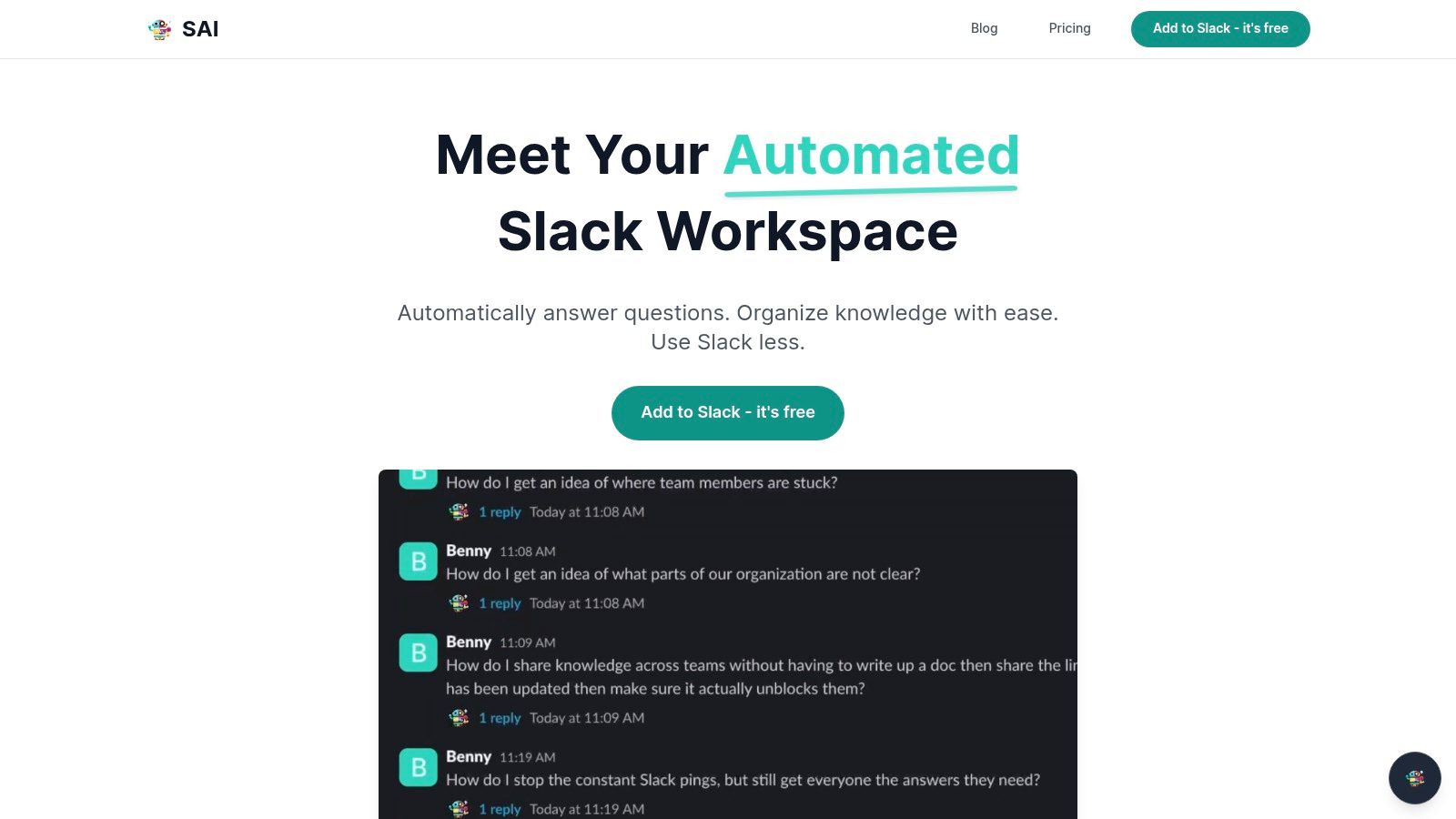
SAI stands out as one of the best AI tools for small business because it solves a universal problem with surgical precision: the constant, productivity-draining interruptions from repetitive questions in Slack. Instead of forcing your team to adopt another new platform or manually build a wiki, SAI works where your team already collaborates. It delivers answers from your company’s collective knowledge directly in the flow of conversation.
Imagine a workday where you and your team never have to open another resource, search through different drives, or dig through old channels for information again. When a question arises, you simply ask SAI in Slack and get the exact answer you’re looking for, instantly. No more context-switching, no more pinging colleagues for links, and no more interrupting your focus. This isn't just a chatbot; it's a productivity engine that reclaims lost time and protects your team's most valuable asset: their attention.
Why SAI is a Top Choice for Slack-Based Businesses
SAI’s core strength is its frictionless implementation. There is zero setup required. It begins delivering value the moment you add it to a channel, transforming your past conversations into a reliable source of truth. This automated approach creates a dynamic, self-maintaining knowledge base without any extra administrative work.
- Key Differentiator: While other tools require manual data entry, SAI builds its intelligence passively from the work you’re already doing. It understands the meaning behind a question, not just the keywords, to provide accurate, context-aware answers.
- Best For: Operations, HR, IT, and customer support teams buried in recurring questions, as well as any small business looking for an immediate and measurable boost in operational efficiency.
- Pros: Immediate productivity gains (claims savings of 40+ hours per month for a 5-person team), no setup or training needed, and builds a durable knowledge base automatically.
- Cons: The free plan is limited to one channel, and its effectiveness depends on having a history of questions and answers within your Slack workspace.
The free Early Access Plan offers a no-risk way to test its impact, providing unlimited AI responses in a single channel without requiring a credit card.
Learn more and add SAI to your Slack at https://sai-bot.ai
2. G2
Navigating the crowded market for the best AI tools for small business can feel like searching for a needle in a haystack. G2 transforms this overwhelming task into a strategic, data-driven process. Instead of just listing software, it acts as a B2B marketplace built on peer-validated insights, allowing you to filter the AI landscape specifically for businesses of your size. This is its core advantage: it cuts through the enterprise-level noise to show you what works for teams like yours.
G2's real power lies in its for Small Business
category pages, which exist for critical areas like AI Chatbots and Machine Learning. These aren't just filtered lists; they are curated views built from verified reviews and satisfaction scores from actual small business users. You can create detailed comparison grids, side-by-side, to evaluate features, pricing models, and implementation timelines. This functionality provides a clear, unbiased look at how different tools stack up in real-world scenarios.
Practical Tips for Using G2
- Filter Aggressively: Start by selecting the
Small-Business
filter on any AI category page to immediately narrow your options. - Read the Low-Rated Reviews: Pay close attention to 3-star and lower reviews. They often reveal limitations or integration issues not mentioned in marketing materials.
- Compare Alternatives: Use the
Compare
feature to see how your top two or three choices perform on key metrics like ease of setup, quality of support, and ROI.
Key Features & User Experience:
* Pros: The sheer volume of verified reviews provides unmatched social proof. Granular filters and comparison tables make shortlisting efficient and data-backed.
* Cons: Be mindful of sponsored placements, which often appear at the top of lists. Not every vendor provides transparent pricing directly on their profile.
Access: G2 is free to use for browsing and research.
Visit G2
3. GetApp
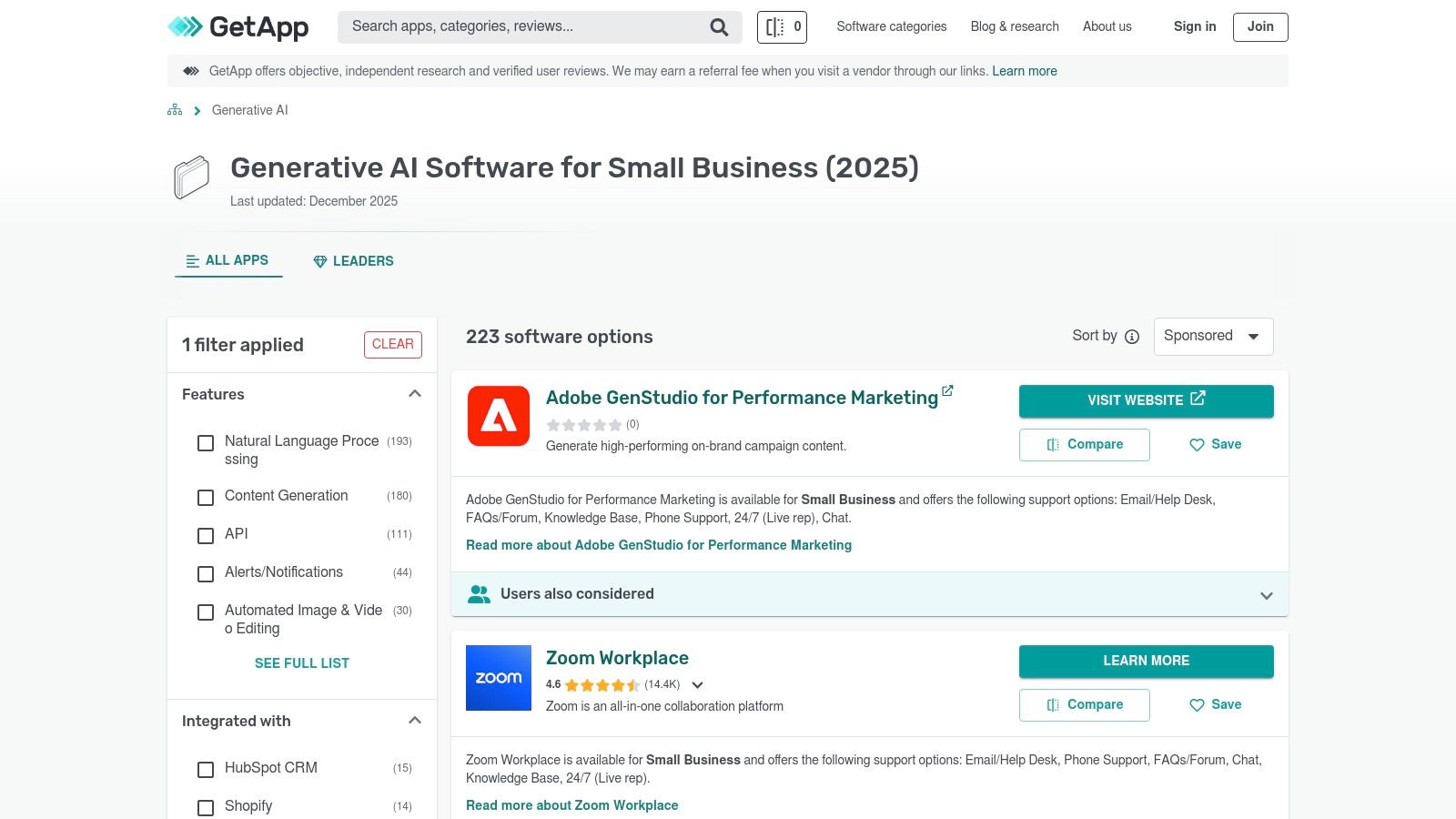
For small businesses trying to find the best AI tools for small business, the challenge is often matching a tool's capabilities to your existing technology stack. GetApp, a Gartner Digital Markets site, excels here by providing a framework to discover and compare AI software specifically through the lens of integration and functionality. It’s designed to answer the crucial question: Will this tool actually work with the systems we already use every day?
This platform moves beyond simple listings by focusing on practical application. You can immediately filter categories like Generative AI or AI Marketing Tools for small business users, but its real power is the ability to filter by integration. Whether your operations run on Slack, Shopify, or Zapier, GetApp lets you see which AI solutions will plug directly into your workflow, saving you from future compatibility headaches. This focus on the practical realities of a small business tech stack makes it an indispensable research partner.
Practical Tips for Using GetApp
- Prioritize Integrations: Use the
Integrates with
filter first to ensure any tool you consider fits into your current software ecosystem. - Use the Comparison Tool: Select up to four different AI tools and use the side-by-side comparison feature to analyze features, pricing, and ratings at a glance.
- Leverage the Consultation Option: If you're completely overwhelmed, consider their free phone consultation for a guided selection process based on your specific needs.
Key Features & User Experience:
* Pros: The integration-first filtering is a huge time-saver for small businesses. The platform offers a good breadth of AI tools across marketing, operations, and content.
* Cons: Sponsored listings can crowd the top of the results, requiring you to scroll down for organic leaders. Review quality can be inconsistent for newer, less established tools.
Access: GetApp is free for research, comparison, and consultation.
4. Capterra
Finding the best AI tools for small business often requires looking beyond flashy, AI-native startups to see how established software is incorporating intelligent features. Capterra serves as a massive, cross-functional software directory that excels at this, helping you find AI-powered solutions for everything from accounting to project management. Its strength lies in its sheer breadth, with over 900 software categories, allowing you to evaluate tools not just for marketing, but for core business operations.
Capterra's value proposition for a small business is its ability to uncover AI functionality embedded within tools you might already be considering. Instead of searching for AI,
you can explore categories like Business Intelligence
or Marketing Automation
and use filters and reviews to identify products with strong machine learning or predictive analytics features. The platform’s verified user reviews often highlight the practical impact of these AI components, giving you a clear picture of their real-world value far beyond what a vendor's website might claim.
Practical Tips for Using Capterra
- Explore Adjacent Categories: Don't just search for
AI Chatbots.
Look intoCustomer Service
andHelp Desk
software and then filter for AI-specific features to find more integrated solutions. - Leverage Comparison Tools: Once you have a few options, use Capterra’s side-by-side comparison feature to analyze everything from user ratings on
ease of use
to specific integration capabilities. - Check the
Alternatives
Tab: On any product page, theAlternatives
section provides a list of direct competitors, often surfacing tools you may not have discovered otherwise.
Key Features & User Experience:
* Pros: The incredibly broad catalog is ideal for finding AI-enhanced tools across all business functions. Its commitment to review transparency and clear methodology builds trust.
* Cons: Because it's not an AI-specific directory, discovering the right tools can require more digging and strategic searching. Sponsored listings are present and can influence initial results.
Access: Capterra is free for software buyers to browse and compare.
Visit Capterra
5. Product Hunt
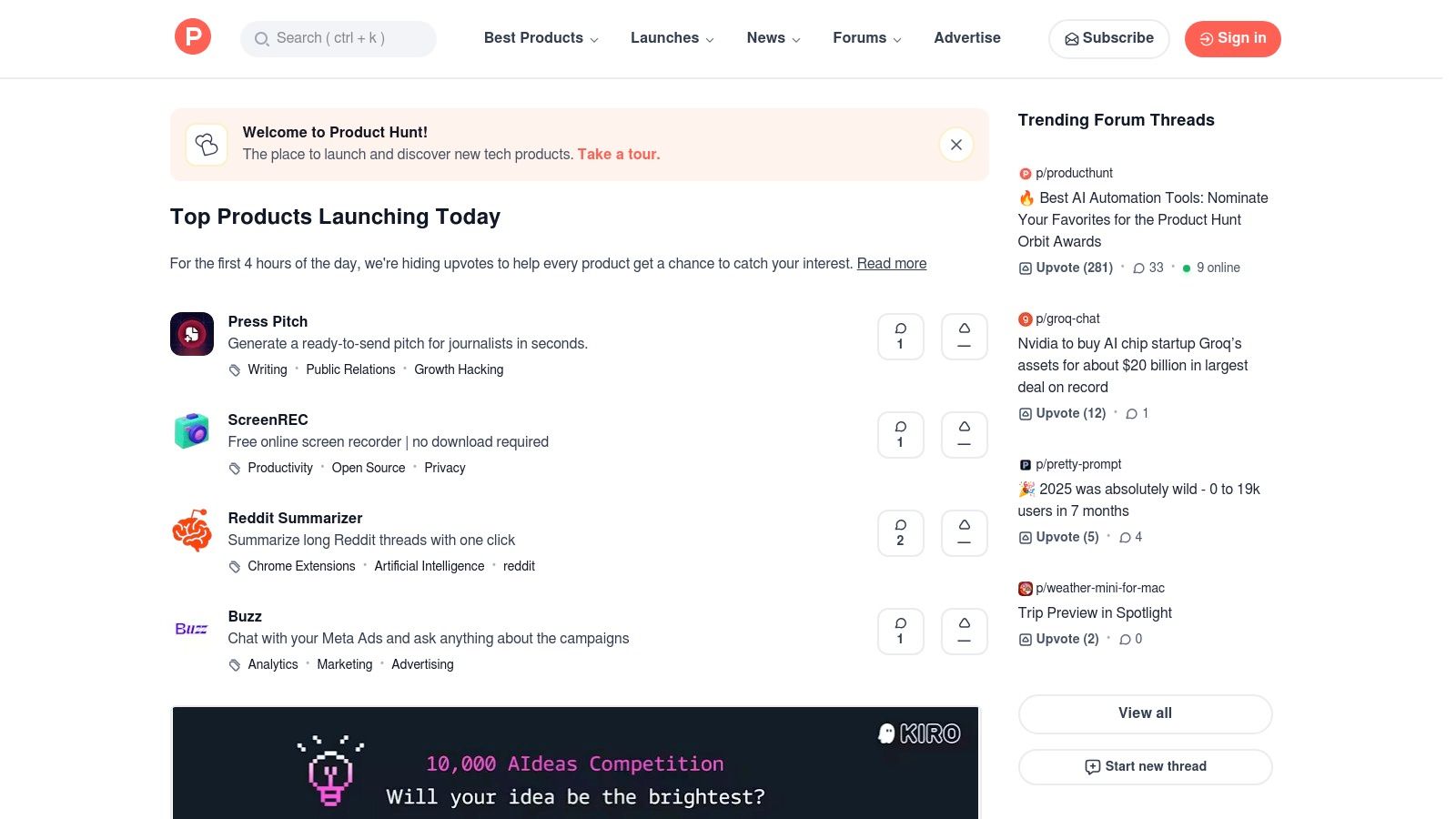
While established review sites help you vet known players, finding the next game-changing tool requires a different approach. Product Hunt is the front page for innovation, showcasing brand-new AI applications daily. For small businesses, it's an indispensable resource for discovering emerging, often more affordable, solutions before they hit the mainstream. This platform helps you stay ahead of the curve, spotting the best AI tools for small business that are designed with modern workflows and lean teams in mind.
Its core value is community curation; real founders, developers, and early adopters upvote and discuss new launches. This provides immediate, ground-level feedback that you won't find on more formal review platforms. You can uncover a niche AI-powered social media scheduler or a clever internal wiki tool months before it gets widespread attention, giving you a competitive edge by adopting powerful new technology early.
Practical Tips for Using Product Hunt
- Follow AI-Specific Collections: Many users curate lists like
AI Tools for Marketers
orGenerative AI Apps.
Following these collections is a fast way to get a filtered view of relevant launches. - Read the
Maker
Comments: The product's creator often answers questions directly in the comments. This is a goldmine for understanding the tool's vision and upcoming features. - Check the
Similar Products
Tab: If you find a tool you like but isn't quite right, thesimilar products
section can quickly lead you to better-fitting alternatives.
Key Features & User Experience:
* Pros: Excellent for discovering brand-new, cutting-edge AI tools. The community comments often provide raw, honest feedback and uncover unique use cases.
* Cons: Many products are in their early stages (beta or MVP) and may lack stability, robust support, or could even shut down. It requires more vetting than established platforms.
Access: Product Hunt is free to browse and explore.
6. Slack Marketplace
Instead of searching for standalone AI solutions, the Slack Marketplace brings the best AI tools for small business directly into the ecosystem where your team already collaborates. This isn't just about adding a chatbot; it's about embedding intelligent automation into your daily conversations, channels, and workflows. The core advantage is eliminating context-switching, transforming Slack from a communication hub into a command center where AI-powered summaries, drafts, and answers are just a message away.
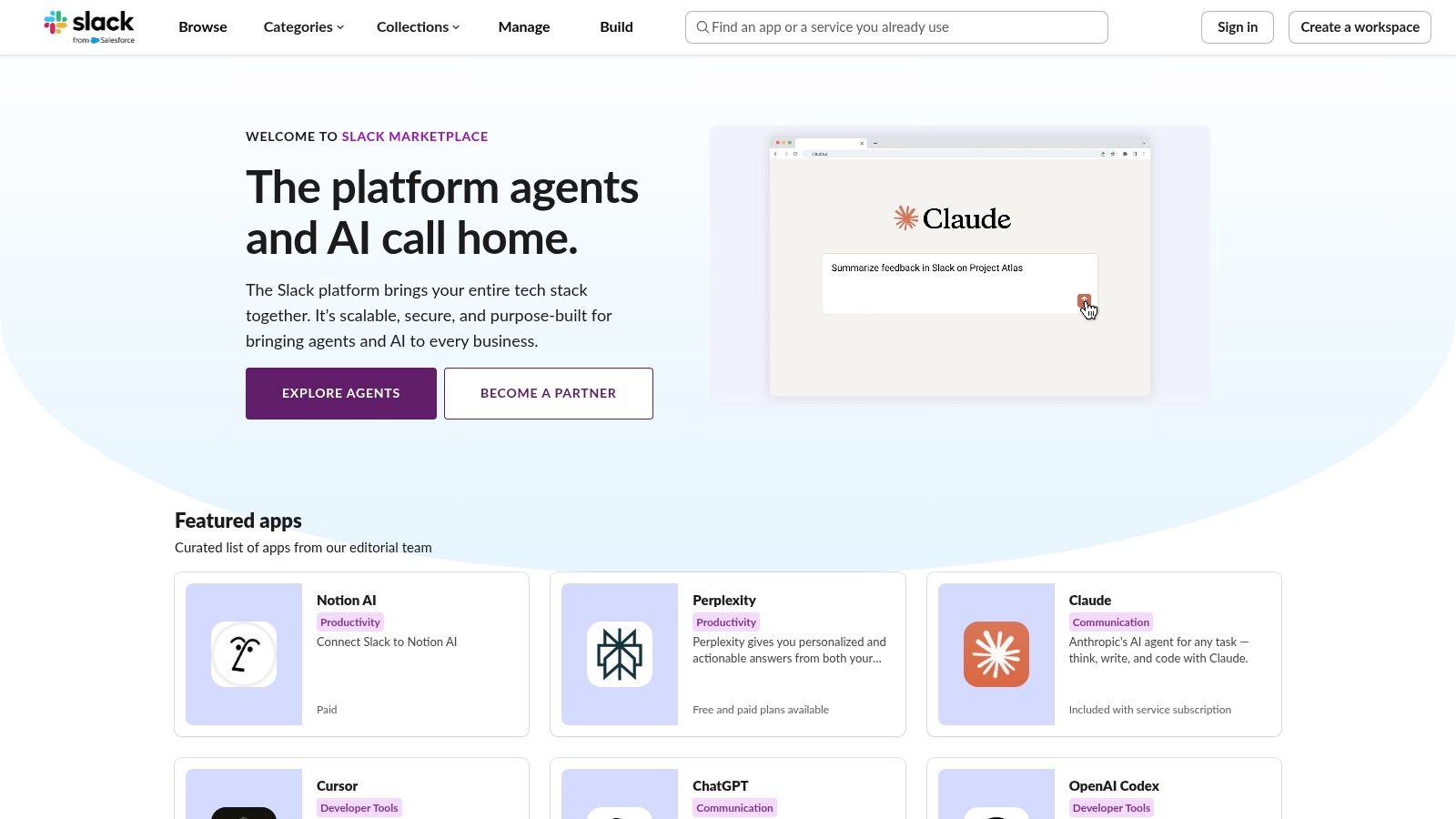
The real power for small business admins lies in its curated and controlled environment. You can find, vet, and install apps with clear visibility into permissions, security protocols, and data handling policies, like zero LLM training commitments from many vendors. This allows you to deploy specialized tools for summarizing channels, searching across company knowledge, or drafting client responses, all while maintaining administrative oversight. Exploring the various options can help you discover some of the best apps for Slack to transform your business.
Practical Tips for Using Slack Marketplace
- Review App Scopes: Before installing, carefully review the permissions an app requests. Ensure it only accesses the data necessary for its function.
- Start with a Test Channel: Deploy a new AI app in a non-critical channel first to evaluate its performance and user-friendliness with a small group.
- Check Recent Reviews: Look at the most recent user reviews to gauge the app's current stability, support quality, and any recently introduced bugs or features.
Key Features & User Experience:
* Pros: Integrates AI directly into existing workflows, drastically reducing the need to switch between applications. The centralized admin controls and transparent app review process provide security peace of mind.
* Cons: The quality, functionality, and pricing of apps can vary significantly between different vendors. Some powerful integrations may be constrained by Slack's data-access limitations.
Access: The Slack Marketplace is free to browse; individual app pricing varies.
7. Google Workspace Marketplace
For small businesses already running on Google's ecosystem, the best AI tools for small business are often those that don't require leaving familiar applications. The Google Workspace Marketplace is the key to unlocking this potential, acting as an app store to embed AI directly into Gmail, Docs, Sheets, and Slides. Instead of adopting entirely new platforms, you can enhance the tools your team uses every single day, minimizing disruption and training time. This is its primary advantage: bringing powerful generative AI into your existing workflows seamlessly.
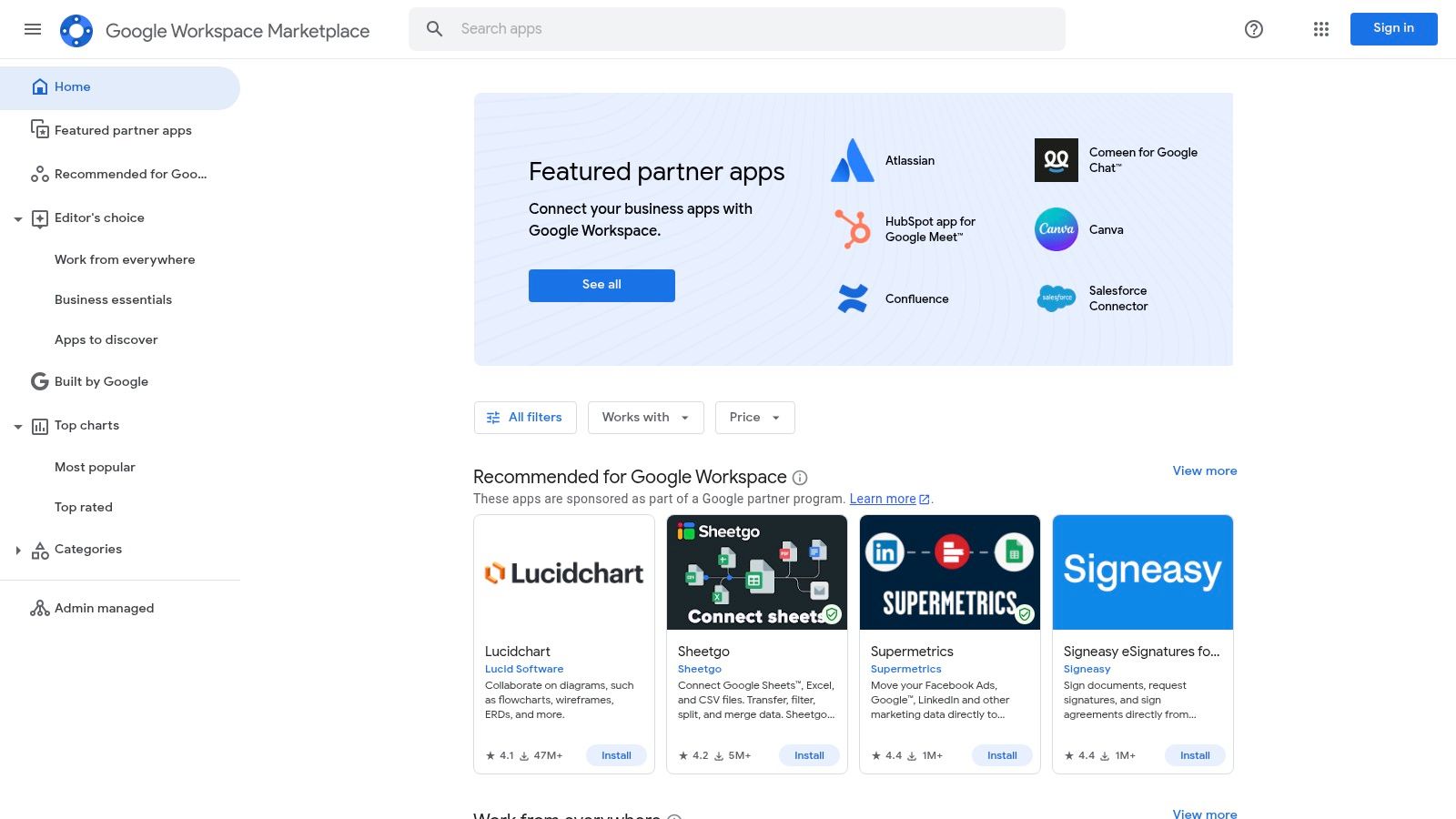
The marketplace allows you to find and install vetted third-party add-ons that can generate, translate, summarize, and analyze content right where you work. Imagine drafting a sales proposal in Google Docs and using an AI add-on to refine the tone or automatically generate a summary. Centralized admin controls also mean you can manage which apps your team can install, ensuring security and consistency across the organization. This turns your standard office suite into a dynamic, AI-powered productivity hub.
Practical Tips for Using Google Workspace Marketplace
- Read Recent Reviews: Focus on reviews from the last 6-12 months, as app quality and support can change quickly.
- Check Permissions: Before installing, carefully review the permissions an add-on requests to ensure it only accesses the data it needs.
- Start with a Pilot Group: Test a new AI add-on with a small team to gauge its effectiveness and gather feedback before a company-wide rollout.
Key Features & User Experience:
* Pros: Native integration into existing Google workflows requires minimal training. Centralized administrative control over app installations enhances security.
* Cons: Feature availability and quality can vary significantly between add-ons. Many powerful AI add-ons require a separate subscription or have usage limits.
Access: The marketplace is free to browse, though individual add-ons may be free, freemium, or paid.
Visit Google Workspace Marketplace
8. Microsoft 365 Copilot
For the millions of small businesses already operating within the Microsoft ecosystem, Copilot isn't just another tool; it's a profound upgrade to the applications you use every day. It stands out as one of the best AI tools for small business because it directly embeds intelligent assistance into Word, Excel, PowerPoint, and Teams. Imagine drafting a project proposal in Word from a simple prompt or having Excel analyze sales data and generate insights automatically, all without leaving the app. This deep, native integration eliminates the friction of switching between tools.
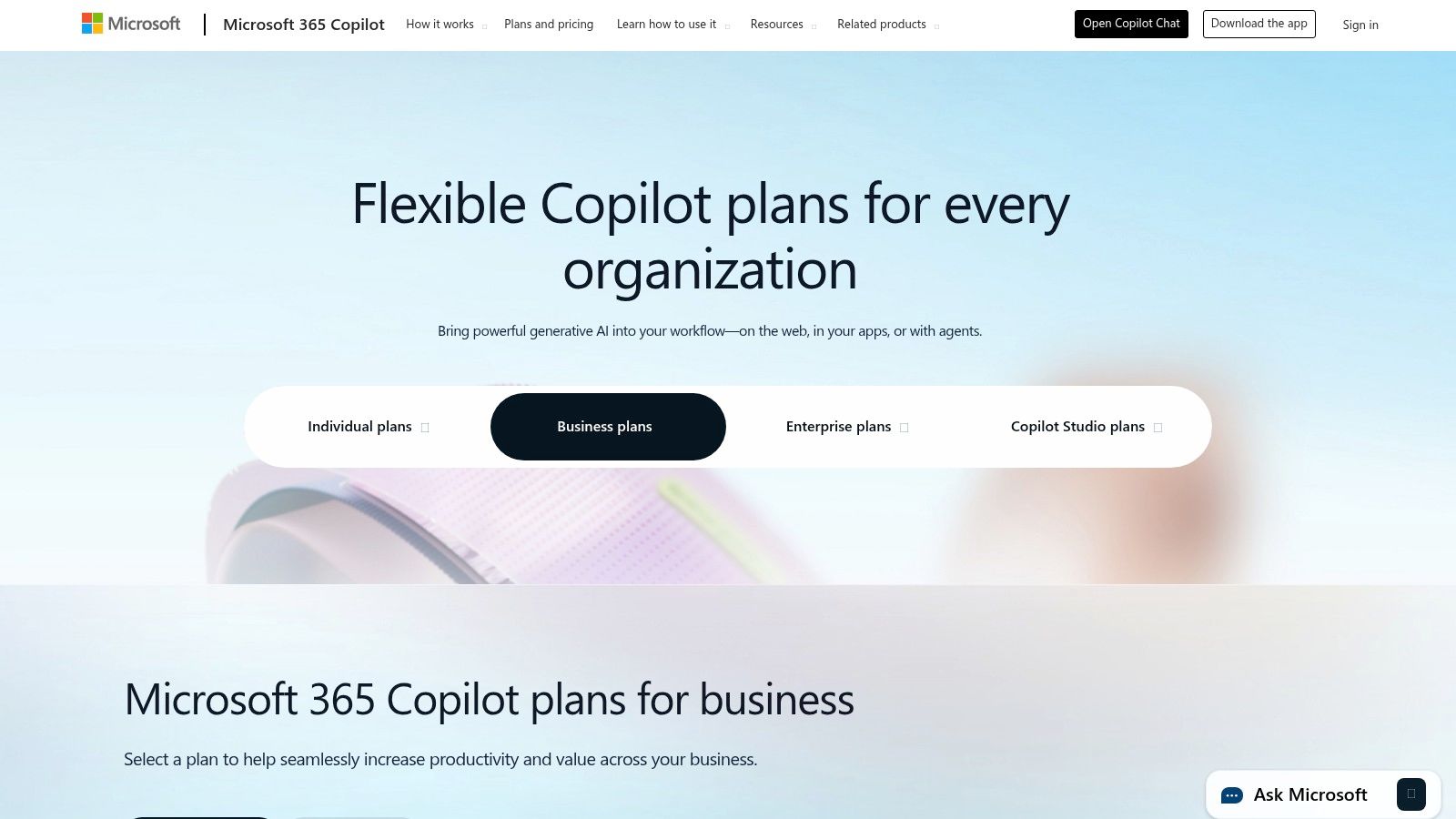
The real transformation comes from its ability to synthesize information across your entire Microsoft 365 environment. You can ask Copilot to summarize a morning's worth of emails and Teams messages into actionable to-do lists or create a presentation based on a Word document. This work-grounded context means the AI understands your business's specific data, conversations, and documents, providing far more relevant assistance than a generic tool.
Practical Tips for Using Microsoft 365 Copilot
- Start with Specific Tasks: Instead of broad commands, give Copilot concrete tasks like
Draft an email to the marketing team about Q3 results based on the attached spreadsheet.
- Leverage Copilot in Teams Meetings: Use it to generate real-time meeting summaries and identify action items, ensuring nothing gets lost.
- Explore Copilot Studio: For more advanced needs, use the Studio to build custom, low-code AI agents that can handle specific internal processes, like onboarding new clients.
Key Features & User Experience:
* Pros: Unmatched integration with Microsoft 365 apps provides a seamless workflow. Licensing is now straightforward for small businesses, with the previous 300-seat minimum removed.
* Cons: Requires a qualifying Microsoft 365 Business Standard/Premium license to purchase. The annual billing cycle can be a significant upfront cost, and metered usage for custom agents may add up.
Access: Available as an add-on for users with a Microsoft 365 Business Standard or Business Premium license for $30/user/month (billed annually).
9. OpenAI (ChatGPT for Teams)
For small businesses ready to move beyond individual use, finding the best AI tools for small business often starts with a foundational, general-purpose platform. OpenAI's ChatGPT for Teams provides a secure, collaborative environment to leverage powerful AI for everything from drafting marketing copy to summarizing meeting notes and brainstorming product ideas. It centralizes this capability under one roof, giving your team a shared workspace to innovate faster.
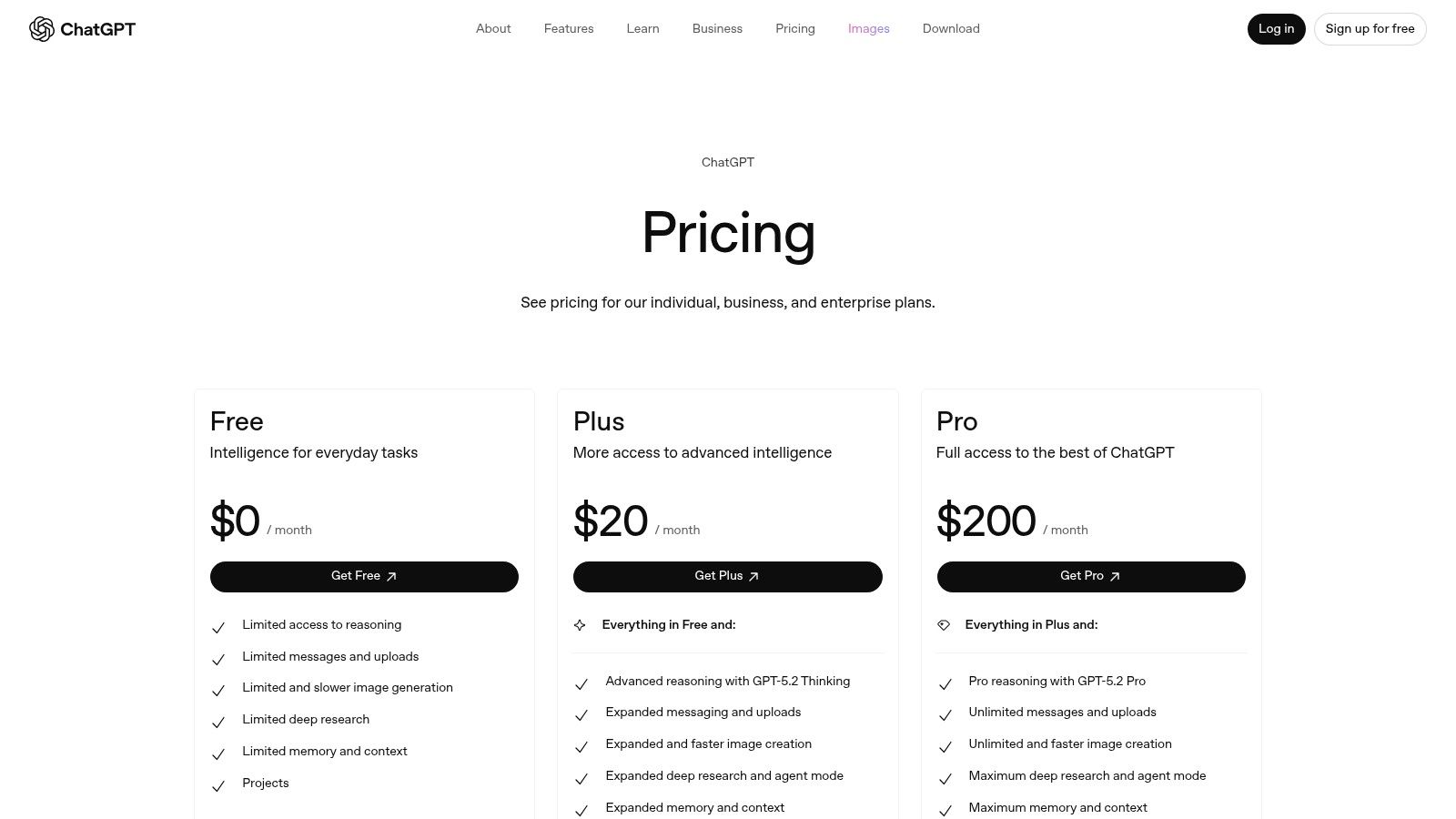
The key advantage of the Team plan is its business-grade privacy and administration. Your team’s conversations and data are not used for training OpenAI’s models, a critical requirement for handling sensitive business information. With centralized billing and user management, you can easily scale access across your organization without losing control. This transforms ChatGPT from a personal productivity tool into a shared, secure business asset.
Practical Tips for Using ChatGPT for Teams
- Create Custom GPTs: Build internal-use GPTs trained on specific company information, like your brand style guide, to ensure consistent outputs for marketing or support.
- Establish Usage Guidelines: While powerful, it's wise to create an internal policy on appropriate use. Our guide to creating an AI enablement playbook can help you set clear guardrails.
- Explore Integrations: Connect ChatGPT to tools like Slack to bring its capabilities directly into your team's existing workflows for quick answers and content generation.
Key Features & User Experience:
* Pros: Extremely fast time-to-value with a familiar interface that requires minimal training. The Team plan offers clear, per-seat pricing and essential business privacy controls.
* Cons: Per-seat costs can add up quickly for larger teams. Getting the most advanced results often requires connecting it to your company-specific data and other tools.
Access: The Team plan is available via a monthly or annual subscription per user.
10. Anthropic (Claude)
For small businesses that need more than just a creative chatbot, Anthropic’s Claude stands out as a powerful reasoning engine. While many AI tools focus on generating marketing copy, Claude excels at complex, multi-step tasks like analyzing dense financial documents, summarizing long customer feedback threads, or drafting nuanced legal contracts. It’s one of the best AI tools for small business when accuracy, deep understanding, and handling large amounts of information are paramount.
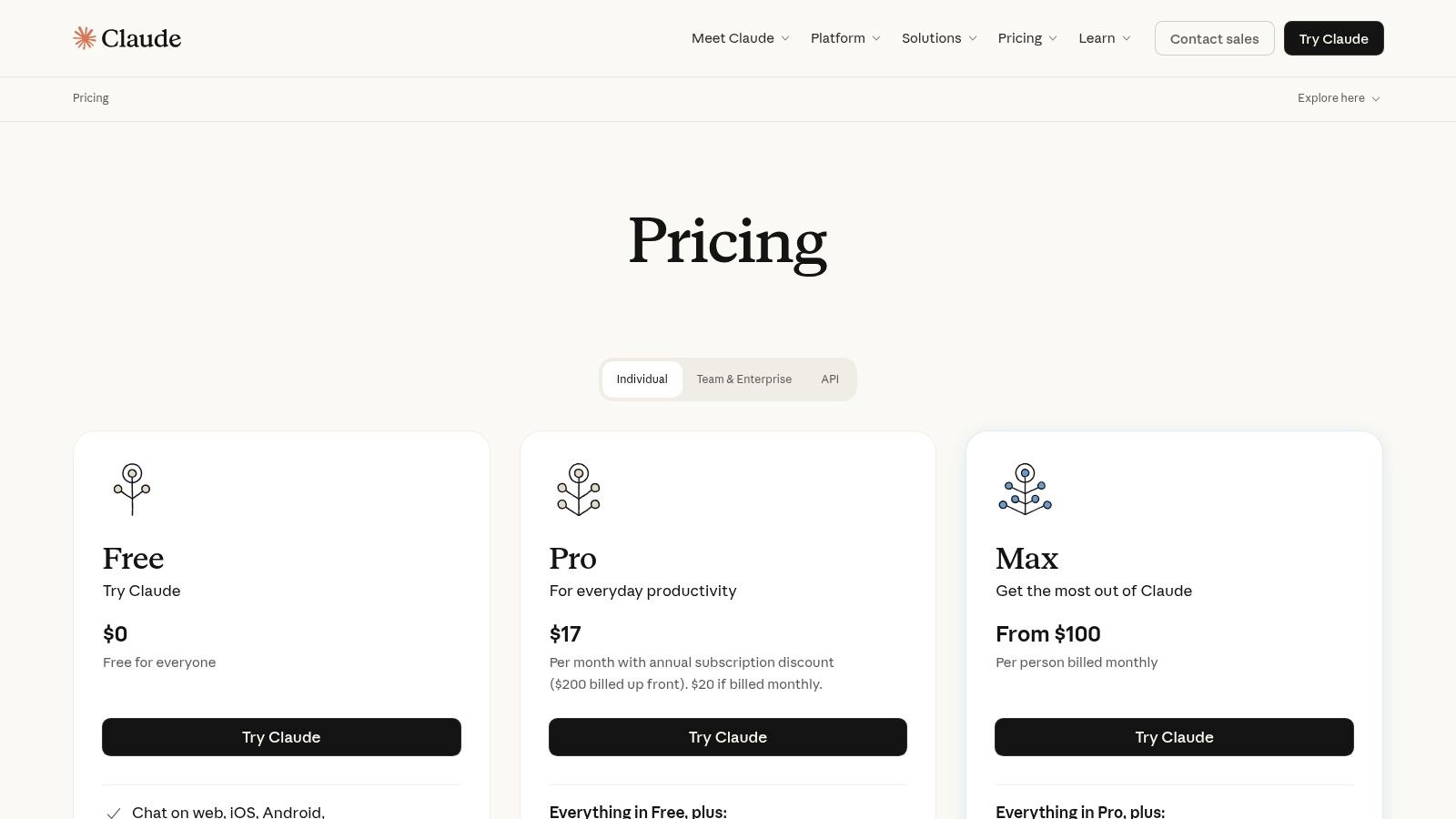
The platform’s core strength is its massive 200K token context window, allowing you to upload entire business plans or extensive project documentation for analysis in one go. The business-focused Team
plan provides essential administrative tools, centralized billing, and a strong commitment to data privacy, ensuring your sensitive company information isn’t used for training. This makes Claude a reliable partner for handling confidential operational, financial, and strategic work.
Practical Tips for Using Anthropic (Claude)
- Leverage the Context Window: Upload multiple documents at once (e.g., a marketing brief, sales data, and competitor analysis) and ask Claude to synthesize a comprehensive strategy.
- Assign Personas for Better Output: Before asking a question, instruct Claude to act as a specific role like
a skeptical financial analyst
oran optimistic marketing manager
to get more targeted responses. - Iterate on Prompts: If the first answer isn't perfect, refine your prompt with more context or constraints. For example, add
explain this to a non-technical stakeholder
to simplify complex topics.
Key Features & User Experience:
* Pros: Exceptional performance on reasoning, summarization, and complex problem-solving. A clear privacy policy and team-oriented features build trust for business use.
* Cons: Higher-tier plans can be pricier than some competitors. The minimum seat requirement for the team plan may be a barrier for very small teams or solo entrepreneurs.
Access: The Team plan is priced per user, per month with a minimum of 5 seats.
11. Shopify App Store
For e-commerce entrepreneurs, finding the best AI tools for small business often means wading through generic software not built for their specific needs. The Shopify App Store cuts through this noise by offering a marketplace curated exclusively for online merchants. Its core strength is providing plug-and-play AI solutions that integrate directly into your Shopify admin, transforming tedious tasks like writing product descriptions or managing ad campaigns into automated workflows.
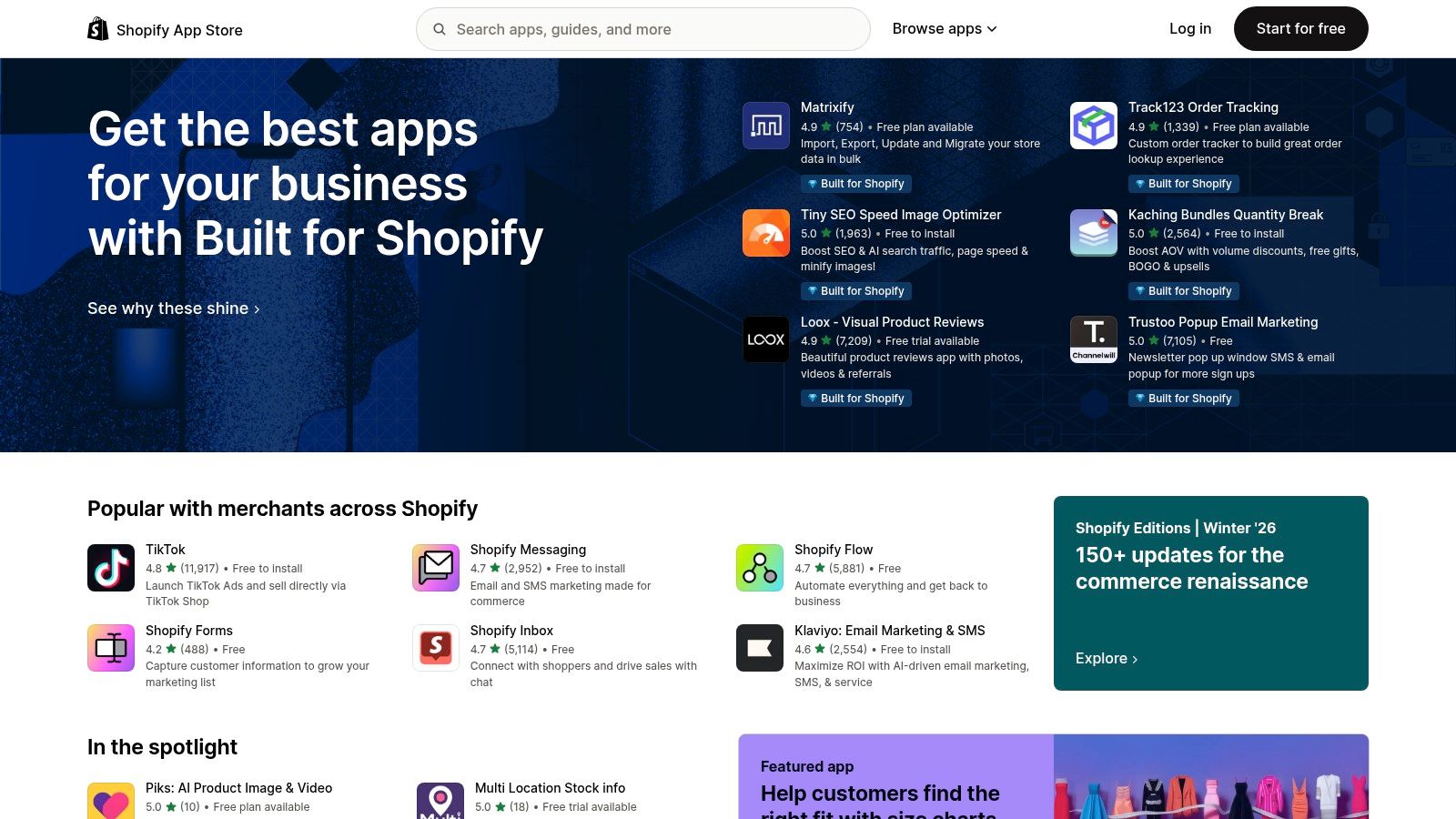
This isn't just a list of add-ons; it’s an ecosystem of AI-powered apps for marketing, operations, and customer service. You can discover tools that generate SEO-optimized content, create personalized product recommendations, and automate entire email marketing flows. Because these apps live within your Shopify dashboard, the barrier to entry is incredibly low. You can deploy powerful AI without ever leaving the environment where you manage your products, orders, and customers.
Practical Tips for Using the Shopify App Store
- Look for
Built for Shopify
Apps: Prioritize apps with theBuilt for Shopify
badge, as they meet higher standards for performance, security, and ease of use. - Start with Free Trials: Nearly every major AI app offers a free trial or a free plan. Use this period to test the tool’s impact on a small set of products or a single marketing campaign before committing.
- Analyze Merchant Reviews: Read reviews specifically from stores similar in size to yours. Their feedback often reveals the app's true ROI and any potential integration headaches.
Key Features & User Experience:
* Pros: Rapid deployment and seamless integration for non-technical store owners. Merchant ratings and reviews help assess an app's value and suitability.
* Cons: The quality and support level can vary significantly between different app developers. Some apps pass on external AI API costs, leading to variable monthly fees.
Access: Browsing the app store is free. App pricing varies from free plans to subscriptions.
12. Zapier
While many AI tools operate in a silo, Zapier acts as the central nervous system that connects them to your existing business software. It transforms isolated AI capabilities into powerful, automated workflows, making it one of the best AI tools for small business looking to operationalize intelligence across their entire stack. Instead of just having a smart chatbot, you can have a chatbot that automatically creates a lead in your CRM, sends a follow-up email, and adds a task to your project management board.
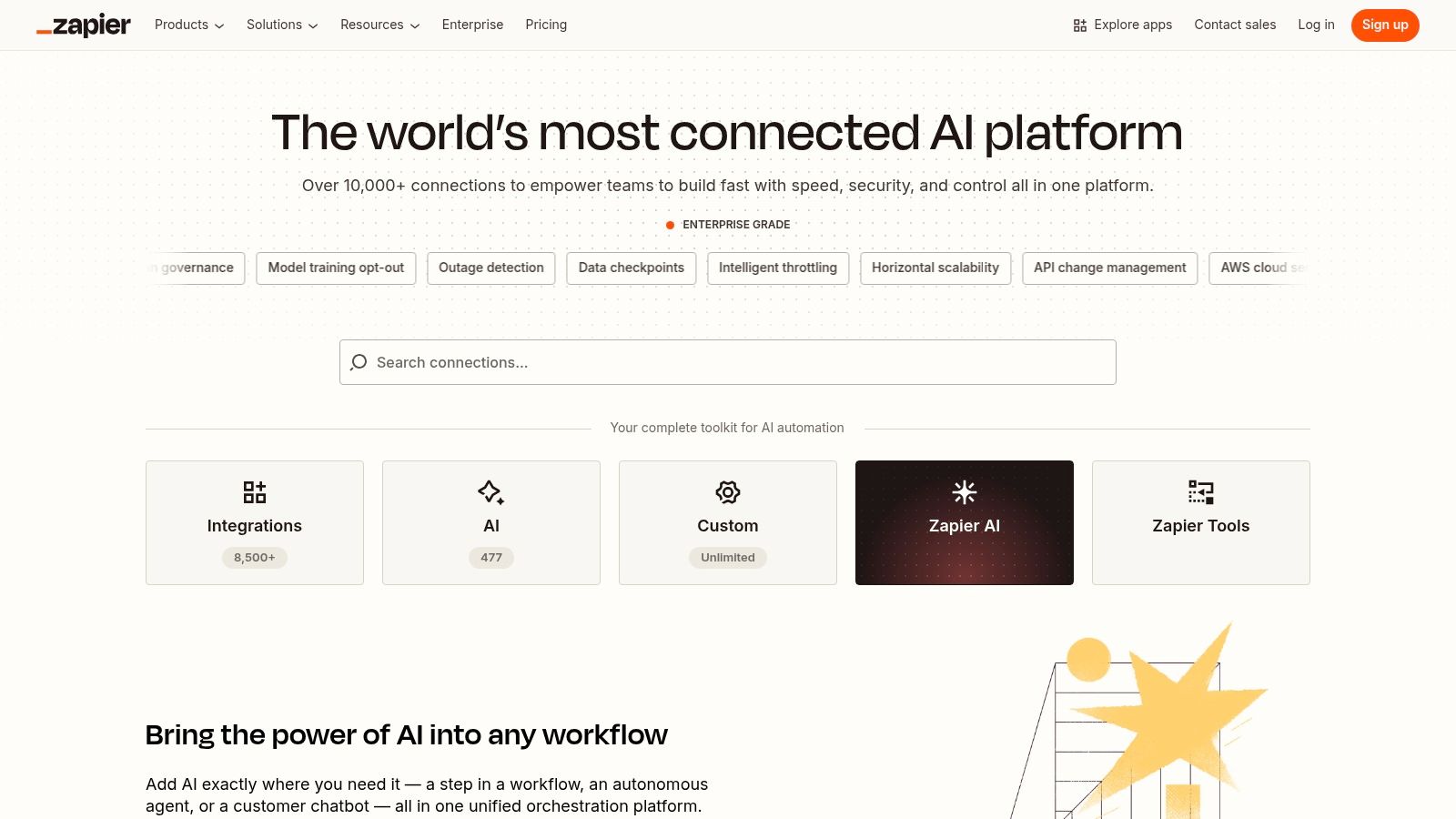
Zapier’s core advantage is its ability to make AI actionable without writing a single line of code. Through its AI by Zapier
features, you can build custom Zaps that incorporate steps like text summarization, content generation, or data classification. You can create custom AI chatbots or agents that are connected to over 8,500 applications, allowing them to do real work for you, from managing customer inquiries to drafting marketing copy based on real-time data.
Practical Tips for Using Zapier
- Start with a Template: Browse Zapier's extensive library of pre-built AI templates to see what's possible and get your first automation running in minutes.
- Use the
AI by Zapier
Steps: Experiment with built-in AI actions likeParse,
Summarize,
orCreate Text
to add intelligence to your existing workflows. - Incorporate Human Review: For critical processes, add a
human-in-the-loop
step to your Zap, ensuring an employee approves an AI's output before it proceeds.
Key Features & User Experience:
* Pros: The fastest path to making disparate AI tools act on your existing software stack. A strong partner ecosystem and expert network are available for implementation help.
* Cons: Complex, multi-step Zaps can become expensive as they consume more tasks. Requires careful governance to prevent runaway automations and unexpected costs.
Access: Zapier offers a free plan with limited tasks; paid plans unlock more features and higher task volumes.
Top 12 AI Tools for Small Business — Quick Comparison
| Product | Core Features ✨ | UX / Quality ★ | Value & Pricing 💰 | Target Audience 👥 | USP / Notes 🏆 |
|---|---|---|---|---|---|
| SAI 🏆 | Learns from Slack history; auto-builds shared KB; intent-aware 24/7 answers | Context-aware, zero-setup; immediate ROI ★★★★☆ | 💰 Free Early Access (single channel); paid multi-channel planned | 👥 Slack admins, team leads, support, Ops/HR, startups | 🏆 Native Slack, no training required; reduces interruptions & rebuild cost |
| G2 | Size-specific SMB views; verified reviews & comparison grids | High review volume; trust signals ★★★★☆ | 💰 Free access; sponsored vendor placements exist | 👥 Buyers shortlisting B2B software | Peer-validated reviews and granular filters |
| GetApp | SMB filters; integration checks; side-by-side comparisons | SMB-focused UX; guided options ★★★★ | 💰 Free to browse; sponsored listings appear | 👥 SMB buyers, marketers, ops | Integration filters (Slack/Shopify/Zapier) & consult options |
| Capterra | Wide category coverage; verified reviews; shortlist builder | Broad cross-functional coverage ★★★★ | 💰 Free; promoted/sponsored slots possible | 👥 Cross-functional SMB teams | Large catalog + transparent methodology |
| Product Hunt | Daily launches; community comments; curated lists | Great for early discovery; variable maturity ★★★☆☆ | 💰 Free; direct vendor links to pricing | 👥 Early adopters, product scouts | Spot emerging SMB-friendly AI tools quickly |
| Slack Marketplace | Apps that run inside Slack; admin controls & security notes | Native installs with admin visibility ★★★★ | 💰 App-dependent pricing; many free/paid options | 👥 Slack-first teams & IT admins | Official Slack apps + policy/permission guidance |
| Google Workspace Marketplace | AI add-ons for Docs/Sheets/Gmail; admin install controls | Embedded workflows; low training overhead ★★★★ | 💰 Varies by add-on; workspace plan limits may apply | 👥 Google Workspace SMBs | In-app AI for familiar Workspace apps |
| Microsoft 365 Copilot | Copilot across Word/Excel/Teams; Copilot Studio agents | Deep M365 integration; enterprise polish ★★★★☆ | 💰 Requires qualifying licenses; metered/yearly billing | 👥 M365 customers, IT-led deployments | Work-grounded AI + agent creation in Copilot Studio |
| OpenAI (ChatGPT for Teams) | Team plan, admin controls, growing integrations | Fast time-to-value; general-purpose ★★★★ | 💰 Per-seat Team pricing; self-serve & enterprise options | 👥 SMB teams needing versatile LLM | Broad capability, simple onboarding |
| Anthropic (Claude) | Long-context models; team seats; enterprise connectors | Strong on complex reasoning ★★★★☆ | 💰 Premium tiers pricier; team plans available | 👥 Teams needing high-context, privacy-first AI | Long context windows + privacy commitments |
| Shopify App Store | E‑commerce AI apps (SEO, descriptions, flows) | Plug-and-play in admin; merchant reviews ★★★★ | 💰 App-specific pricing; free trials common | 👥 Merchants & e-commerce SMBs | Native store integrations and merchant-centric tools |
| Zapier | No-code AI steps, agent builder; connects 8,500+ apps | Powerful automation; requires governance ★★★★ | 💰 Task-based plans; complex zaps can add cost | 👥 Ops, automation teams, SMBs | Fast path to operationalize AI across your stack |
From Tool to Transformation: Making AI Your Competitive Edge
The journey through the landscape of the best AI tools for small business reveals a powerful truth: the right technology isn't just about adding another app to your stack. It's about fundamentally changing how your team works, communicates, and innovates. We've explored everything from comprehensive marketplaces like G2 and Capterra to specialized powerhouses like Microsoft Copilot and AI assistants like ChatGPT and Claude. The common thread is a profound potential to reclaim your most valuable resource: time.
But simply knowing about these tools is not the same as harnessing their power. The real transformation happens when AI melts into the background of your daily operations, becoming an invisible, indispensable partner. It's the difference between having a tool and relying on an intelligent system that anticipates needs and eliminates friction.
From Information Overload to Instant Answers
Think about the old way
of working, a scavenger hunt for information that fragments your team's focus. A new hire needs the Wi-Fi password. A sales rep needs the latest pricing sheet. A project manager wants a status update. Each question triggers a cascade of interruptions: a Slack ping, a search through Google Drive, a skim of old emails, or a tap on a colleague's shoulder. Every interruption is a tax on productivity.
Now, imagine a different reality. Instead of this frantic search, your team simply asks a question in the one place they already work: Slack. An AI assistant like SAI instantly provides the correct, verified answer. There's no context switching, no digging through folders, and no interrupting a teammate who is deep in focus. This isn't just a minor convenience; it's a strategic advantage. It compounds, saving minutes that turn into hours, freeing your team to focus on high-impact work that truly drives the business forward.
Your Action Plan: Start Small, Win Big
Adopting AI doesn't require a massive, company-wide overhaul. The most successful implementations begin with a focused, strategic approach. Don't try to boil the ocean. Instead, identify the single most painful, repetitive bottleneck in your current workflow.
Use this simple framework to get started:
- Identify the Pain: Where does your team lose the most time? Is it answering the same HR questions over and over? Is it onboarding new clients? Is it digging up marketing assets? Pinpoint one specific, high-frequency problem.
- Select a Pilot Tool: Choose a tool from this list that directly addresses that pain point. If your biggest issue is repetitive questions inside Slack, a tool designed for that exact environment is your ideal starting point. Look for a solution with a low barrier to entry, such as a free trial or a simple integration process.
- Run a Small-Scale Test: Deploy the tool with a small, focused group or within a single Slack channel. The goal is to prove the concept and gather real-world feedback. Measure the impact. Are you seeing fewer interruptions? Are team members getting answers faster?
- Scale What Works: Once you have a proven win, you have the momentum and the business case to expand its use across other teams or departments. This methodical, problem-first approach ensures you're investing in solutions that deliver tangible value, turning a simple tool into a powerful engine for growth and efficiency.
The era of AI is not a distant future; it is a present-day reality offering a distinct competitive edge to small businesses that are agile enough to embrace it. By choosing the right tools and implementing them thoughtfully, you can empower your team to operate at a higher level, automating the mundane and unlocking their full creative and strategic potential. The transformation begins not with a dozen new apps, but with solving one simple problem, exceptionally well.
Ready to eliminate repetitive questions and give your team instant access to company knowledge right within Slack? SAI is one of the best AI tools for small business because it solves this exact problem, turning your internal conversations into a reliable source of truth. Start reclaiming your team's focus today by trying SAI for free.