12 Best Chatbots for Customer Service to Transform Your Workflow in 2025
Imagine a workday where you aren't constantly interrupted by the same repetitive questions. Instead of toggling between five different tabs, wikis, and old documents to find an answer, your team just asks a question in Slack and gets an instant, accurate response. This isn't a futuristic dream; it's the reality the best chatbots for customer service are delivering today.
These tools do more than just deflect tickets. They fundamentally transform how your team accesses information, eliminating the productivity-killing hunt through scattered resources. Forget digging through outdated Confluence pages or searching shared drives for that one specific policy document. The right chatbot puts the entire knowledge base at your team's fingertips, directly within the workflow they already use every day.
This guide is built to help you find the perfect solution for that transformation. We will cut through the marketing jargon to give you a clear, comprehensive comparison of the top 12 chatbot platforms. You will see how each tool performs in the real world, complete with screenshots, direct links, and practical insights into their ideal use cases. We’ll analyze key features, Slack integration capabilities, and pricing to help you select the right fit for your team’s size and specific needs. Whether you’re a startup or a large enterprise, this resource will show you which chatbot can finally stop the endless cycle of repeat questions and give your team back their most valuable asset: time.
1. Intercom
Intercom's Fin AI Agent stands out as one of the best chatbots for customer service due to its remarkable blend of power and flexibility. It's designed for teams who want an enterprise-grade AI assistant that can plug directly into their existing helpdesk infrastructure, whether that’s Zendesk, Salesforce, or Intercom’s own mature suite. This approach allows you to augment your current setup without a disruptive migration.
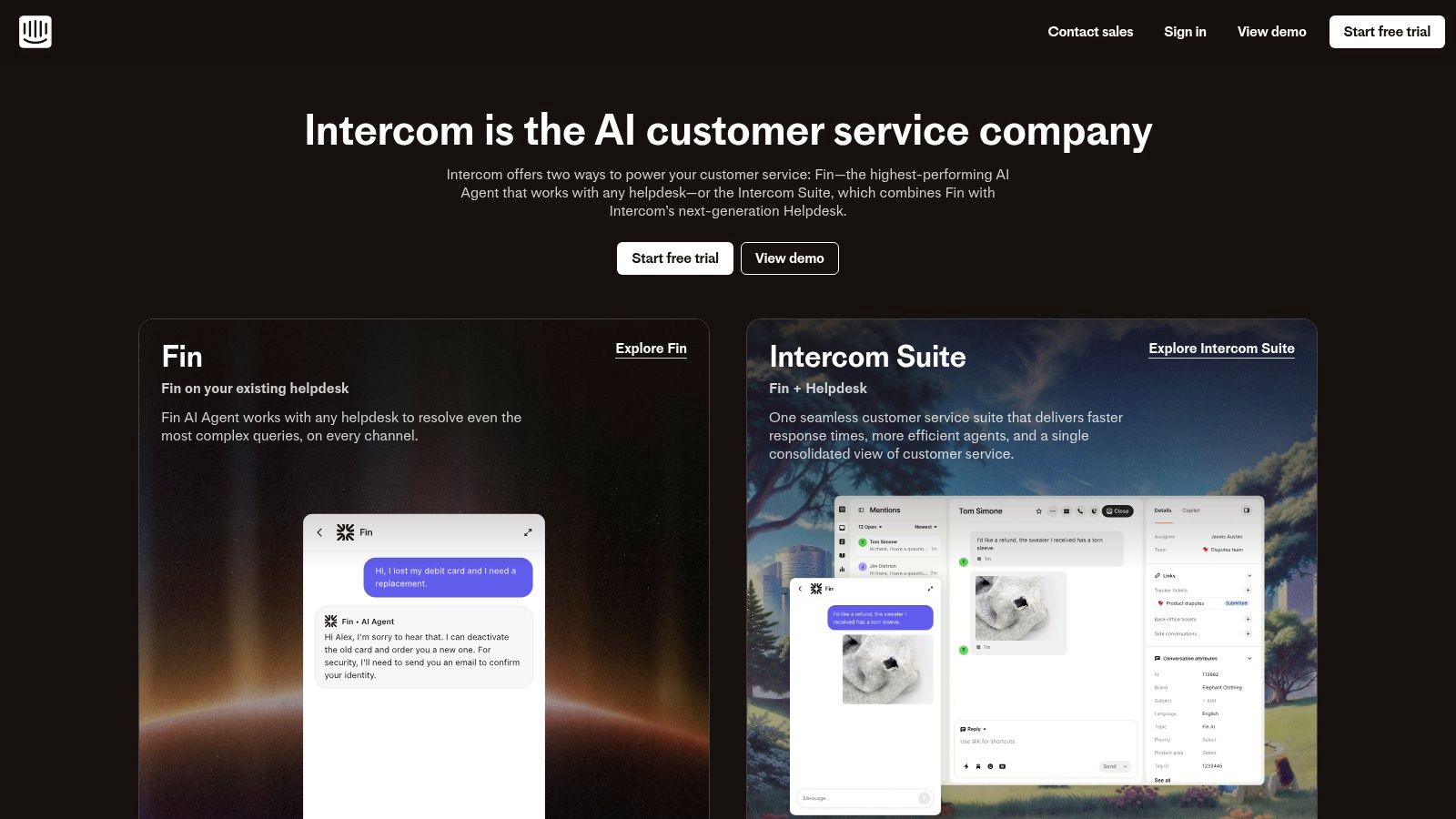
The platform’s strength lies in its rapid deployment and transparent, usage-based pricing model, making AI-powered support accessible. You can configure Fin’s personality and response length to match your brand's voice, ensuring a consistent customer experience. This focus on brand alignment is a key part of creating a great customer service experience, which you can read more about in these examples of excellent customer service on sai-bot.ai.
Key Details & Pricing
- Best For: Teams wanting to add powerful AI to their existing helpdesk or adopt a complete, mature customer service platform.
- Pricing: Fin operates on a $0.99 per AI resolution model. Note that if you use Intercom’s helpdesk, separate seat fees apply. Minimum commitments may be required for standalone Fin deployments.
- Unique Feature: The ability to seamlessly integrate with major third-party helpdesks sets it apart, offering a gradual path to AI adoption.
Pros & Cons
| Pros | Cons |
|---|---|
| Transparent AI Pricing: Pay only for successful resolutions. | Additional Seat Fees: Using the full Intercom suite adds costs. |
| Rapid Setup: Deploy the AI agent quickly to start resolving issues. | Minimum Commitments: Standalone use may require a contract. |
| Mature Platform: Offers a full suite of tools beyond the chatbot. |
Website: https://www.intercom.com/
2. Zendesk
Zendesk positions itself as a powerhouse for enterprise-level customer service, integrating AI agents and an agent Copilot directly into its renowned omnichannel platform. This makes it one of the best chatbots for customer service for large organizations that prioritize security, compliance, and deep analytics. The platform is designed not just as a chatbot, but as a comprehensive service suite where AI augments a robust, established system.
The strength of Zendesk's AI lies in its native integration with the broader Zendesk Suite, providing a single source of truth for customer interactions and agent performance. This unified approach is crucial for effective knowledge management, a concept you can explore further in this guide to knowledge management systems on sai-bot.ai. The AI agents are built to handle a high volume of interactions, while the Copilot assists human agents, making workflows more efficient across every channel.
Key Details & Pricing
- Best For: Enterprises needing an all-in-one service platform with strong governance, broad channel coverage, and integrated analytics.
- Pricing: AI features are available as add-ons. For example, the Copilot can be added for $50 per agent per month (billed annually) to qualifying Suite plans. Enterprise features often require direct sales engagement.
- Unique Feature: The deep integration of AI into a mature, omnichannel helpdesk with built-in advanced analytics and enterprise-grade security.
Pros & Cons
| Pros | Cons |
|---|---|
| Deep Ecosystem: Enterprise-grade security and compliance. | Complex Pricing: AI features are add-ons with specific terms. |
| Omnichannel Support: Analytics are baked into the core Suite. | Sales Engagement: Accessing top-tier features requires contact. |
| Established Platform: Extensive enterprise-level integrations. |
Website: https://www.zendesk.com/
3. Freshdesk (Freshworks)
Freshdesk, part of the Freshworks ecosystem, offers one of the best chatbots for customer service by integrating its Freddy AI directly into a user-friendly and approachable helpdesk platform. It’s built for small to mid-market teams that need a comprehensive solution including ticketing, a knowledge base, and omnichannel support without an enterprise-level price tag. This makes it an excellent starting point for businesses looking to adopt AI-powered support.
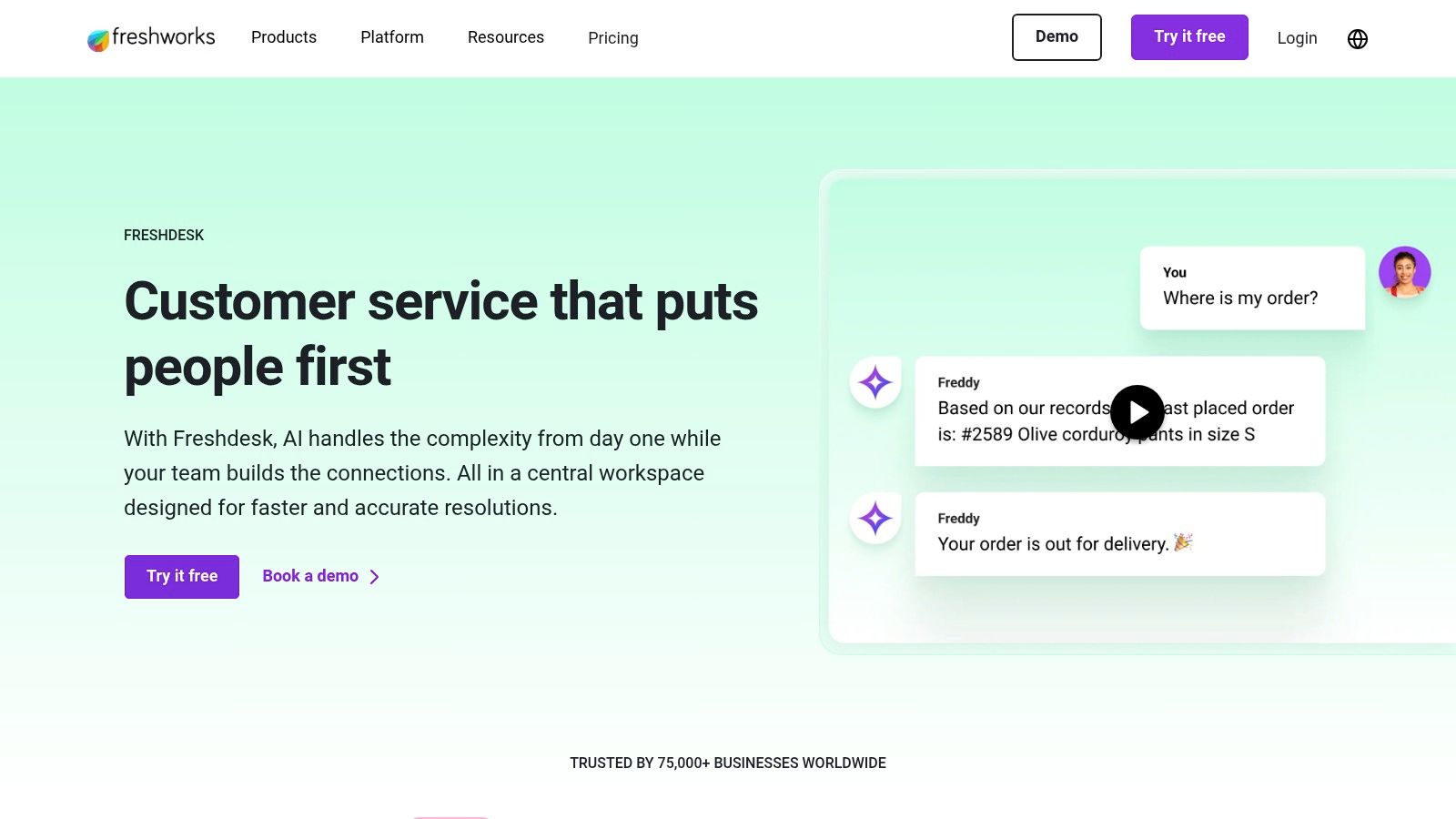
The platform’s major advantage is its flexible and accessible pricing model, which includes a free starter tier. Freddy AI is available through AI agent sessions or as a Copilot add-on, allowing you to license AI capabilities only for the agents who truly need them. This à-la-carte approach prevents you from paying for unused features, providing a cost-effective way to scale your customer service operations as your team grows.
Key Details & Pricing
- Best For: SMBs and mid-market teams seeking an all-in-one helpdesk with flexible, scalable AI features.
- Pricing: Plans start with a free tier. Paid plans offer more features, with Freddy AI sold as add-ons based on AI sessions or seat licenses.
- Unique Feature: The
Flexi
AI licensing model allows businesses to purchase AI capabilities for specific agents, offering granular control over costs.
Pros & Cons
| Pros | Cons |
|---|---|
| Flexible Entry Pricing: Accessible plans, including a free option. | AI Session Monitoring: Usage-based AI pricing requires oversight. |
| À-la-carte AI Licensing: Only pay for the agents who need AI. | Add-on Costs: Key AI features are billed separately from the plan. |
| Well-Rounded Helpdesk: Includes robust ticketing and support tools. |
Website: https://www.freshworks.com/freshdesk/
4. Salesforce Service Cloud
Salesforce Service Cloud delivers one of the best chatbots for customer service when deep integration with your CRM is non-negotiable. Its native Einstein AI is designed for organizations already embedded in the Salesforce ecosystem, allowing you to build bots that leverage a unified view of customer data. This means your chatbot interactions are contextually aware, pulling from sales history, service cases, and customer profiles to provide highly personalized and effective support.
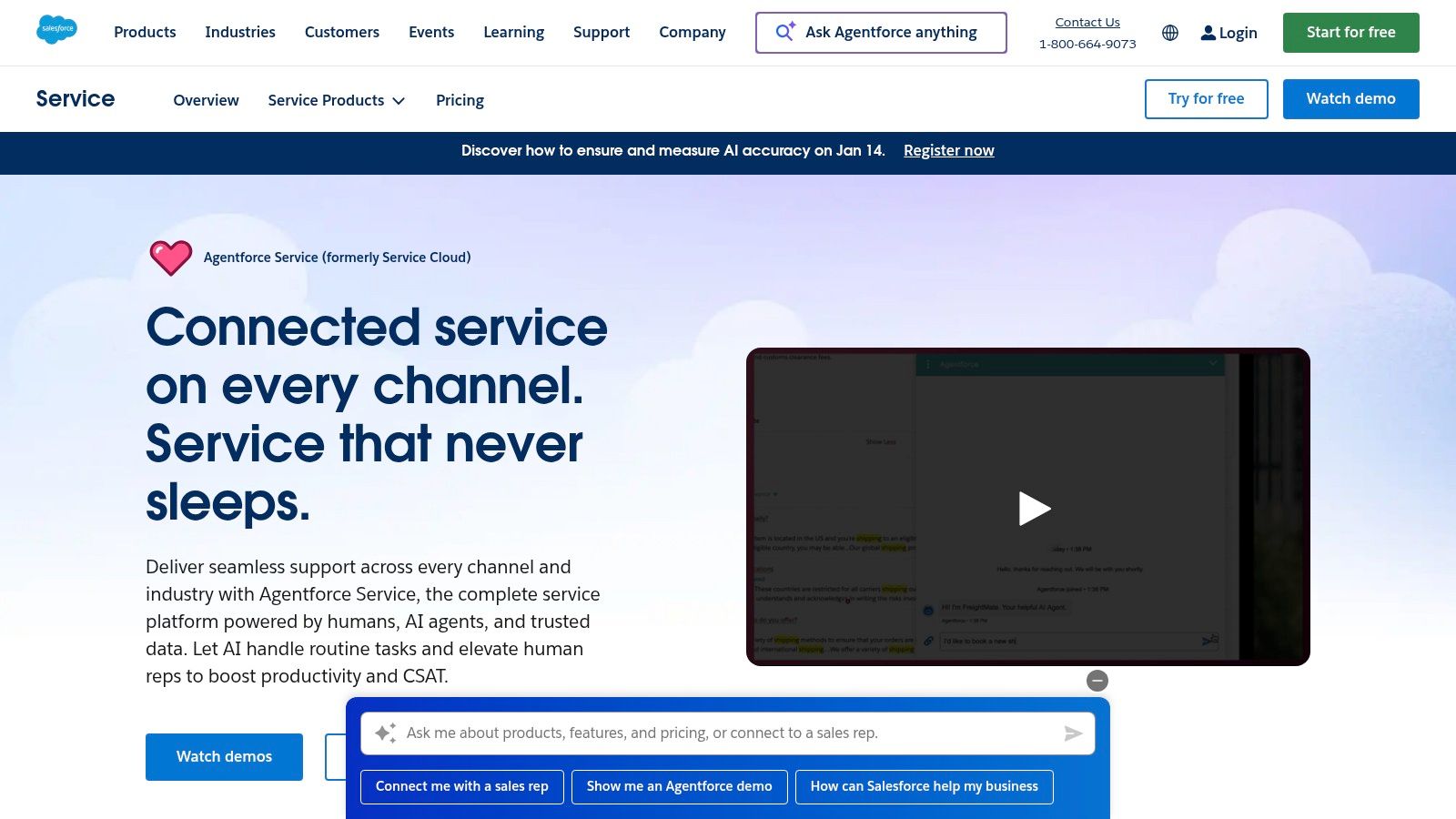
The platform excels at creating sophisticated automations using Flows and leveraging the extensive AppExchange for custom integrations. For large-scale, complex operations where service, sales, and marketing data must work in unison, Service Cloud provides a robust foundation. Imagine a bot that not only answers a query but also identifies an upsell opportunity and creates a task for a sales rep, all within a single conversation.
Key Details & Pricing
- Best For: Enterprise teams already using Salesforce who require deep CRM data integration for their service operations.
- Pricing: Multiple tiers are available, from Starter to Unlimited. AI entitlements and capabilities vary significantly by subscription tier, making it essential to evaluate your specific needs.
- Unique Feature: The native integration with Salesforce CRM and the ability to trigger complex workflows (Flows) directly from bot conversations is its core differentiator.
Pros & Cons
| Pros | Cons |
|---|---|
| Deep Unification: Connects service data directly with your CRM. | Complex Pricing: Packaging and AI features vary widely by tier. |
| Robust Automation: Powerful workflow and integration options. | Tier-Based AI: Access to advanced AI depends on your plan. |
| Enterprise-Scale: Built to handle complex, large-scale use cases. |
Website: https://www.salesforce.com/service/
5. Ada
Ada carves out its space among the best chatbots for customer service by positioning itself as a dedicated, automation-first platform for enterprise and mid-market teams. It's designed for businesses that need to deliver consistent, high-quality automated support across multiple channels, including web, social messaging, and phone. Ada focuses on deep reasoning capabilities and robust persona controls, allowing you to tailor the chatbot's voice and tone precisely to your brand.
The platform excels at providing a unified customer experience with no-code integrations and multilingual support, translating conversations instantly. This makes it an ideal choice for global brands aiming to scale support without scaling their headcount. While it is a powerful external-facing tool, for internal support, you might want to look at how an AI in a Slack knowledge base can provide instant answers to streamline team operations. Ada’s focus remains firmly on orchestrating complex, cross-system customer interactions.
Key Details & Pricing
- Best For: Mid-market and enterprise companies needing a powerful, multi-channel AI agent with strong brand and automation controls.
- Pricing: Ada does not offer public pricing. Access is provided through a sales-led process, involving demos and customized quotes.
- Unique Feature: Its advanced reasoning engine combined with granular persona controls allows for highly sophisticated and on-brand automated conversations.
Pros & Cons
| Pros | Cons |
|---|---|
| High-Quality Automation: Focuses on deep reasoning for accuracy. | No Public Pricing: Requires engaging with a sales team to start. |
| Multi-channel Coverage: Supports web, messaging, email & phone. | Sales Cycle Required: You cannot self-serve or sign up online. |
| Enterprise-Grade Controls: Advanced analytics and brand safety. |
Website: https://www.ada.cx/
6. Forethought
Forethought’s SupportGPT platform positions itself as a comprehensive AI partner for support teams, extending far beyond simple ticket deflection. It’s designed to manage the entire customer support lifecycle across multiple channels including chat, email, and voice. This focus on end-to-end workflows, from automated triage to agent assistance and knowledge-gap detection, makes it one of the best chatbots for customer service for operations-focused teams seeking measurable ROI.
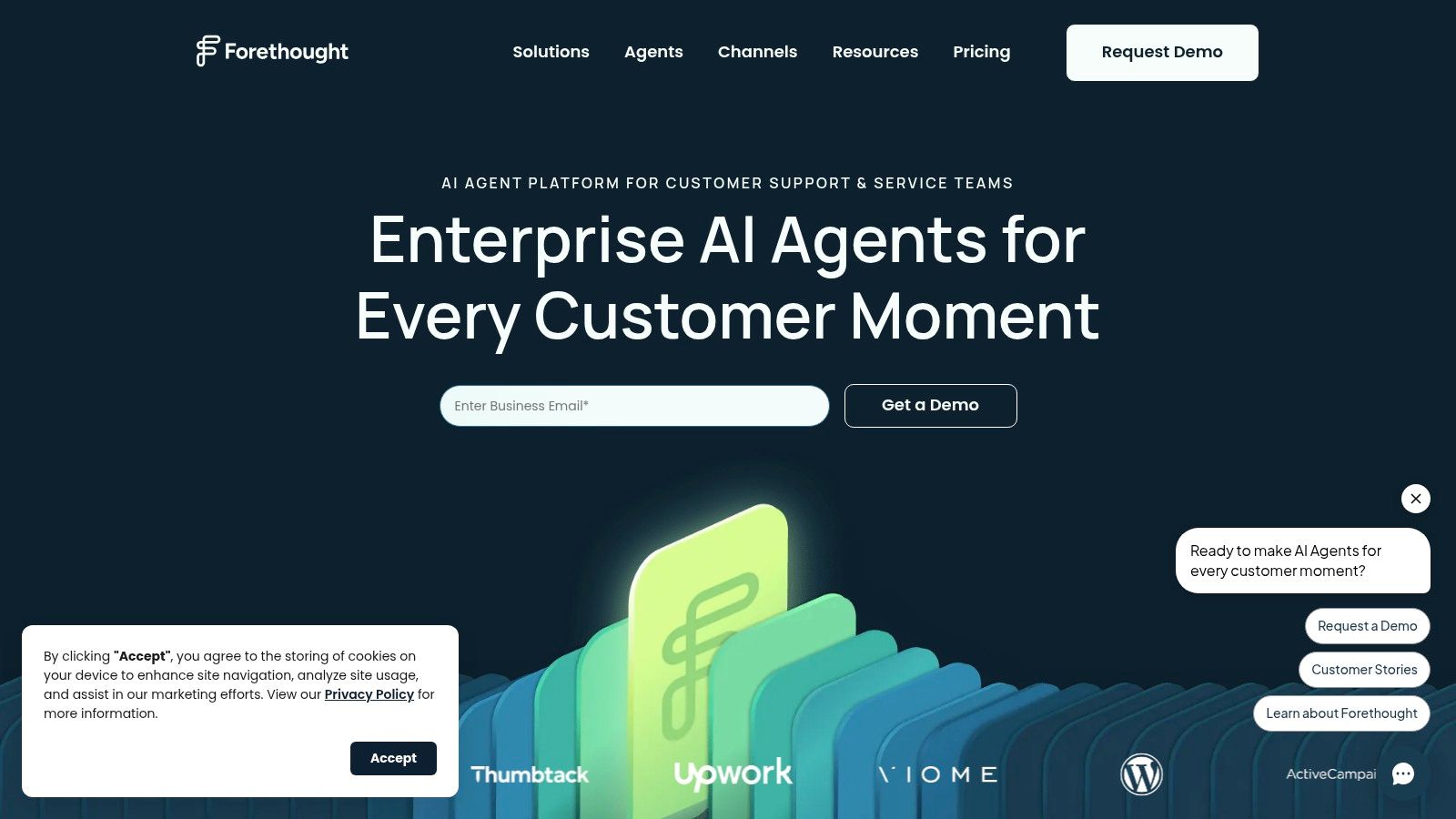
The platform’s strength is its ability to create Autoflows
and custom actions that integrate deeply into your business processes. Instead of just answering a question, SupportGPT can perform tasks like processing a return or updating an account. This capability allows teams to automate complex resolutions, freeing up human agents to handle only the most sensitive and nuanced customer issues, ultimately transforming the efficiency of the entire support function.
Key Details & Pricing
- Best For: Support teams in mid-sized to large companies looking for an AI platform to optimize and automate complex, end-to-end service workflows.
- Pricing: Pricing is quote-based and requires a consultation. Forethought offers packaged tiers (Basic, Pro, Enterprise) and proof-of-concept (POC) options for evaluation.
- Unique Feature: The emphasis on creating custom
Autoflows
allows the AI to not just answer questions but to actively resolve complex, multi-step issues without human intervention.
Pros & Cons
| Pros | Cons |
|---|---|
| Focus on End-to-End Workflows: Goes beyond deflection to automate resolutions. | Quote-Based Pricing: Lacks transparency; requires a sales call. |
| Drives Measurable ROI: Built to improve key support operation metrics. | Complex Implementation: Advanced features may require more setup. |
| Offers POCs for Evaluation: Allows teams to test the platform's value first. |
Website: https://forethought.ai/
7. LivePerson
LivePerson's Conversational Cloud is a powerhouse for enterprises seeking a unified AI strategy across a vast digital landscape. Its strength lies in orchestrating complex customer conversations across not just your website, but also SMS, WhatsApp, Apple Business Messages, and other key channels. This platform is designed for organizations that need one of the best chatbots for customer service capable of managing diverse interactions from a single, intelligent hub.
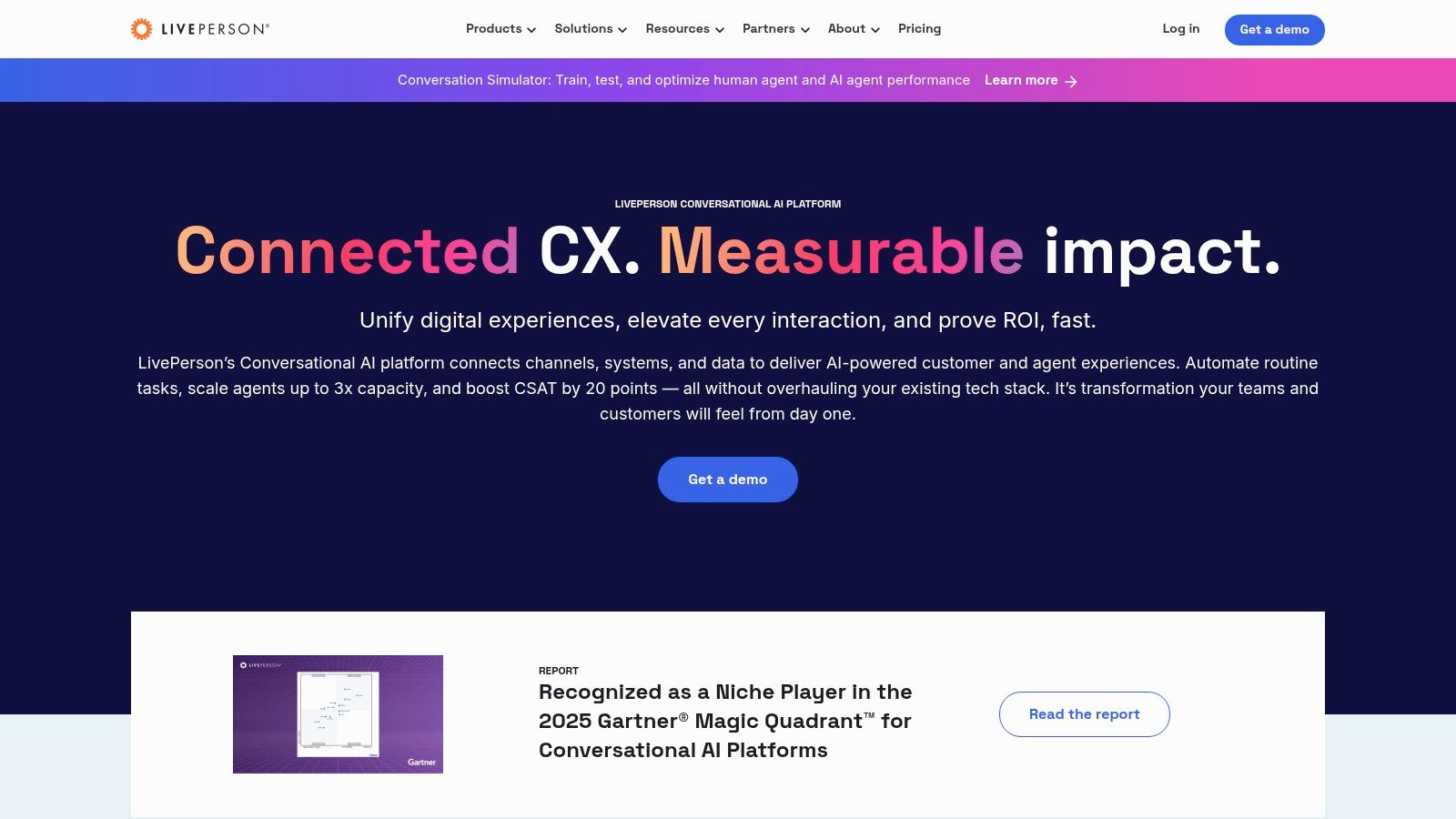
The platform provides a suite of advanced tools, including a Conversation Builder, Intent Manager, and KnowledgeAI, empowering teams to build sophisticated and context-aware bots. A standout feature is the support for bringing your own Large Language Model (LLM) and built-in hallucination detection, giving you maximum control and reliability. This enterprise-grade tooling ensures you can deploy a truly intelligent and scalable conversational experience.
Key Details & Pricing
- Best For: Large organizations needing to manage and automate customer service across a wide array of digital messaging channels.
- Pricing: Pricing is entirely custom and provided through a sales quote. There are no public self-serve plans available for smaller businesses.
- Unique Feature: Its extensive list of native channel connectors (SMS, WhatsApp, etc.) and enterprise-level orchestration capabilities make it a true omnichannel solution.
Pros & Cons
| Pros | Cons |
|---|---|
| Broad Channel Coverage: Connects with nearly every major channel. | No Self-Serve SMB Plan: Pricing is quote-based and enterprise-focused. |
| Advanced Tooling: Provides deep control over conversational AI. | Additional Usage Costs: Proactive messaging may be billed separately. |
| Strong Analytics: Offers powerful insights into conversation data. |
Website: https://www.liveperson.com/
8. Tidio
Tidio presents a highly accessible entry point into AI-powered customer service, making it one of the best chatbots for customer service, especially for small to medium-sized businesses. Its Lyro AI Agent is designed for rapid deployment, allowing e-commerce stores and SaaS companies to start automating conversations quickly. The platform bundles live chat and AI into a single, user-friendly helpdesk, streamlining support operations without a steep learning curve.
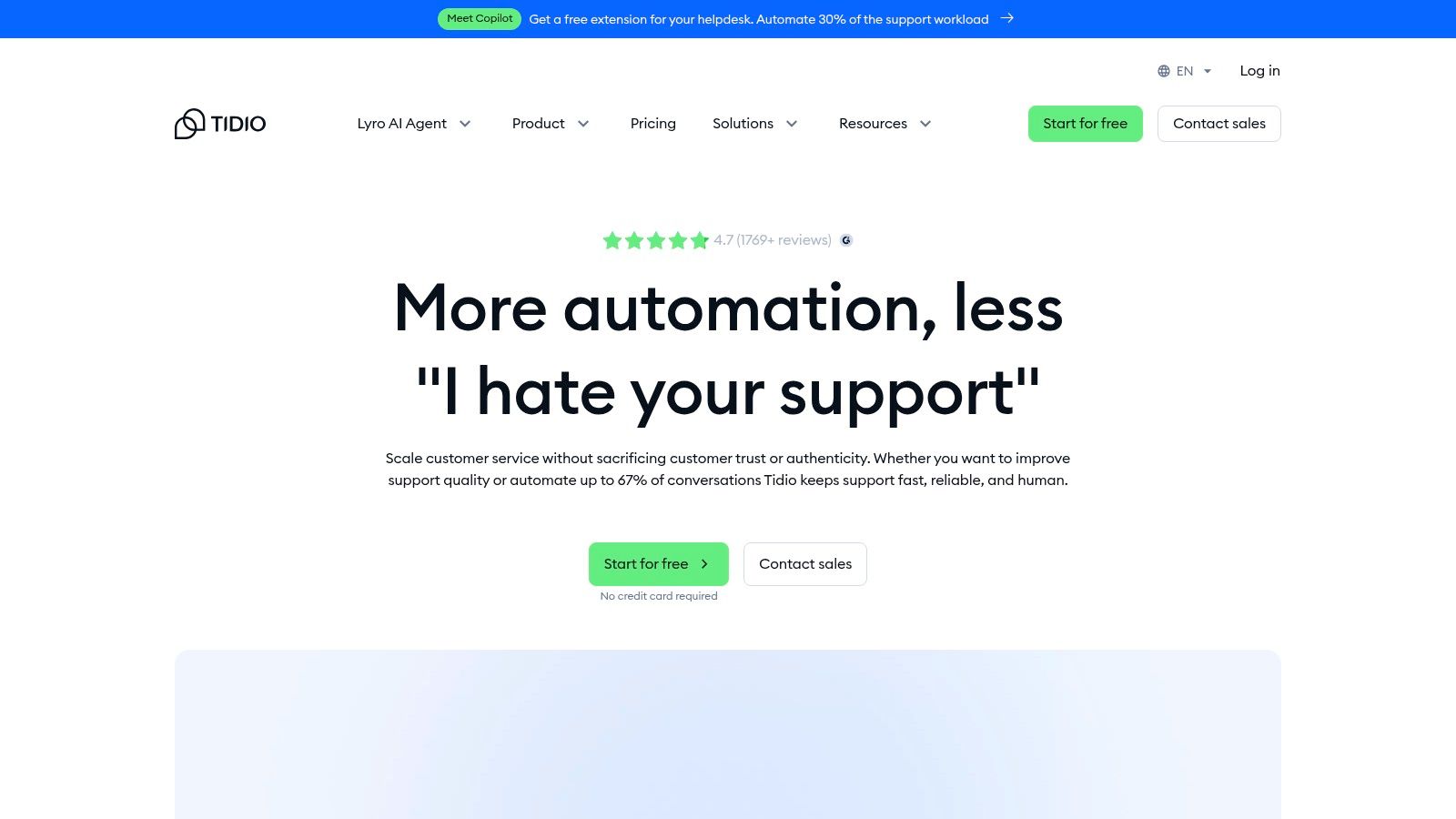
The platform’s major appeal is its straightforward pricing and clear conversation quotas, which are easily adjusted with pricing sliders. This transparency helps teams manage costs effectively as they scale. With integrations for popular commerce stacks like Shopify and the ability to send notifications to Slack, Tidio fits neatly into existing workflows, allowing teams to stay informed without leaving their primary communication hub.
Key Details & Pricing
- Best For: E-commerce and small businesses seeking an all-in-one live chat and AI chatbot solution that is easy to set up and manage.
- Pricing: Tidio offers a free plan with limited features. Paid plans include conversation quotas, with Lyro AI conversations available as an add-on or in bundled tiers. A 7-day free trial is available.
- Unique Feature: The combination of a low barrier to entry, transparent conversation-based pricing, and native e-commerce integrations makes it uniquely suited for growing online businesses.
Pros & Cons
| Pros | Cons |
|---|---|
| Low barrier to entry: Clear quotas and pricing sliders. | One-time free AI quota: The 50 free Lyro conversations do not renew. |
| Quick deployment: Ideal for ecommerce and small teams. | Requires cost monitoring: Conversation quotas must be tracked to control costs. |
| Integrates with commerce platforms: Connects to Shopify, etc. |
Website: https://www.tidio.com/
9. Gorgias
Gorgias establishes itself as a powerhouse for e-commerce brands, particularly those built on Shopify, by offering a helpdesk where AI automation is deeply integrated. Its platform is designed from the ground up to handle the specific queries that online stores face daily, from order status to return policies. This commerce-centric approach makes it one of the best chatbots for customer service in the retail sector, moving beyond generic answers to provide context-aware, actionable support.
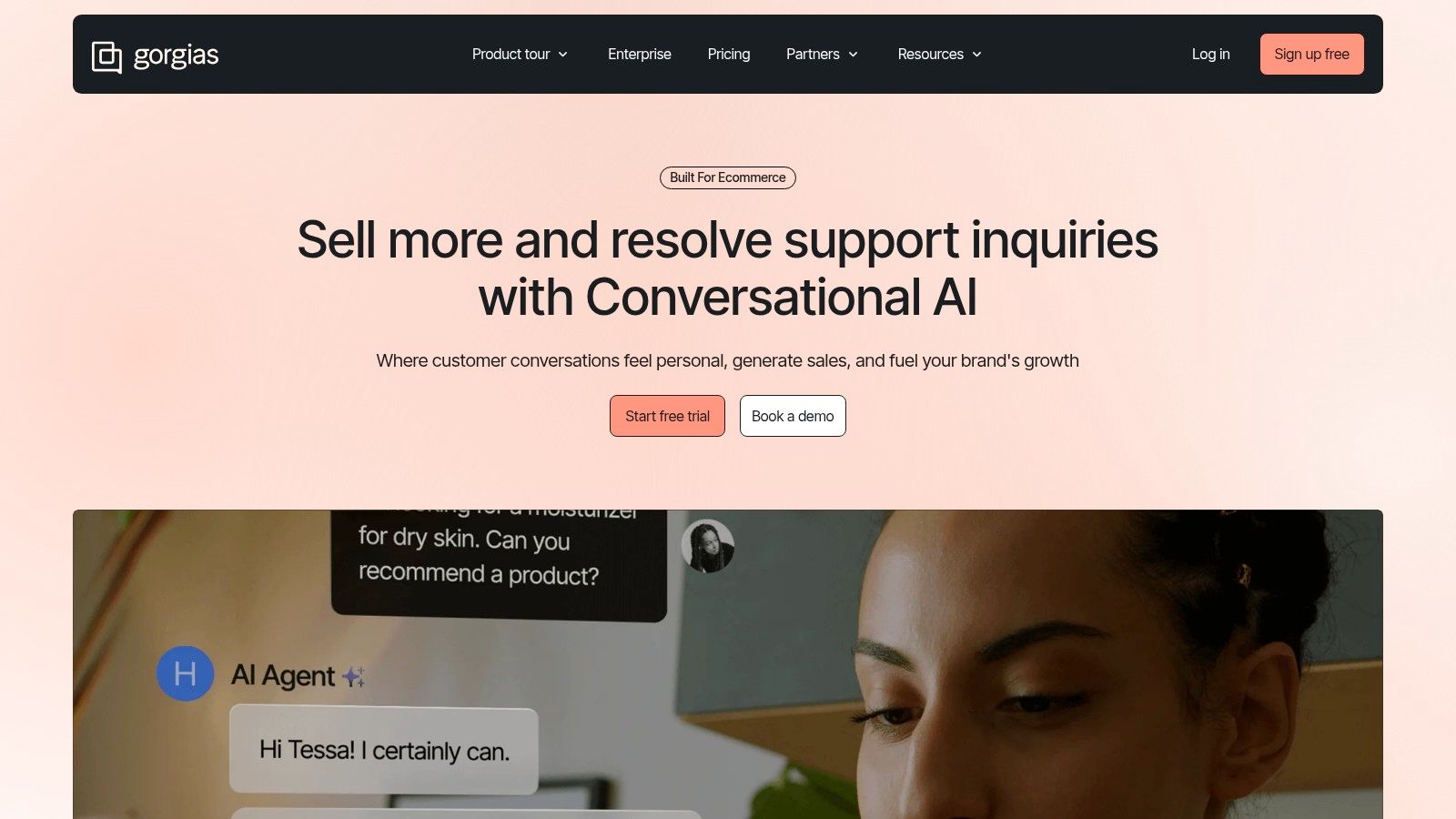
The platform’s strength is its flexible, outcome-based pricing for AI resolutions and an extensive app marketplace. This allows merchants to enhance the core helpdesk with specialized AI partners like Yuma or My AskAI, tailoring automation to their unique needs. By combining a native AI agent with third-party tools, Gorgias provides a customizable and scalable solution that grows with an e-commerce business.
Key Details & Pricing
- Best For: E-commerce businesses, especially on Shopify, seeking a deeply integrated helpdesk with powerful, sales-driven automation.
- Pricing: The AI Agent is priced per resolved conversation, typically ~$0.90–$1.00 per resolution. Base plans are priced on usage-based tickets, with optional add-ons for voice and SMS channels.
- Unique Feature: Its rich app marketplace allows for specialized AI integrations, providing unparalleled customization for e-commerce automation.
Pros & Cons
| Pros | Cons |
|---|---|
| Transparent Automation Pricing: Pay-per-resolution model is ideal for e-commerce. | Compounding Fees: Costs for tickets and AI resolutions can add up. |
| Rich App Marketplace: Access to a wide range of specialized AI add-ons. | Additional App Costs: Some advanced app partners require separate subscriptions. |
| Commerce-First Features: Deep integrations with platforms like Shopify. |
Website: https://www.gorgias.com/
10. HubSpot Service Hub (Breeze AI Customer Agent)
For businesses already embedded in the HubSpot ecosystem, the Service Hub’s Breeze AI customer agent is a natural and powerful extension. It's designed for teams who want to leverage their rich CRM data to deliver highly contextual and automated support. This integration means your chatbot isn't just answering questions; it's accessing a unified view of every customer's journey across marketing, sales, and service for truly personalized interactions.
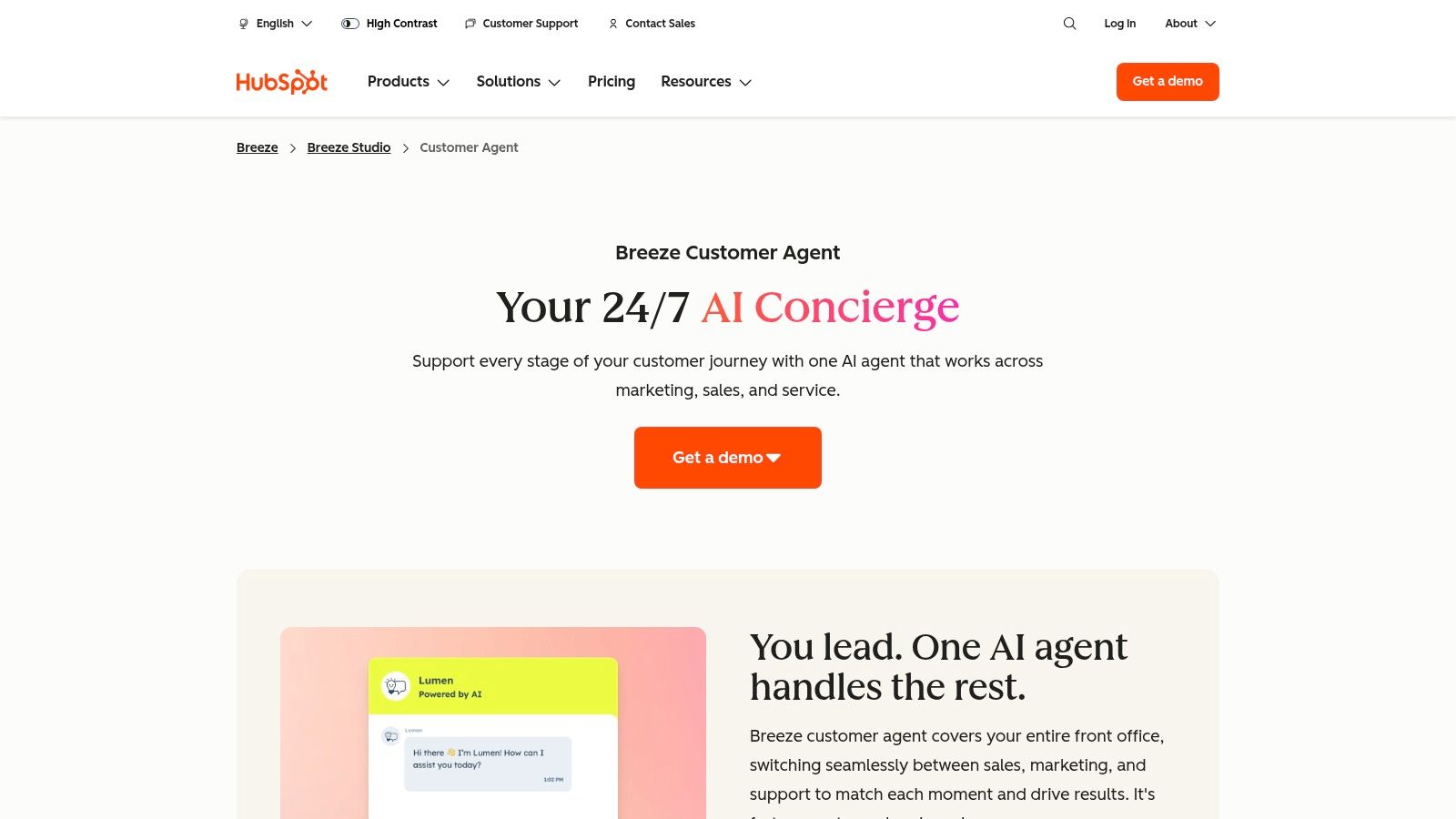
The platform combines conversational bots with essential service tools like ticketing and a knowledge base, creating an all-in-one solution. By connecting your service data directly to your CRM, you can build end-to-end workflows that not only solve problems but also identify upselling opportunities or trigger marketing campaigns. This makes it one of the best chatbots for customer service if you prioritize a single source of truth for all customer data.
Key Details & Pricing
- Best For: Teams already using HubSpot who want to add an AI service layer without integrating a separate platform.
- Pricing: Breeze AI and advanced AI conversations are metered by credits and available on the Professional and Enterprise tiers. Usage and feature availability are limited on lower-priced plans.
- Unique Feature: The deep, native integration with HubSpot CRM provides a 360-degree customer view, enabling more personalized and effective AI-powered conversations than standalone bots can offer.
Pros & Cons
| Pros | Cons |
|---|---|
| Unified CRM + Service Data: One platform for all interactions. | Requires Pro/Enterprise Tiers: Advanced AI is locked in higher plans. |
| Mature Ecosystem: Access to extensive integrations and tools. | Limited on Lower Tiers: AI availability and usage are restricted. |
| Ideal for HubSpot Users: Seamless extension of existing workflows. |
Website: https://www.hubspot.com/products/service/ai-customer-service-agent
11. Kustomer
Kustomer offers a comprehensive CX platform with AI capabilities, making it one of the best chatbots for customer service for brands seeking pricing transparency and omnichannel depth. It allows businesses to add powerful AI agents to their support workflows without a complete platform overhaul, billing per engaged conversation. This model provides a clear, predictable cost structure for scaling AI-powered interactions.
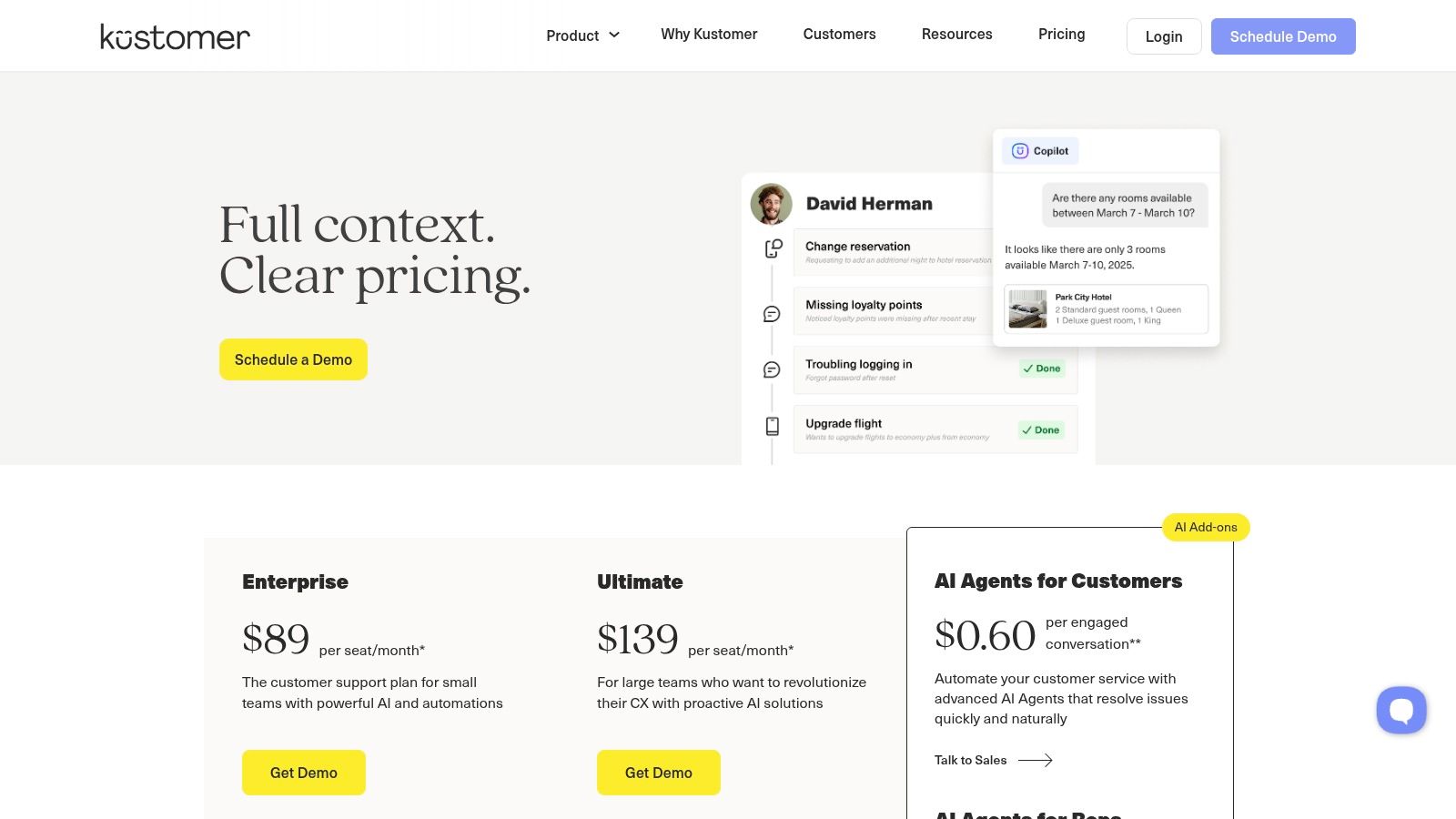
The platform’s strength is its flexible pricing and deep workflow capabilities. Teams can choose between seat-based or conversation-based plans and enhance their setup with add-ons like AI Agents and Agent Assist. This flexibility makes it a compelling choice for companies that need a robust, integrated customer service solution that can adapt as their support needs evolve.
Key Details & Pricing
- Best For: Scaling teams needing a strong omnichannel platform with transparent, usage-based AI add-on pricing.
- Pricing: AI Agents are an add-on, with example pricing around $0.60 per engaged conversation. Base platform plans are either seat-based or conversation-based, with published rates often requiring annual billing.
- Unique Feature: Unusually transparent public pricing for its AI add-ons, allowing for clearer ROI calculation compared to competitors with opaque pricing models.
Pros & Cons
| Pros | Cons |
|---|---|
| Transparent AI Add-on Pricing: Clear, publicly available costs. | Annual Billing for Best Rates: Optimal pricing assumes a yearly plan. |
| Flexible Pricing Models: Choose between seat or conversation plans. | Commitments Required: Advanced features may necessitate minimum seats. |
| Strong Omnichannel Capabilities: Deep workflows for scaling teams. |
Website: https://www.kustomer.com/pricing/
12. G2 (AI Customer Support Agents category)
Instead of a single platform, G2 offers something different: a comprehensive, bird's-eye view of the entire AI customer support landscape. It serves as an essential research hub, aggregating verified user reviews, detailed feature comparisons, and market guides for dozens of the best chatbots for customer service. This allows you to build a shortlist and validate vendor claims with real-world user sentiment before committing to a demo.
G2's dedicated AI Customer Support Agents
category is a powerful tool for initial discovery and due diligence. You can filter vendors by company size, compare top contenders side-by-side, and read honest pros and cons from people who use these tools daily. It helps you cut through the marketing noise and focus on what matters for your specific use case, ensuring you find a solution that truly fits your team's needs.
Key Details & Pricing
- Best For: Teams in the research phase who need to compare multiple vendors and validate their options with unbiased user reviews.
- Pricing: Access to all category pages, reviews, and buyer guides is completely free.
- Unique Feature: Its strength lies in providing aggregated, real-world user feedback and structured comparisons that you can't find on individual vendor sites.
Pros & Cons
| Pros | Cons |
|---|---|
| Broad Vendor Coverage: Discover and compare a wide range of platforms. | Vendor Influence: Profiles and rankings can be impacted by vendor activity. |
| Verified User Reviews: Gain insights from authentic user experiences. | Cross-Check Required: Always verify pricing and features on the official site. |
| Free Research Tool: Helps build an informed shortlist at no cost. |
Website: https://www.g2.com/categories/ai-customer-support-agents
Top 12 Customer Service Chatbots Comparison
| Vendor | Core features | Quality ★ | Pricing 💰 | Target 👥 | USP ✨/🏆 |
|---|---|---|---|---|---|
| Intercom | Usage‑based AI resolutions, helpdesk integrations, tone control, agent handoff | ★★★★ | 💰 $0.99/res; seat fees may apply; 14‑day trial | 👥 Startups → Enterprise | ✨ Rapid setup; mature helpdesk suite |
| Zendesk | AI agents & Copilot, omnichannel, built‑in analytics, governance | ★★★★ | 💰 Add‑ons (e.g. $50/agent/mo Copilot); sales‑quoted for enterprises | 👥 Enterprise & regulated orgs | 🏆 Enterprise security, broad channel & analytics |
| Freshdesk (Freshworks) | Freddy AI agent/Copilot, ticketing, KB, flexible AI licensing | ★★★★ | 💰 Flexible entry; free starter; session‑based AI/add‑ons | 👥 SMBs & mid‑market | ✨ Flexi AI licensing; affordable entry |
| Salesforce Service Cloud | Einstein AI, omnichannel routing, flows, AppExchange integrations | ★★★★ | 💰 Tiered (Starter→Unlimited); complex entitlements | 👥 Enterprises on Salesforce | 🏆 Deep CRM-service unification & automations |
| Ada | No‑code automation, persona/tone controls, multilingual, human handoff | ★★★★ | 💰 Quote‑based; no public self‑serve pricing | 👥 Mid‑market → Enterprise | ✨ Strong automation quality & multilingual support |
| Forethought | Omnichannel AI agents, Autoflows, agent assist, knowledge‑gap insights | ★★★★ | 💰 Quote‑based; POCs available | 👥 Support teams focused on ROI | 🏆 End‑to‑end workflow & insight focus |
| LivePerson | Conversation Builder, BYO‑LLM, many channel connectors, analytics | ★★★★ | 💰 Sales‑quoted; enterprise packaging | 👥 Large orgs needing broad channel reach | ✨ Very broad channel & BYO‑LLM support |
| Tidio | Lyro AI metered by conversations, chat/helpdesk, e‑commerce integrations | ★★★ | 💰 Metered conversations; clear quotas; 7‑day trial | 👥 Ecommerce & small teams | ✨ Low barrier; clear quotas & Slack integrations |
| Gorgias | Shopify‑centric helpdesk, outcome‑priced AI, app marketplace | ★★★★ | 💰 ≈ $0.90–$1 per resolved convo; usage ticket fees | 👥 Ecommerce (Shopify) teams | 🏆 Commerce‑first pricing & marketplace |
| HubSpot Service Hub | Breeze AI agent, bots, ticketing, KB, CRM integration | ★★★★ | 💰 AI on Pro/Enterprise; metered by credits | 👥 Teams using HubSpot CRM | ✨ Unified CRM + service data & tooling |
| Kustomer | Seat or conversation pricing, AI add‑ons per engaged convo, omnichannel | ★★★★ | 💰 Public pricing examples; conversation‑based options (e.g. ~$0.60) | 👥 Brands needing AI without CRM switch | ✨ Transparent AI add‑on pricing & flexible models |
| G2 (category) | Vendor rankings, verified reviews, buyer guides, side‑by‑side comparisons | ★★★★ | 💰 Free access to category pages | 👥 Buyers researching vendors | 🏆 Verified reviews & shortlist tools |
The Best Chatbot Is the One Your Team Actually Uses
We’ve explored a dozen of the best chatbots for customer service, from enterprise powerhouses like Salesforce and Zendesk to specialized e-commerce experts like Gorgias and Tidio. Each offers a unique set of tools designed to automate responses, manage tickets, and streamline support workflows. Yet, the most advanced feature set in the world is useless if it creates more work than it saves. The true test of any tool is adoption.
The fundamental challenge with many powerful platforms is the friction they introduce. They require dedicated setup, ongoing maintenance, and force your team to learn a new interface, constantly switching context between their primary workspace and the chatbot’s dashboard. This operational drag is often the hidden cost of powerful
software. When a tool isn't where the conversation is happening, it becomes another silo, another tab to check, another obstacle between a question and its answer.
The most effective solution isn't just about automation; it's about integration into the natural flow of work. It’s about empowering your team with information right where they already are, without adding a single new step to their process.
Shifting from Finding
to Knowing
Imagine a day where your customer support team never has to say, Let me look that up for you.
Picture your sales reps instantly pulling up the latest security protocols during a client call, or a new hire getting an answer to an HR question without ever leaving their onboarding channel. This is the transformation that happens when information is truly accessible.
The goal isn't just to deflect tickets or close conversations faster. It's to eliminate the cognitive load of the constant search.
The time spent digging through wikis, searching shared drives, or pinging colleagues for answers that already exist somewhere in the company’s collective memory is a massive, silent drain on productivity.
Imagine a workday where no one on your team has to open another resource. No more searching through multiple places, no more digging through old documents. Just asking a question in Slack and getting the answer you and your team are looking for, instantly.
Your Next Step: Choosing the Right Path for Your Team
As you decide on the best chatbot for your customer service needs, move beyond the feature-for-feature comparison and ask these critical questions:
- Where does my team actually work? If your team lives in Slack, a Slack-native solution will always have a lower barrier to adoption than an external platform with a Slack
integration.
- What is the true cost of setup and maintenance? Consider the hours your team will spend building flows, training the AI, and updating the knowledge base. Is there a solution that eliminates this work entirely?
- How will this tool feel in a real-world scenario? Does it simplify a process or just add another layer? The goal is to make getting answers as easy as asking a question.
While comprehensive platforms like Intercom or Freshdesk offer incredible power for external, customer-facing support, the internal friction of finding information remains a critical bottleneck for many teams. The most powerful tool is one that seamlessly embeds itself into your team's existing habits. It should feel less like a bot
and more like an omniscient, instantly available teammate. For teams operating in Slack, the choice is clear: prioritize a tool that delivers answers where you work, not one that makes you work to find them.
Ready to stop searching and start knowing? SAI learns from your existing Slack conversations and documents to provide instant, accurate answers right where your team works, with zero setup required. Experience the power of having your company’s collective knowledge in every channel by trying SAI for free.
