12 Cool Slack Apps to Transform Your Workflow in 2025
Imagine your team’s most productive day. Now, imagine having that day, every day. Less time hunting for answers, fewer interruptions, and more deep work. That's the promise of integrating the right tools directly into your digital headquarters. This isn't just another list of integrations; it's a blueprint for reclaiming hours lost to context switching and repetitive tasks. We've curated the most genuinely cool Slack apps designed not just to add features, but to fundamentally change how your team collaborates and accesses critical information instantly.
Forget digging through wikis, chasing down experts, or toggling between ten different tabs. The tools on this list are built to deliver answers right where you work. Imagine your team asking a question in Slack and getting an immediate, accurate response, letting them move forward without breaking focus.
This guide cuts through the noise to show you exactly how to achieve that workflow transformation. Each option includes screenshots, direct links, and clear analysis focused on business impact, not technical jargon. We’ll show you where to find powerful automation, seamless support bots, and AI assistants that make your entire knowledge base accessible with a simple message. Let's find the perfect app to make your Slack workspace smarter and more efficient, starting now.
1. SAI: The AI Assistant That Ends Repetitive Questions for Good
Imagine a workday where your team never has to leave Slack to find an answer. No more opening a dozen tabs, searching through confusing wikis, or interrupting colleagues for information they know is somewhere. Instead, they just ask a question in their channel, and SAI delivers the right answer, instantly. This isn't just a chatbot; it's a transformation of your workflow, giving everyone on your team a single, reliable source of truth, right where they already work.
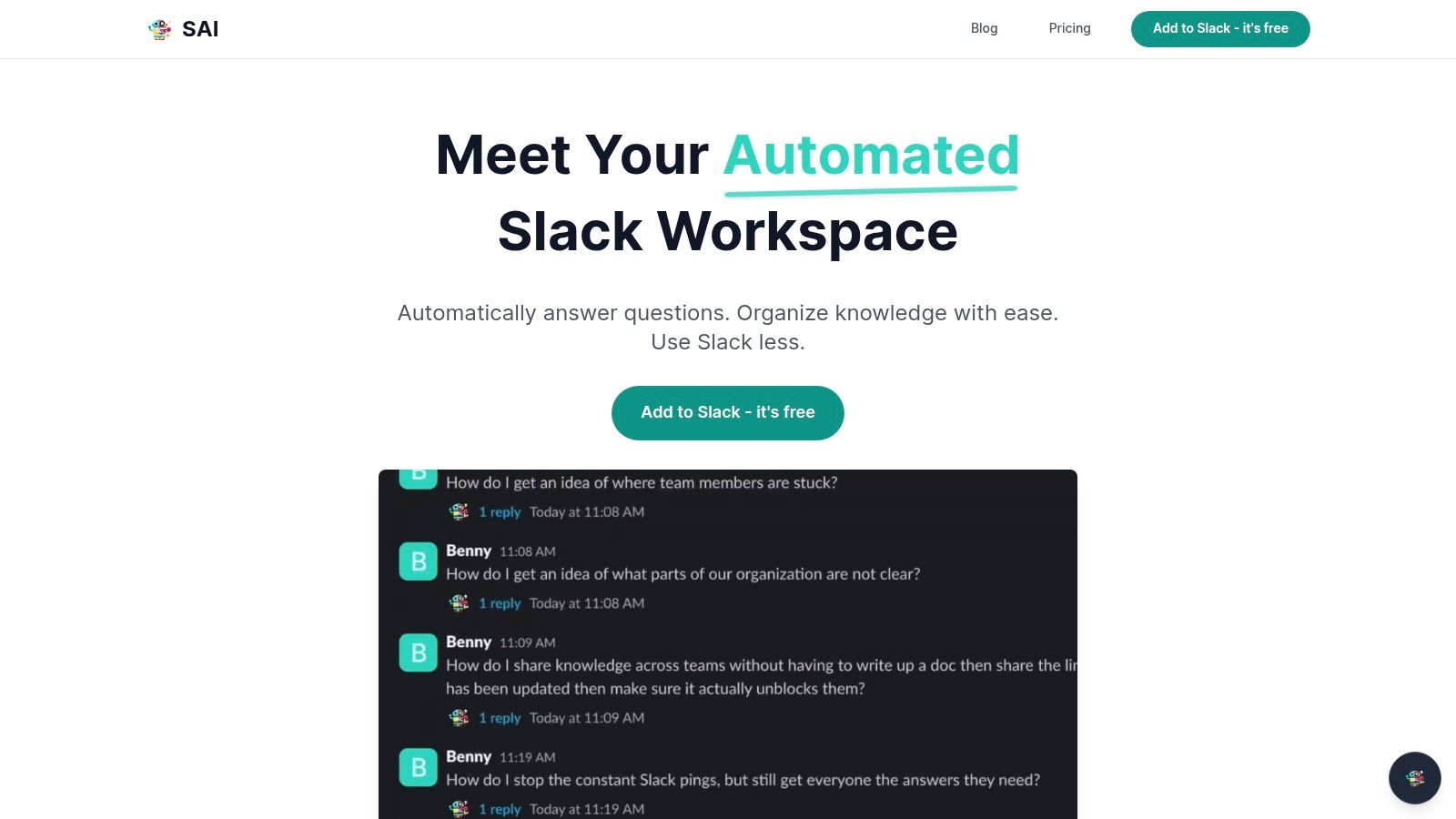
What makes SAI one of the coolest Slack apps available is how effortlessly it achieves this. There’s no manual setup, no tedious data entry. You simply add SAI to a channel, and it begins learning from the questions and answers already happening. It quietly transforms your team's conversations into an intelligent, self-organizing knowledge base. Every question answered by a teammate becomes a permanent piece of company knowledge, instantly accessible to everyone, forever. This means less repetition for your experts and faster, more confident decisions for the entire team.
Key Strengths & Use Cases
- End the Information Hunt: For support, ops, and HR teams buried in repetitive questions, SAI provides instant relief. Imagine new hires getting onboarding answers immediately or sales finding the latest product spec without ever leaving a client conversation.
- Empower Your Team 24/7: SAI works around the clock, making it perfect for global or remote-first teams. No more waiting for a colleague in another timezone to wake up. Critical information is always available, allowing work to move forward continuously.
- Protect Your Experts' Focus: Free your senior team members from being human FAQs. SAI handles the routine questions, allowing your experts to concentrate on the high-impact, strategic work that drives your business forward.
Practical Considerations
While its ability to learn from conversations is powerful, effectiveness depends on the quality of those discussions. Sensitive or highly complex queries may still require human oversight. The early-access free plan is an excellent, no-risk way to test its impact in a single high-traffic channel.
- Ideal For: Support, Ops, IT, HR, and community channels.
- Pricing: Free early-access plan available for one channel.
- Website: https://sai-bot.ai
2. Slack App Directory (Slack Marketplace)
Before diving into specific app recommendations, the best place to start any search is Slack's own App Directory. Think of it as the official, secure gateway to transforming your workspace. Instead of wading through unvetted third-party sites, the Marketplace offers thousands of cool Slack apps that have been reviewed by Slack for security, quality, and user experience. This is your most trustworthy source for integrations.
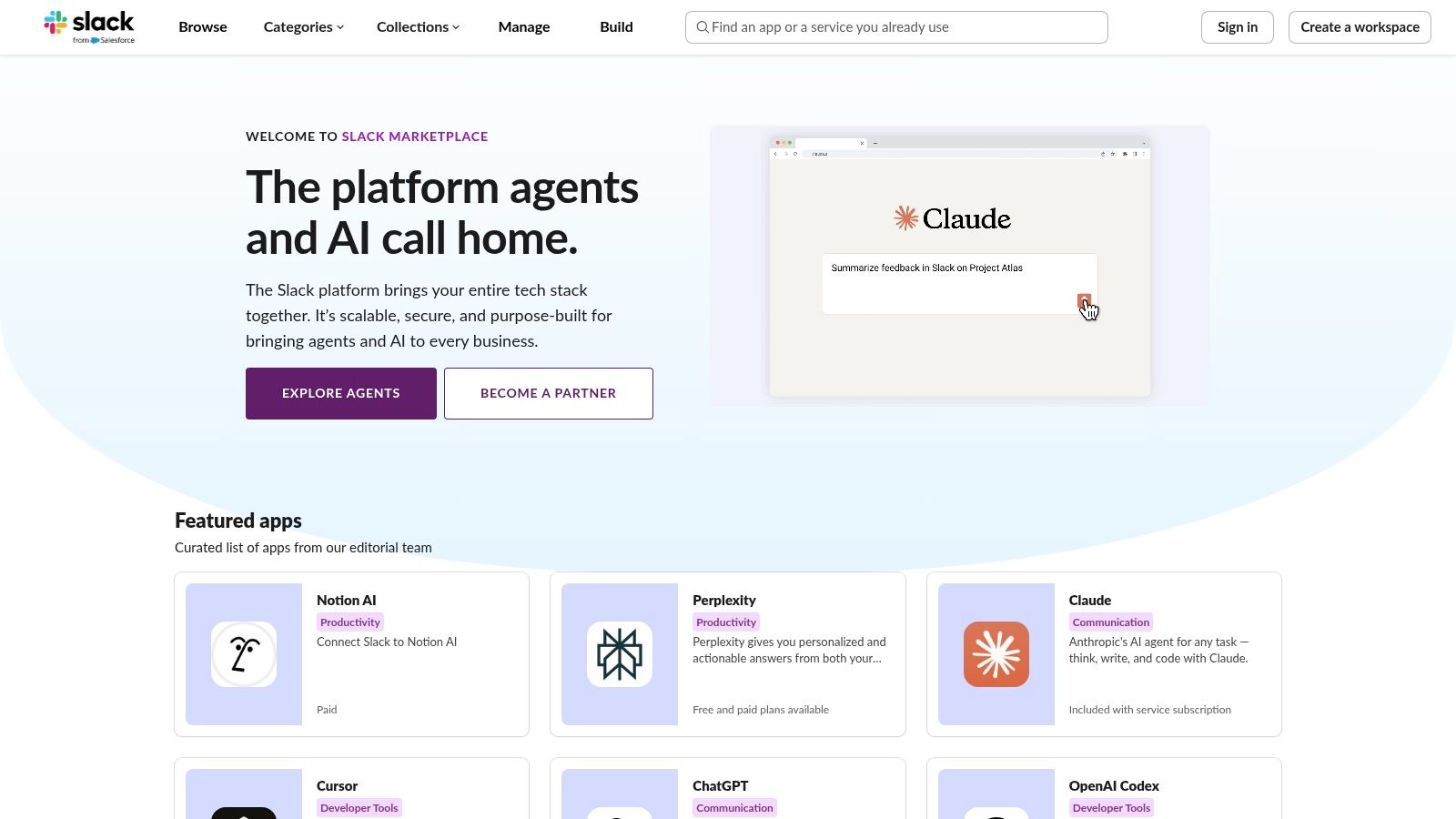
The one-click install process and clear admin approval workflows simplify everything, ensuring you can add new tools without compromising security. Whether you need a project management tool or a sophisticated AI assistant like SAI, this is where you’ll find it. The directory is essential for any admin looking to enhance their internal communication tools with confidence.
Key Highlights & Practical Tips
- Best For: Workspace admins and team leads who need a secure, centralized place to discover and manage vetted Slack apps.
- Why It's Cool: It eliminates the guesswork. Every app has been reviewed by Slack, so you know it meets baseline standards for security and functionality. The curated categories and user reviews make finding the right solution effortless.
- Pro Tip: Use the category filters to narrow your search. If you’re an admin, configure your workspace settings to manage app approval requests directly within Slack, creating a seamless process for your team.
| Pros | Cons |
|---|---|
| Most trustworthy source with Slack-vetted security. | Not every tool is listed; some are distributed privately. |
| Smooth one-click install and admin approval workflows. | Admin policies on some plans can limit what users can install. |
| Excellent documentation and clear permission scopes. | Discovery can be overwhelming due to the sheer number of apps. |
Website: https://slack.com/apps
3. Product Hunt – Slack Topic and App Pages
If the Slack App Directory is the established library, Product Hunt is the new releases
shelf where you find the next big thing. It’s the best place to discover innovative and cutting-edge cool Slack apps on the day they launch. Instead of waiting for a tool to become mainstream, you can see what’s trending, read early-adopter feedback, and interact directly with the app’s creators. This makes it an invaluable resource for finding niche solutions before they hit the masses.
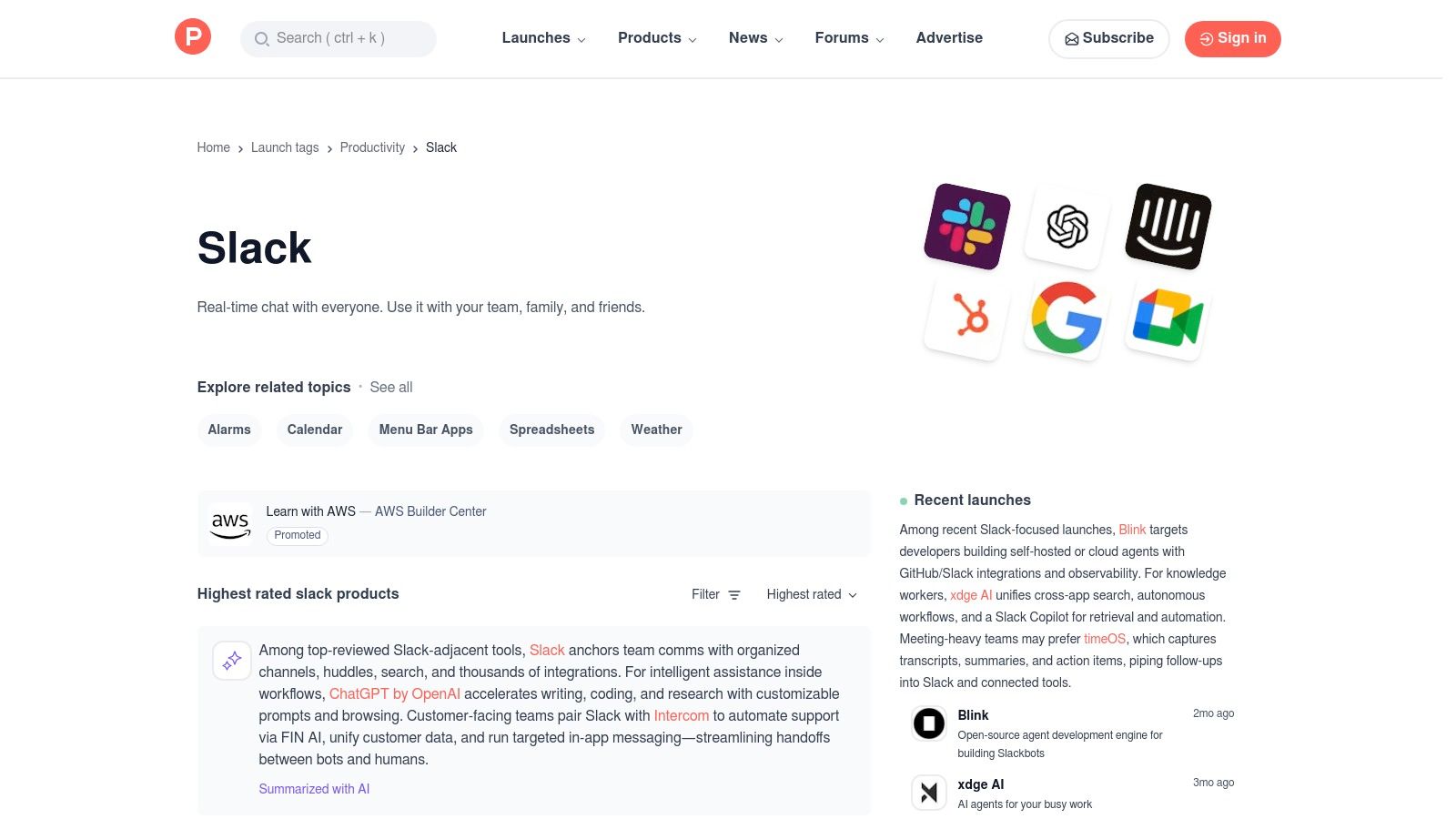
The platform’s community-driven nature, with its upvotes and candid comments, provides an unfiltered look at an app’s potential. You can quickly gauge if a new tool is genuinely useful or just hype. For teams that want to stay ahead of the curve, Product Hunt offers a direct line to the most creative and often essential apps for small businesses looking to innovate.
Key Highlights & Practical Tips
- Best For: Tech-savvy teams and early adopters looking to discover the newest, most innovative Slack integrations before anyone else.
- Why It's Cool: It’s a real-time discovery engine. You get to see apps on launch day, providing a first-mover advantage for adopting tools that can give your team an edge. The direct feedback loop with creators is a unique bonus.
- Pro Tip: Follow the
Slack
topic to get notified of new launches. Pay close attention to the comments section on a product’s page; it’s often where you’ll find the most honest feedback and practical use cases.
| Pros | Cons |
|---|---|
| Excellent for discovering fresh, indie, and niche tools. | Not all listings are production-ready or fully polished. |
| Community feedback and upvotes help gauge quality. | App quality and longevity can vary; requires more due diligence. |
| Direct interaction with creators for questions and ideas. | Can be distracting if you’re not looking for something specific. |
Website: https://www.producthunt.com/topics/slack
4. Zapier – Slack Integrations Directory
If the Slack App Directory is the official storefront, Zapier is the ultimate no-code workshop for creating your own cool Slack apps. Instead of waiting for a developer to build an integration, Zapier empowers anyone to connect Slack with thousands of other web services. You can create custom Zaps
(workflows) that automate tasks, turning simple Slack messages into powerful actions across your entire tech stack. It's the key to unlocking true cross-app automation without writing a single line of code.
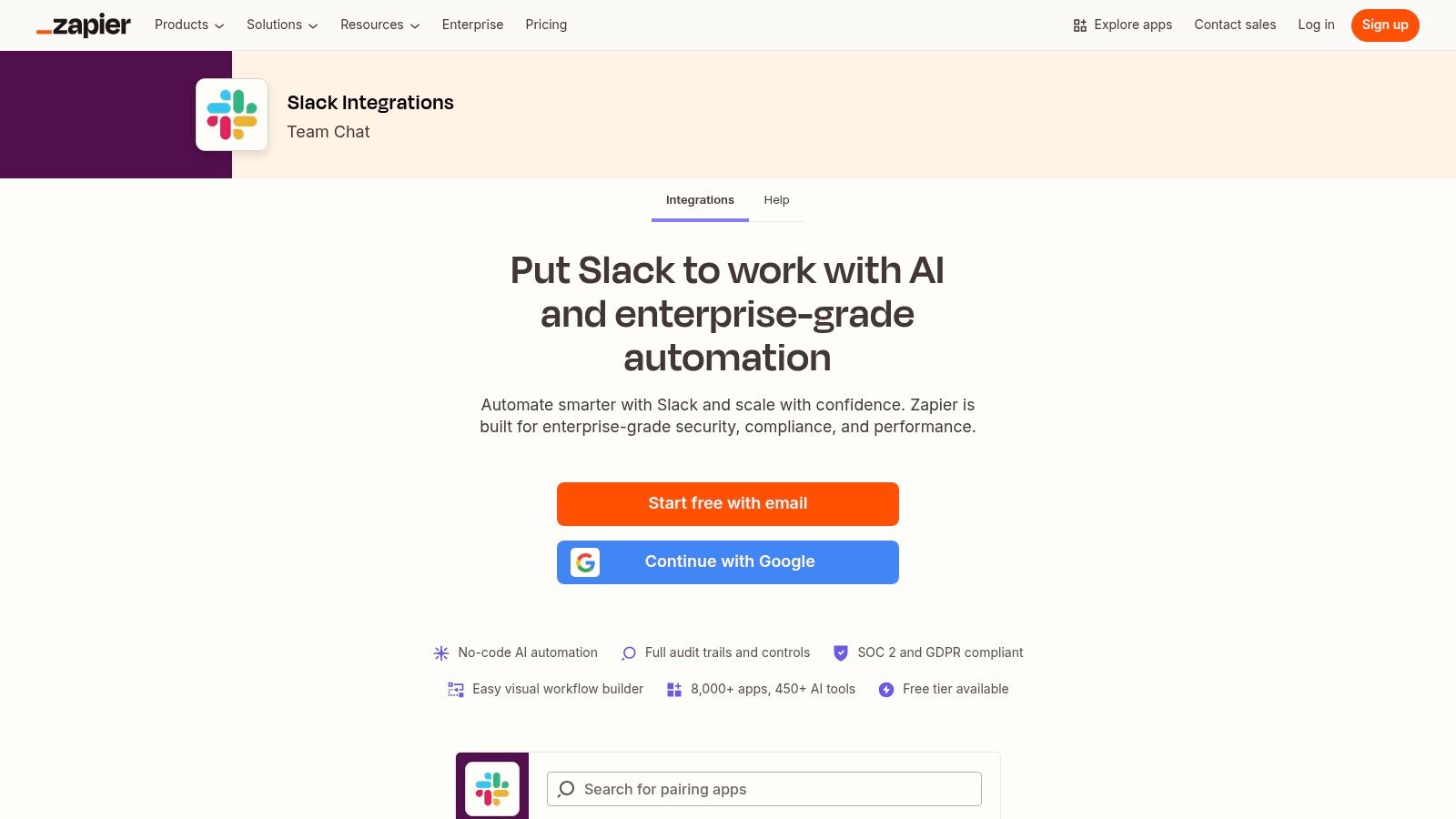
This platform is perfect for teams that need to bridge gaps between tools that don't have native Slack integrations. Imagine automatically creating a Trello card from a starred Slack message or posting a new Salesforce lead directly into a sales channel. For teams looking to streamline their digital ecosystem, exploring how cloud-based collaboration is done right with tools like Zapier is a game-changer. It transforms your communication hub into a command center.
Key Highlights & Practical Tips
- Best For: Operations teams, marketers, and non-technical users who want to automate repetitive cross-app workflows without coding.
- Why It's Cool: The sheer breadth of its integration library is unmatched. If an app has an API, it's probably on Zapier, allowing you to prototype app-like behaviors in minutes.
- Pro Tip: Start with Zapier's pre-made templates. Search for Slack and your favorite app to find popular, battle-tested workflows you can enable with just a few clicks. This drastically shortens the learning curve.
| Pros | Cons |
|---|---|
| Very fast to prototype app-like automations. | Heavy usage can get expensive on paid tiers. |
| Broad cross-app coverage connecting thousands of tools. | Complex automations may require careful rate-limit planning. |
| Excellent free tier for getting started and simple Zaps. | Troubleshooting multi-step Zaps can sometimes be challenging. |
Website: https://zapier.com/apps/slack/integrations
5. Make (formerly Integromat) – Slack Integrations
For those who need to build powerful, custom automations without writing code, Make is an essential tool. It moves beyond simple if this, then that
logic by offering a visual, drag-and-drop workflow builder. This allows you to create complex, multi-step scenarios that connect Slack with hundreds of other applications, giving you granular control over how data flows into and out of your workspace.
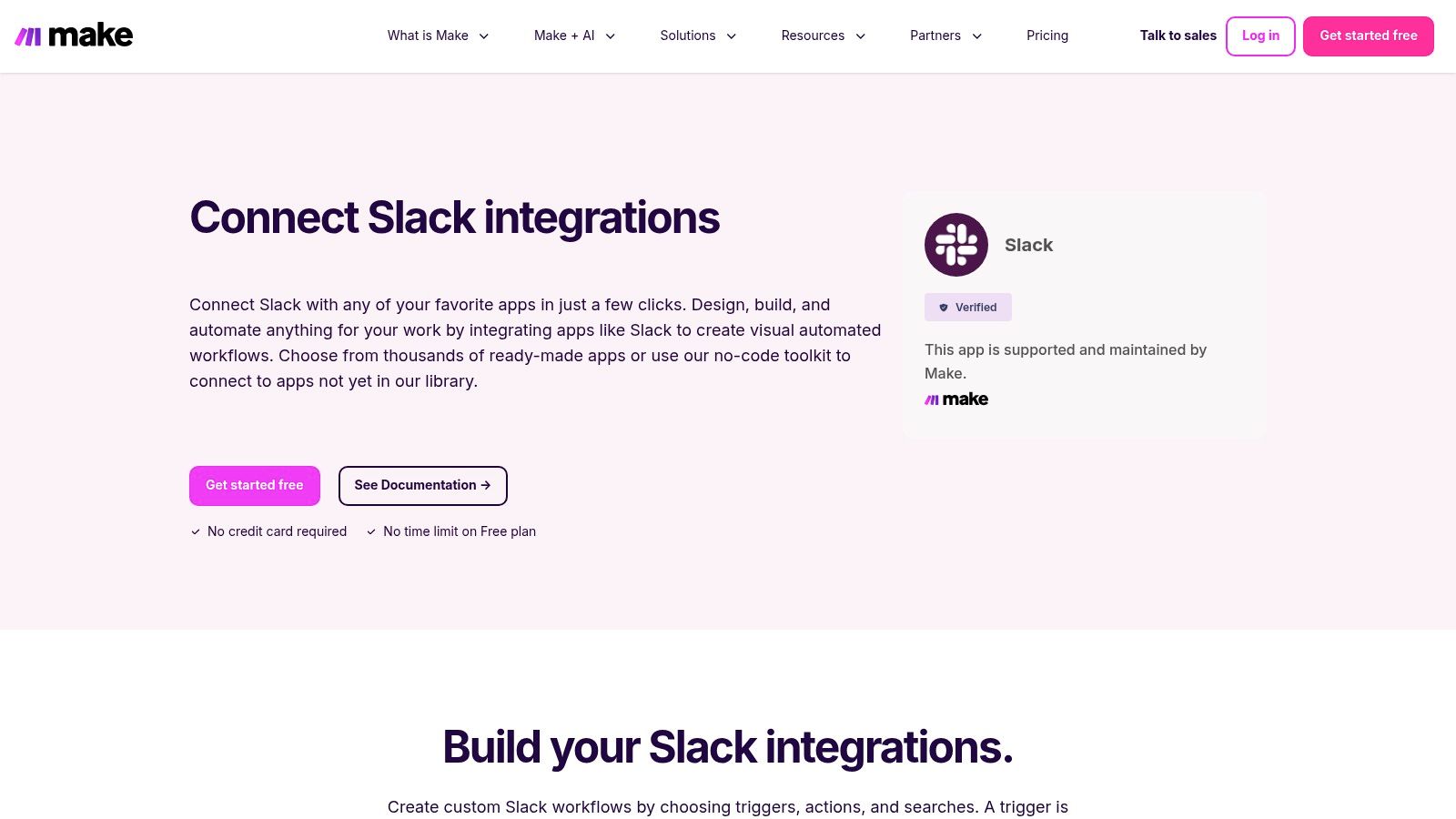
Unlike simpler automation tools, Make excels at handling conditional logic, branching paths, and detailed error handling, all within a clear visual interface. You can build sophisticated automations, such as syncing new leads from a CRM directly into a sales channel, creating a task in your project management tool from a specific emoji reaction, and then sending a confirmation back to the original Slack thread. This platform turns your workspace into the central hub for your most critical business processes.
Key Highlights & Practical Tips
- Best For: Operations managers, IT teams, and developers who need to build complex, multi-app workflows connected to Slack.
- Why It's Cool: The visual workflow builder is incredibly powerful, allowing you to see exactly how your automation works, including all its branches and logic. This makes debugging and expanding workflows much more intuitive.
- Pro Tip: Start with one of Make’s pre-built Slack templates to understand the basic structure. From there, you can customize it by adding new modules, routers for conditional logic, or error handlers for more robust automations.
| Pros | Cons |
|---|---|
| Excellent for complex, visually mapped workflows. | Has a steeper learning curve for completely non-technical users. |
| Fine-grained control over triggers, actions, and data. | Real-time scenarios can consume operationsquickly on the free plan. |
| Generous free plan to build and test automations. | Can become complex to manage as scenarios grow in size. |
Website: https://www.make.com/en/integrations/slack
6. IFTTT – Slack Applets
For those who want to dip their toes into automation without a steep learning curve, IFTTT (If This Then That) is the perfect starting point. It simplifies the automation process down to its most basic components: a trigger and an action. This approach makes it one of the most accessible and cool Slack apps for creating simple, personal, or team-based automations that connect Slack to everyday services like Instagram, Google Calendar, or even your phone's location.

While it doesn't offer the multi-step complexity of tools like Zapier, its strength lies in its simplicity and vast library of Applets.
You can set up notifications for when it's about to rain, automatically post new Instagram photos to a #social channel, or even create a Slack message when you arrive at the office. It’s ideal for quality-of-life improvements that don't require complex business logic.
Key Highlights & Practical Tips
- Best For: Individuals and teams looking for a user-friendly way to create simple, personal automations and fun channel integrations.
- Why It's Cool: IFTTT is the easiest on-ramp to the world of automation. Its pre-built Applets and straightforward
if-then
logic mean you can set up useful connections in minutes without any technical expertise. - Pro Tip: Explore the mobile app. Many of IFTTT's most unique triggers are tied to your phone's services, like location, notifications, and contacts, allowing you to create clever, on-the-go Slack workflows.
| Pros | Cons |
|---|---|
| Easiest on-ramp to basic Slack automations. | Fewer Slack triggers/actions than Zapier or Make. |
| Good for simple personal/team workflows. | Real-time speed/features may require paid plans. |
| Mobile-friendly interface with unique device triggers. | Not built for complex, multi-step business processes. |
Website: https://ifttt.com/slack
7. Google Workspace Marketplace – Slack Add‑ons
For teams deeply embedded in Google's ecosystem, the Google Workspace Marketplace is an essential resource for finding cool Slack apps. Its primary strength lies in its tight integration with tools like Gmail and Google Drive. The standout offering, the Slack for Gmail add-on, allows users to instantly forward critical emails into Slack channels or direct messages, turning email threads into actionable conversations without leaving their inbox. This is a game-changer for reducing context switching.
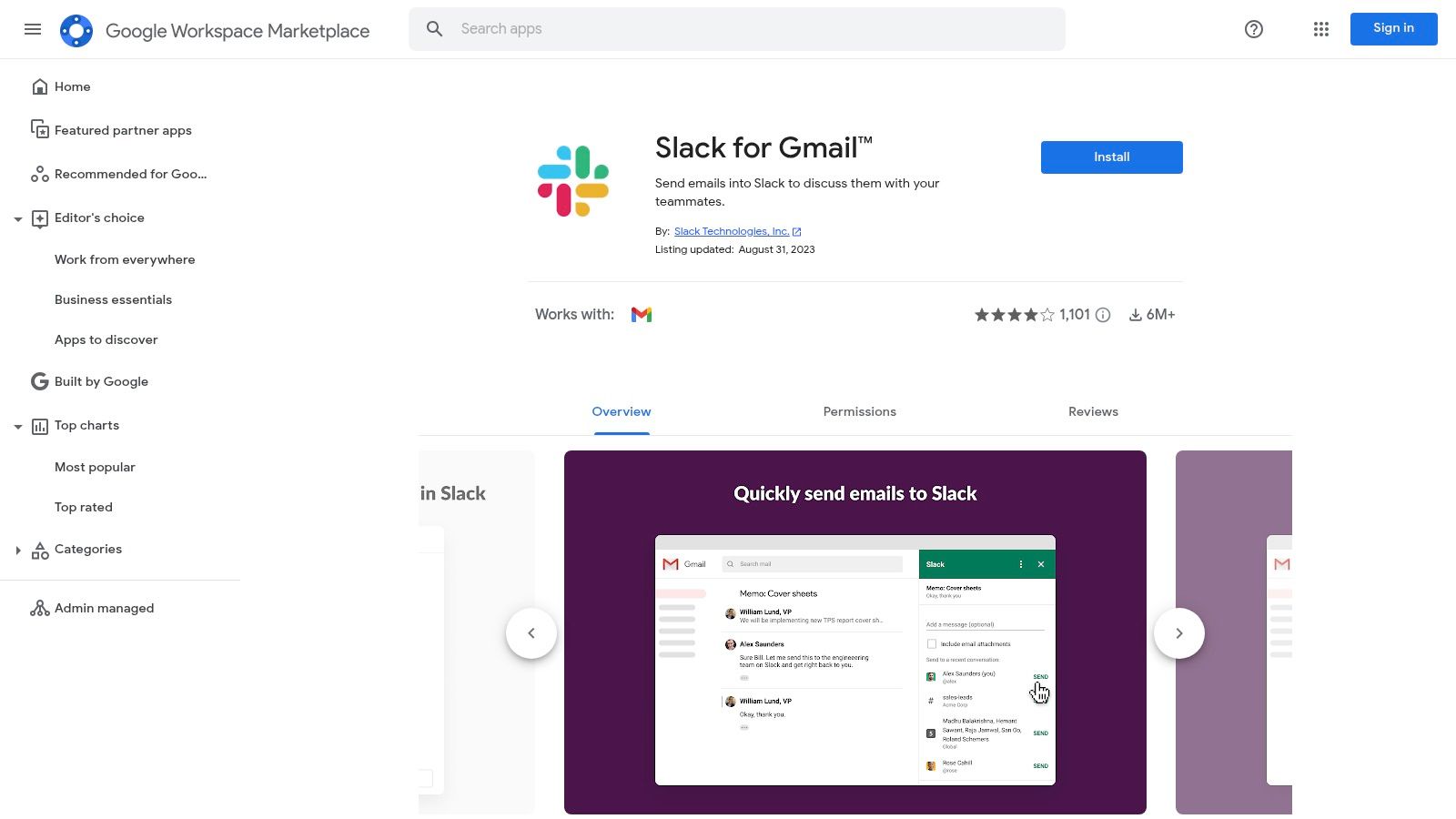
While the catalog is smaller than Slack's own directory, it focuses on quality, Google-centric connections. For administrators, the ability to deploy add-ons across an entire domain is a huge advantage, ensuring company-wide adoption and consistent workflows. The marketplace provides at-a-glance install counts and reviews, helping you gauge an app's popularity and reliability before committing.
Key Highlights & Practical Tips
- Best For: Organizations that rely heavily on Google Workspace (Gmail, Drive, Calendar) and need seamless integration with Slack.
- Why It's Cool: It bridges the gap between two of the most critical business tools: email and instant messaging. The admin-managed deployment simplifies rolling out tools to the entire company.
- Pro Tip: Use the Slack for Gmail add-on to create dedicated channels for specific types of emails, like
#invoicesor#customer-feedback, to keep important communications organized and searchable.
| Pros | Cons |
|---|---|
| Deep Gmail/Workspace embedding for seamless workflows. | Catalog is narrower than Slack’s own Marketplace. |
| Admin deployment tools for organization-wide rollouts. | Focus is primarily on Google-centric integrations. |
| At-a-glance usage stats help gauge app popularity. | Less variety for non-Google-related business functions. |
Website: https://workspace.google.com/marketplace/app/slackforgmail/533288507123
8. Salesforce AppExchange (Slack + Salesforce integrations)
For organizations deeply embedded in the Salesforce ecosystem, the Salesforce AppExchange is the essential hub for connecting your CRM to Slack. It’s the official marketplace for Salesforce-built Slack integrations and certified partner packages designed to bring your customer data directly into your communication channels. This platform streamlines how sales, service, and marketing teams collaborate on customer records without ever leaving Slack.
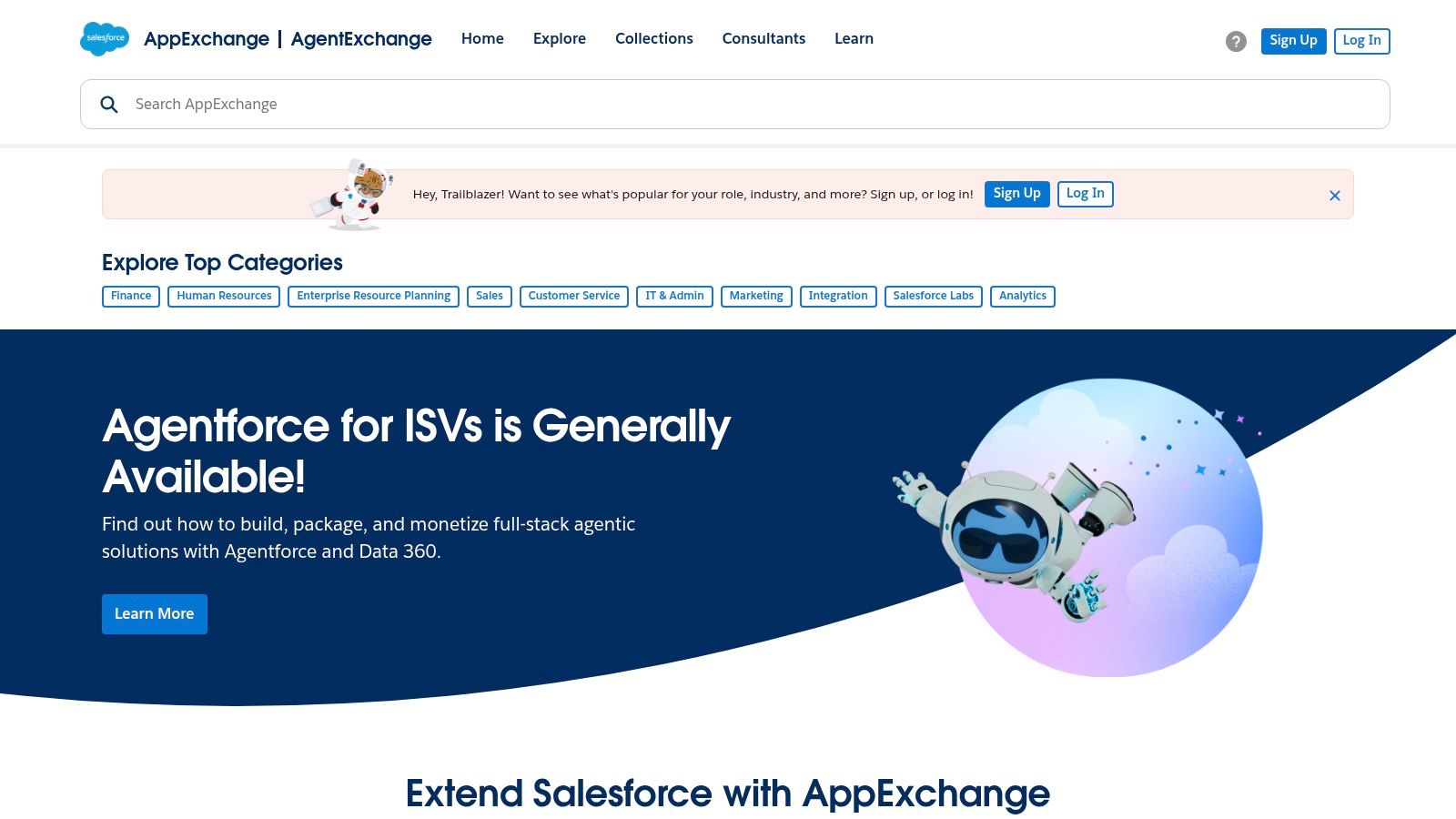
Unlike general app directories, the AppExchange provides enterprise-grade guidance, sandbox support, and access to consulting partners specializing in complex deployments. It ensures that your integrations are not only powerful but also secure and compliant with enterprise governance standards, making it one of the most powerful sources for cool Slack apps tailored to the CRM workflow.
Key Highlights & Practical Tips
- Best For: Sales, Service, and Marketing teams that rely on Salesforce as their central source of truth for customer data.
- Why It's Cool: It transforms Slack into a true front-end for your CRM. You can update opportunities, manage cases, and get alerts on key deals directly in the channels where your team is already working.
- Pro Tip: Always check for the most current Salesforce-built packages, as some older Slack-built versions have been deprecated. Use the enterprise deployment guides for a smooth rollout in larger organizations.
| Pros | Cons |
|---|---|
| Official source for CRM-centric Slack integrations. | Not a general catalog; exclusively focused on Salesforce. |
| Enterprise governance and robust admin tooling. | Can be complex to navigate compared to the Slack App Directory. |
| Access to certified consulting partners for support. | Finding the right package requires a clear understanding of your Salesforce edition. |
Website: https://appexchange.salesforce.com
9. GetApp – Software Directories Filtered by “Integrated with Slack”
While the Slack App Directory is the official source, sometimes you need to start your search from a different angle, especially when comparing entire software categories. GetApp, a Gartner Digital Markets site, excels here by allowing you to filter massive software directories specifically for tools that integrate with Slack. This is incredibly useful for finding cool Slack apps when you’re evaluating a new CRM, project manager, or help desk and Slack compatibility is a non-negotiable requirement.
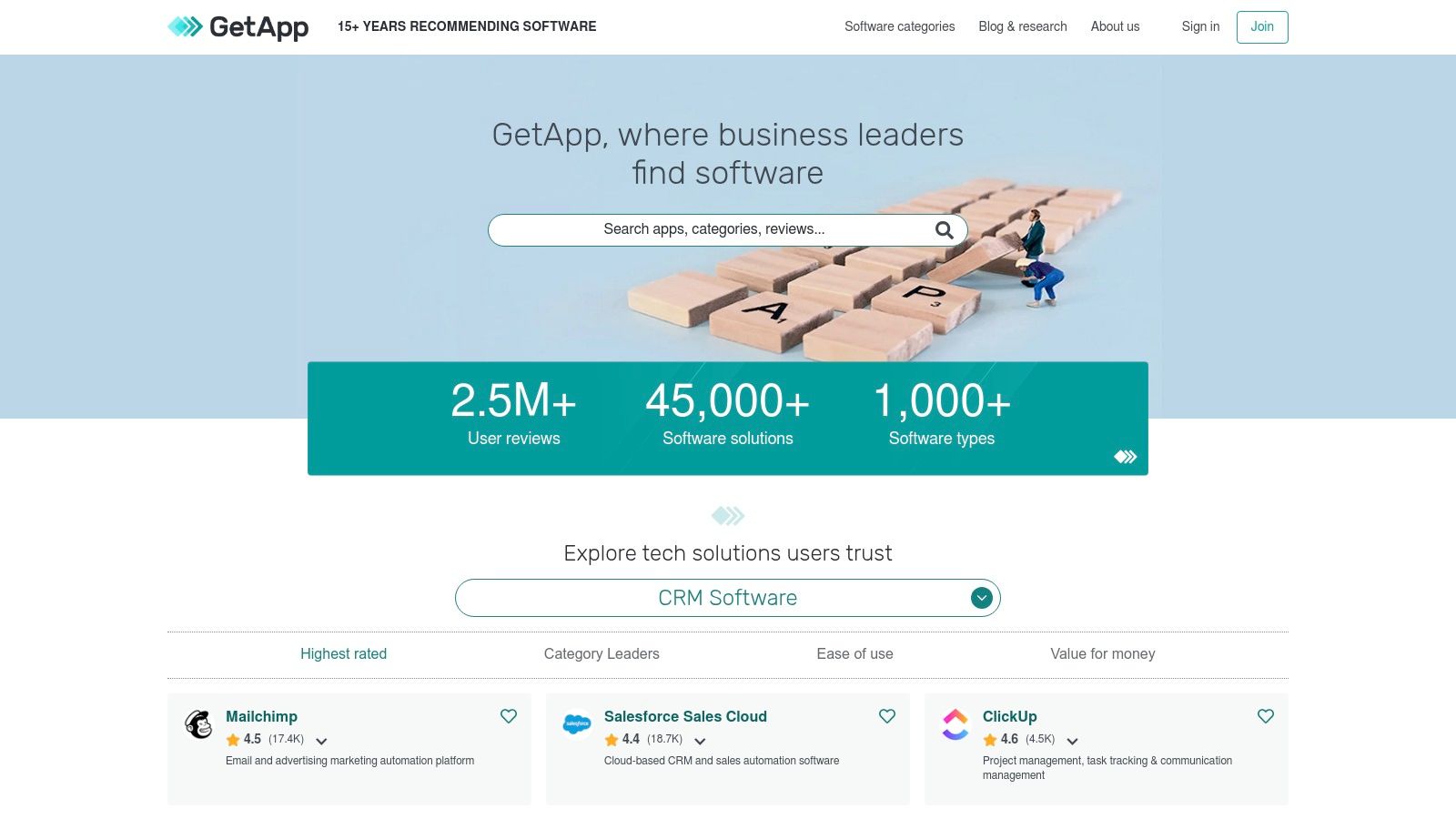
Instead of searching for an app first, you search for a software category and then narrow it down. This reverse approach helps you make better-informed decisions on core business software by ensuring your choice will fit seamlessly into your existing Slack-centric workflow. The site offers comparison grids, user reviews, and transparent pricing information, giving you a holistic view before you even visit a vendor’s website.
Key Highlights & Practical Tips
- Best For: Teams evaluating new core business software (like a CRM or marketing platform) where Slack integration is a key decision factor.
- Why It's Cool: It flips the discovery process. You can compare top-tier software solutions first and then use the
Integrated with Slack
filter to shortlist vendors, ensuring you don't commit to a tool that isolates your team from their primary communication hub. - Pro Tip: Always verify the depth of the Slack integration on the vendor's site or the Slack App Directory. Some integrations are more robust than others, and GetApp's listing is just the starting point.
| Pros | Cons |
|---|---|
| Easy to shortlist options by category plus Slack integration. | Not all listings have deep Slack features; verification on vendor pages is needed. |
| Transparent vendor and user review information for comparison. | Installs and purchases happen via vendor sites or the Slack Marketplace, not GetApp. |
| Comparison grids help evaluate features, pricing, and support. | The primary focus is the software itself, not just its Slack app functionality. |
Website: https://www.getapp.com
10. GitHub – “Awesome Slack” (curated list) and integration docs
For developers and technical teams looking to go beyond the official marketplace, GitHub is an essential resource. It hosts community-maintained awesome
lists, like awesome-slack, which are curated collections of open-source libraries, themes, and apps. This is the place to discover unique, self-hosted, or non-commercial tools that aren't available anywhere else.
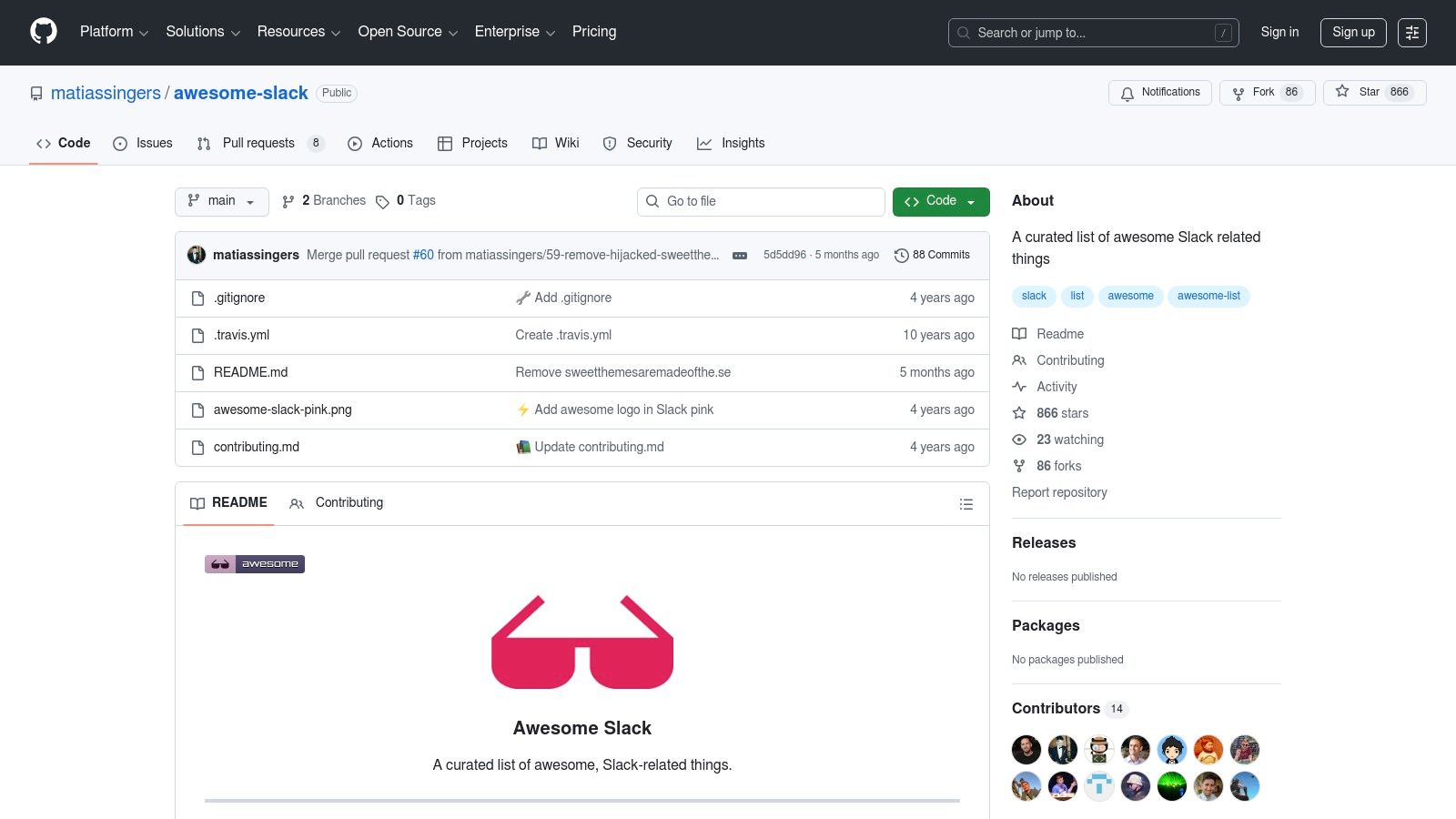
Beyond curated lists, GitHub is also home to the official documentation for its powerful Slack integration, allowing teams to bring development workflows directly into their channels. It’s the ultimate playground for tinkerers who want to build custom solutions or explore cool Slack apps that are still under the radar. This resource empowers technical users to find or build the exact tool they need without limitations.
Key Highlights & Practical Tips
- Best For: Developers, engineers, and technical admins who are comfortable with self-hosting or building custom integrations.
- Why It's Cool: It opens up a world of non-Marketplace tooling. You can find niche open-source projects, get inspiration for your own apps, and connect with the developer community behind these creations.
- Pro Tip: Always check a project's recent commit history and open issues before implementing it. This gives you a good sense of how actively maintained and stable the tool is.
| Pros | Cons |
|---|---|
| Deep dive for technical users and developers. | Quality varies across projects; many require self-hosting. |
| Discover non-Marketplace, open-source tooling. | Not a simple one-click install experience like the App Directory. |
| Excellent resource for building custom integrations. | Can be intimidating for non-technical users. |
Website: https://github.com/matiassingers/awesome-slack
11. Pipedream – Slack Integrations Hub
When standard integrations aren't enough, Pipedream offers a developer-friendly automation platform to build bespoke Slack bots and workflows that feel like native apps. It uniquely combines serverless code with over 3,000 connectors, allowing you to create sophisticated micro-apps that trigger actions or approvals directly within Slack, all without managing servers. This makes it one of the coolest Slack apps for custom automation.
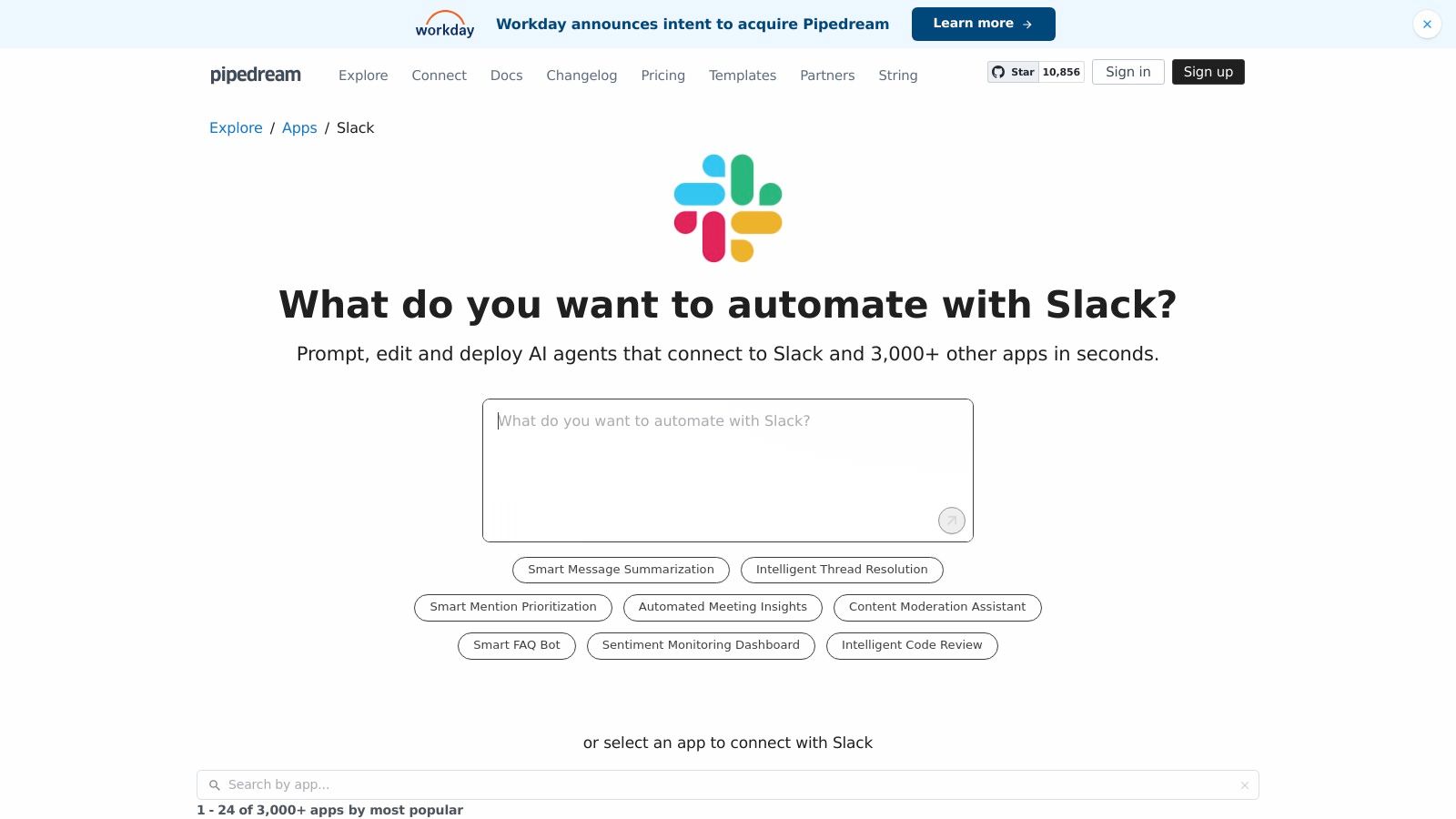
This platform is perfect for teams that need to go beyond simple if-this-then-that
logic. For example, you could build a workflow that listens for a specific emoji reaction on a message, fetches customer data from your CRM via an API, formats it using a custom script, and then posts a detailed summary with approval buttons back into a private channel.
Key Highlights & Practical Tips
- Best For: Developers and technical teams who want to build highly customized, serverless Slack workflows that connect multiple systems with custom logic.
- Why It's Cool: It bridges the gap between no-code tools and building a full-stack application from scratch. You get the power of code without the headache of hosting, making it incredibly fast to deploy advanced Slack bots.
- Pro Tip: Start by exploring the pre-built Slack triggers and actions in their marketplace. Many common use cases have templates you can clone and modify, saving you significant time.
| Pros | Cons |
|---|---|
| Powerful for bespoke Slack workflows without hosting. | Requires scripting knowledge to unlock its full potential. |
| Large library of examples and community components. | Potential for vendor lock-in if many core flows are built on it. |
| Generous free tier to build and deploy real workflows. | The interface can be intimidating for non-technical users. |
Website: https://pipedream.com/apps/slack
12. Slack Blog – Curated “Top apps” roundups and collections
If the sheer volume of the Slack App Directory feels overwhelming, the official Slack Blog is your curated shortcut to finding hidden gems. Its editorial team regularly publishes top apps
roundups and themed collections that highlight high-quality, actively maintained tools. Instead of sifting through thousands of options, these articles provide a trusted, high-signal starting point for discovering some of the most genuinely cool Slack apps available.
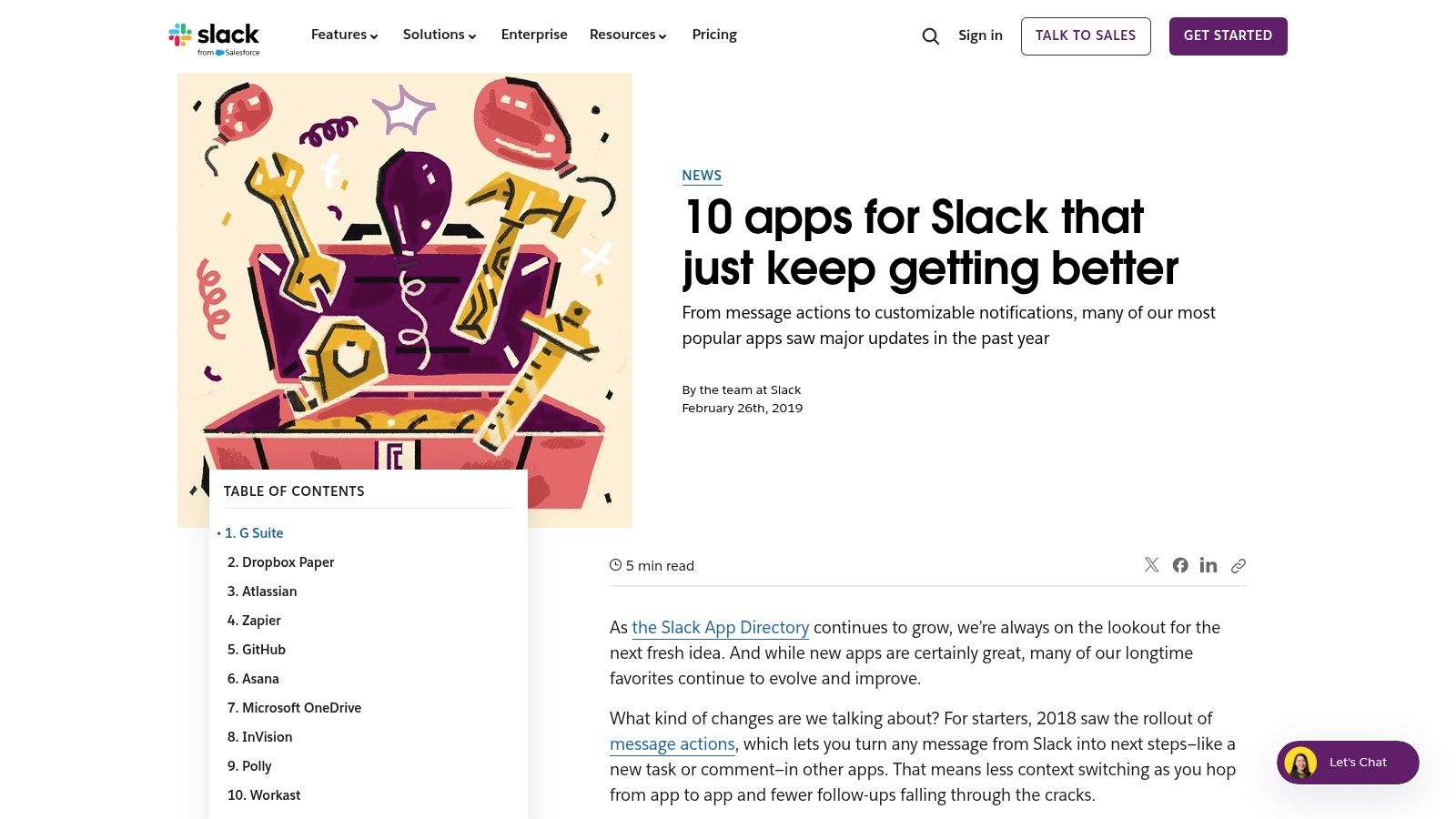
These posts offer practical examples of how to use each recommended app, giving you inspiration that goes beyond a simple feature list. By focusing on tools that are consistently well-supported and innovative, the blog helps you find integrations that are less likely to be abandoned and more likely to add real value to your team’s daily workflows.
Key Highlights & Practical Tips
- Best For: Anyone looking for inspiration and vetted recommendations without having to perform deep research in the main directory.
- Why It's Cool: It’s an editorially curated list straight from the source. The high signal-to-noise ratio means you’re seeing apps that Slack itself recognizes for quality, support, and utility.
- Pro Tip: Bookmark the blog and check back periodically for new collections. These posts are a great way to stay updated on emerging tools and popular integrations that are gaining traction in the ecosystem.
| Pros | Cons |
|---|---|
| High signal-to-noise editorial curation. | Limited breadth compared with the full directory. |
| Highlights well-supported and actively maintained apps. | Publishing cadence varies, so new content isn't constant. |
| Provides practical use cases and inspiration. | Content can become dated as apps evolve or are discontinued. |
Website: https://slack.com/blog/news/10-apps-for-slack-that-just-keep-getting-better?utm_source=openai
Top 12 Resources for Cool Slack Apps — Comparison
| Tool | Core features ✨ | Quality / UX ★ | Value & Price 💰 | Best for 👥 | Highlights ✨/🏆 |
|---|---|---|---|---|---|
| SAI 🏆 | Learns Slack history, context‑aware 24/7 answers, builds durable KB | ★★★★☆ Instant, native Slack experience | 💰 Free Early‑Access (single channel, unlimited replies) | 👥 Slack admins, support, SMBs | 🏆 ✨ Zero setup; measurable time saved; answers become shared KB |
| Slack App Directory (Marketplace) | Curated app catalog, admin controls, reviews | ★★★★☆ Trusted & vetted installs | 💰 Free to browse; app pricing varies | 👥 IT admins, enterprises | ✨ One‑click installs; Slack security review |
| Product Hunt – Slack topic | Launches & trending Slack apps, comments & upvotes | ★★★☆☆ Good for discovery, variable maturity | 💰 Free discovery; product pricing varies | 👥 Makers, early adopters | ✨ Surface cutting‑edge / niche tools |
| Zapier – Slack integrations | No‑code Zaps, many triggers/actions, templates | ★★★★☆ Fast prototyping, easy UX | 💰 Free tier; heavy use can be costly | 👥 Non‑dev automators, ops | ✨ Broad cross‑app coverage; quick automations |
| Make (formerly Integromat) | Visual scenario builder, branching, templates | ★★★★☆ Powerful, steeper learning curve | 💰 Free plan; pay by operations | 👥 Technical integrators, power users | ✨ Fine‑grained control & debugging |
| IFTTT – Slack Applets | Simple applets, mobile‑friendly, quick triggers | ★★★☆☆ Easiest on‑ramp, limited depth | 💰 Free/basic; Pro for advanced applets | 👥 Individuals, small teams | ✨ Quick QoL automations with minimal setup |
| Google Workspace Marketplace | Gmail→Slack add‑ons, admin deploy for domains | ★★★☆☆ Google‑centric UX | 💰 Free/paid add‑ons; domain deployment | 👥 Google Workspace admins | ✨ Deep Gmail and Workspace embedding |
| Salesforce AppExchange | Salesforce↔Slack apps, partner packages, enterprise guides | ★★★★☆ Enterprise governance & support | 💰 Enterprise pricing / paid packages | 👥 CRM, sales & service teams | ✨ Tight CRM integration & deployment guidance |
| GetApp (Gartner DM) | Filter by “Integrated with Slack”, comparisons & reviews | ★★★☆☆ Good for vendor shortlists | 💰 Free browse; vendor pricing varies | 👥 Buyers, procurement teams | ✨ Comparison grids & transparent vendor info |
| GitHub – “Awesome Slack” | Curated OSS libs, SDKs, integration docs, examples | ★★★☆☆ Dev‑focused; varying maturity | 💰 Free OSS (self‑hosting dev cost) | 👥 Developers, tinkerers | ✨ Open‑source options & code samples |
| Pipedream – Slack hub | Serverless workflows, code + connectors, Block Kit support | ★★★★☆ Powerful for developers | 💰 Free tier; usage‑based pricing | 👥 Developers, SREs | ✨ Code + connectors to ship custom Slack micro‑apps |
| Slack Blog – Top apps roundups | Editorial curation, use‑case examples, install links | ★★★☆☆ High signal curation | 💰 Free editorial content; links to apps | 👥 Teams seeking vetted recommendations | ✨ Curated lists highlighting well‑maintained apps |
Your Turn: Build a More Productive, Less Interrupted Workspace
You've explored the landscape of cool Slack apps, from powerful AI assistants and robust automation platforms to curated marketplaces and developer hubs. The sheer volume of options can feel overwhelming, but the core lesson is simple: your Slack workspace can be more than just a chat tool. It can be the central nervous system of your entire operation, a hub where work flows, not stalls.
The right app stack transforms how your team operates. It’s the difference between a day spent context-switching through a dozen tabs and a day spent executing within a single, unified environment. By integrating the tools we've covered, you’re not just adding features; you're fundamentally redesigning your workflows to eliminate friction and empower your people.
From Information Overload to Instant Answers
The most profound shift comes from reclaiming time lost to searching for information. Think about the daily routine of your team. How often do they have to leave Slack, open a shared drive, search a wiki, or ping a colleague just to find a simple answer? Each of these small interruptions breaks focus and slowly erodes productivity.
Imagine a workspace where that entire cycle is obsolete. Instead of hunting for documentation, your team just asks. An AI-powered tool like SAI can act as your company’s collective memory, delivering accurate, context-aware answers instantly, right where the conversation is happening. This isn't just a convenience; it's a competitive advantage that gives your team back its most valuable asset: uninterrupted, deep-work time.
How to Choose Your First Transformative App
The key is to start small and focus on your biggest pain point. Don't try to overhaul your entire Slack environment overnight. Instead, ask yourself one critical question: What is the single most repetitive, time-consuming task my team faces in Slack?
- If it’s answering the same questions over and over, an AI knowledge assistant like SAI is your best starting point.
- If it’s manual data entry between apps, an automation platform like Zapier or Make will deliver an immediate return on investment.
- If it’s managing complex projects or support tickets, a dedicated project management or helpdesk integration is the clear choice.
Your goal is to find one tool that solves one significant problem. Once you've implemented it and your team sees the tangible benefits, you'll have the momentum to tackle the next challenge. The true power of cool Slack apps is realized not by installing dozens of them, but by strategically selecting a few that create a truly seamless, intelligent, and productive digital headquarters.
Ready to eliminate repetitive questions and give your team instant access to company knowledge without ever leaving Slack? Discover how SAI can transform your workspace into a single source of truth. Get started for free and build your AI assistant in minutes at SAI.
