10 Transformative Help Desk Best Practices for Slack-Based Teams in 2025
Imagine a workday where your team isn't drowning in a sea of repetitive questions. Picture a world where critical information is available instantly, right within Slack, without ever needing to open a separate tab, search a dusty wiki, or wait for a colleague to respond. This isn't about incremental improvements; it's about a fundamental transformation in how your team finds answers and solves problems. When your team can simply ask a question and get a precise, immediate answer from your company's collective knowledge, everything changes. They stop chasing information and start driving results.
This guide to help desk best practices isn't just another checklist. It's a blueprint for building a smarter, faster, and more resilient support system directly within the collaborative hub you already use. We'll explore ten actionable strategies that move beyond traditional ticketing and into a future where your help desk becomes a proactive engine for business growth, powered by the conversations you're already having. Forget the endless searching across multiple platforms and the frustration of outdated documentation. The goal is to create an environment where answers find your team, not the other way around.
By implementing these proven methods, you will reclaim countless hours of lost productivity, reduce employee frustration, and empower your team to focus on high-impact work. Each practice is designed to be practical and immediately applicable, showing you how to turn your chaotic support channels into a streamlined, intelligent resource. Get ready to stop managing tickets and start building a truly self-sufficient, knowledgeable organization.
1. Implement a Ticketing System for Request Management
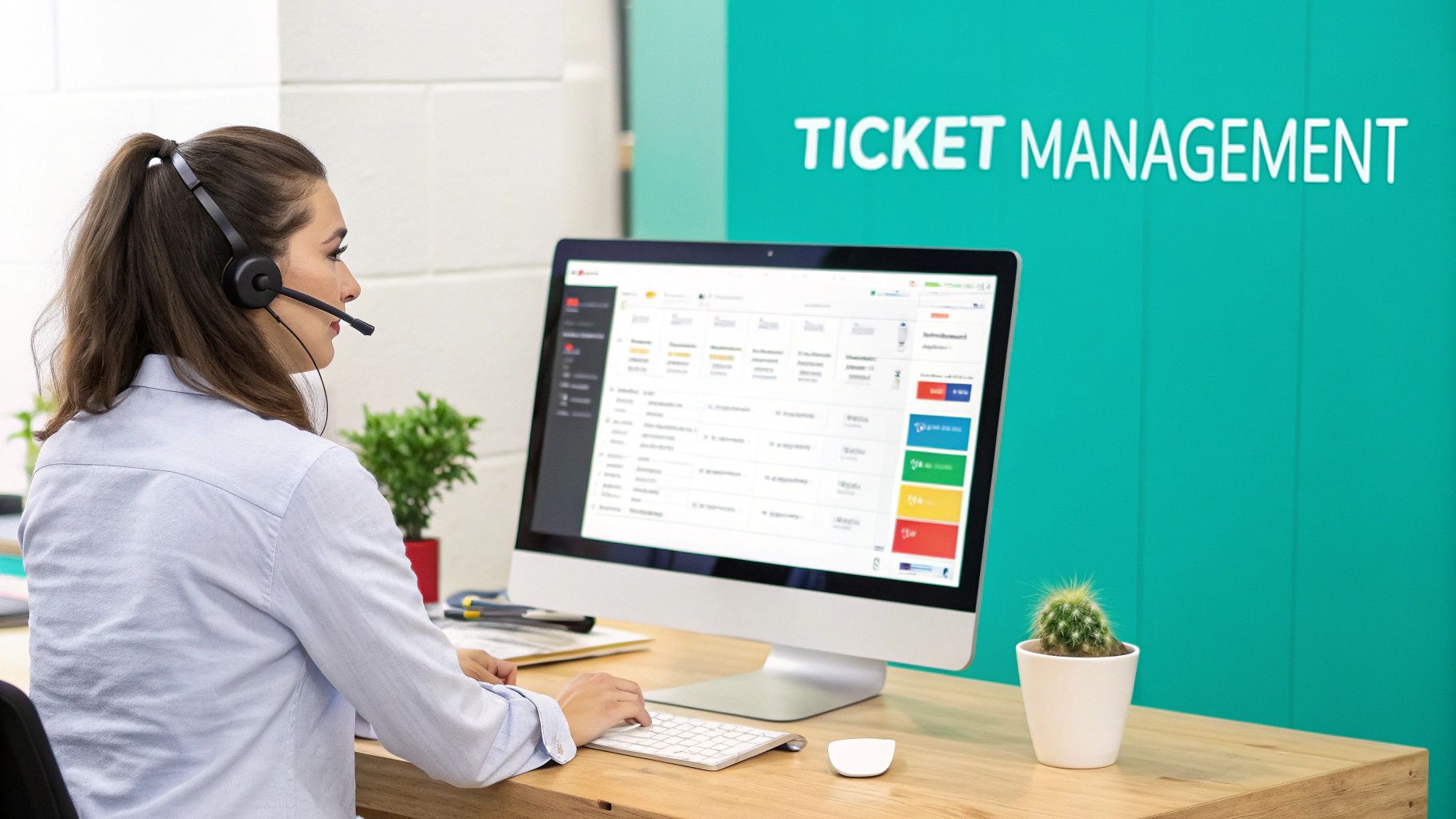
Moving away from scattered emails, DMs, and verbal requests is the single most impactful step you can take to professionalize your support operations. Implementing a dedicated ticketing system centralizes every user query into a single, trackable record. This foundational practice transforms chaotic, reactive support into a structured, proactive system, ensuring no request ever falls through the cracks.
A ticketing system provides a clear, auditable trail from the moment a request is submitted until it's fully resolved. This visibility isn't just for managers; it gives end-users peace of mind, knowing their issue is logged and being addressed. It’s the bedrock of nearly all other help desk best practices, from setting SLAs to measuring performance.
Why This is a Foundational Practice
Adopting a system like Jira Service Management or Zendesk provides the structure necessary to scale support. It allows you to categorize issues, prioritize urgent requests, and automate assignments, freeing your team from manual triage to focus on solving complex problems. This isn't just about organization; it's about creating a sustainable, data-driven support engine.
Imagine a world where every request is automatically routed to the right person, categorized for urgency, and tracked against a service-level agreement (SLA) without any manual intervention. That's the immediate power a ticketing system unlocks.
Actionable Steps for Implementation:
- Define Clear Categories: Start by outlining the most common request types your team receives (e.g.,
Hardware Issue,
Software Access,
Billing Question
). This simplifies routing and reporting. - Establish Priority Levels: Create a simple priority matrix (e.g., P1-Urgent, P2-High, P3-Normal) with clear definitions for each, tying them directly to your SLA targets.
- Automate Initial Triage: Use keywords and request forms to automatically assign tickets to the correct team or agent. For instance, any ticket containing the word
invoice
could route directly to the finance support group. - Leverage Templates and Macros: Equip your team with pre-written responses and action sequences for frequent issues. This drastically reduces resolution times and ensures consistent communication.
2. Establish Clear Service Level Agreements (SLAs)
Once you have a ticketing system, the next crucial step is to define your commitment to users. Service Level Agreements (SLAs) are formal, documented promises that set clear expectations for response and resolution times. They transform support from a we'll get to it when we can
model into a reliable, accountable service that business stakeholders can depend on.
An SLA is more than just a timer; it’s a pact between your help desk and the rest of the organization. It provides a shared language for prioritizing work, ensuring that critical business disruptions receive immediate attention while routine requests are handled in a predictable timeframe. This practice is fundamental to building trust and demonstrating the value of your support function.
Why This is a Foundational Practice
Establishing SLAs moves your team from being judged on perception to being measured against objective, agreed-upon targets. It empowers your agents to prioritize effectively, knowing exactly which ticket needs their attention first based on its SLA. This data-driven approach is a cornerstone of help desk best practices, enabling you to manage workloads, justify staffing needs, and communicate performance in concrete business terms.
Without SLAs, every request can feel like the most urgent one. By defining them, you provide your team with a clear framework to manage pressure and focus their efforts where they will have the greatest impact on the business.
Actionable Steps for Implementation:
- Define Priority Levels: Involve business stakeholders to classify request types by impact (e.g.,
Critical
for system-wide outages,High
for individual work-stoppages,Normal
for standard requests). - Set Realistic Time Targets: Analyze historical ticket data to establish achievable goals for first response and resolution for each priority level. For instance, a critical issue might require a 15-minute response, while a normal request gets a 24-hour resolution target.
- Communicate SLAs Broadly: Make your SLA policies easily accessible to all employees. Publish them on your intranet or knowledge base so users know what to expect when they submit a request.
- Automate and Monitor: Configure your ticketing system to automatically apply SLAs based on ticket priority. Use dashboards to track performance in real-time and set up alerts for tickets at risk of breaching their targets.
3. Develop a Comprehensive Knowledge Base
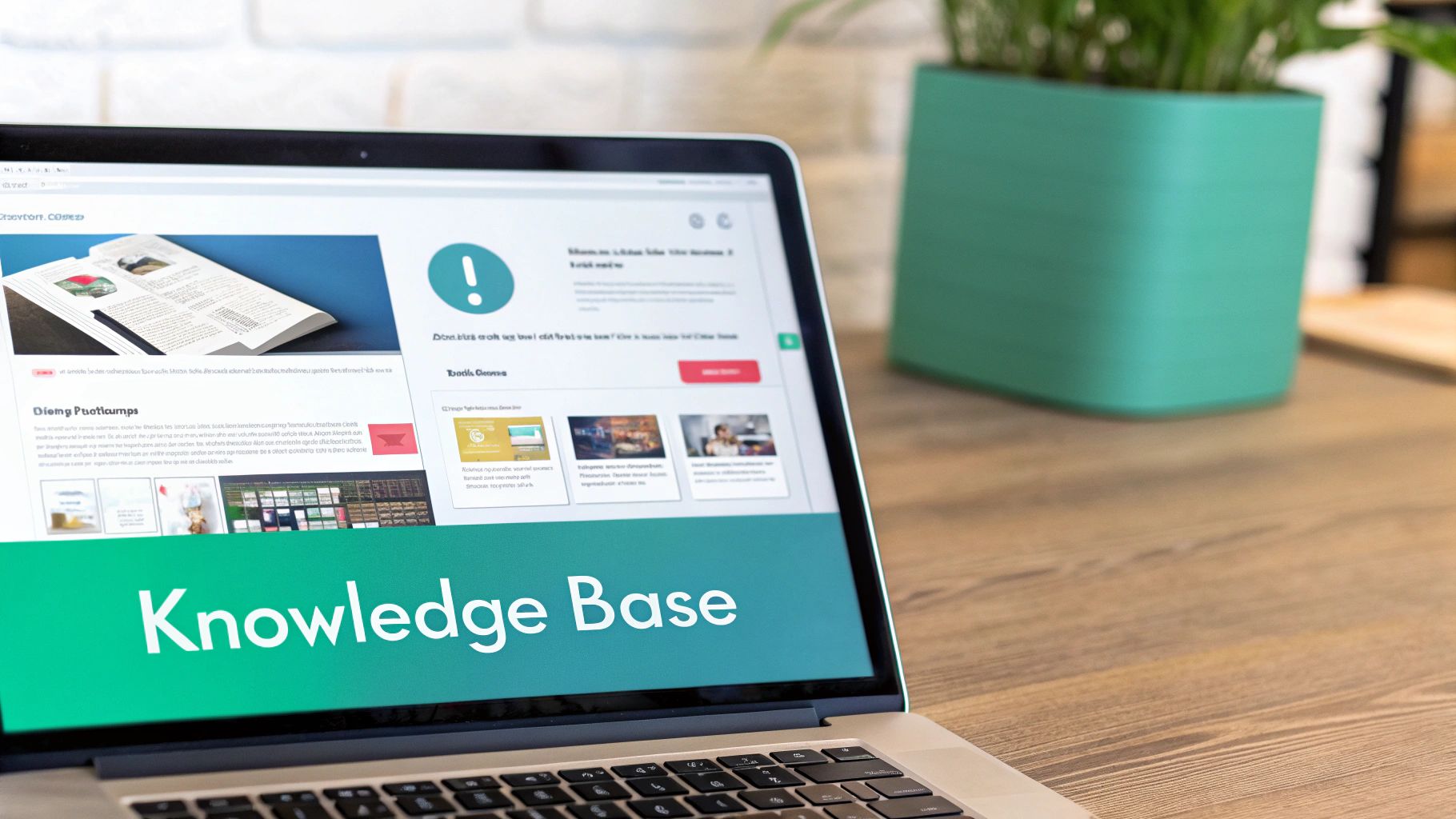
An effective help desk doesn't just resolve issues; it empowers users to resolve them independently. Developing a comprehensive, centralized knowledge base is a cornerstone of modern support, transforming your help desk from a reactive team into a proactive resource. This practice involves creating a searchable repository of articles, how-to guides, and FAQs that both your team and your end-users can access instantly.
Imagine a workday where your team never has to open another resource, search through multiple platforms, or ask a colleague for a link again. By centralizing all company wisdom, you eliminate the productivity drain of information hunting. Instead of waiting for an agent, users get immediate answers, boosting their satisfaction and freeing up your team to handle more complex, high-impact issues. This shift from one-to-one support to one-to-many knowledge sharing is crucial for scaling your operations efficiently.
Why This is a Foundational Practice
A knowledge base is your single source of truth, ensuring consistency in the answers your team provides. It’s an essential tool for onboarding new agents, a reference for seasoned experts, and the engine behind powerful self-service. Systems like Confluence or integrated help desk knowledge bases serve as the brain of your support operations, capturing valuable tribal knowledge that would otherwise be lost.
Imagine your team never having to search through old tickets, DMs, or Google Docs again. Instead, they just ask a question in Slack and instantly get the precise, approved answer. That's the power of centralizing your company's wisdom.
Actionable Steps for Implementation:
- Start with High-Frequency Issues: Analyze your ticket data and identify the top 20% of questions that create 80% of your support volume. Document these solutions first to achieve the quickest impact.
- Write for Clarity, Not Complexity: Use plain language, avoiding technical jargon wherever possible. Structure articles with clear headings, screenshots, and step-by-step instructions to make them easy to follow.
- Integrate Knowledge into Your Workflow: Embed your knowledge directly within your primary communication tool, like Slack. This allows your entire team to find and share information by simply asking a question, without ever switching contexts.
- Establish a Review Cadence: Knowledge becomes stale quickly. Implement a process to regularly review and update articles based on user feedback and product changes. Encourage users to rate article helpfulness to identify what needs improvement. Explore these knowledge management best practices for 2025 for more advanced strategies.
4. Implement Multi-Channel Communication Support
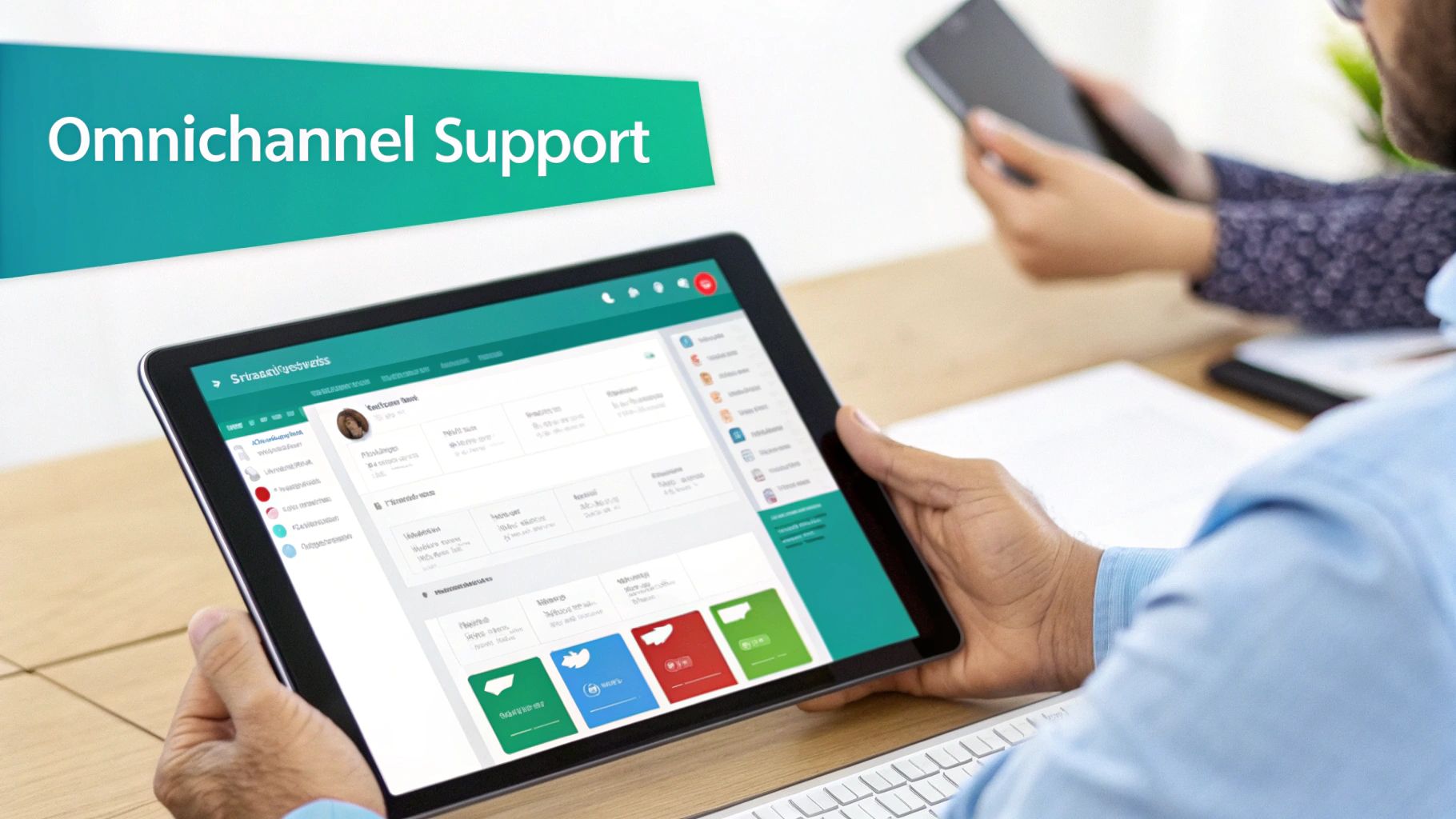
Today’s users expect to get help wherever they work, whether that’s in Slack, Microsoft Teams, email, or a traditional web portal. A modern help desk meets them there. Implementing multi-channel communication support means moving beyond a single point of contact and offering assistance across the platforms your team already uses. This approach removes friction, boosts accessibility, and dramatically improves the user experience.
This isn't just about being available everywhere; it's about creating a unified, seamless support journey. When a user can start a conversation in Slack and an agent can pick it up in a centralized help desk platform without losing context, you’ve eliminated the silos that frustrate both users and support staff. This is a critical step in building a user-centric help desk.
Why This is a Foundational Practice
Offering support in native communication tools like Slack or Teams transforms the help desk from a separate destination into an integrated part of the daily workflow. It acknowledges that the best support is the most convenient support. Platforms like Zendesk or Salesforce Service Cloud excel at consolidating these disparate channels into a single agent workspace, making this one of the most effective help desk best practices for modern teams.
Imagine an employee flagging a critical bug in a public Slack channel. Instead of asking them to
please submit a ticket,your system instantly converts their message into a high-priority issue, notifies the right engineering team, and confirms receipt, all without the user leaving Slack. That’s the power of embedded, multi-channel support.
Actionable Steps for Implementation:
- Identify Key Channels: Start by analyzing where your users are. Poll your team to identify their preferred communication tools for support, likely including Slack, email, and a web portal.
- Integrate with a Unified Inbox: Use a tool that pulls all communications into one interface. This prevents agents from having to constantly switch between different apps and risk losing context.
- Set Channel-Specific Expectations: A Slack message implies urgency and expects a faster response than an email. Clearly define and communicate your target response times for each channel.
- Train for Channel Etiquette: Coach your team on the communication nuances of each platform. A formal tone might work for email, but a more conversational, emoji-friendly style is better suited for Slack.
5. Adopt First Contact Resolution (FCR) as a Primary Metric
Focusing on First Contact Resolution (FCR) means prioritizing the complete resolution of a user’s issue during their very first interaction. This shifts the help desk’s goal from simply closing tickets to solving problems definitively on the first try, eliminating the need for frustrating follow-ups, escalations, or repeat contacts. It's a powerful metric that directly correlates with both user satisfaction and operational efficiency.
Elevating FCR transforms your support from a multi-step process into a single, effective touchpoint. For end-users, this means their workday isn't disrupted by a lingering issue. For your support team, it reduces the volume of reopened tickets and duplicate requests, freeing them to handle new challenges. This is one of the most crucial help desk best practices for building trust and demonstrating competence.
Why This is a Foundational Practice
A high FCR rate is a direct reflection of a well-trained, well-equipped, and empowered support team. Organizations like the Apple Genius Bar build their entire support model around this principle, ensuring agents have the knowledge and authority to resolve complex issues on the spot. A focus on FCR forces you to invest in better training, clearer documentation, and more effective tools, which elevates your entire support function.
Think of the difference between getting a definitive solution on your first call versus being told,
Someone will get back to you.The first inspires confidence and loyalty; the second creates uncertainty and frustration. A high FCR is the ultimate signal of an effective help desk.
Actionable Steps for Implementation:
- Empower Frontline Agents: Give your team the authority and access needed to solve common problems without needing manager approval for every small action, like a password reset or software license assignment.
- Invest in Continuous Training: Equip agents with deep knowledge of your products, services, and common troubleshooting scenarios. Role-playing complex issues can be particularly effective.
- Develop Robust Internal Knowledge: Use a tool to capture and surface proven solutions instantly within Slack. When an agent can ask a question and get an immediate, verified answer, they can resolve the issue without escalation.
- Analyze FCR Failures: When a ticket requires multiple touches, perform a root cause analysis. Was it a knowledge gap? A permissions issue? Use these insights to fix the underlying process and prevent future failures.
6. Provide Ongoing Comprehensive Training and Development
Your help desk team is your company's front line, and their expertise directly reflects your brand's competence and commitment to customer success. Investing in a structured, continuous training program is not an expense; it’s a strategic necessity that ensures your staff possess the most current technical knowledge, refined soft skills, and deep product expertise to handle any issue thrown their way. This practice transforms the support function from a reactive cost center into a proactive value driver.
A well-trained team resolves issues faster, more accurately, and with greater confidence. This commitment to professional development improves first-contact resolution rates, boosts customer satisfaction, and significantly reduces staff turnover by creating clear career progression paths. It’s a core tenet of high-performing help desk best practices that distinguishes good support from great support.
Why This is a Foundational Practice
Technology and customer expectations evolve constantly. A one-time onboarding is insufficient. An ongoing training program, popularized by frameworks like ITIL and COPC, ensures your team's skills remain sharp and relevant. By providing pathways to industry-recognized credentials like CompTIA certifications or vendor-specific training, you empower your agents to become true subject matter experts, capable of handling increasingly complex problems and contributing to broader business goals.
Imagine your newest support agent confidently troubleshooting a complex integration issue that once required senior escalation. That's the result of a culture of continuous learning where knowledge isn't just acquired, it's consistently refined and expanded.
Actionable Steps for Implementation:
- Implement Structured Onboarding: Develop a clear onboarding program with defined milestones for technical skills, product knowledge, and communication standards. A well-designed plan is crucial. Learn how to build a better employee training plan template to get started.
- Establish Peer Mentoring: Pair new hires with experienced agents. This accelerates learning, builds team cohesion, and provides a safe space for asking questions without fear of judgment.
- Create Role-Based Training Tracks: Tailor development plans to specific roles (e.g., Tier 1, Tier 2, Team Lead). This ensures training is relevant and directly supports an agent's career path within the company.
- Conduct Regular Skills Assessments: Use quarterly assessments, mock support scenarios, and ticket quality reviews to identify knowledge gaps and areas for targeted coaching and improvement.
7. Implement Incident Categorization and Root Cause Analysis
Moving beyond just closing tickets to understanding why they happen in the first place is a critical leap in maturing your support operations. By systematically categorizing incidents and performing root cause analysis (RCA), you shift from a reactive firefighting mode to proactive, preventive management. This practice helps identify patterns in recurring issues, allowing you to solve the underlying problem once instead of fixing the same symptom repeatedly.
This approach transforms your help desk from a simple triage center into a strategic source of business intelligence. It’s about building a feedback loop where support data directly informs product improvements, infrastructure upgrades, and process refinements. This is one of the most powerful help desk best practices for reducing ticket volume and improving overall service stability.
Why This is a Foundational Practice
Adopting formal problem management techniques, popularized by frameworks like ITIL and Google's SRE practices, allows you to connect individual incidents to a larger problem
record. This provides the structure to investigate, document, and track a permanent fix. Instead of just resolving a dozen can't log in
tickets, you identify the faulty server causing them and prevent hundreds more from ever being created.
Imagine your most common, frustrating ticket category suddenly disappearing from the queue. That's the outcome of effective root cause analysis. You stop bailing water and start plugging the hole in the boat, freeing your team for higher-value work.
Actionable Steps for Implementation:
- Categorize Every Ticket: Ensure your ticketing system uses a clear and consistent categorization schema (e.g., Category, Sub-Category). This data is essential for spotting trends.
- Use the '5 Whys' Method: For recurring issues, train your team to ask
Why?
multiple times to drill down past surface-level symptoms to the true origin of the problem. - Conduct Blameless Postmortems: After a major incident, hold a review focused on process and system failures, not individual blame. The goal is to learn and prevent recurrence.
- Link Incidents to Problems: Create a formal
Problem
ticket to track the investigation of a root cause. Link all relatedIncident
tickets to it to quantify the full impact.
8. Use Intelligent Automation and AI-Powered Tools
Integrating intelligent automation is no longer a futuristic goal; it's a core component of modern, high-performing help desks. This isn't about complex technical setups; it's about giving your team the superpower of instant answers. Imagine a world where your staff no longer hunts through wikis, shared drives, or old Slack threads. Instead, they just ask a question in Slack and get an immediate, accurate response, freeing them to focus on what they were hired to do.
This practice allows you to automate routine, high-volume requests, providing instant answers to common questions and freeing your skilled agents to focus on complex, high-value issues. This is one of the most effective help desk best practices for dramatically improving both agent efficiency and employee satisfaction.
Why This is a Foundational Practice
Automation tools create a first line of defense that operates 24/7. They handle password resets, software access requests, and policy questions instantly, reducing ticket volume and support costs. This isn't about replacing humans; it's about augmenting their capabilities, allowing your team to function more strategically and deliver a faster, more consistent support experience across the board. For a deeper dive, check out this artificial intelligence enablement playbook.
The true power of AI in support is not just deflecting tickets, but creating a frictionless experience where employees get what they need the moment they need it, often without ever creating a ticket in the first place.
Actionable Steps for Implementation:
- Identify High-Volume Tasks: Analyze your ticket data to find the top 3-5 most frequent and repetitive requests. These are your ideal candidates for initial automation.
- Implement a Phased Rollout: Start with a pilot group or a single, simple workflow. Monitor its performance and gather feedback before expanding to more complex processes or wider audiences.
- Ensure a Clear Escalation Path: Always provide an easy, obvious way for users to connect with a human agent if the AI cannot resolve their issue. This builds trust and prevents user frustration.
- Continuously Train Your AI: Regularly review unanswered questions and failed interactions to train your AI model. The more data and feedback it receives, the more accurate and helpful it becomes.
9. Monitor Customer Satisfaction and Implement Feedback Loops
Technical metrics like resolution time are important, but they don't tell the whole story. The ultimate measure of a help desk's success is how the user feels about the support they received. Implementing a systematic way to monitor customer satisfaction and act on feedback is crucial for moving from a good help desk to a great one. This practice turns subjective user experiences into actionable data, allowing you to fine-tune your service delivery.
Actively soliciting feedback shows users that their voice matters, fostering trust and loyalty. It creates a continuous improvement cycle where service quality isn't just maintained but consistently elevated. By tracking metrics like CSAT, NPS, or CES, you gain a clear, quantifiable understanding of your team's impact and identify specific areas for coaching and process refinement. This is one of the most vital help desk best practices for building a user-centric support culture.
Why This is a Foundational Practice
Without a feedback loop, your team operates in a vacuum, relying on assumptions about service quality. A structured feedback system provides the direct, unfiltered insights needed to validate what's working and immediately address what isn't. It connects your team's daily efforts directly to user happiness, providing powerful motivation and guiding strategic decisions, from agent training to tool investment.
Imagine being able to pinpoint the exact moment a user felt frustrated and understanding why. That's the power of a feedback loop. It's not just about collecting scores; it's about understanding the stories behind them to build better experiences.
Actionable Steps for Implementation:
- Choose Your Key Metric: Start with one primary metric, such as Customer Satisfaction (CSAT). Send a simple one-click survey (
How would you rate the support you received?
) immediately after a ticket is closed. - Keep It Short and Sweet: Your surveys should be frictionless. A single rating question followed by an optional open-text field is often most effective. The easier it is to respond, the higher your response rate will be.
- Automate Survey Distribution: Configure your help desk system to automatically send a satisfaction survey via email or Slack a few minutes after a ticket is marked as resolved.
-
Close the Loop
on Feedback: Actively follow up on negative reviews to understand the issue and demonstrate a commitment to improvement. Review all feedback in weekly team meetings to identify trends and celebrate successes.
10. Establish Effective Communication and Escalation Procedures
Nothing frustrates users more than feeling ignored or watching their critical issue get stuck in a support queue. Establishing clear communication and escalation procedures ensures that problems are addressed at the right level and speed. This practice creates a safety net, guaranteeing that complex or high-impact issues receive the necessary attention before they snowball into major incidents.
A well-defined escalation path provides your team with confidence and your users with transparency. It transforms ambiguity into a predictable, tiered response system, preventing agent burnout and improving customer satisfaction. This is a core component of mature help desk best practices, ensuring consistent service quality even when things go wrong.
Why This is a Foundational Practice
Formal escalation protocols prevent senior staff and specialists from being inundated with routine requests while ensuring critical issues are never overlooked. By defining triggers for escalation, such as unresolved time, business impact, or technical complexity, you empower your frontline team to make smart, autonomous decisions. This structured approach builds trust and demonstrates a commitment to resolving issues efficiently, no matter their complexity.
Imagine a critical system outage where the ticket automatically escalates to the on-call engineering lead after 15 minutes without a response, while simultaneously notifying stakeholders. That’s the operational stability that clear escalation procedures provide.
Actionable Steps for Implementation:
- Define Clear Escalation Triggers: Document specific criteria for when an issue should be escalated. Common triggers include time-based (unresolved after 4 hours), severity-based (system-wide outage), or expertise-based (requires developer input).
- Create an Escalation Matrix: Build a simple chart that maps issue types and priority levels to the correct escalation contact or team. This removes guesswork and speeds up the process.
- Automate Escalation Notifications: Configure your help desk to automatically notify the next tier of support when escalation criteria are met. This ensures a seamless handoff without manual intervention.
- Use Communication Templates: Equip your team with pre-written templates for escalation handoffs and user status updates. This guarantees all necessary context is provided and users are kept informed throughout the process.
Help Desk Best Practices: 10-Point Comparison
| Item | 🔄 Implementation Complexity | ⚡ Resource Requirements | 📊 Expected Outcomes | 💡 Ideal Use Cases | ⭐ Key Advantages |
|---|---|---|---|---|---|
| Implement a Ticketing System for Request Management | Medium — initial setup, workflow config and integrations | Moderate — platform licensing, admin, user training | Clear tracking, fewer lost requests, measurable metrics, faster resolution | Centralized help desk, high-volume requests, multi-team coordination | Prevents lost requests; workload balancing; performance visibility |
| Establish Clear Service Level Agreements (SLAs) | Medium — stakeholder alignment and enforcement processes | Low–Moderate — monitoring/reporting tools and governance | Predictable response/resolution times; accountability; prioritized issues | Enterprises, regulated sectors, vendor/customer contracts | Aligns IT to business priorities; enforces critical issue handling |
| Develop a Comprehensive Knowledge Base | Medium — large upfront content creation and taxonomy design | Moderate — content authors, CMS/search (AI recommended) | Reduced ticket volume; higher first-contact resolution; consistent answers | Self-service strategy, repetitive issues, scaling support without hires | Scales support capacity; improves consistency and onboarding |
| Implement Multi-Channel Communication Support | High — integrate channels, unify workflows and routing | Moderate–High — omnichannel platform, training, monitoring | Improved accessibility and CSAT; faster resolution on real-time channels | B2C/customer-facing orgs; distributed user bases with varied preferences | Meets user preferences; faster chat resolutions; richer interaction data |
| Adopt First Contact Resolution (FCR) as a Primary Metric | Medium — requires process change, training, and measurement | Moderate — training, knowledge resources, empowerment tools | Higher CSAT; fewer repeat contacts; lower cost per issue | Support centers focused on customer experience and efficiency | Boosts satisfaction and efficiency; reduces workload and costs |
| Provide Ongoing Comprehensive Training and Development | Medium–High — program design, scheduling, curricula upkeep | High — trainers, LMS/platforms, time away from support | Improved competence, lower turnover, faster and higher-quality resolutions | Teams needing deep product expertise or reduced attrition | Increases skills/confidence; reduces turnover; improves CX |
| Implement Incident Categorization and Root Cause Analysis | Medium — requires consistent categorization and RCA discipline | Moderate — analysts, time for analysis, reporting tools | Fewer recurring incidents; data-driven improvements; better KB content | Ops with recurring incidents or complex infrastructures | Identifies systemic causes; enables preventive actions and investment justification |
| Use Intelligent Automation and AI-Powered Tools | High — data preparation, integration, model tuning and governance | High — AI platforms, training data, development and security oversight | 24/7 handling of routine requests; faster responses; cost and time savings | High-volume routine requests; desire to scale without headcount | Scalable 24/7 support; faster, consistent handling of routine queries |
| Monitor Customer Satisfaction and Implement Feedback Loops | Low–Medium — survey and analytics setup, review cadence | Low–Moderate — survey tools, analytics time, action planning | Direct voice-of-customer insights; targeted improvements; staff recognition | Any organization pursuing continuous CX improvement | Reveals CX gaps; prioritizes improvements; closes feedback loop |
| Establish Effective Communication and Escalation Procedures | Medium — define decision trees, templates and authority levels | Moderate — documented workflows, automation, manager involvement | Reduced user frustration; faster resolution for critical issues; fewer duplicate efforts | Multi-tiered support, critical-incident environments, cross-team coordination | Clear accountability; preserves context; speeds appropriate escalation |
From Answering Questions to Building Your Team's Brain
We've explored ten foundational help desk best practices, from implementing robust ticketing systems and clear SLAs to fostering a culture of continuous learning and leveraging intelligent automation. Each practice, from establishing multi-channel support to monitoring customer satisfaction, represents a critical lever you can pull to enhance efficiency, reduce friction, and improve the support experience for everyone involved. Following these guidelines will undoubtedly refine your operations, making your help desk more structured, predictable, and responsive.
But what if the ultimate goal isn't just to build a better help desk? What if it's to create an environment where the help desk, as we know it, becomes nearly obsolete?
The True Transformation: Beyond Efficient Ticketing
The real revolution in internal support isn't about answering tickets faster. It's about empowering your team to find answers so quickly and effortlessly that most tickets are never created in the first place. This is the fundamental shift in perspective that separates a good help desk from a truly strategic organizational asset. It's about moving from a reactive model of firefighting to a proactive system of knowledge creation and instant delivery.
Imagine a typical day for your team. Instead of context-switching to a separate portal, searching through a labyrinth of documents in Confluence or Google Drive, or pinging a subject matter expert and waiting, they simply ask a question in Slack. Instantly, they receive a precise, verified answer sourced directly from your team's collective knowledge. This isn't a fantasy; it's the future of work, and it's happening right where your team already collaborates.
Building Your Organization's Central Nervous System
Every question asked and answered within your organization is a valuable piece of intellectual property. The traditional help desk model often lets this knowledge evaporate. A question is answered in a direct message or a transient channel, and the insight is lost forever, destined to be asked and answered again and again. Implementing modern help desk best practices with AI-powered tools transforms this dynamic completely.
Your goal should be to make institutional knowledge as accessible as a Google search, but with the curated accuracy of an internal expert.
When you embed knowledge capture and delivery directly into your communication workflow, you create a powerful flywheel effect:
- Reduce Repetitive Questions: The most common queries are answered automatically, freeing up your support and operations teams to focus on high-impact, strategic work.
- Accelerate Onboarding: New hires can self-serve answers to their questions, becoming productive and confident much faster without constantly interrupting their peers.
- Eliminate Knowledge Silos: Critical information is no longer trapped in individual inboxes, specific documents, or the minds of a few key people. It becomes a shared, searchable, and instantly accessible resource for the entire organization.
This journey transforms your help desk from a reactive cost center into the central nervous system of your company. It becomes a living, breathing repository of wisdom that grows more intelligent with every interaction. You're not just closing tickets; you're building your team's brain, one answer at a time. The ultimate best practice is to create a self-sufficient organization where finding information is effortless, interruptions are minimized, and productivity can truly flourish.
Ready to transform your Slack workspace from a place for questions into a hub for instant answers? SAI embeds directly into your workflow, capturing knowledge from conversations and delivering it on demand, making these help desk best practices an automated reality. Start building your team's brain today by exploring what's possible with SAI.
