12 Best Apps for Slack to Transform Your Business in 2025
Imagine a workday where your team never has to leave Slack to find an answer. No more digging through Confluence, searching shared drives, or interrupting a colleague for that one elusive link. Picture your team asking a question in a channel and getting an instant, accurate response, freeing them from the constant cycle of context switching that destroys deep work.
This isn't about adding more tools; it's about making Slack the central nervous system of your business. It becomes a single source of truth that works for you, not against you. This guide is more than just a list of the best apps for Slack; it’s a blueprint for transforming your workspace from a chaotic notification center into a streamlined engine for productivity.
We've done the research for you, diving deep into the platforms that will genuinely reclaim your team's day. For each of the 12 handpicked resources, you'll find direct links and practical insights to help you choose the right tools to eliminate bottlenecks, automate repetitive tasks, and create a seamless flow of information. The goal is simple: help your team spend less time searching and more time achieving. Let's get started.
1. SAI
SAI stands out as one of the best apps for Slack by transforming your team’s workday into a seamless flow of information. Imagine a day where you never have to open another resource or search through multiple drives to find what you need. Instead of the constant hunt for information, you simply ask SAI in Slack, and the answers you and your team are looking for appear instantly, sourced from your company’s collective knowledge.
This AI assistant’s core strength is its zero-setup, Slack-native design. It begins learning the moment it’s added to a channel, understanding the intent behind questions to provide context-aware answers 24/7. This dramatically reduces the repetitive questions that kill focus and productivity, allowing your team to reclaim valuable time. SAI essentially turns every answered question into a permanent, reusable asset, making it a powerful, hands-off tool for continuous improvement and knowledge retention. Explore how this approach refines your internal processes with SAI's detailed guide on what a knowledge management system is.
Key Features & Benefits
- Zero-Setup Knowledge Base: SAI learns autonomously from your Slack history, eliminating the need for manual data entry or training.
- Context-Aware AI: Understands the user's intent to provide relevant answers, not just keyword matches.
- Reduced Interruptions: Provides instant, 24/7 answers, allowing subject matter experts to stay focused on high-value work.
- Measurable Productivity: Advertised to save teams over two hours daily by automating responses and minimizing context switching.
| Best For | Pricing |
|---|---|
| Support, Ops, HR, and IT teams with high inquiry volume. | Free Early Access: Single-channel integration, unlimited responses. |
Practical Tip: Add SAI to your busiest support or operations channel (like #ask-it or #ops-support) to see an immediate impact on question volume and response times.
2. Slack Marketplace (Official app directory)
Before diving into individual third-party tools, your first stop should always be the official Slack Marketplace. Think of it as the central nervous system for your workspace’s evolution, offering thousands of vetted integrations directly from the source. It’s the definitive and most secure starting point for finding the best apps for Slack, ensuring any tool you consider has passed Slack’s own security and functionality reviews.
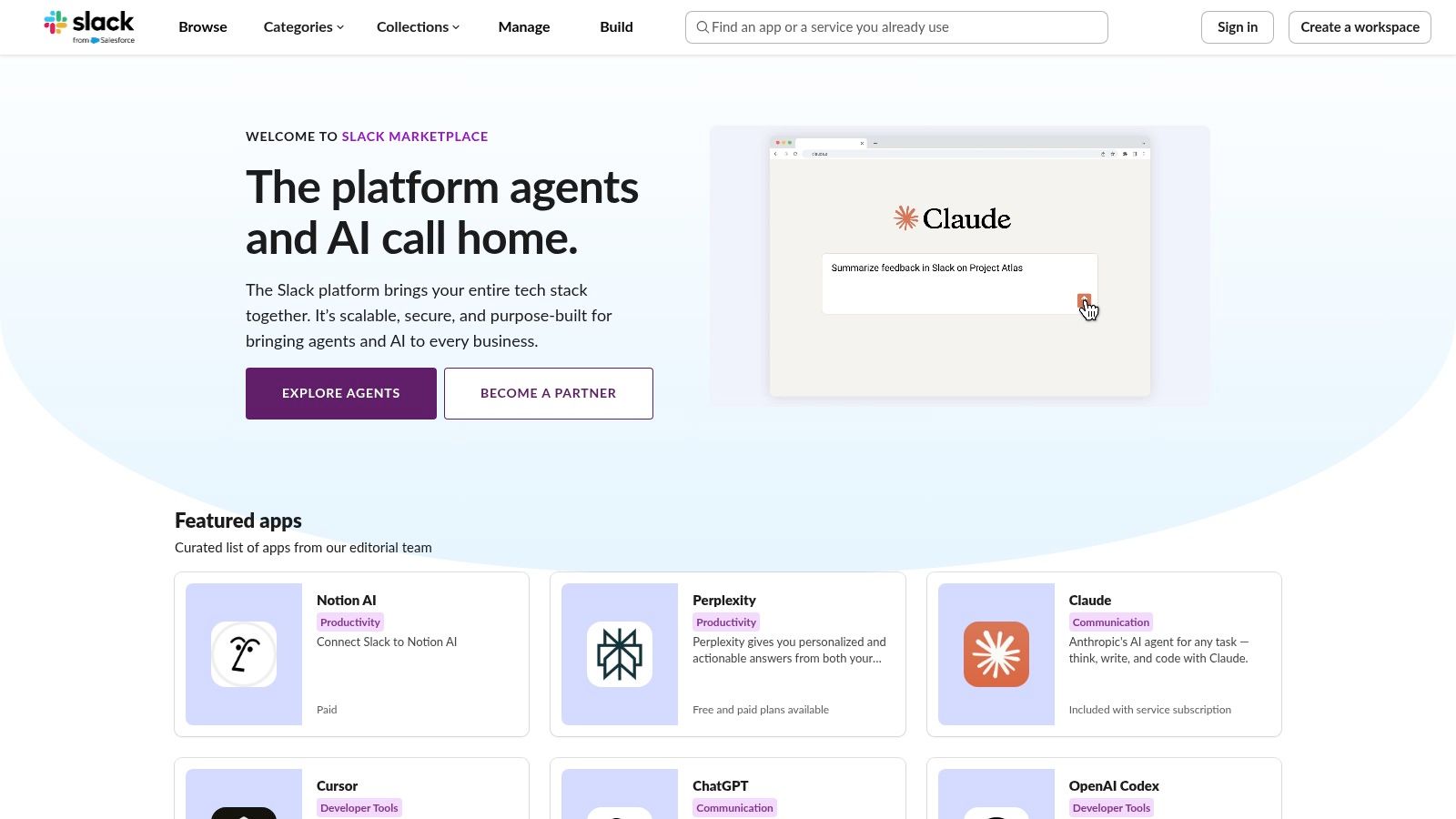
The user experience is seamless, with a standardized “Add to Slack” button that clearly outlines the permissions an app requires before you commit. This transparency is crucial for administrators managing security and data privacy. The marketplace organizes apps into helpful categories like “Brilliant Bots” and “Essential Apps,” making it easy to discover tools tailored to your team’s specific needs, whether for project management, developer tools, or HR.
Key Features & Use Cases
- Centralized Installation: A single, trusted place to find, approve, and install apps with a consistent permission flow.
- Curated Collections: Discover new and popular apps through Slack-curated lists and categories, which can spark ideas for workflow improvements you hadn't considered.
- Admin Controls: Workspace and org-level admins can manage app approval policies, restricting or recommending specific tools for the entire organization.
Why It’s a Top Resource
While the platform itself is free to browse, individual app pricing varies. Its primary strength is trust and simplicity. Using the official marketplace removes the guesswork and risk associated with third-party installers. For a curated look at some standout tools you can find, you can explore some of the most transformative Slack apps available. Although its editorial depth can be inconsistent, its breadth and security-first approach make it an indispensable resource for any Slack admin.
Website: https://slack.com/marketplace
3. Product Hunt – Slack apps category
If the Slack Marketplace is the official library, Product Hunt is the bustling launch party where the most innovative and trending tools make their debut. It’s a discovery hub powered by community upvotes, maker comments, and real-world feedback. This platform is invaluable for finding cutting-edge apps for Slack that haven't yet achieved mainstream status but are quickly gaining traction.
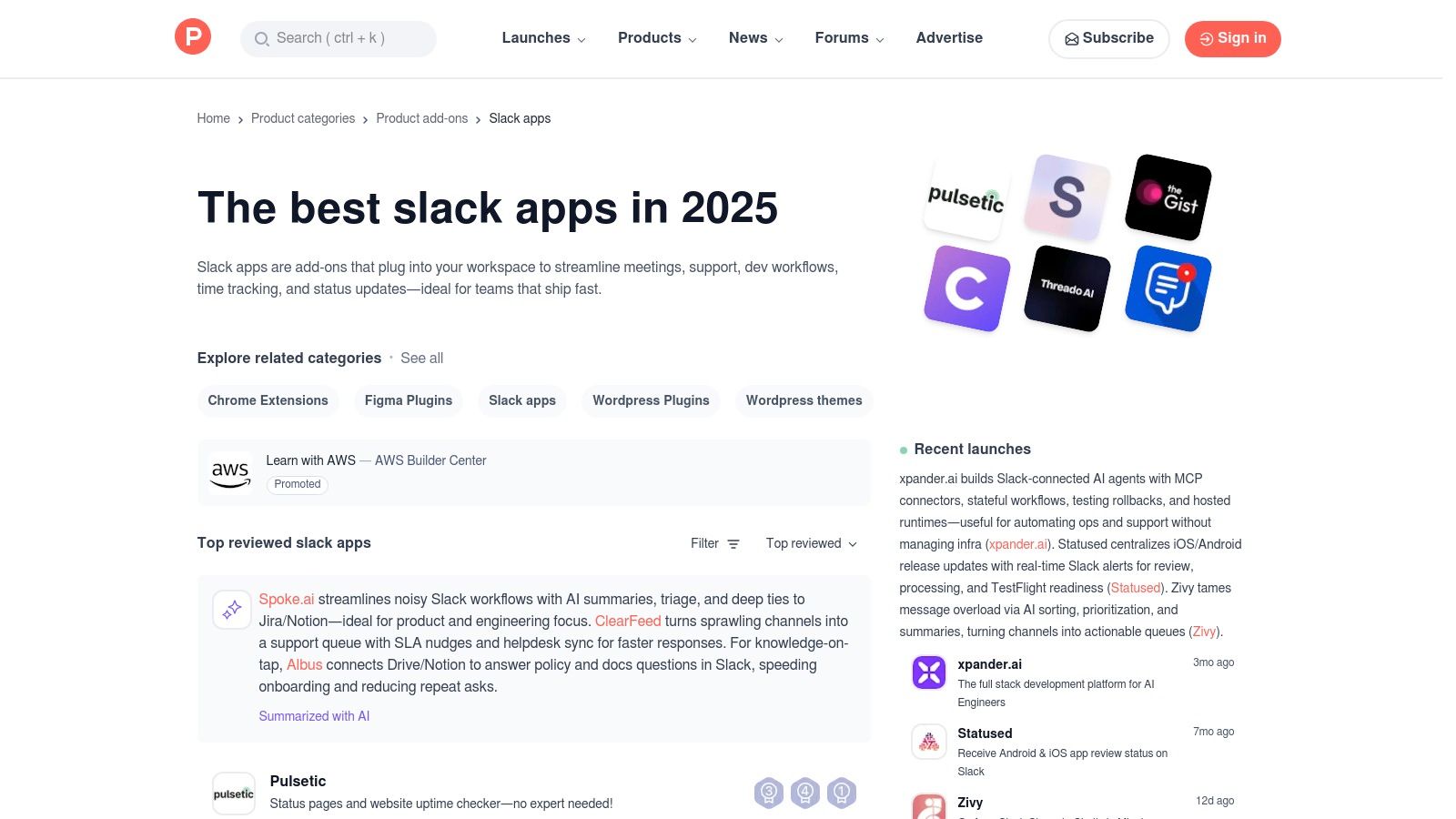
Unlike a traditional directory, Product Hunt’s value comes from its social proof. You can see which apps are exciting the tech community, read direct feedback from early adopters, and even engage with the creators themselves in the comments. This offers a ground-level view of an app's potential and its team's responsiveness, helping you gauge both the tool and the people behind it.
Key Features & Use Cases
- Community-Driven Discovery: Find apps based on what’s trending, with upvotes and user comments acting as a powerful filter for quality and interest.
- Direct Maker Interaction: Engage directly with the developers of new Slack apps to ask questions, give feedback, or understand their roadmap.
- Niche & Innovative Tools: An excellent resource for discovering specialized or novel solutions that solve unique problems, often before they appear in larger directories.
Why It’s a Top Resource
Product Hunt is free to browse and provides a direct pulse on what’s new and exciting in the Slack ecosystem. Its key advantage is early access and community validation. While you won’t find the same level of enterprise-grade vetting as the official marketplace, you will find momentum. It’s the perfect place to spot a breakthrough tool that could give your team a competitive edge. The community signals help you shortlist promising apps, but due diligence on security and long-term viability remains essential.
Website: https://www.producthunt.com/categories/slack-apps
4. G2 – Slack product page
Beyond curated marketplaces, G2’s Slack product page offers a vital, real-world perspective on finding the best apps for Slack. It aggregates thousands of verified user reviews, providing unfiltered feedback on how different tools perform in practice. This peer-to-peer insight is invaluable for validating marketing claims and understanding the true user experience before committing to a new integration.
The platform provides a snapshot of pricing, highlights common integrations, and offers direct comparisons, helping you build a business case for new software. Instead of relying solely on vendor descriptions, you can see how real teams are using and benefiting from specific apps, making it easier to gain stakeholder buy-in. It’s the perfect resource for cross-referencing options and discovering tools through the lens of genuine user satisfaction.
Key Features & Use Cases
- Verified User Reviews: Access detailed feedback and ratings from peers to gauge an app's real-world performance, usability, and support quality.
- Competitor Comparisons: See how different Slack apps stack up against each other based on user satisfaction ratings and feature sets.
- Integration Ecosystem: Discover which tools are commonly used alongside Slack, helping you build a more connected and efficient software stack.
Why It’s a Top Resource
G2 is free to use for research, though it’s important to note that sponsored placements may influence visibility. Its core strength is social proof and validation. While its integrations list isn't a dedicated Slack app directory, the depth of its user-generated reviews provides a layer of confidence that official listings can't always match. For teams needing to justify software purchases, the authentic peer feedback on G2 is an indispensable decision-making tool.
Website: https://www.g2.com/products/slack/reviews
5. Capterra – Slack profile
While not a direct marketplace for Slack apps, Capterra’s Slack profile serves as a crucial research hub for any administrator evaluating new tools. It functions as a comprehensive software directory, offering high-level summaries, user reviews, and pricing signals that help you compare potential integrations before committing. Think of it as the due diligence step before you even visit the official marketplace.
The platform excels at providing a bird's-eye view, summarizing Slack’s own features and pricing plans alongside verified user ratings. Its “Integrations” section highlights popular connections like Google Drive, Jira, and Asana, giving you a quick reference for core tools. This comparative lens is invaluable for understanding how different apps for Slack stack up against each other in the real world, based on feedback from a broad, non-technical audience.
Key Features & Use Cases
- Comparative Research: Quickly compare features, pricing, and user satisfaction scores for various software tools that integrate with Slack.
- Verified User Reviews: Access a large volume of reviews from real users, offering honest insights into an app’s strengths and weaknesses.
- Pricing Summaries: Get an easy-to-scan overview of an app's pricing tiers, which helps in initial budget planning and shortlisting.
Why It’s a Top Resource
Capterra is free to use for research, though sponsored listings can influence placement. Its primary strength lies in context and validation. Instead of just finding an app, you can see how it’s perceived by thousands of users and how its pricing compares to alternatives. While it’s not a direct installation source, it’s an essential preliminary resource for making informed decisions and discovering some of the best apps for Slack from a user-centric perspective.
Website: https://www.capterra.com/p/135003/Slack/
6. GetApp – filtered categories “Integrated with Slack”
While the Slack Marketplace is ideal for direct discovery, GetApp offers a different, task-oriented approach. Instead of browsing apps first, you start with the job you need to accomplish, like “Customer Support” or “Project Management,” and then filter for tools that integrate with Slack. This method is incredibly useful for finding the best apps for Slack that fit into a broader, pre-existing software stack.
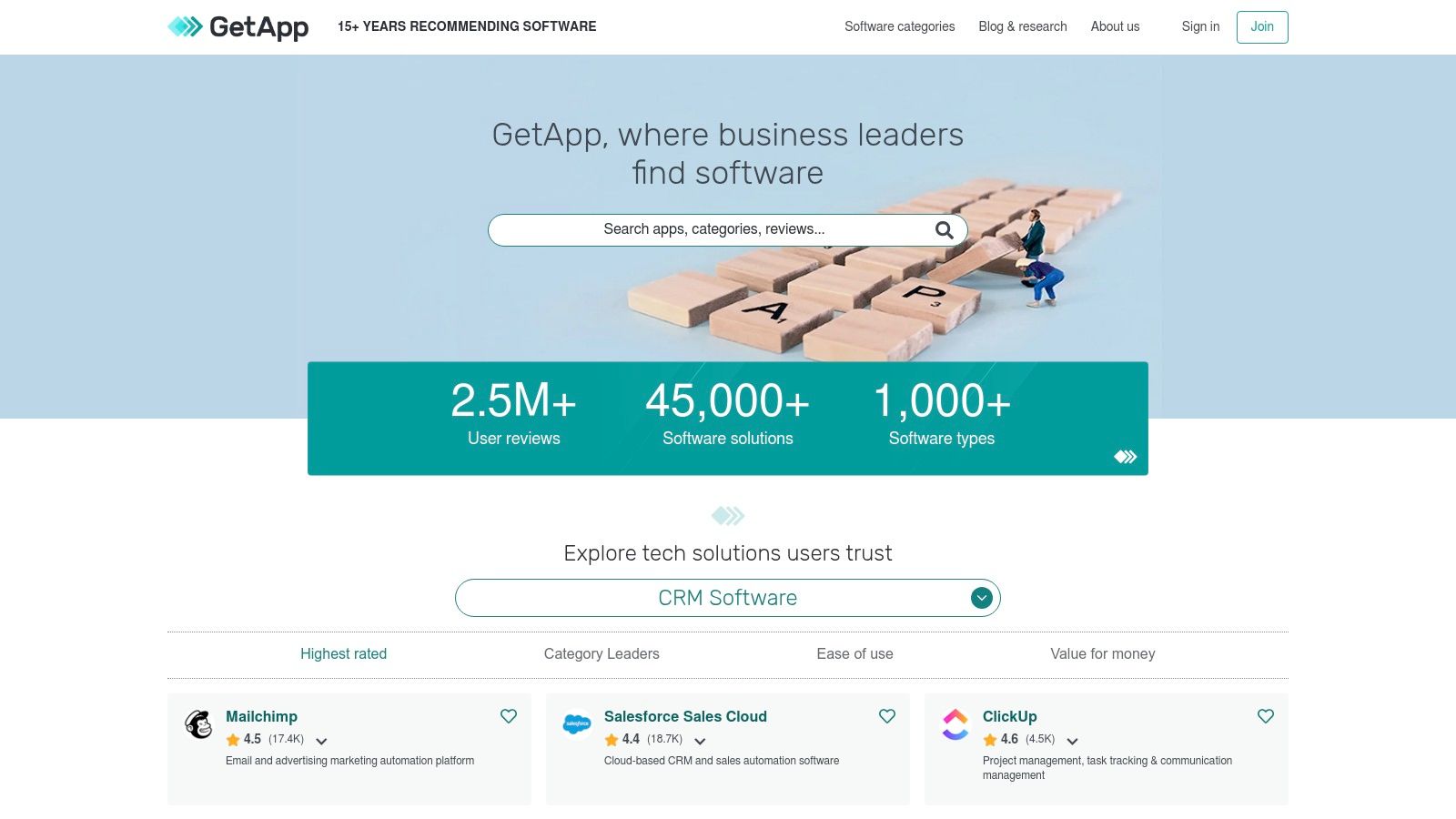
GetApp excels at helping you build a workflow rather than just finding a single tool. Its interface allows for granular filtering based on pricing models, features, and device support, making it easy to narrow down a vast market to a few key contenders. The platform also includes user reviews and Category Leaders
reports, providing social proof and data to guide your decision-making process.
Key Features & Use Cases
- Task-Based Discovery: Start with a business need (e.g., CRM, HR) and find Slack-compatible tools, not the other way around.
- Advanced Filtering: Quickly narrow options by budget, core features, operating system, and business size to find a perfect fit.
- User Reviews & Comparisons: Leverage community feedback and side-by-side comparisons to evaluate how different apps perform in the real world.
Why It’s a Top Resource
GetApp’s strength is its context-driven search. It answers the question, “What is the best CRM that also works with Slack?” instead of just presenting a list of Slack apps. While it doesn't offer one-click installation and may feature sponsored placements, it provides a crucial layer of research for building a cohesive and efficient digital workplace. This approach is invaluable when trying to select from the essential apps for small businesses that must integrate seamlessly.
Website: https://www.getapp.com
7. Zapier – Slack integrations directory
If the Slack Marketplace is the central nervous system, Zapier is the powerful circulatory system that connects Slack to the entire digital world. It’s a no-code automation platform designed to link Slack with over 8,000 other applications, allowing you to build custom workflows without writing a single line of code. For teams looking to automate repetitive tasks that span multiple tools, Zapier is one of the best apps for Slack you can find.
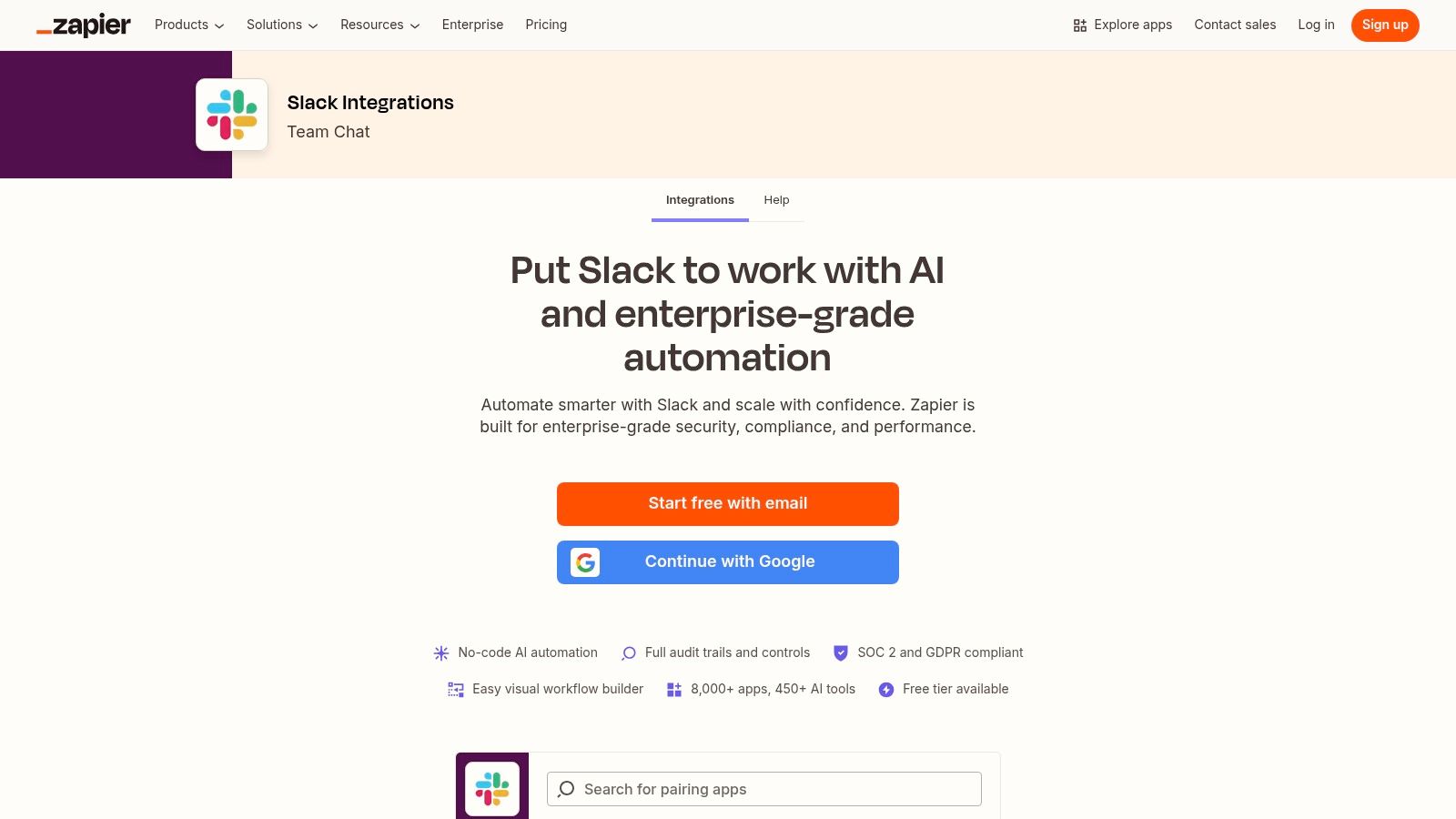
The platform operates on a simple trigger-and-action
model. For instance, when a new lead is added to your CRM (trigger), Zapier can automatically post a summary in a specific Slack channel (action). The user experience is built around a visual workflow builder and thousands of pre-built templates, or Zaps,
that make it incredibly fast to get started. This approach empowers non-technical users to build sophisticated automations that save countless hours.
Key Features & Use Cases
- Massive App Ecosystem: Connect Slack to virtually any SaaS tool your team uses, from Google Sheets and Trello to Salesforce and HubSpot.
- Ready-Made Templates: Browse a huge directory of pre-configured
Zaps
to automate common tasks in minutes, like sharing new blog posts or creating calendar events from saved messages. - Visual Workflow Builder: Design custom, multi-step automations with conditional logic to handle more complex processes without needing developer resources.
Why It’s a Top Resource
Zapier’s primary strength is its unmatched connectivity and speed to value. While it offers a free tier for simple automations, costs can increase with heavy usage or more complex workflows. It excels at bridging gaps between tools that don't have native integrations, making it an essential resource for any team aiming to streamline their operations. For anyone who has ever thought, I wish this app could talk to that app,
Zapier is the definitive answer.
Website: https://zapier.com/apps/slack/integrations?utm_source=openai
8. Make (formerly Integromat) – Slack integrations and templates
For teams that need more granular control over their automated workflows, Make (formerly Integromat) offers a powerful and visual platform to connect Slack with hundreds of other applications. Unlike simpler automation tools, Make excels at building complex, multi-step scenarios with conditional logic, allowing you to design precise workflows that match your exact business processes. It's an ideal choice for technical teams and operations managers who want to go beyond basic notifications.
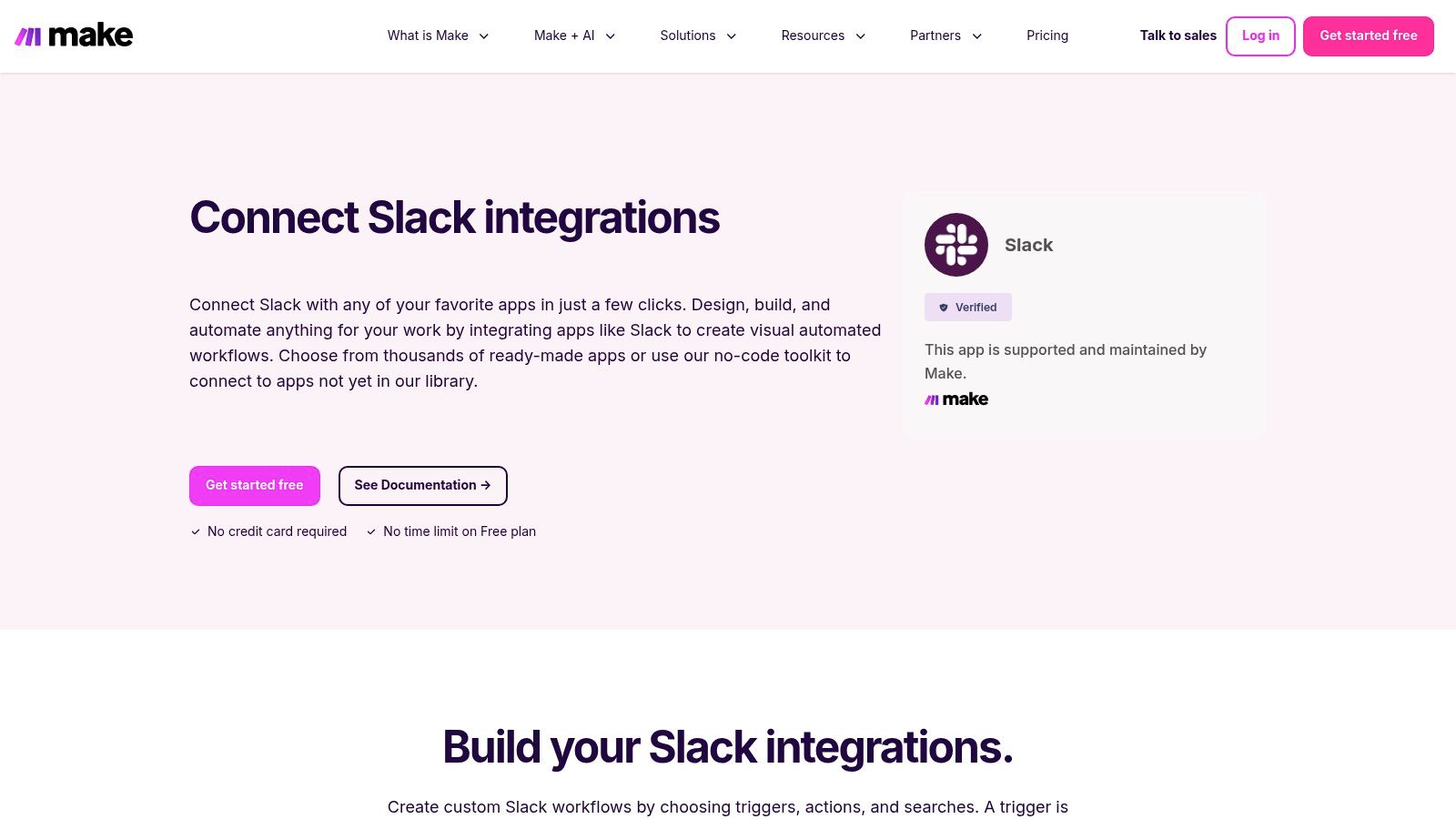
The platform’s drag-and-drop interface lets you visualize the flow of data between apps, making it easier to debug and manage intricate automations. You can create scenarios like when a new high-priority ticket is created in Jira, find the assigned user in our CRM, post a detailed, formatted message in a specific Slack channel, and add a reminder to a Trello board.
This level of customization makes it one of the best apps for Slack for orchestrating sophisticated, cross-platform tasks.
Key Features & Use Cases
- Granular Triggers and Actions: Go beyond simple notifications with detailed options like watching for new reactions, files, or specific message patterns to kick off a workflow.
- Visual Scenario Builder: Design, test, and manage complex, branching automations in an intuitive drag-and-drop environment that clearly shows how apps connect.
- Extensive App Library: Connect Slack to over 1,000 other applications, from CRMs and project management tools to marketing and developer platforms.
Why It’s a Top Resource
Make's primary strength is its visual power and flexibility. While there's a learning curve for its most advanced features, its generous free plan allows teams to build and test robust workflows without an initial investment. For those who find Zapier too simplistic or expensive for multi-step tasks, Make provides a compelling, cost-effective alternative. It empowers teams to build bespoke solutions that perfectly fit their operational needs, transforming Slack into a true command center.
Website: https://www.make.com/en/integrations/slack?utm_source=openai
9. Workato – Slack integration and Workbot for Slack
When simple point-to-point automations are not enough, Workato steps in as an enterprise-grade integration platform (iPaaS) that transforms Slack into a central command center for complex, multi-system workflows. It goes far beyond basic notifications, allowing teams to build interactive, approval-based processes directly within Slack using its powerful Workbot. This makes it one of the best apps for Slack for businesses needing robust, scalable automation.
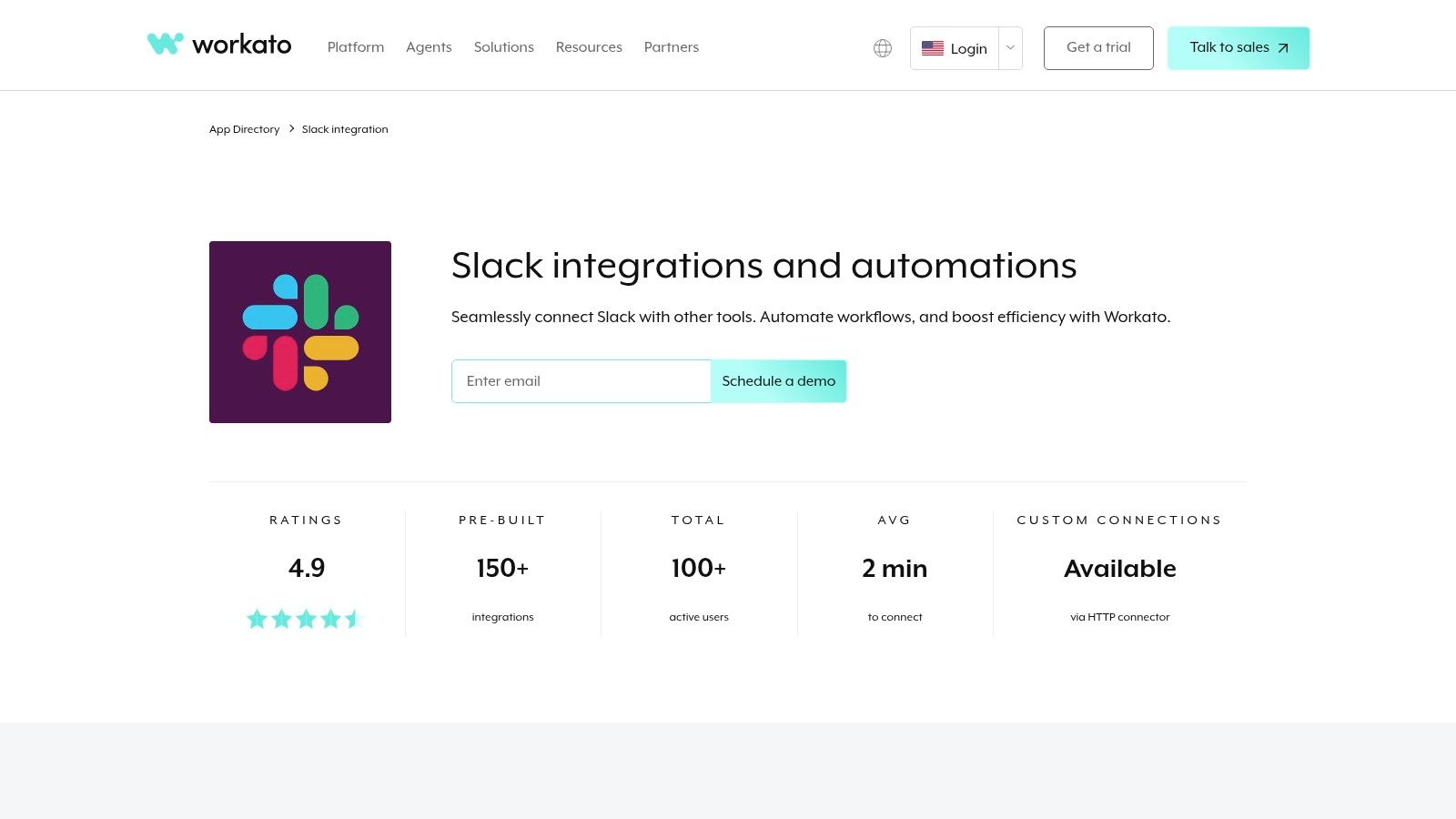
Imagine a DevOps engineer receiving a critical alert, creating a Jira ticket, escalating it in PagerDuty, and notifying stakeholders, all from a single interactive Slack message. Workato enables these mission-critical orchestrations. It’s designed for organizations that require deep governance, with features like SSO, audit logs, and environment management, ensuring that automations are not only powerful but also secure and compliant.
Key Features & Use Cases
- Workbot for Slack: Creates interactive, app-like experiences inside Slack, allowing users to approve expenses, manage support tickets, or provision software without leaving the chat interface.
- Deep Integration Connectors: Offers extensive triggers and actions for thousands of applications, enabling intricate workflows that span across your entire tech stack.
- Enterprise-Grade Governance: Provides robust security and management features, including SSO, audit trails, and role-based access control, making it suitable for regulated industries.
Why It’s a Top Resource
Workato’s strength lies in its ability to handle mission-critical, cross-departmental processes. While its pricing is geared toward mid-market and enterprise clients, the platform’s power to scale complex automations across an entire organization is unmatched. It requires dedicated admin ownership to unlock its full potential, but for businesses looking to operationalize their most important workflows within Slack, Workato provides the necessary power, security, and scalability. It truly connects your business applications in a way few other tools can.
Website: https://www.workato.com/integrations/slack?utm_source=openai
10. Google Workspace Marketplace – Slack listings
For teams deeply embedded in the Google ecosystem, the Google Workspace Marketplace is a critical resource for bridging the gap between your collaboration hub and your productivity suite. While not as expansive as Slack’s native directory, it offers official, vetted add-ons designed to connect tools like Gmail and Google Drive directly into your Slack channels. This is essential for organizations that standardize on Google and need seamless, admin-controlled integrations.
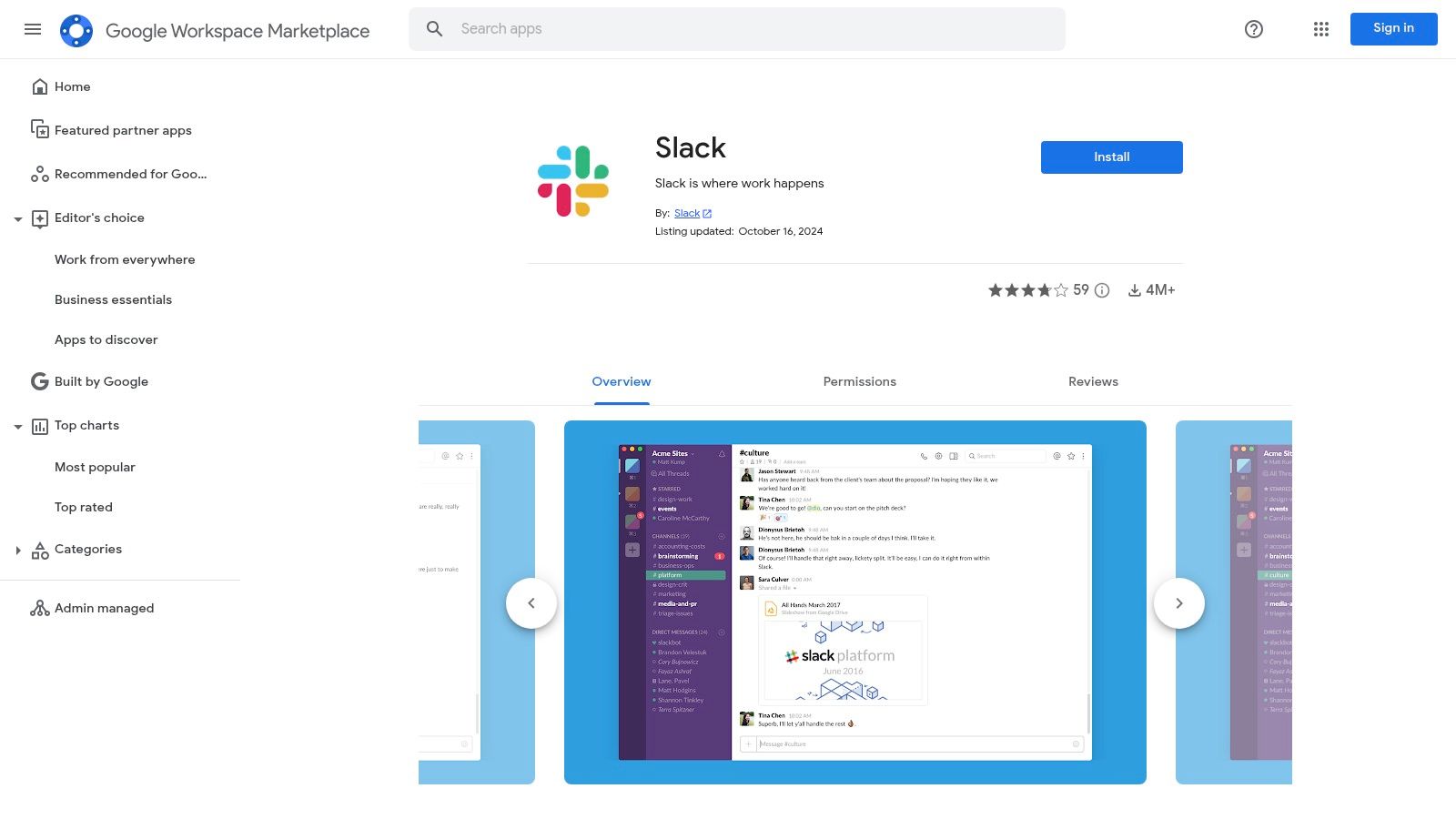
The primary advantage here is streamlined administration. Google Workspace admins can deploy these add-ons across the entire domain with one click, ensuring every user has the same capability to forward important emails to Slack or share Google Drive files with the correct permissions. This centralized management simplifies rollouts and maintains security compliance, making it one of the best sources for Google-centric apps for Slack.
Key Features & Use Cases
- Centralized Deployment: Admins can install Slack add-ons for the entire organization directly from their Google Admin console, enforcing consistency.
- Google-Centric Workflows: Perfect for use cases like forwarding a client email from Gmail to a specific Slack channel for discussion or getting Google Calendar notifications directly in Slack.
- Trusted and Secure: All apps are vetted by Google, providing an extra layer of security and trust for organizations managing sensitive data.
Why It’s a Top Resource
The Google Workspace Marketplace excels at administrative simplicity and ecosystem cohesion. While its catalog of Slack apps is much smaller and more focused than Slack’s own, it is the definitive place for any company running on Google Workspace. It removes friction by allowing admins to manage app permissions and distribution within a familiar environment, ensuring that the bridge between Google and Slack is both robust and secure for the whole team.
Website: https://workspace.google.com/marketplace/app/slack/19570130570
11. Microsoft Power Automate – Slack connector
For organizations deeply embedded in the Microsoft 365 ecosystem, integrating Slack can feel like bridging two separate worlds. The Microsoft Power Automate connector for Slack acts as that critical bridge, allowing you to build sophisticated, automated workflows that connect your team’s chat hub with essential Microsoft tools like Outlook, SharePoint, and Dynamics. This makes it one of the best apps for Slack if your company standardizes on Microsoft technologies.
This integration is less about a single-purpose app and more about unlocking a universe of custom automation. You can create flows that automatically post important SharePoint file updates to a Slack channel, create a new record in Dynamics 365 from a message, or send an Outlook email when a specific keyword is mentioned. For IT admins, the platform offers robust governance and Data Loss Prevention (DLP) policies, ensuring these cross-platform connections remain secure and compliant with company standards.
Key Features & Use Cases
- Microsoft 365 Integration: Build flows that trigger actions between Slack and other Microsoft services like SharePoint, Outlook, Teams, and Dynamics 365.
- Custom Triggers & Actions: Automate common Slack tasks, such as posting messages, creating channels, or sending direct messages based on events happening in other apps.
- Centralized Governance: Admins can manage the Slack connector within the Power Platform admin center, applying consistent DLP policies across all workflows.
Why It’s a Top Resource
Power Automate's primary strength is its native fit within a Microsoft-centric environment. While its library of pre-built Slack templates is more limited than competitors like Zapier, its deep integration and centralized security controls are invaluable for enterprises. It allows teams to remain productive in Slack while ensuring data flows securely to and from their core Microsoft systems. Licensing can be complex as it’s tied to Microsoft 365 SKUs, but for companies already invested, it’s a powerful and compliant automation solution.
Website: https://learn.microsoft.com/en-us/connectors/slack/?utm_source=openai
12. Atlassian Marketplace – Jira Cloud for Slack (and other Atlassian Slack apps)
For engineering, IT, and product teams living in the Atlassian ecosystem, the Atlassian Marketplace is the definitive source for bridging your development workflow with Slack. The flagship Jira Cloud for Slack app transforms how teams interact with their project boards, moving critical actions out of the Jira interface and directly into your conversations. It’s an essential tool for maintaining momentum without constant context switching.
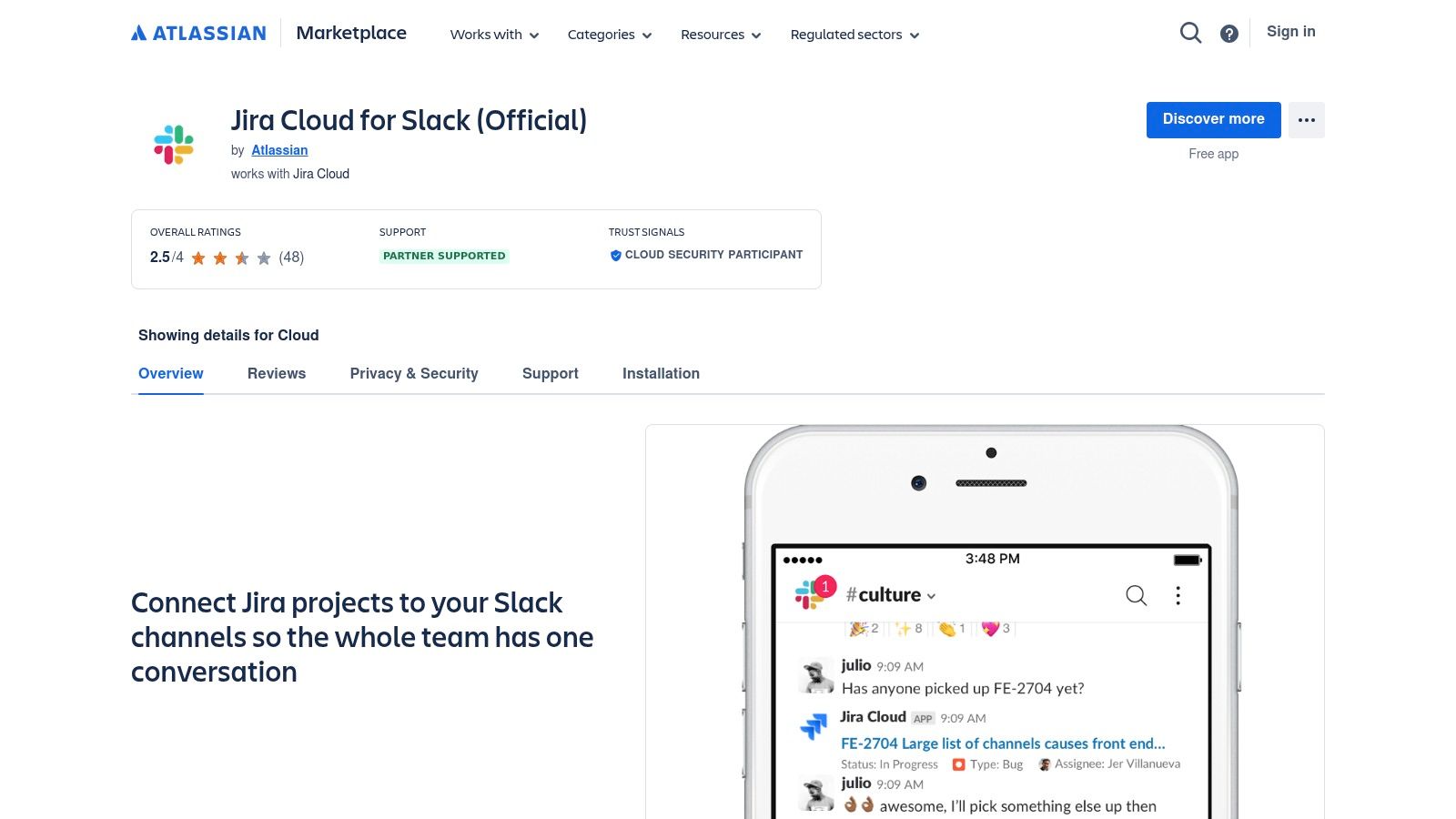
This official integration allows you to create Jira issues from Slack messages, receive rich, actionable notifications on ticket updates, and transition issues through your workflow with simple commands. The experience is seamless, turning Slack from a communication channel into an active command center for your development lifecycle. Beyond Jira, the marketplace also offers official apps for Confluence, Compass, and Atlassian Assist, creating a cohesive integration network.
Key Features & Use Cases
- In-Slack Issue Management: Create, assign, comment on, and transition Jira issues without ever leaving your Slack channel.
- Customizable Notifications: Configure detailed, personal, and channel-specific notifications for Jira project updates to stay informed without being overwhelmed.
- Message Actions: Instantly convert a Slack message, such as a bug report or feature request, into a new Jira ticket with a single click.
Why It’s a Top Resource
While the individual apps are free, they require an active Atlassian product subscription. The primary strength of this resource is its deep, native integration. Unlike third-party connectors, these official apps are built and maintained by Atlassian, ensuring reliability, security, and a feature set that evolves alongside Jira and Slack. For any team that relies on Atlassian tools, installing these apps is a non-negotiable step toward optimizing their workflow and making Slack the true hub of their operations.
Website: https://marketplace.atlassian.com/apps/1216863/jira-cloud-for-slack-official
12-Source Slack App Comparison
| Product | Core features ✨ | UX & Quality ★ | Value / Price 💰 | Target audience 👥 |
|---|---|---|---|---|
| SAI 🏆 | Zero setup; learns Slack convo; 24/7 context-aware answers; auto-builds searchable KB ✨ | ★★★★☆ — instant, context-aware replies | 💰 Free (Early Access — single channel, unlimited responses) | 👥 Slack admins, support, Ops, startups |
| Slack Marketplace | Centralized install flow; vetted apps & org controls ✨ | ★★★★☆ — trusted, smooth installs | 💰 Varies by app; org provisioning | 👥 Workspace admins, broad teams |
| Product Hunt – Slack apps | Trending launches; community upvotes & comments ✨ | ★★★☆☆ — great discovery, mixed vetting | 💰 Free browse; links to vendors | 👥 Makers, early adopters, product teams |
| G2 – Slack product page | Verified user reviews; pricing snapshots; integrations | ★★★★☆ — peer feedback for buying | 💰 Free research; pricing hints | 👥 Buyers, stakeholders, procurement |
| Capterra – Slack profile | Plan summaries; integrations; large reviews | ★★★☆☆ — easy-to-scan comparisons | 💰 Free research; sponsored listings | 👥 Non-technical buyers, SMBs |
| GetApp (Integrated with Slack) | Task-based lists; filters by features & price ✨ | ★★★☆☆ — curated, filterable results | 💰 Free; links to vendors | 👥 Ops, selection teams, procurement |
| Zapier – Slack integrations | Prebuilt templates; visual workflow builder ✨ | ★★★★☆ — fast time-to-value | 💰 Free tier; paid as usage grows | 👥 Non-devs, automation owners |
| Make (Integromat) | Drag-and-drop scenarios; rich Slack triggers | ★★★★☆ — visual, flexible | 💰 Generous free plan; paid tiers | 👥 Power users, ops, integrators |
| Workato – Workbot for Slack | Enterprise iPaaS; Workbot for interactive workflows ✨ | ★★★★☆ — powerful but complex | 💰 Enterprise pricing | 👥 IT, enterprise automation teams |
| Google Workspace Marketplace | One-click installs for Workspace domains; admin controls | ★★★☆☆ — Google-centric rollout | 💰 Free/paid listings | 👥 Google Workspace admins |
| Microsoft Power Automate – Slack connector | Slack triggers across Power Platform; governance | ★★★☆☆ — fits MS ecosystems | 💰 Licensing may apply | 👥 Microsoft-centric orgs, IT |
| Atlassian Marketplace (Jira Cloud for Slack) | Rich Jira actions in Slack; issue creation & notifications | ★★★★☆ — strong for dev workflows | 💰 Free/paid apps; requires Atlassian admin | 👥 Product & engineering teams |
Build Your Single Source of Truth, Starting Today
The journey from a chaotic, notification-heavy Slack workspace to a streamlined hub of deep work doesn't happen by accident. It’s the result of strategic choices. As we’ve explored, the Slack ecosystem isn't just about adding more tools; it’s about integrating intelligent systems that amplify your team's focus, reduce cognitive load, and transform communication into a valuable, durable asset. The goal is to make Slack work for you, not the other way around.
The tools and platforms detailed in this guide, from expansive marketplaces like G2 and Capterra to powerful automation engines like Zapier and Workato, offer a pathway to this transformation. However, the most profound change often starts with addressing the single biggest productivity killer: context switching and the relentless hunt for information. Before you can automate complex workflows, you must first centralize your team’s collective knowledge.
From Information Overload to Instant Answers
Imagine a workday where no one on your team has to leave Slack to find an answer. No more digging through shared drives, no more searching old project management tickets, no more interrupting a colleague to ask, “Where’s the latest sales deck?” or “What’s our policy on X?” This is the core promise of a true single source of truth, and it’s the most critical first step in optimizing your workspace.
The best apps for Slack are not just those that add features, but those that subtract friction. They consolidate scattered information and make it instantly accessible. This is where a knowledge and AI assistant becomes foundational. By transforming your existing conversations, documents, and resources into an intelligent, searchable knowledge base directly within Slack, you create a system that gets smarter with every question asked and answered.
Your Action Plan for a Smarter Slack
Making a meaningful change doesn't require a massive, top-down overhaul. It begins with one focused action. To move from theory to reality, here is a practical, step-by-step approach to selecting and implementing your first, or next, high-impact Slack app:
- Identify Your Biggest Pain Point: Is it repetitive HR questions? Endless support queries? Disorganized project updates? Pinpoint the single greatest source of noise and distraction in your workspace.
- Choose Your Starting Point:
- For Instant Knowledge Management: If your primary challenge is information chaos and repetitive questions, start with an AI assistant like SAI. Its zero-setup nature means you can see immediate value by centralizing knowledge and automating answers.
- For Cross-App Automation: If your pain is manual data entry or siloed workflows between tools (like Asana and Google Sheets), a platform like Zapier or Make is your ideal first step.
- For Deeper CRM/Support Integration: If your customer-facing teams live in Slack but struggle to sync with your CRM, an app like the Salesforce or HubSpot integration is the logical choice.
- Implement and Evangelize: Install your chosen app in a single, relevant channel. Don’t aim for a workspace-wide rollout initially. Get a small team to use it, gather feedback, and demonstrate a clear win. Success in one channel is the most powerful way to drive wider adoption.
The ultimate goal is to build a workspace that empowers every team member with the information they need, precisely when they need it, without ever having to break their focus. By thoughtfully curating your Slack app stack, you’re not just adding tools; you’re architecting a more productive, intelligent, and focused future for your entire organization.
Ready to eliminate repetitive questions and create an always-on, single source of truth for your team? SAI turns your existing conversations and documents into an intelligent knowledge base that answers questions instantly, right within Slack. Start your free trial of SAI today and see how one of the best apps for Slack can reclaim your team's time and focus.