12 Best Documentation Automation Tools to Transform Your Workflow in 2025
How much time does your team waste every day hunting for information? Imagine a workday where you never have to open another tab, dig through shared drives, or scroll through old Slack channels looking for an answer. What if finding a critical procedure, policy, or project update was as simple as asking a question in Slack and getting an immediate, correct answer?
This isn’t about building another static knowledge base that no one uses. This is your guide to a new reality, where your team’s collective intelligence is captured automatically and delivered instantly, right where they work. This is the power of modern documentation automation tools.
We’ve curated a comprehensive list of the best platforms designed to stop the endless information chase. For each tool, we provide a detailed breakdown covering:
- Key Features & Ideal Use Cases: Understand what it does best and who it's for.
- Slack Integration: See how seamlessly it fits into your daily workflow.
- Pricing & Recommendations: Get clear guidance for your team’s size and budget.
- Pros & Cons: An honest assessment of strengths and limitations.
We’ve included direct links and screenshots to help you visualize each platform in action. Your search for the right solution ends here. Let’s find the tool that will give your team the instant answers they need to succeed.
1. SAI
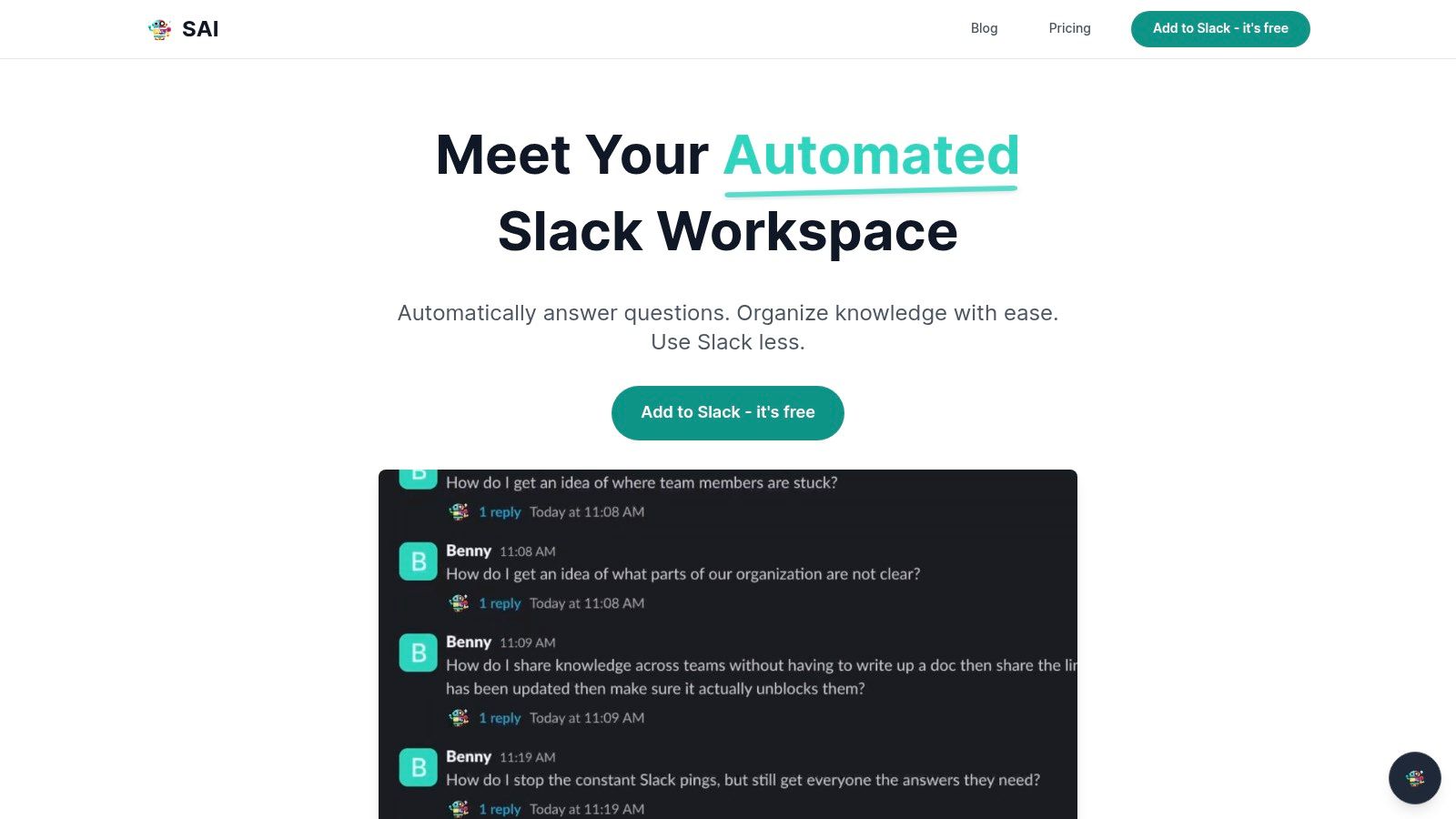
SAI represents a fundamental shift in how teams access information. Instead of you manually building a knowledge base, SAI works quietly in the background of your Slack workspace. It learns from your team's existing conversations, automatically turning every answered question and resolved issue into a living, intelligent knowledge repository.
The transformation is immediate: your team never has to leave Slack to find an answer again. Imagine a new hire getting up to speed in days, not weeks, simply by asking SAI about company processes. Picture your senior engineers staying in deep-work mode, shielded from repetitive questions. You just ask SAI in Slack, and it delivers the right information synthesized from past discussions, every single time. It transforms your communication hub into the single source of truth for your entire organization.
Core Strengths & Use Cases
SAI understands intent, not just keywords. This means your team can ask questions naturally and always get the right answer, freeing them from the frustration of failed searches.
- Onboarding New Hires: Let new employees ask SAI all the common questions about processes, benefits, or system access. It acts as their 24/7 onboarding buddy, so your team can stay focused.
- Scaling Support & Ops: Give your support teams the power of instant, accurate answers to recurring customer or internal issues, letting them focus on solving the hard problems.
- Protecting Deep Work: For engineering and product teams, SAI is the gatekeeper that preserves focus. It intercepts routine questions, saving valuable blocks of uninterrupted time. The productivity gains are immediate, with SAI claiming to save small teams over 40 hours per month.
Access and Implementation
Getting started with SAI is exceptionally straightforward, reflecting its user-centric design.
- Onboarding: Simply add the SAI bot to a public Slack channel via their website. It starts learning from historical conversations immediately.
- Pricing: SAI offers a compelling Free Early Access Plan. This includes adding SAI to one Slack channel with unlimited AI responses and community support, with no credit card required. Pricing for multi-channel support and advanced features is planned for the future.
This model provides a zero-risk opportunity to experience the transformation, making it one of the most accessible documentation automation tools for any team running on Slack.
| Feature Analysis | Assessment |
|---|---|
| Knowledge Capture | Excellent. Zero-effort automation by learning from existing Slack history. No manual entry or configuration is needed to start. |
| Ease of Use | Excellent. Natively integrated into Slack, so the user experience is intuitive for anyone already familiar with the platform. |
| AI Capabilities | Strong. Focuses on natural language intent, providing more accurate answers than simple keyword-matching bots. |
| Cost-Effectiveness | Excellent. The free early-access plan for a single channel delivers significant value with no initial investment. |
| Limitations | The free plan is limited to one channel. Teams will need to consider data governance implications before wider deployment. |
Learn more and add SAI to your Slack workspace at sai-bot.ai.
2. PandaDoc
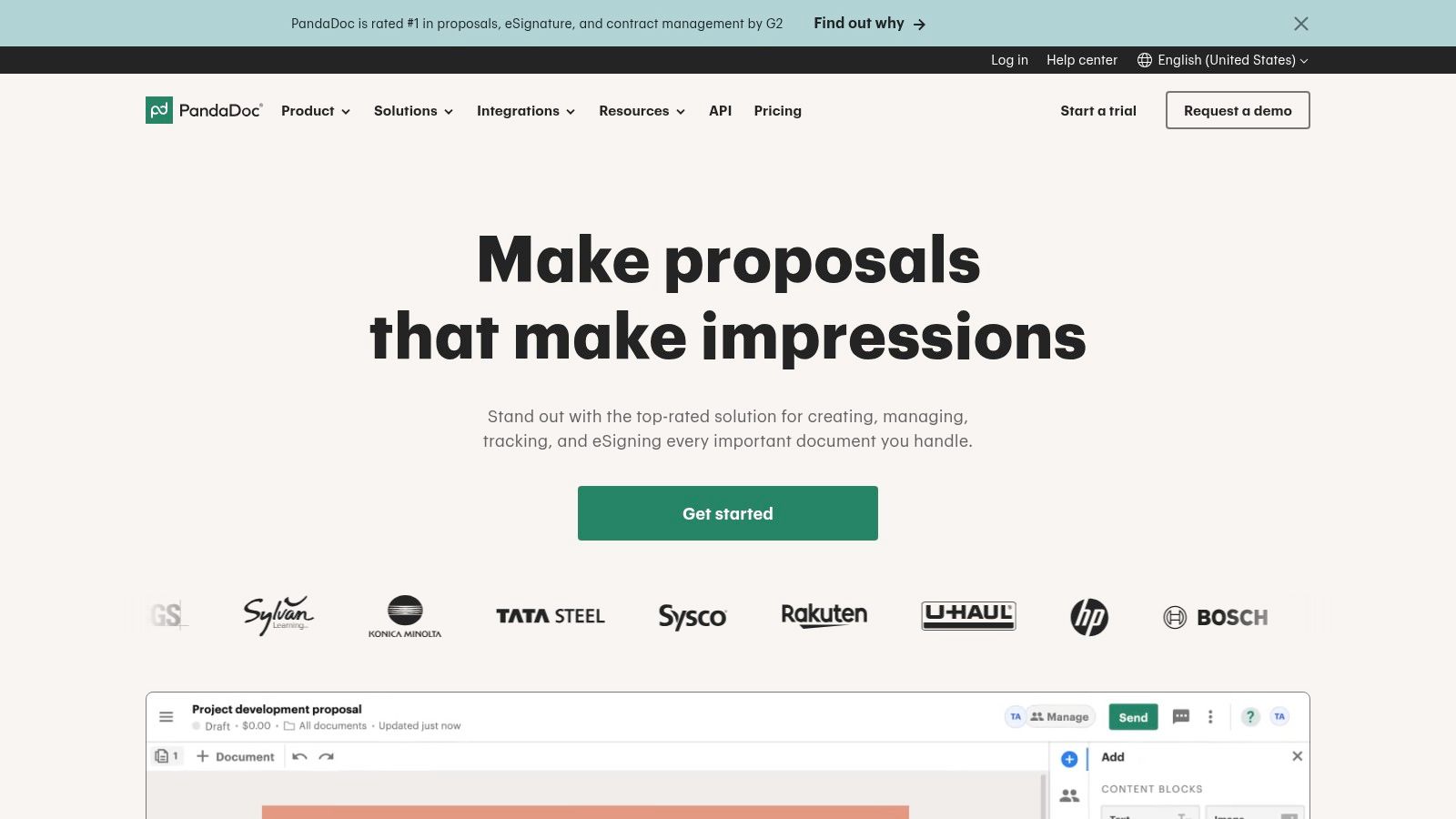
PandaDoc transforms the tedious, manual process of creating sales and legal documents into a streamlined, automated workflow. It shines brightest for sales, revenue, and operations teams drowning in proposals, quotes, and contracts. Instead of manually copying customer data from a CRM and pasting it into a stale Word template, PandaDoc pulls that information automatically, populating dynamic fields to generate a polished, professional document in seconds.
This platform is a standout among documentation automation tools because it integrates the entire document lifecycle into one seamless experience. It’s not just about creation; it’s about collaboration, tracking, and execution.
Key Features & Use Cases
PandaDoc excels with its robust template and content library, allowing teams to maintain brand consistency while enabling fast customization. The built-in eSignature is legally binding and eliminates the friction of printing, signing, and scanning. For sales teams, the real-time analytics are a game-changer, providing insights into when a prospect opens, views, and completes a document.
- Ideal Use Case: A mid-market sales team can connect PandaDoc to their CRM (like Salesforce or HubSpot). When a deal reaches the proposal stage, the rep can generate a pre-approved, data-populated quote and contract from within the CRM, send it for eSignature, and even collect payment upon signing, all without leaving their primary workspace.
Pricing & Implementation
PandaDoc offers a free plan for eSignatures, with paid tiers starting at $19 per user/month (billed annually) for the Essentials
plan, which includes templates and analytics. More advanced automation, CRM integrations, and CPQ features are reserved for the Business
($49 per user/month) and custom Enterprise
plans.
Our Take: PandaDoc is incredibly fast to deploy for non-technical users. Its intuitive drag-and-drop editor and extensive integration marketplace make it a powerful choice for SMBs looking to professionalize their document workflow and accelerate their sales cycle without a heavy IT lift. The per-seat cost can become a factor at scale, so teams should carefully evaluate which users truly need a license.
Website: https://www.pandadoc.com
3. Formstack Documents (formerly WebMerge)
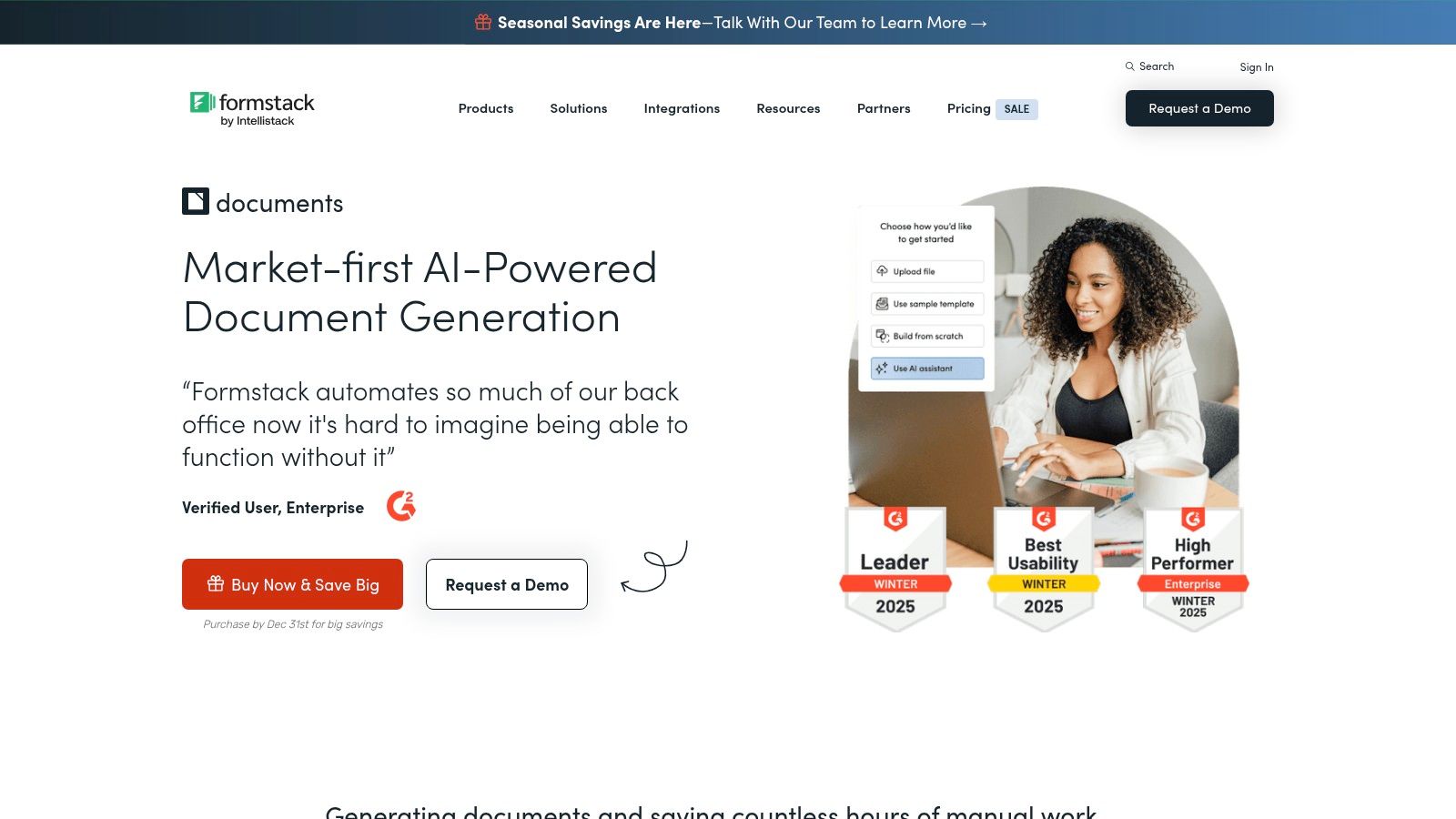
Formstack Documents excels at transforming raw data from various sources into polished, structured documents. It’s a powerful engine for any business that needs to automatically generate invoices, applications, certificates, or reports from form submissions, CRM entries, or other business applications. Instead of manually copying and pasting data to create routine documents, Formstack acts as a central hub, merging information into pre-designed templates and delivering them instantly.
This platform is a key player among documentation automation tools because it focuses on the critical middle step of the workflow: turning collected data into a usable asset. It’s built to connect the dots between data input and final document delivery.
Key Features & Use Cases
Formstack's core strength lies in its powerful data-merge capabilities, which support conditional logic to customize document sections based on the input data. Its extensive list of integrations allows it to pull data from almost any cloud service and push the final document to eSignature platforms, cloud storage, or email recipients. It can even automate the creation of complex documents like a Standard Operating Procedure.
- Ideal Use Case: An HR department uses a Formstack Form for new hire onboarding. Once submitted, Formstack Documents automatically generates a personalized employment contract, an NDA, and internal setup checklists by merging the new hire's data into separate templates. The documents are then routed to Formstack Sign for e-signature and finally saved to the employee’s folder in Google Drive without any manual intervention.
Pricing & Implementation
Formstack Documents starts at $92/month (billed annually) for the Pro
plan, which includes 30 templates and 1,000 document merges per month. Higher-tier plans increase these limits and add advanced features. It's also available as part of the Formstack Suite, which bundles Forms, Documents, and Sign for a complete workflow solution.
Our Take: Formstack Documents is a no-code workhorse for businesses that live on forms and data collection. Its setup is straightforward for users familiar with mapping data fields, making it incredibly effective for automating high-volume, repetitive document generation. The pricing is based on volume, so businesses should estimate their monthly document needs to choose the right tier and avoid overage fees.
Website: https://www.formstack.com/products/documents
4. DocuSign Gen for Salesforce
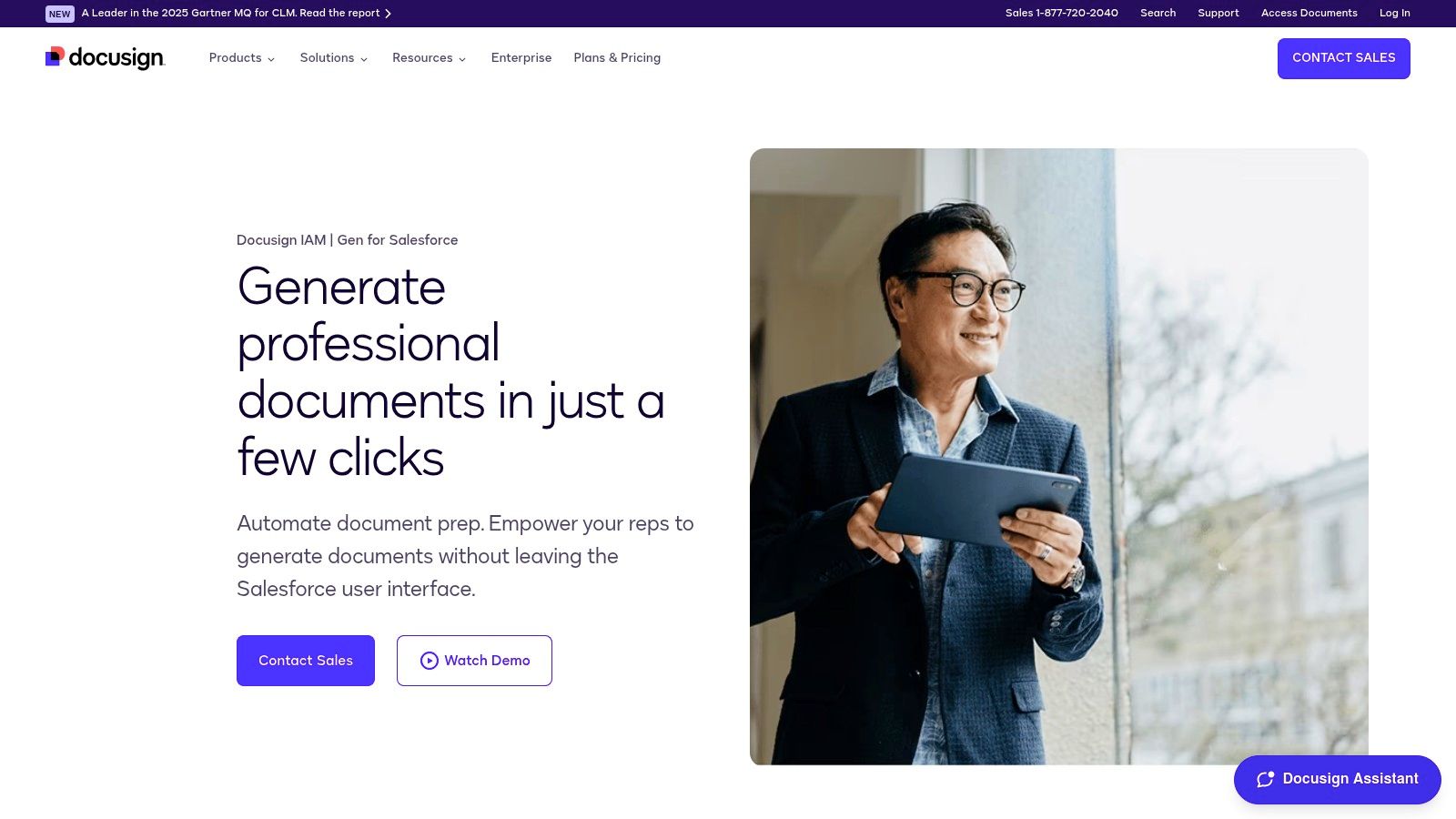
For teams living inside Salesforce, DocuSign Gen eliminates the disruptive process of toggling between systems to create critical documents. It’s designed to keep sales and operations teams in their flow, pulling data directly from Salesforce objects like Sales Cloud or CPQ+ to generate polished quotes, invoices, and contracts. Instead of manual data entry and the risk of error, users can create accurate, on-brand documents with a single click inside the Salesforce UI.
This platform's power lies in its deep, native integration with Salesforce, making it a premier choice among documentation automation tools for businesses centered on the CRM. It transforms the final, critical steps of a deal from a tedious chore into a seamless, integrated action.
Key Features & Use Cases
DocuSign Gen shines with its ability to handle complex data merging, including dynamic tables for detailed product line items on a quote. Its batch generation capability allows users to create hundreds of documents, like end-of-month invoices or renewal agreements, simultaneously. The entire workflow, from generation to sending for e-signature with DocuSign eSignature, is managed without ever leaving Salesforce.
- Ideal Use Case: An enterprise account executive can finalize a complex deal in Salesforce CPQ+. They can then use DocuSign Gen to instantly generate a multi-page proposal and a corresponding contract, pulling all customer details, pricing, and custom terms directly from the opportunity record, then send it for signature, keeping the deal momentum high.
Pricing & Implementation
DocuSign Gen is an add-on to DocuSign eSignature plans and is priced based on your Salesforce and DocuSign agreement. It requires an existing DocuSign subscription (e.g., Business Pro or higher) and Salesforce Enterprise Edition or above. Pricing is customized, so you'll need to contact their sales team for a quote.
Our Take: If your team already relies on both Salesforce and DocuSign eSignature, Gen is a no-brainer. It provides an exceptionally tight and efficient user experience that minimizes context switching and drastically reduces document creation time. However, its complete dependency on the Salesforce ecosystem means it’s not a fit for businesses needing to pull data from multiple, non-Salesforce sources.
Website: https://www.docusign.com/products/gen
5. Conga Composer
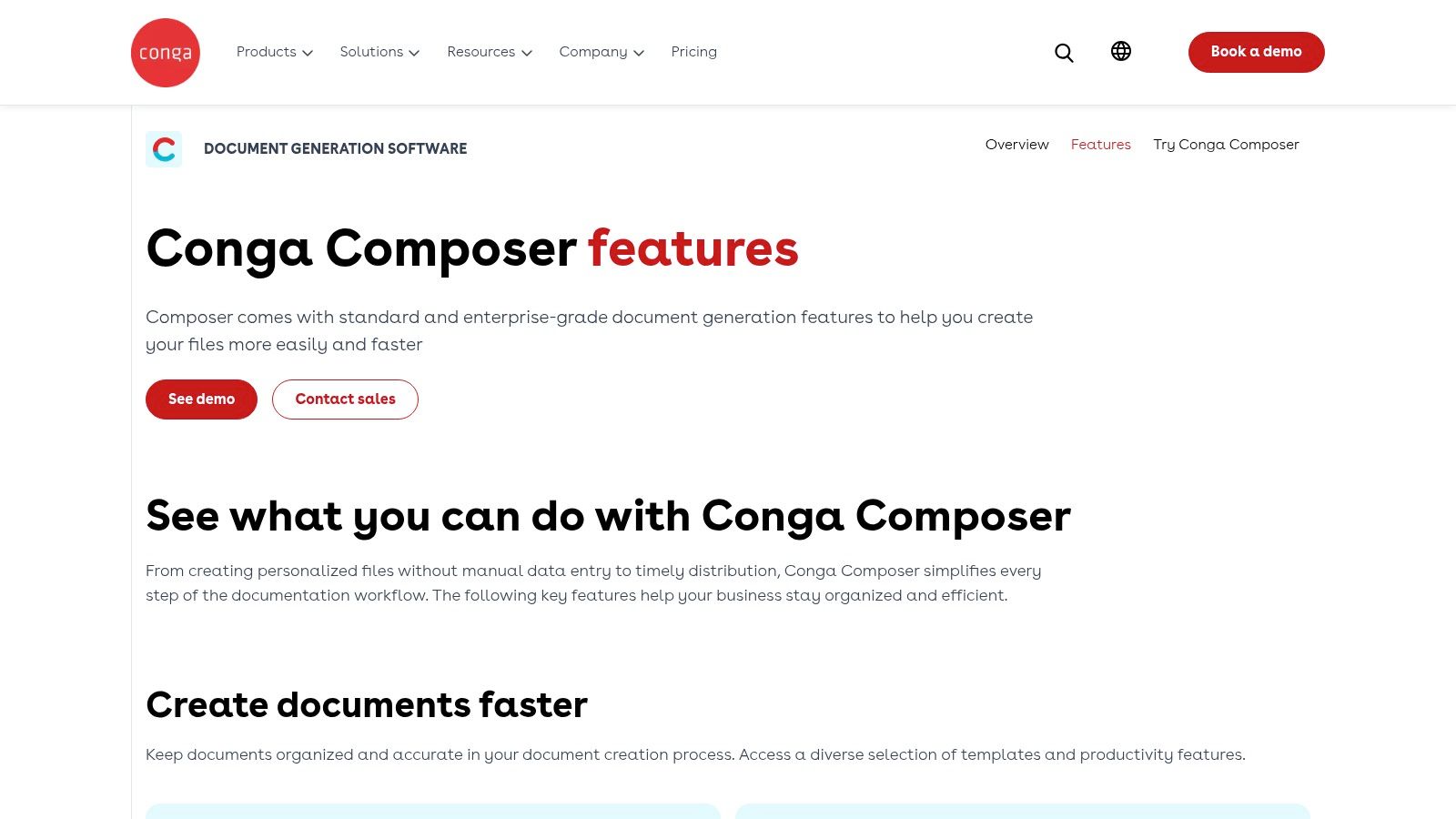
Conga Composer is an enterprise-grade document generation engine designed for complex, high-volume scenarios where precision and scale are paramount. It thrives in ecosystems like Salesforce, where it can pull data from multiple sources, apply sophisticated business logic, and generate perfectly formatted documents in bulk. This isn't just about filling in a name and date; it's about building intricate contracts, detailed invoices, or comprehensive reports based on dynamic, conditional data.
For organizations with complex data models, Conga Composer stands out among documentation automation tools by offering unparalleled depth and control. It moves beyond simple templates to become a rules-driven system for creating mission-critical documents with complete accuracy and compliance.
Key Features & Use Cases
Conga Composer's strength lies in its ability to handle complex conditional logic and merge data from numerous objects into a single output. It supports a wide array of output formats (DOCX, PDF, PPTX, XLSX) and offers extensive delivery options, including eSignature integration and automated email distribution. The platform is built for mature administrative control and governance, ensuring brand consistency and regulatory compliance across the organization.
- Ideal Use Case: An enterprise financial services firm can use Conga Composer within Salesforce to generate thousands of customized client portfolio statements at the end of each quarter. The system can automatically pull performance data, apply specific legal disclosures based on the client's region, and batch-deliver the secure PDFs to a client portal, all with a single automated process.
Pricing & Implementation
Conga Composer’s pricing is quote-based and tailored to specific enterprise needs, reflecting its more powerful and complex nature. It is generally positioned at a higher price point than tools designed for SMBs. Implementation is more involved than with simpler drag-and-drop tools, often requiring a dedicated administrator or implementation partner to configure templates and business rules correctly.
Our Take: Conga Composer is a powerhouse for large organizations with entrenched, data-heavy processes, particularly within the Salesforce ecosystem. The learning curve and cost are significant, making it less suitable for small teams. However, for high-stakes, high-volume document generation where errors are not an option, its robustness and scalability are unmatched.
Website: https://conga.com/products/conga-composer/features
6. S-Docs
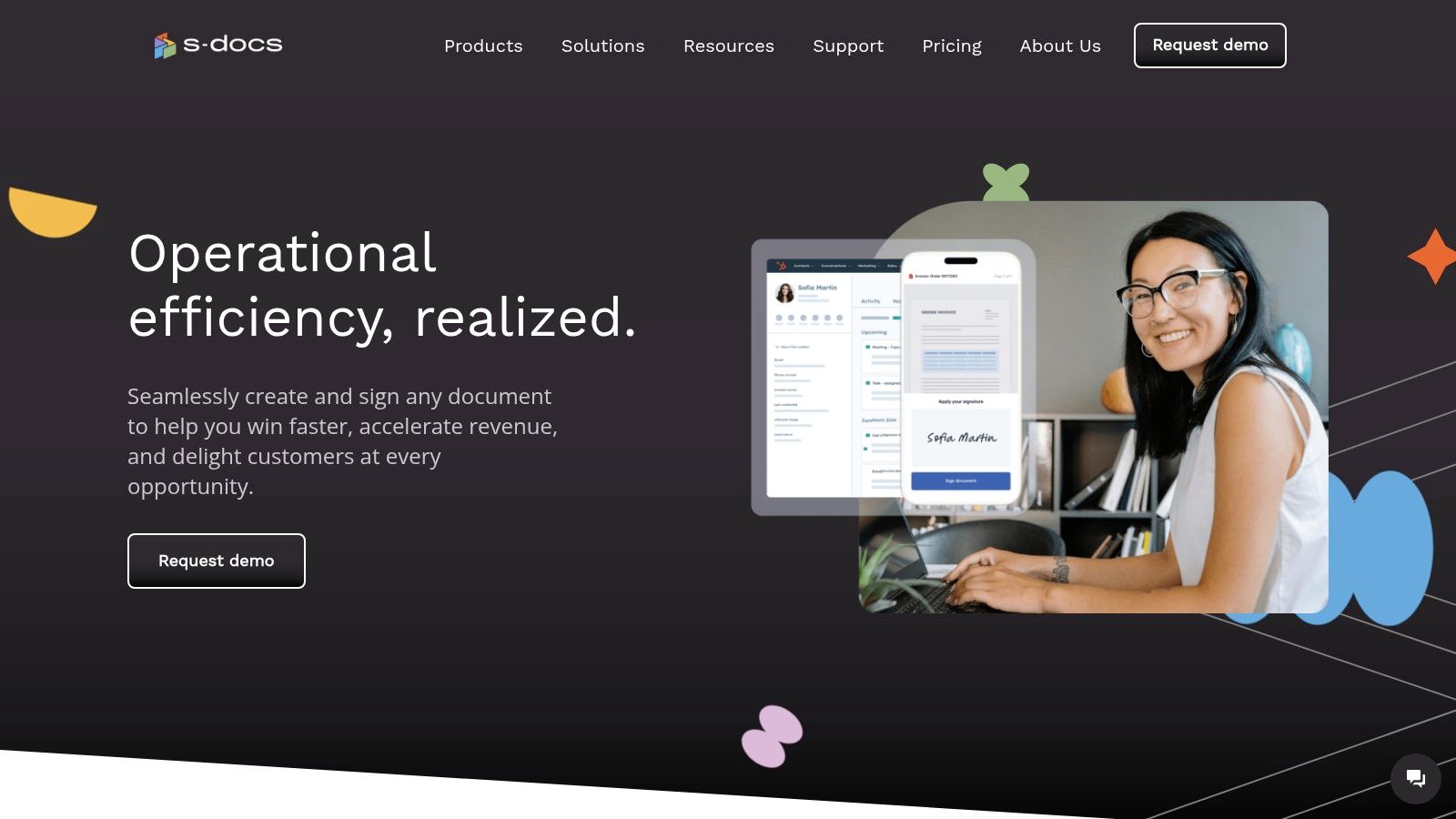
S-Docs is designed for organizations that live and breathe Salesforce and require uncompromising security and data residency. It’s a 100% native document generation and e-signature platform, meaning it operates entirely within your Salesforce instance. This eliminates the risk associated with data leaving your controlled environment, making it a go-to for finance, healthcare, government, and other highly regulated industries.
As a native application, S-Docs stands out among documentation automation tools by leveraging your existing Salesforce security model and providing unparalleled performance. There are no external servers, no API calls to third parties, and no data synchronization issues to worry about.
Key Features & Use Cases
S-Docs allows users to create an unlimited number of templates with complex conditional logic, pulling any standard or custom object data directly into documents like quotes, invoices, and compliance forms. Its batch automation capabilities are a significant advantage for high-volume needs. The optional, fully integrated S-Sign module provides a seamless e-signature experience without ever leaving the Salesforce UI.
- Ideal Use Case: A wealth management firm needs to generate complex, multi-page client statements and contracts that adhere to strict FINRA regulations. Using S-Docs, they can automate this process entirely within their Salesforce Financial Services Cloud, ensuring all sensitive client data remains secure and compliant while generating hundreds of personalized documents with a single click.
Pricing & Implementation
S-Docs offers a generous free version on the AppExchange, which is a great starting point for basic document generation. Paid plans unlock advanced features like automation and the S-Sign e-signature component. Pricing is customized based on user needs and add-on modules, requiring direct contact for a quote.
Our Take: For any organization standardized on Salesforce with strict data security requirements, S-Docs is an obvious choice. Its native architecture is its greatest strength, offering peace of mind that other cloud-based tools cannot. While this makes it less flexible for non-Salesforce-centric companies, its deep integration and transparent structure make it a powerful, secure solution within its ecosystem.
Website: https://www.sdocs.com
7. Apryse (Windward/Fluent)
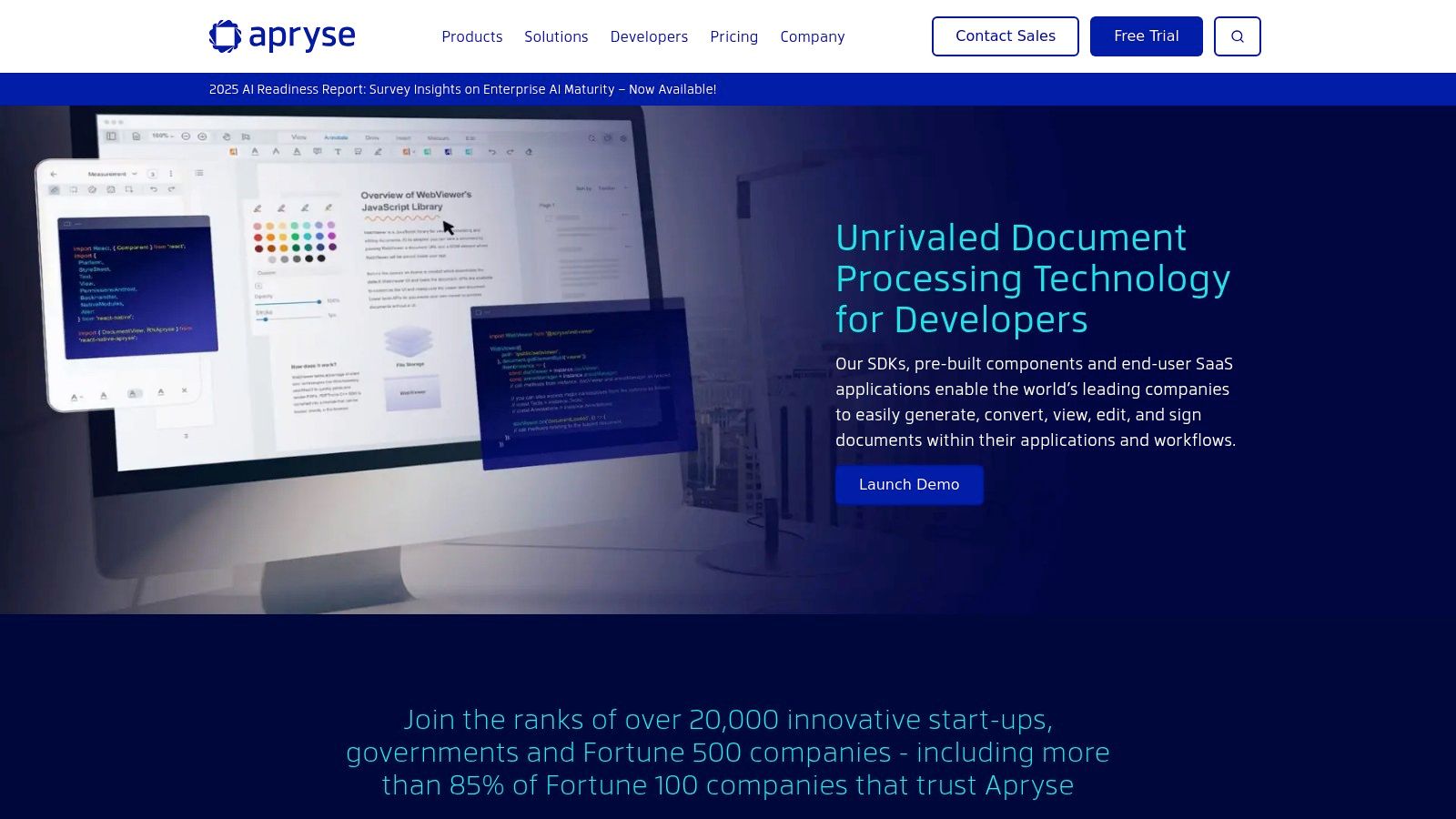
Apryse offers a powerful, developer-centric approach to document automation, focusing on embedding high-performance document generation directly into custom applications. Through its acquisition of Windward and its Fluent product, Apryse provides a robust SDK for teams that need to programmatically create complex reports, invoices, contracts, and more from data sources without manual intervention. It’s built for scenarios where off-the-shelf SaaS tools aren't flexible enough.
This platform stands out among documentation automation tools for its sheer power and flexibility. Instead of a user-facing interface, it provides the core engine, allowing developers to build tailored document workflows that fit precise business logic and integrate seamlessly into existing software architecture, supporting a massive range of file formats.
Key Features & Use Cases
Apryse’s Fluent engine excels at template-based generation, allowing users to design templates in Microsoft Office and then dynamically populate them with data from multiple sources like SQL, JSON, or XML. The platform's strength lies in its server and client-side SDKs, which offer broad file format support and flexible deployment options, including on-premises, private cloud, or mobile.
- Ideal Use Case: A financial services company can use the Apryse SDK to build a feature within their proprietary wealth management platform. This feature would automatically generate personalized, data-rich quarterly client portfolio statements in PDF format by pulling data from internal databases, all triggered without any manual steps from an advisor.
Pricing & Implementation
Apryse operates on a custom pricing model, as its solutions are tailored SDKs and server products rather than a standard SaaS subscription. Pricing depends on the specific use case, deployment model, and required components. Implementation is a technical process that requires developer resources to integrate the SDK into an existing application or system.
Our Take: Apryse is the go-to choice for engineering teams that need to embed sophisticated document generation capabilities deep within their own products. It's not a turnkey solution for business users but an incredibly powerful toolkit for creating high-performance, custom document workflows. The upfront development investment is significant, but the payoff is a completely integrated and scalable solution.
Website: https://apryse.com
8. Adobe Acrobat Services (Document Generation API)
Adobe Acrobat Services brings enterprise-grade PDF power directly into custom applications and automated workflows through a robust set of APIs. It's designed for developers and IT teams looking to programmatically generate, manipulate, and extract data from documents at scale. Instead of relying on manual PDF editing or clunky third-party libraries, developers can use the Document Generation API to merge JSON data with Word templates, instantly producing polished, data-driven PDFs like invoices, reports, or agreements.
This platform stands out among documentation automation tools for its sheer depth and reliability, leveraging the same technology that powers Adobe's flagship Acrobat products. It’s less of a user-facing tool and more of an engine to power document-centric features within your own services.
Key Features & Use Cases
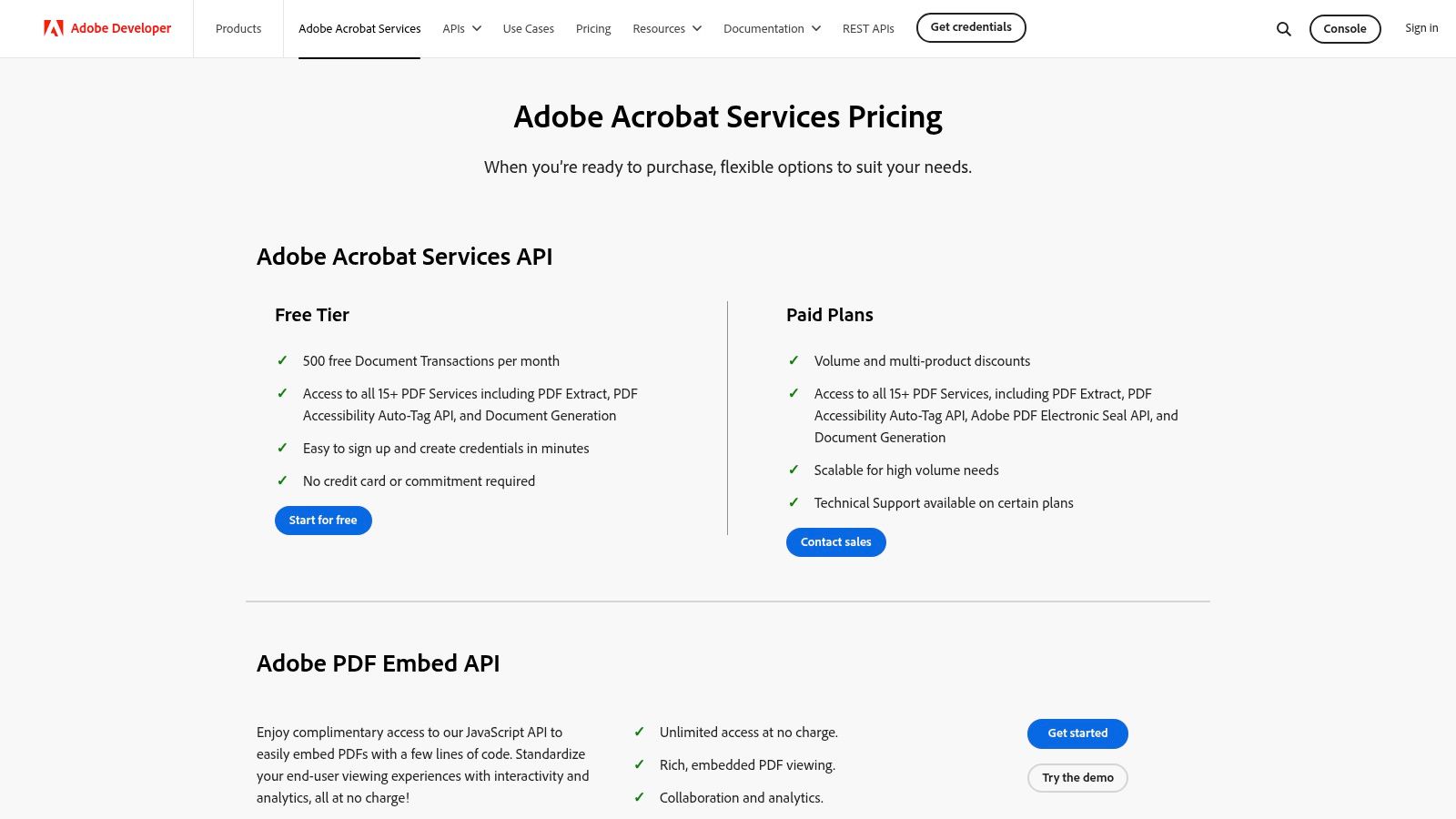
Beyond dynamic document creation, Adobe offers over 15 PDF Service APIs, including OCR, compression, combination, and accessibility auto-tagging. The Free Embed API is also a powerful addition, allowing developers to embed a high-fidelity PDF viewer directly into a web application without building it from scratch. This comprehensive suite enables end-to-end document processing within any software environment.
- Ideal Use Case: An enterprise SaaS platform needs to generate customized end-of-month reports for thousands of clients. Using the Document Generation API, the platform can automatically pull customer data, populate a branded Word template, convert it to a secure PDF, and make it available for download within the user's portal.
Pricing & Implementation
Adobe offers a generous free tier with 500 document transactions per month, perfect for development, prototyping, and small-scale applications. For production use, a pay-as-you-go plan is available at $0.05 per document transaction. Custom pricing is available for high-volume needs, requiring engagement with Adobe's sales team.
Our Take: This is a developer-first tool that provides unparalleled power for PDF manipulation. While it requires engineering resources to implement, the reliability and scalability are backed by Adobe’s industry-standard technology. The free tier makes it exceptionally accessible for teams to experiment and build a proof-of-concept before committing to production-level costs.
Website: https://developer.adobe.com/document-services/pricing/
9. Microsoft Power Automate
Microsoft Power Automate extends automation beyond simple tasks into complex, multi-step document workflows, especially for businesses heavily invested in the Microsoft 365 ecosystem. It empowers users to connect disparate systems, moving data from a source like SharePoint or Dynamics 365 into a standardized Word template to generate contracts, reports, or invoices automatically. The platform is designed to eliminate manual data entry and document handling across an entire organization.
What makes Power Automate a powerhouse among documentation automation tools is its sheer breadth of connectivity and its ability to blend cloud-based API automation with on-premise robotic process automation (RPA). This dual capability allows it to orchestrate document generation from both modern cloud apps and legacy desktop systems.
Key Features & Use Cases
Power Automate shines with its deep integration into the Microsoft suite. Users can trigger flows directly from a SharePoint list, a Teams message, or a Dynamics 365 record. Key features include dynamic Word template population, built-in approval workflows that route documents for review, and integrations with e-signature partners like Adobe Sign and DocuSign. Its extensive library of connectors bridges the gap between Microsoft products and hundreds of third-party services.
- Ideal Use Case: An HR department can build a flow that triggers when a new employee is added to a SharePoint list. The flow automatically generates a personalized employment contract from a Word template, sends it for internal review via Teams Approvals, routes it to the new hire for e-signature, and finally archives the signed document back into a secure OneDrive folder.
Pricing & Implementation
Power Automate's licensing can be complex. It offers per-user plans (starting around $15 per user/month) for users building unlimited flows, as well as per-flow plans that are better for specific, high-volume processes. Premium connectors for non-Microsoft systems and RPA capabilities often require additional licensing or add-ons.
Our Take: Power Automate is an incredibly powerful and scalable solution for companies committed to the Microsoft stack. While its low-code interface is accessible, building sophisticated, resilient flows requires a learning curve. The main challenge is navigating the licensing model to ensure costs remain predictable as your automation needs grow.
Website: https://www.microsoft.com/power-platform/products/power-automate/pricing
10. Document Studio (Digital Inspiration) — Google Workspace Marketplace
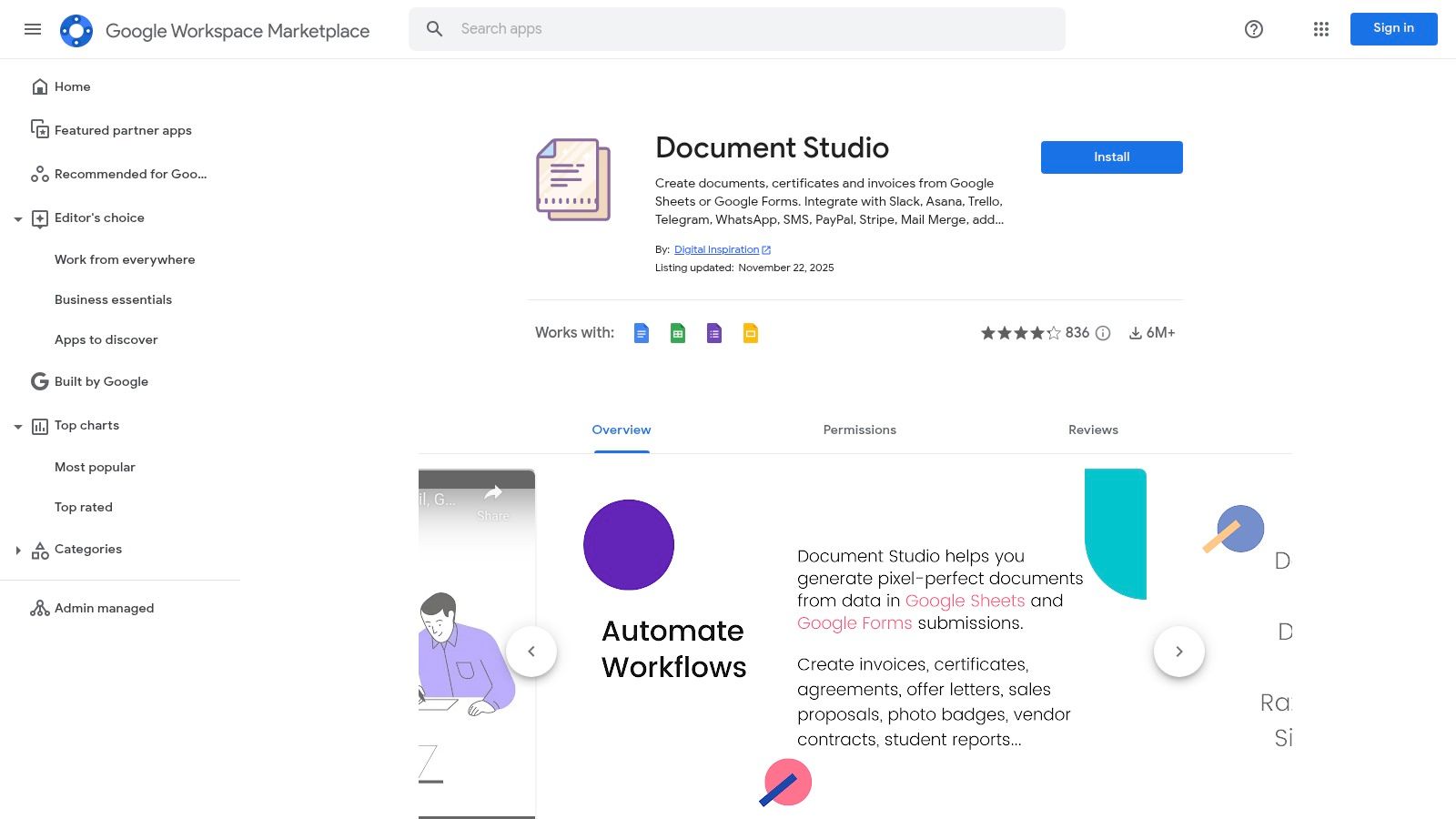
For teams deeply embedded in the Google Workspace ecosystem, Document Studio offers a lightweight yet powerful way to automate document creation directly within familiar tools like Sheets, Docs, and Forms. It excels at turning raw data from a spreadsheet row or a form submission into polished, professional documents such as invoices, certificates, or letters without ever leaving the Google environment. This eliminates the manual, error-prone task of copying and pasting data to generate routine paperwork.
This add-on is one of the most accessible documentation automation tools for Google-centric teams because it lives right inside the apps they use daily. It bypasses the need for complex, external platforms by providing a native-feeling workflow for generating and distributing documents on-demand.
Key Features & Use Cases
Document Studio shines with its template-based generation, allowing you to create a Google Doc or Sheet template with dynamic markers that pull data directly from your source. Its trigger-based system is perfect for automating responses; a new Google Form submission can instantly generate a personalized PDF certificate and email it to the respondent. The tool also supports conditional content, barcodes, QR codes, and integrations with services like Slack and Stripe via webhooks.
- Ideal Use Case: An HR department can use Document Studio to automate the creation of offer letters. When a new hire's details are added to a Google Sheet, it can trigger the generation of a personalized offer letter from a template, convert it to a PDF, save it to a specific Google Drive folder, and email it to the candidate for review. This same process can be adapted for things like a better employee training plan template.
Pricing & Implementation
Document Studio offers a free plan with a daily quota of 20 documents. Paid plans are affordable, starting at $49 per year for the Premium
plan, which increases quotas and adds features. Enterprise plans offer unlimited quotas and advanced support.
Our Take: Document Studio is an indispensable tool for any organization running on Google Workspace. Its strength lies in its simplicity and deep integration, making it incredibly fast to set up for non-technical users. While it lacks the advanced analytics and lifecycle management of standalone platforms, it provides immense value for automating high-volume, template-driven document workflows at a fraction of the cost.
Website: https://workspace.google.com/marketplace/app/document_studio/429444628321
11. AWS Marketplace (document-generation offerings)
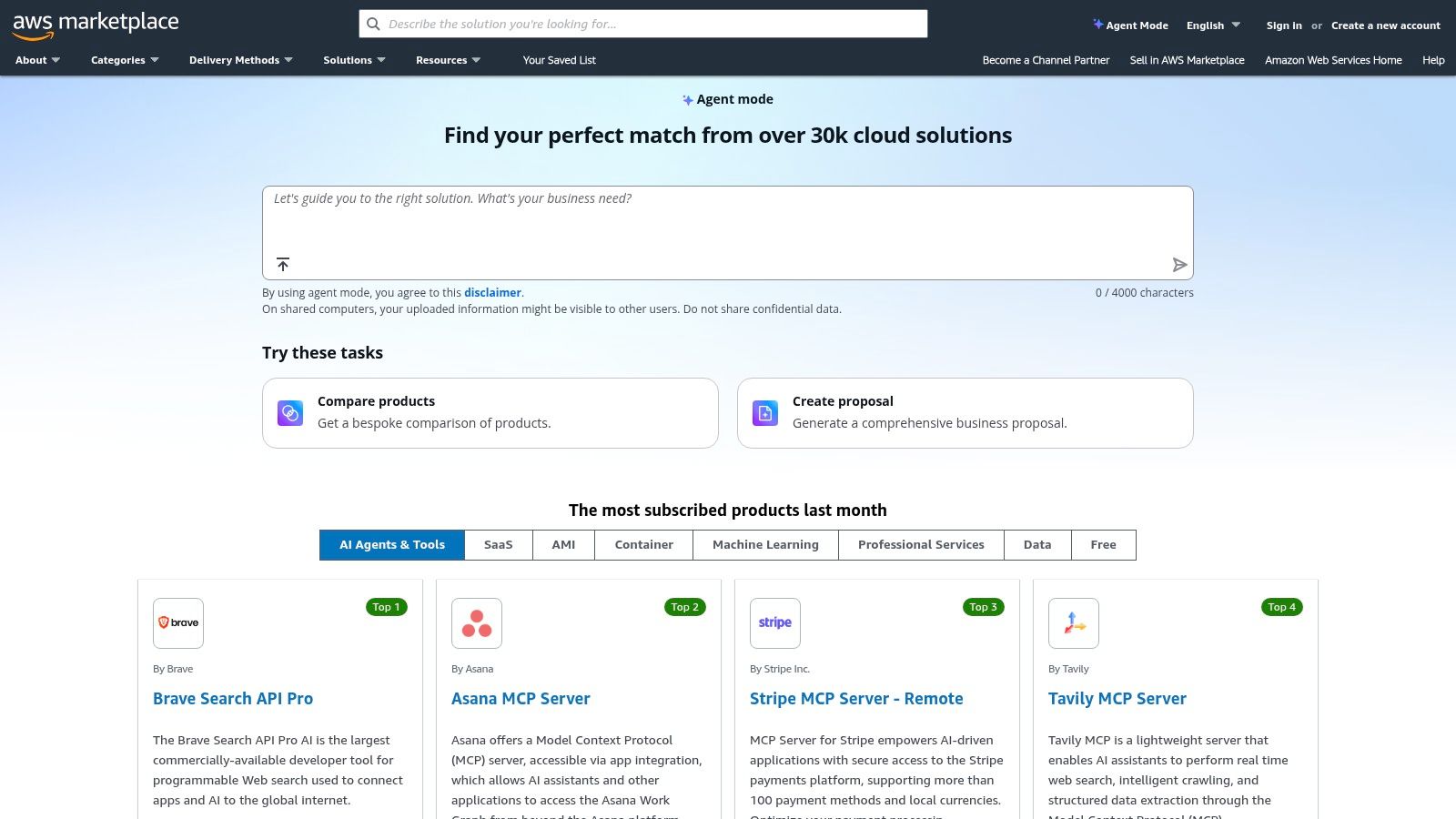
For organizations deeply integrated with Amazon Web Services, the AWS Marketplace provides a direct, secure, and streamlined way to procure and deploy powerful document generation solutions. Instead of navigating separate vendor contracts and billing cycles, teams can leverage their existing AWS relationship to find, buy, and deploy tools directly into their cloud environment. This simplifies governance, centralizes costs, and ensures solutions meet stringent security and compliance standards from the start.
This marketplace approach is unique among documentation automation tools because it caters specifically to the AWS ecosystem. It offers a curated collection of SaaS and machine image (AMI) solutions, enabling companies to select the best fit for their architecture, whether it's a turnkey API like Carbone for template-based reporting or a sophisticated AI agent for document intelligence.
Key Features & Use Cases
The primary advantage of the AWS Marketplace is its consolidation of procurement and billing. Solutions purchased through the marketplace appear on your standard AWS bill, often with pay-as-you-go or metered pricing that scales with your usage. It also allows for private offers, enabling enterprises to negotiate custom terms and pricing directly with vendors through the AWS platform.
- Ideal Use Case: A financial services company running its infrastructure on AWS needs a secure, VPC-deployable solution to generate custom monthly statements from data in their RDS database. They can use the AWS Marketplace to find a vetted document generation API, deploy it with one click, and pay for it via their existing AWS bill, ensuring all data remains within their private cloud.
Pricing & Implementation
Pricing is determined by the individual vendor listings and varies widely. Models include per-user subscriptions, usage-based metering (e.g., per API call or document generated), and annual contracts. Implementation is typically simplified, with many offerings providing AWS CloudFormation templates for one-click deployment directly into your account.
Our Take: The AWS Marketplace is the best choice for tech-forward companies where IT and data governance are paramount. It removes procurement friction and ensures security compliance. However, the quality varies by vendor, so due diligence is required to evaluate each listing's capabilities and support.
Website: https://aws.amazon.com/marketplace
12. Templafy
Templafy is an enterprise-grade platform that embeds directly into Microsoft 365 and Google Workspace to enforce brand and legal compliance across all company documents. It’s built for large organizations where maintaining control over templates, brand assets, and legal disclaimers is non-negotiable. Templafy ensures that every employee, no matter their location or department, is creating on-brand and compliant presentations, reports, and contracts.
This platform stands out among documentation automation tools by shifting the focus from simple document generation to enterprise-wide governance. It acts as a centralized content library that dynamically assembles documents based on user inputs and predefined rules, ensuring accuracy and consistency at scale.
Key Features & Use Cases
Templafy’s strength lies in its Composer workflows, which guide users through a series of questions to automatically generate complex, compliant documents. Its centralized asset library ensures everyone uses the latest logos, icons, and legal clauses. This deep integration makes it a core part of a company’s knowledge management system, as it manages critical business content directly within the tools employees use daily.
- Ideal Use Case: A global financial services firm can use Templafy to manage thousands of client-facing pitch decks and contracts. When a new regulation is passed, an administrator can update the legal disclaimer in Templafy once, and it will automatically be pushed to every relevant template across the organization, ensuring immediate compliance.
Pricing & Implementation
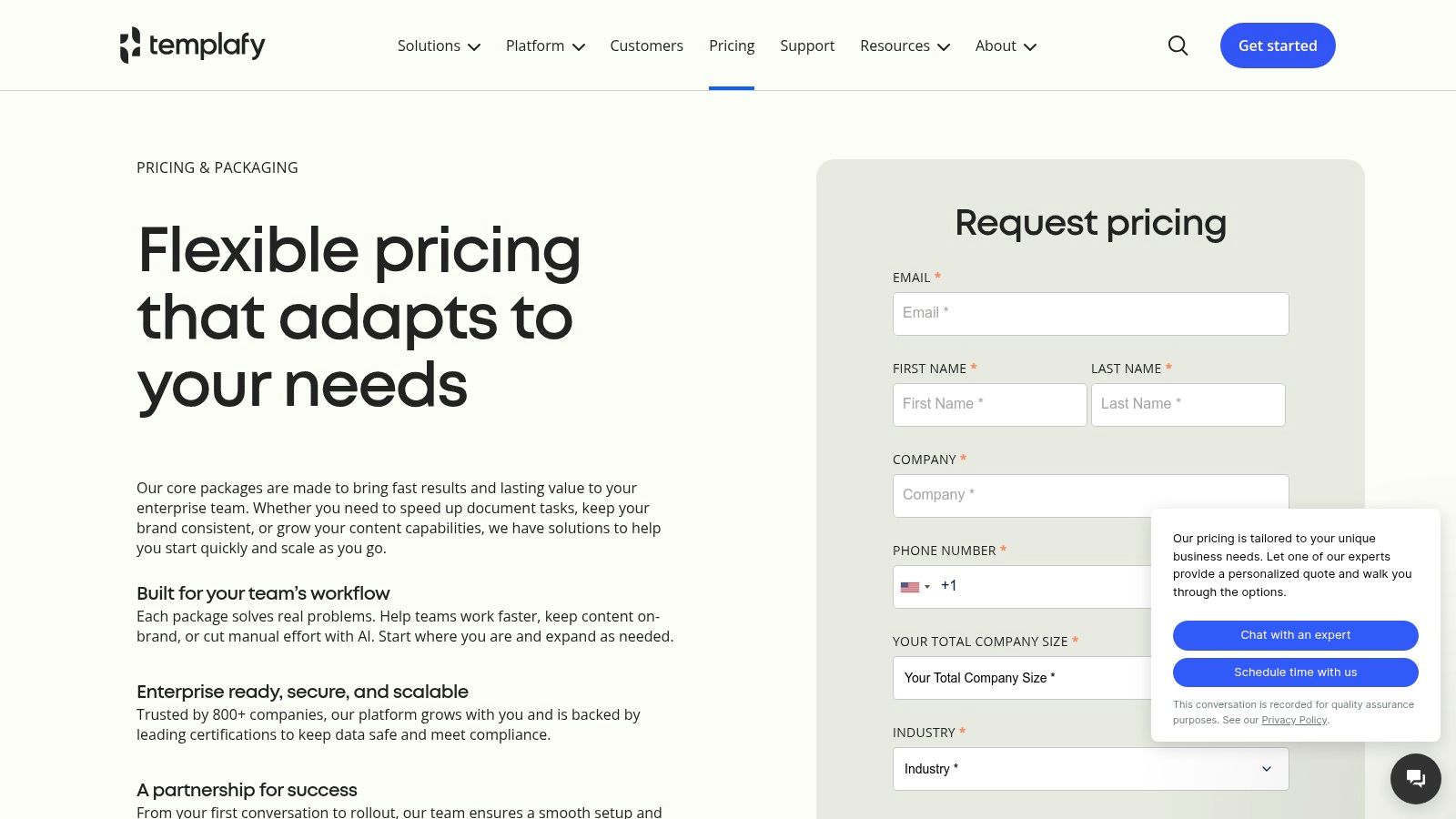
Templafy uses custom, enterprise-level pricing, which is not publicly listed and typically involves longer-term contracts. The implementation is more involved than SMB tools, often requiring dedicated IT and brand management resources to configure workflows and integrate data sources.
Our Take: Templafy is a powerhouse for large, compliance-critical organizations that live inside Microsoft 365. Its governance features are top-tier, but it’s overkill for smaller businesses. The platform is less about a quick win and more about a strategic, long-term investment in brand integrity and operational efficiency.
Website: https://www.templafy.com/home/pricing/
Top 12 Documentation Automation Tools — Feature Comparison
| Product | Core capability | UX / Quality (★) | Key differentiator (✨) | Target audience (👥) | Pricing / Value (💰) |
|---|---|---|---|---|---|
| SAI 🏆 | Slack-native AI assistant that auto-builds searchable knowledge from chats | ★★★★☆ | ✨ Zero‑setup, intent-aware answers from historical Slack conversations | 👥 Slack admins, support/ops, HR/IT, startups → enterprises | 💰 Free Early Access (single channel, unlimited replies); multi-channel pricing TBD |
| PandaDoc | Template-driven document creation + e-sign & workflows | ★★★★☆ | ✨ Built-in eSign + CRM/payment integrations for sales teams | 👥 SMB → mid‑market sales, revenue ops | 💰 Tiered per‑seat plans; advanced features on Business/Enterprise |
| Formstack Documents | No‑code doc automation that merges data and routes outputs | ★★★☆☆ | ✨ Forms→Documents→Signature pipeline with many connectors | 👥 Ops, forms-heavy teams, SMBs | 💰 Tiered; quotas on lower tiers, Suite/Enterprise for scale |
| DocuSign Gen for Salesforce | Salesforce-native doc generation + e-sign | ★★★★☆ | ✨ Tight in‑Salesforce merge & send (minimal context switching) | 👥 Salesforce sales/quote‑to‑cash teams | 💰 Requires DocuSign eSignature plan; Salesforce‑centric |
| Conga Composer | Rules-driven, enterprise doc gen with bulk ops & APIs | ★★★★☆ | ✨ Complex templating, multi-source merges, high-scale batch | 👥 Enterprise sales/finance teams, heavy doc volumes | 💰 Quote-based enterprise pricing |
| S-Docs | 100% Salesforce-native document automation & e-sign | ★★★★☆ | ✨ Runs inside org (no external servers) for strict compliance | 👥 Regulated industries standardizing on Salesforce | 💰 Transparent plans; free tier available; add-ons extra |
| Apryse (Windward/Fluent) | Developer SDKs/servers for embedded doc generation | ★★★★☆ | ✨ High-performance SDKs; flexible on‑prem/cloud deployments | 👥 Dev teams embedding docgen into apps | 💰 Custom pricing; developer integration costs |
| Adobe Acrobat Services | APIs for template merge, PDF services, accessibility | ★★★★☆ | ✨ Enterprise PDF tooling + generous free prototyping tier | 👥 App builders, enterprises needing PDF services | 💰 Free tier for prototyping; paid production tiers via Adobe |
| Microsoft Power Automate | Low-code automation + Word template population & RPA | ★★★★☆ | ✨ Deep Microsoft 365 integration and scale options | 👥 Microsoft 365 organizations, citizen developers | 💰 Complex licensing; premium connectors may cost extra |
| Document Studio | Google Workspace add‑on for mail‑merge & PDF generation | ★★★☆☆ | ✨ Lightweight, inexpensive inside Google ecosystem | 👥 Google‑centric teams, educators, SMBs | 💰 Low cost; quotas on standard plans |
| AWS Marketplace (docgen offers) | Curated procurement & deployment of doc‑generation vendors | ★★★☆☆ | ✨ One‑click procurement, consolidated AWS billing, VPC options | 👥 AWS-centric IT/procurement teams | 💰 Vendor-dependent; supports metered/pay‑as‑you‑go |
| Templafy | Enterprise template governance + automated doc creation | ★★★★☆ | ✨ Strong brand/compliance controls inside MS365 | 👥 Large enterprises, brand/compliance teams | 💰 Custom pricing; longer enterprise contracts |
From Document Chaos to Automated Clarity: Your Next Step
Navigating the landscape of documentation automation tools can feel overwhelming, but the journey from manual chaos to automated clarity is a transformational one. We've explored a wide spectrum of solutions, from the enterprise-grade power of Conga Composer and the developer-centric flexibility of Adobe Acrobat Services to the accessible Google Workspace integration of Document Studio. Each tool presents a unique path toward eliminating the friction of manual document creation.
The core takeaway is this: the right tool isn't just about generating documents faster. It’s about fundamentally changing how your team accesses and uses information. It's about reclaiming countless hours lost to repetitive data entry, template formatting, and the endless hunt for the right piece of information. The true value lies in empowering your team to focus on strategic work, confident that their documentation processes are running seamlessly in the background.
Choosing Your Path to Automation
The best
tool is entirely dependent on your specific ecosystem and goals. Your decision-making process should be a strategic one, not just a feature-for-feature comparison. Before you commit, consider these critical factors:
- Your Core Ecosystem: Are you deeply embedded in Salesforce? A tool like DocuSign Gen or S-Docs makes immediate sense. If your team lives and breathes in Google Workspace, Document Studio is a natural starting point. For Microsoft-centric organizations, Power Automate provides native integration and expansive capabilities.
- The Scale of Your Needs: A small business needing to automate a few dozen invoices a month has vastly different requirements than a multinational enterprise generating thousands of complex legal contracts. Be realistic about your current volume and anticipated growth. Tools like PandaDoc and Formstack Documents offer scalable pricing that can grow with you.
- The Nature of Your Documentation: Are you creating visually rich proposals, data-heavy reports, or simple, text-based agreements? The complexity and design requirements of your final documents will steer you toward a platform with a powerful template editor like Templafy or the robust API of Apryse.
A New Paradigm for Knowledge Access
While many of the tools we've discussed excel at creating documents, a new wave of solutions is redefining how we consume that information. The ultimate goal isn't just to automate a PDF; it's to eliminate the need for your team to ever leave their primary workflow to find an answer.
Imagine a reality where no one on your team ever has to say, Let me find that document for you.
Picture a workflow where you just ask a question in Slack and get an instant, verified answer sourced from your company's collective knowledge. This is the future that tools built directly into your communication hub are creating. Instead of generating a document that gets lost in a folder, you can deliver the precise answer, right when and where it's needed.
This shift moves beyond document generation and into the realm of true knowledge automation. It's about dissolving the barriers between your team and the information they need to succeed. The most powerful documentation automation tools are evolving from mere document factories into intelligent assistants that deliver clarity on demand. As you make your decision, don't just ask how a tool can create documents; ask how it can create a more informed, efficient, and empowered team.
Ready to stop searching and start knowing? The tools listed here are powerful for document creation, but SAI transforms how your team accesses that information directly within Slack. By unifying all your scattered knowledge bases, SAI provides instant, accurate answers, making it the ultimate tool for eliminating repetitive questions and empowering your team with on-demand clarity. Explore how SAI can bring automated intelligence to your workspace.