12 Powerful Slack Productivity Tools to Transform Your Workflow in 2025
Imagine your team’s workday without the constant barrage of repetitive questions. No more digging through old channels, pinging senior members for the same link, or waiting hours for an answer that stalls a critical task. This isn't about adding more apps; it's about making Slack work for you, not against you.
The goal is a state of flow, where information finds your team instantly, context is never lost, and productivity isn't measured by how fast you can respond to notifications. This guide reveals the Slack productivity tools that make this transformation possible. We will show you how to move your team from a reactive loop of searching and waiting to a proactive state of doing.
We'll explore 12 powerful tools and platforms designed to automate the tedious, centralize scattered knowledge, and create a single source of truth right inside the platform you already use every day. Each entry includes a concise review, practical use cases, setup tips, and direct links so you can find the perfect solution to boost your team's efficiency. Get ready to see what your business can achieve when every team member has the answers they need, the moment they need them.
1. SAI
Imagine a workday where your team never has to leave Slack to find company information. No more opening other resources, searching through multiple drives, or interrupting colleagues for answers. Instead, your team just asks SAI directly in Slack and gets the instant, accurate information they need to move forward. This isn't just about saving time; it's about creating an uninterrupted, focused work environment where momentum is never lost.
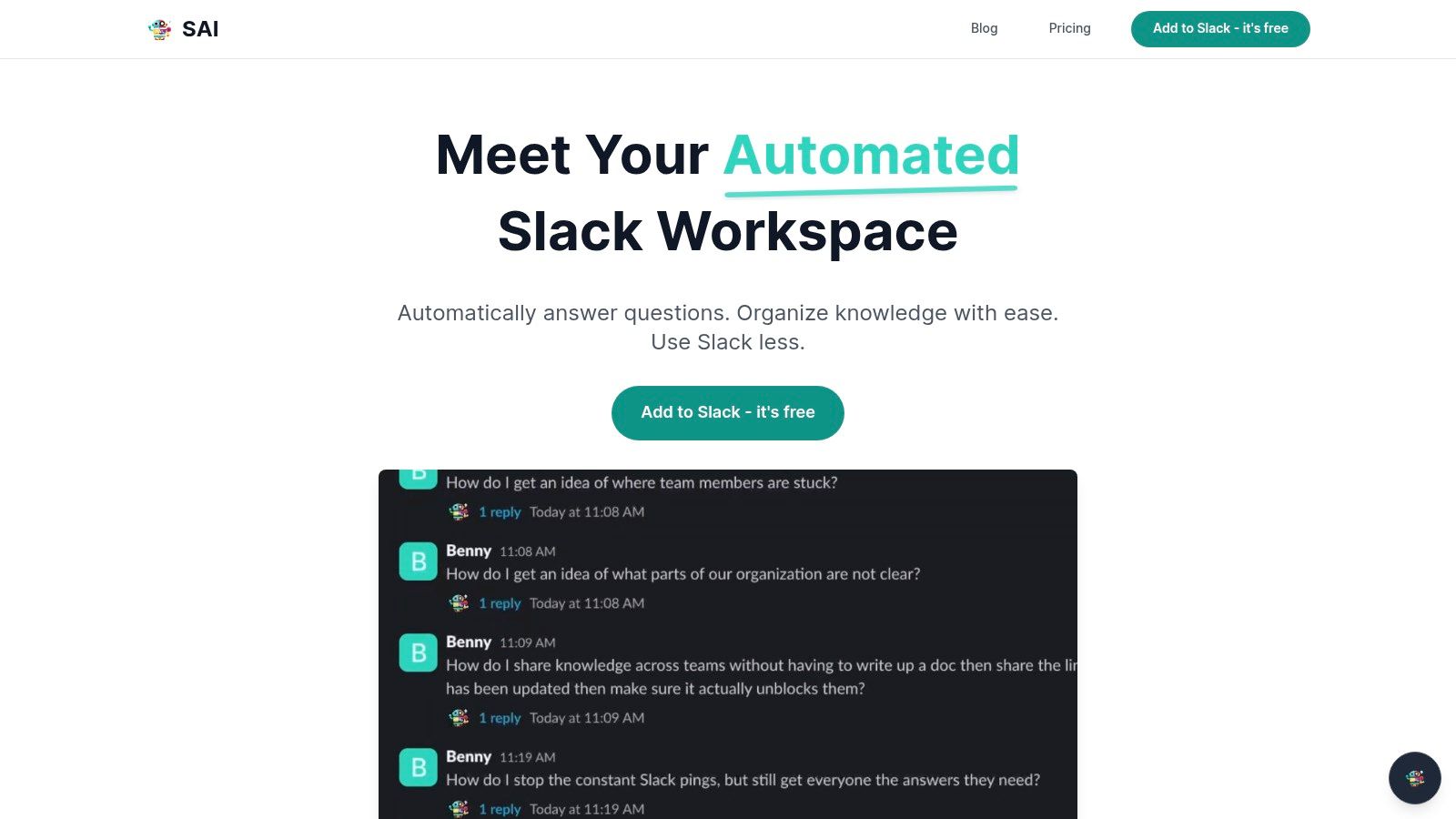
What makes SAI uniquely powerful is its zero-setup approach. It begins learning from your existing Slack conversations the moment it's installed, requiring no manual data entry or configuration. It understands the intent behind questions, not just keywords, providing context-aware answers that reduce follow-up inquiries. This immediate utility makes it an indispensable tool for teams aiming to reduce costly interruptions and context-switching, which can reclaim over two hours per day for a small team.
Key Features & Use Cases
- Instant Knowledge Retrieval: Perfect for support, sales, and operations teams that need quick access to product information, internal processes, or client history without leaving a customer conversation.
- Zero-Setup Knowledge Base: SAI automatically builds a durable, searchable knowledge base from answered questions, which is ideal for streamlining new hire onboarding.
- 24/7 AI Assistant: Provides round-the-clock support for globally distributed teams or communities, ensuring no one is ever blocked waiting for an answer.
| Pros | Cons |
|---|---|
| Zero setup: Learns from existing conversations instantly. | Early-stage: The free plan is limited to one channel. |
| High ROI: Measurably reduces interruptions and task-switching. | Data Governance: Requires careful review of data privacy. |
| Native Slack Experience: Meets your team where they already work. | |
| Free Tier Available: Unlimited responses in one channel at no cost. |
SAI is a premier choice for any team lead, admin, or manager looking to unlock productivity gains by making institutional knowledge effortlessly accessible. You can explore how AI transforms Slack into a living knowledge base with this in-depth example on sai-bot.ai.
Website: https://sai-bot.ai
2. Slack Marketplace
Before diving into individual third-party tools, your first and most essential stop should be the official Slack Marketplace. Think of it as the ultimate, trusted catalog for supercharging your workspace. It’s where Slack itself vets and lists over 2,000 apps designed specifically to integrate seamlessly into your daily workflow, eliminating the guesswork of finding reliable slack productivity tools.
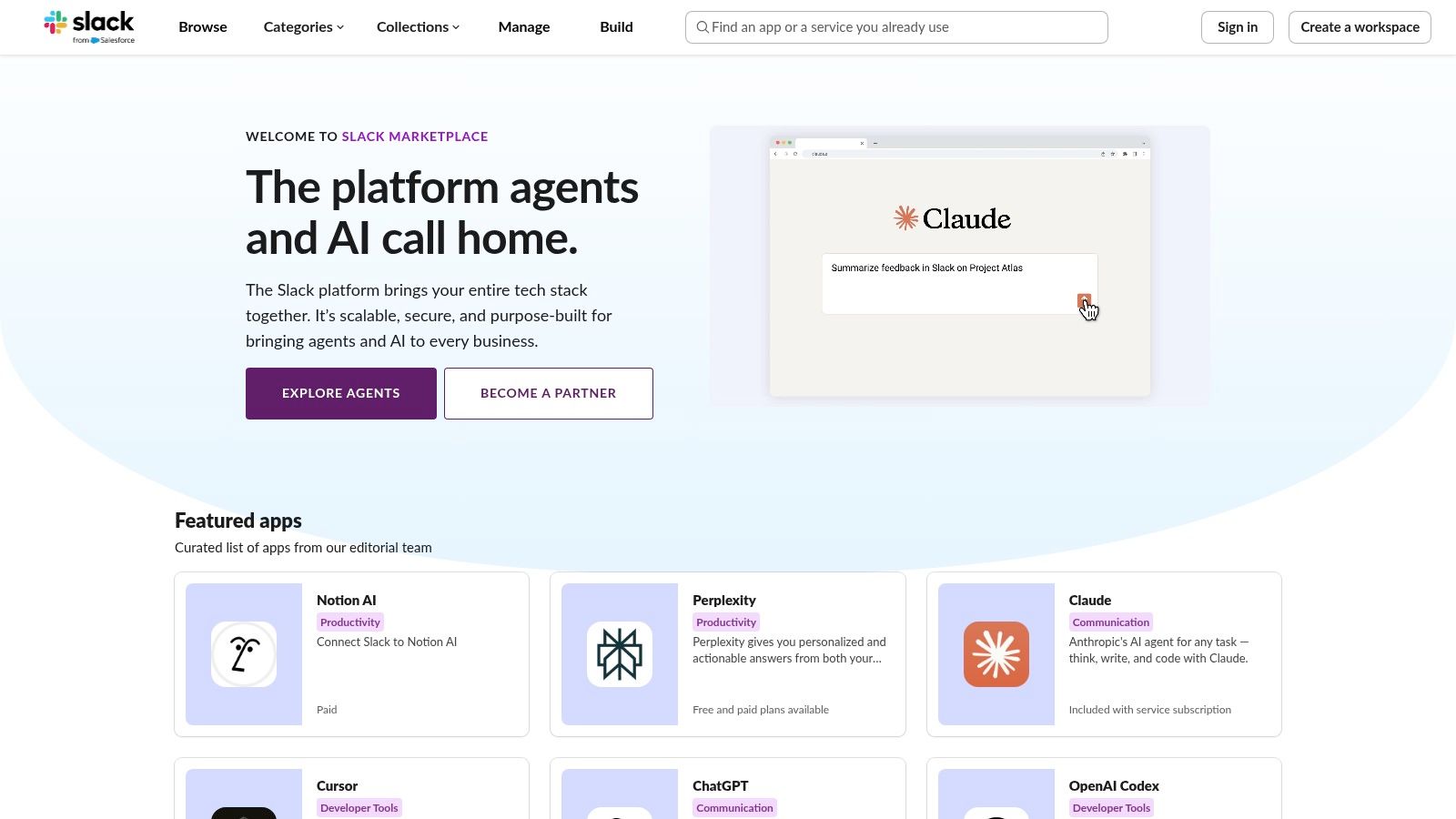
The platform’s greatest strength is its security and simplicity. Every app undergoes a review by Slack, ensuring it meets quality and safety standards. Installation is typically a one-click affair, directly from the app page into your workspace. This curated environment makes it the ideal starting point for discovering everything from project management bots to sophisticated AI assistants.
Key Details & Tips
- Best For: Teams of all sizes looking for a secure, one-stop shop to discover and install validated Slack integrations.
- Pros: Vetted for security and user experience by Slack; broadest selection of Slack-native tools; simple one-click installation process.
- Cons: Many powerful apps require separate paid subscriptions; workspace administrators may need to approve new app installations.
- Pro Tip: Use the categories and search filters to narrow down options for your specific need, whether it's for HR, DevOps, or marketing. You can also discover some of the coolest Slack apps to get started.
Website: https://slack.com/marketplace
3. Slack Integrations (official hub)
While the Marketplace is for shopping, the official Slack Integrations hub is the strategic playbook for deploying your chosen tools. This resource is less of a store and more of a command center, providing authoritative guidance on how to connect apps, manage permissions, and build custom automations. It's the place to go when you need to understand the how
and why
behind effective slack productivity tools.
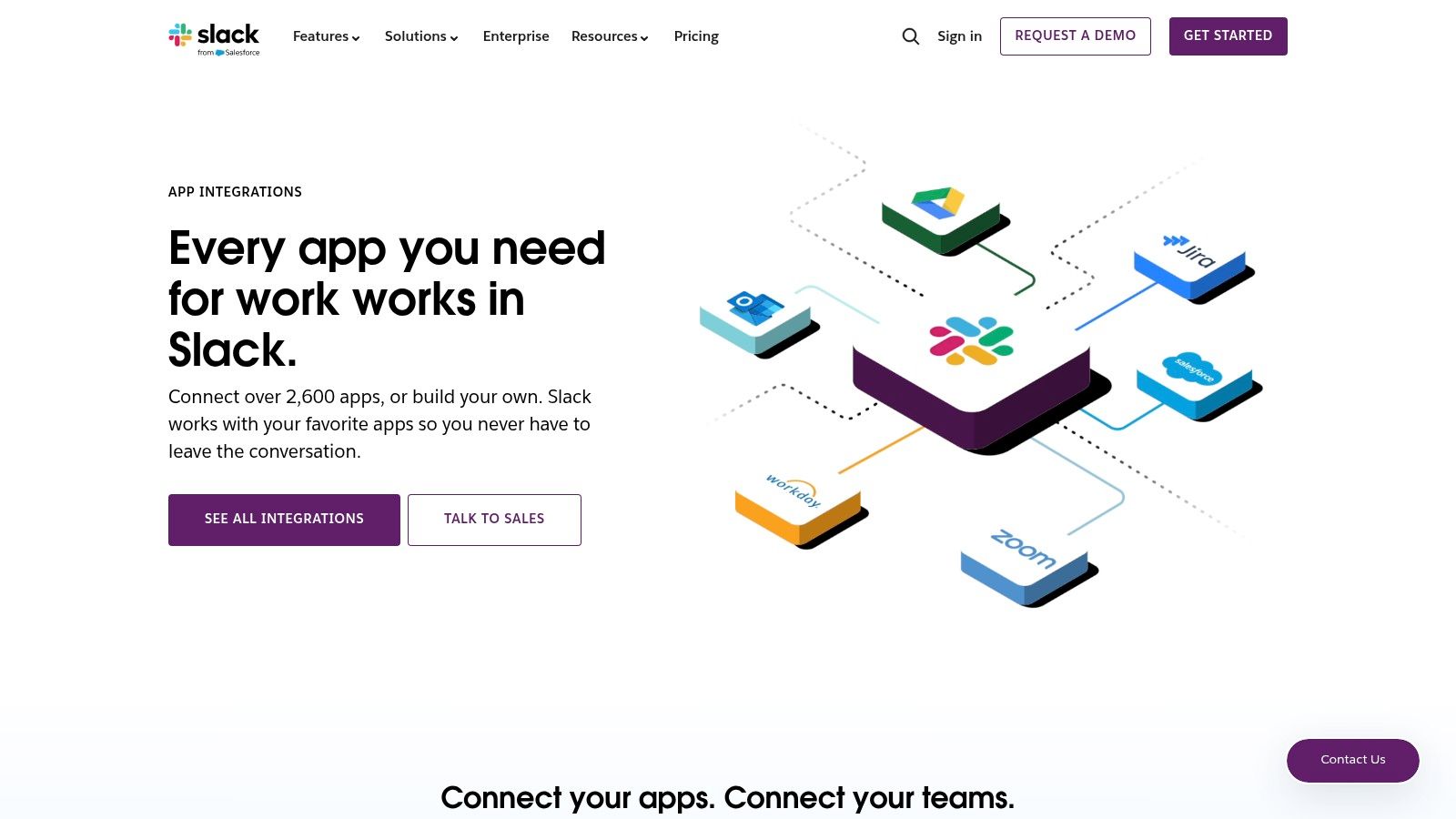
This hub is especially valuable for workspace administrators and team leads. It demystifies the process by explaining plan-based app limits, security best practices, and the powerful capabilities of Workflow Builder and the Slack API. Instead of just installing an app, this hub teaches you how to weave it into your company’s operational fabric, ensuring you get the maximum return on your investment in a secure and scalable way.
Key Details & Tips
- Best For: Admins and IT managers who need to plan, govern, and manage app integrations across their organization.
- Pros: Authoritative guidance directly from Slack; excellent for planning security and governance; provides clear next steps for installing and managing apps.
- Cons: Not a full app catalog (it links out to the Marketplace); specific pricing details for individual apps are not listed on the hub itself.
- Pro Tip: Before installing a new company-wide app, visit this hub to understand your plan's limitations and review Slack's best practices for managing third-party permissions.
Website: https://slack.com/integrations
4. Zapier – Slack Integrations
If the Slack Marketplace is the app store, think of Zapier as the ultimate universal connector that makes all your apps talk to each other. Zapier allows you to create automated workflows, or “Zaps,” that link Slack with over 5,000 other apps without writing a single line of code. This no-code approach makes it one of the most powerful slack productivity tools available, turning your communication hub into an automated command center.
Imagine automatically posting new Calendly bookings to a sales channel, creating a Jira ticket from a specific emoji reaction in Slack, or adding new HubSpot contacts directly from a form submitted in a channel. Zapier’s visual workflow builder and extensive template library make it incredibly fast to prototype and deploy these automations, saving your team countless hours on manual, repetitive tasks. It's the key to bridging gaps between your core business applications and your team's conversations.
Key Details & Tips
- Best For: Teams that want to connect Slack with apps not in the official marketplace or create complex, multi-step automations across their entire software stack.
- Pros: Integrates with thousands of apps, intuitive visual builder for non-technical users, scales effectively from simple alerts to enterprise-level workflows.
- Cons: Costs can increase with the number of tasks in complex Zaps; requires workspace admin approval to install the core Zapier app.
- Pro Tip: Start by browsing Zapier’s pre-made Slack templates. They cover common use cases and can be customized in minutes, giving you a quick win. As you get more advanced, consider how it can be part of a larger strategy; see how it compares to other documentation automation tools to understand its place in your ecosystem.
Website: https://zapier.com/apps/slack/integrations
5. Make (formerly Integromat) – Slack Integrations
When basic app connections aren’t enough, Make steps in as a powerful, no-code automation platform for crafting advanced workflows. It allows you to build multi-step automations that go far beyond simple notifications, connecting Slack with thousands of other services through a visual, drag-and-drop interface. This is the tool for designing truly custom slack productivity tools without writing a single line of code.
Make’s key differentiator is its ability to handle complex logic. You can build scenarios with multiple branches, data manipulation, and error-handling routines. For example, you could automatically create a Trello card from a Slack message, assign it to a team member, update a Google Sheet with its status, and send a confirmation back to the original Slack channel-all in one seamless flow.
Key Details & Tips
- Best For: Tech-savvy teams and operations managers who need to build sophisticated, multi-step automations involving conditional logic and data transformation between Slack and other apps.
- Pros: Highly flexible visual builder for complex branching and data manipulation; extensive library of app integrations; competitive pricing for powerful automations.
- Cons: Has a steeper learning curve compared to simpler tools like Zapier; complex workflows can become difficult to maintain without proper documentation.
- Pro Tip: Start with one of Make’s pre-built Slack templates to understand the platform’s logic. For instance, try the template that automatically saves new Slack channel files to a specific Google Drive folder.
Website: https://www.make.com/en/integrations/slack
6. Google Workspace Marketplace – Slack listings
For teams deeply embedded in Google's ecosystem, the Google Workspace Marketplace is an essential resource. While the official Slack Marketplace is the broadest catalog, this platform is specifically for discovering and managing Slack apps that integrate with Google services like Drive, Calendar, and Gmail. It's the go-to source for admins wanting to standardize Google-connected slack productivity tools across their entire organization with trusted, verified add-ons.
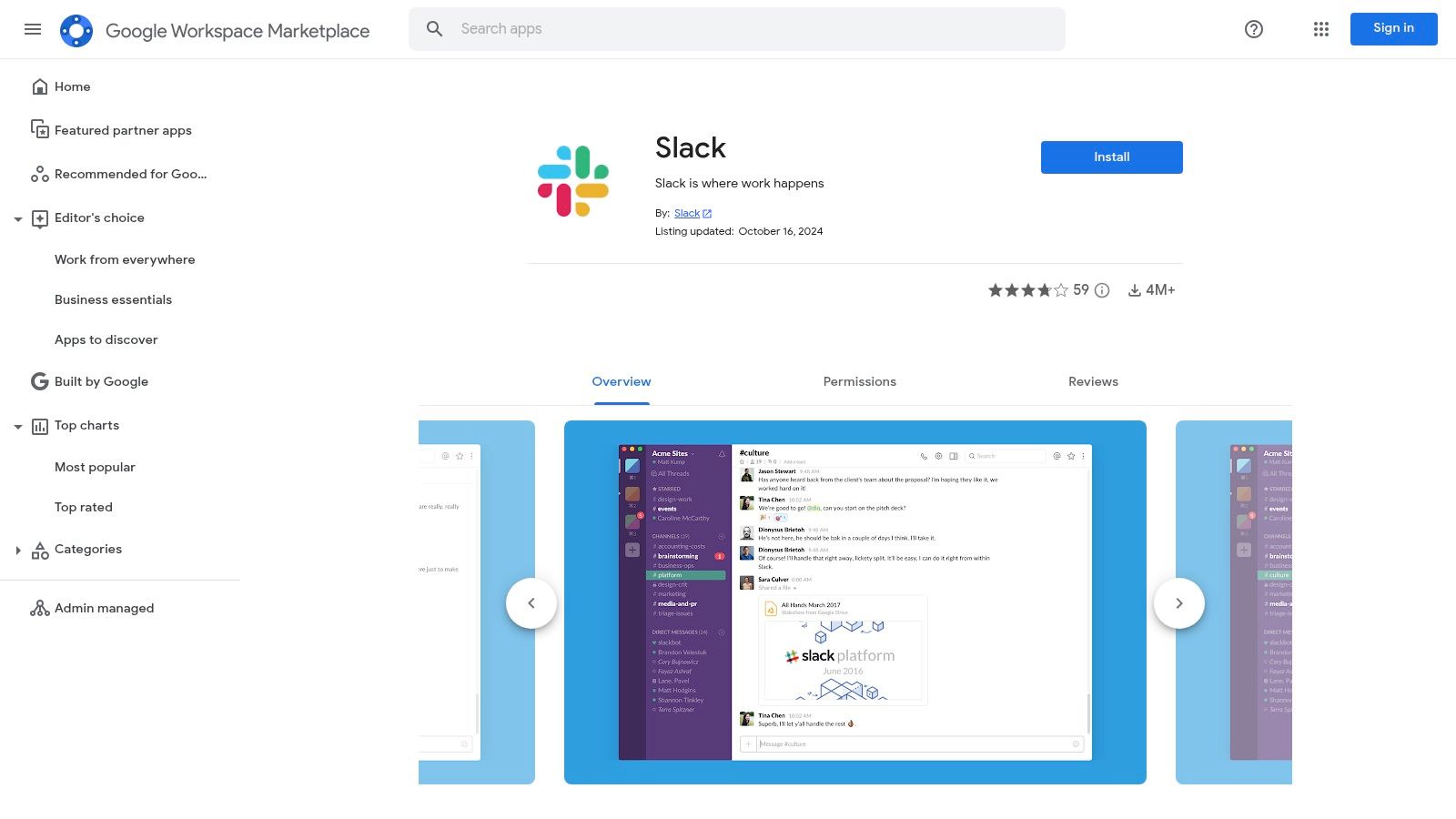
Its key advantage is admin-centric control and security transparency. Unlike installing apps one by one, administrators can deploy Google-verified Slack integrations across an entire domain from a single dashboard. This ensures everyone has access to the same approved tools, like the official Slack for Gmail or Slack for Google Calendar apps, simplifying workflows and maintaining security compliance. It streamlines the connection between two of the most critical hubs for modern work.
Key Details & Tips
- Best For: Organizations using Google Workspace who need to manage and deploy official Google-to-Slack integrations at scale.
- Pros: Trusted distribution channel for Google-verified tools; allows admins to standardize installs across the entire domain; many core add-ons are free.
- Cons: Catalog is focused primarily on Google-to-Slack scenarios, offering less variety than the main Slack Marketplace; some integrations are basic.
- Pro Tip: Admins should start here to deploy foundational apps like
Slack for Workspace
domain-wide before letting individual users add other tools.
Website: https://workspace.google.com/marketplace/app/slack/19570130570
7. Atlassian Marketplace
For teams deeply embedded in the Atlassian ecosystem, the Atlassian Marketplace is the essential resource for connecting tools like Jira, Confluence, and Trello directly into Slack. It functions as a specialized hub where you can find official and third-party apps designed to bridge the gap between your development or project management workflows and your team's communication hub, turning Slack into a true command center for your Atlassian suite.
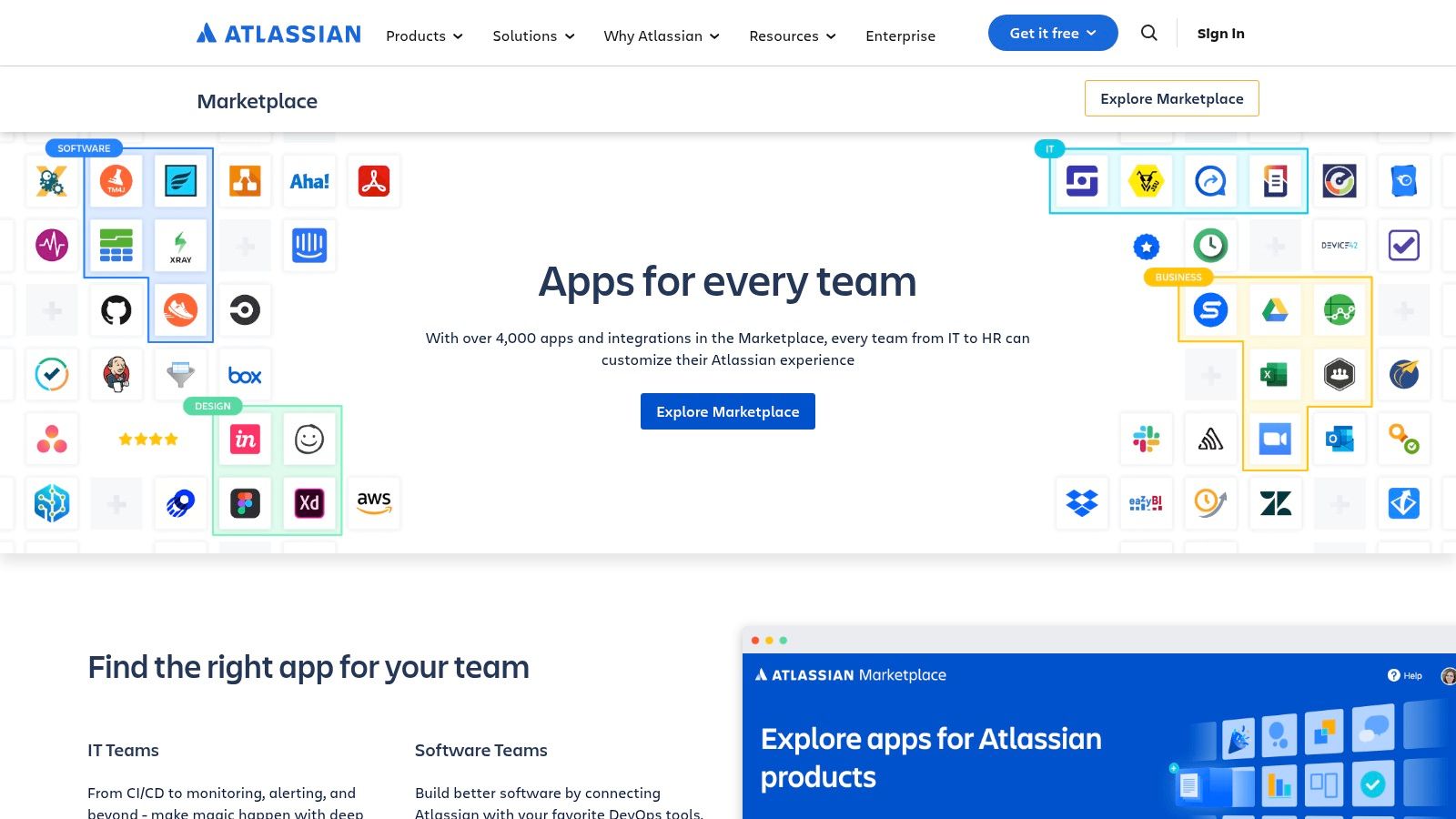
This marketplace excels at providing deep, workflow-level integrations. Instead of just getting basic notifications, these apps allow you to create Jira tickets, transition Trello cards, or comment on Confluence pages using simple slash commands, all without leaving Slack. This focus on actionable integrations makes it one of the most powerful sources for engineering, IT, and product management slack productivity tools, dramatically reducing context switching.
Key Details & Tips
- Best For: Engineering, IT, and product teams that rely heavily on Atlassian products (Jira, Confluence, Trello) for their daily workflows.
- Pros: Deep, native-level integrations with the Atlassian suite; strong notification filtering and powerful slash command support; many apps offer free tiers or trials.
- Cons: Only provides significant value if you already use Atlassian tools; can lead to app sprawl if managing integrations for multiple products.
- Pro Tip: Start with the official
Jira Cloud for Slack
andConfluence Cloud for Slack
apps. They are built by Atlassian, are incredibly robust, and offer the most seamless experience for core tasks.
Website: https://www.atlassian.com/software/marketplace
8. GitHub Marketplace – Slack + GitHub
For engineering teams, the constant back-and-forth between code repositories and communication channels is a major productivity killer. The official Slack + GitHub app directly tackles this by bringing crucial development workflows into your Slack channels. This integration bridges the gap, allowing developers to track, discuss, and act on pull requests, issues, and commits without ever leaving their conversations.
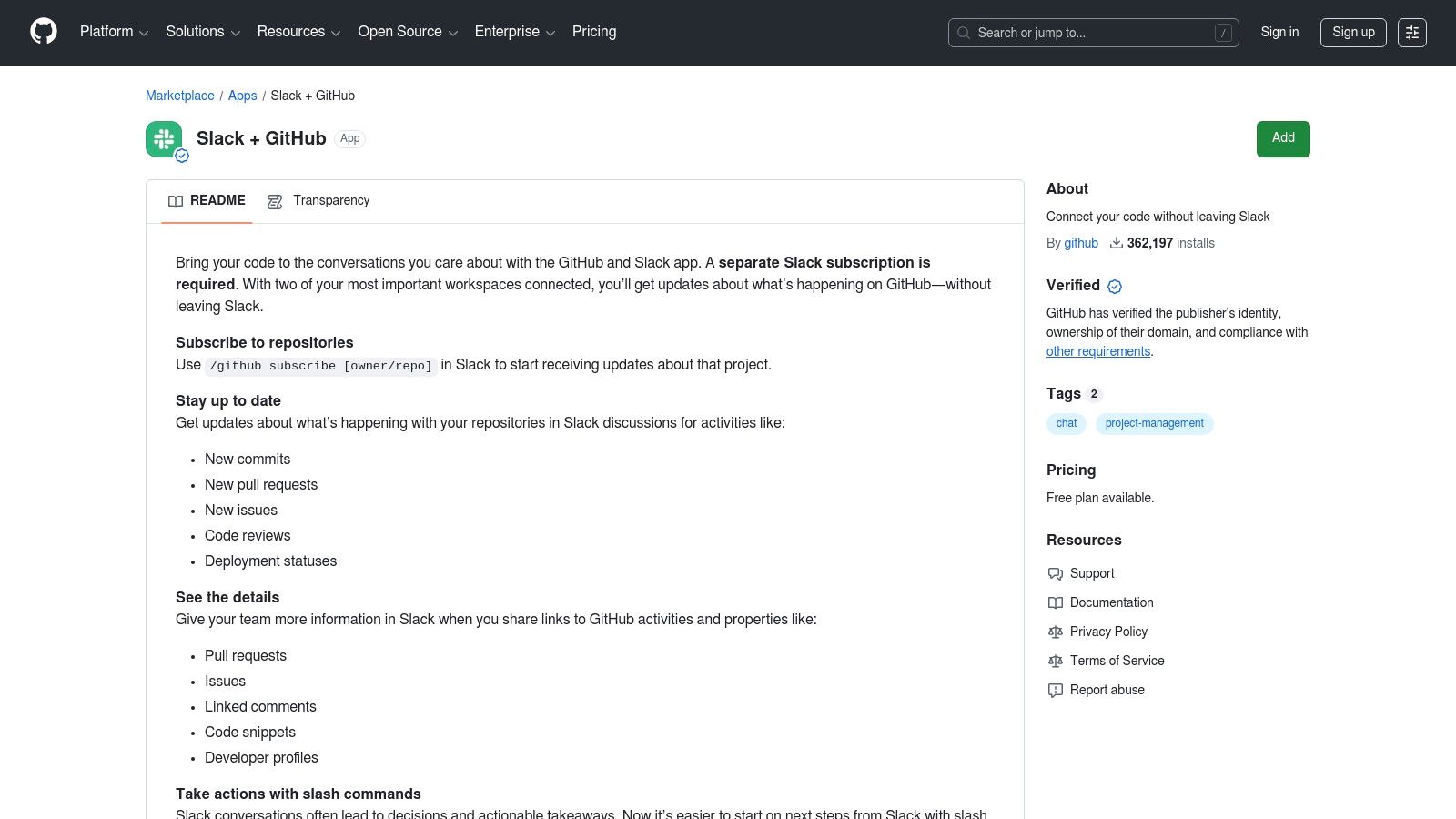
This tool excels by turning passive notifications into actionable items. Instead of just seeing a link, your team gets rich previews of issues and PRs, with options to close, reopen, or comment directly from Slack. By centralizing these core development updates, it transforms your channel into a dynamic command center for your codebase, making it one of the most essential slack productivity tools for any tech team.
Key Details & Tips
- Best For: Engineering and DevOps teams looking to streamline code reviews, issue tracking, and deployment notifications within Slack.
- Pros: Maintained by GitHub for maximum reliability; significantly reduces context switching for developers; clear setup and comprehensive documentation.
- Cons: Tightly focused on GitHub workflows; notification streams can become noisy and require careful configuration to remain useful.
- Pro Tip: Create dedicated channels for specific repositories (e.g.,
#dev-frontend-prs) and use the/github subscribecommand with filters to only get updates on reviews, comments, or deployments that matter most to that team.
Website: https://github.com/marketplace/slack-github
9. Asana – Slack Integration
For teams whose projects live in Asana, this official integration is one of the most essential slack productivity tools available. It bridges the gap between fast-moving Slack conversations and structured project management, ensuring that brilliant ideas and critical action items discussed in a channel don't get lost in the scroll. The integration allows you to instantly convert any Slack message into a trackable Asana task with just a few clicks.
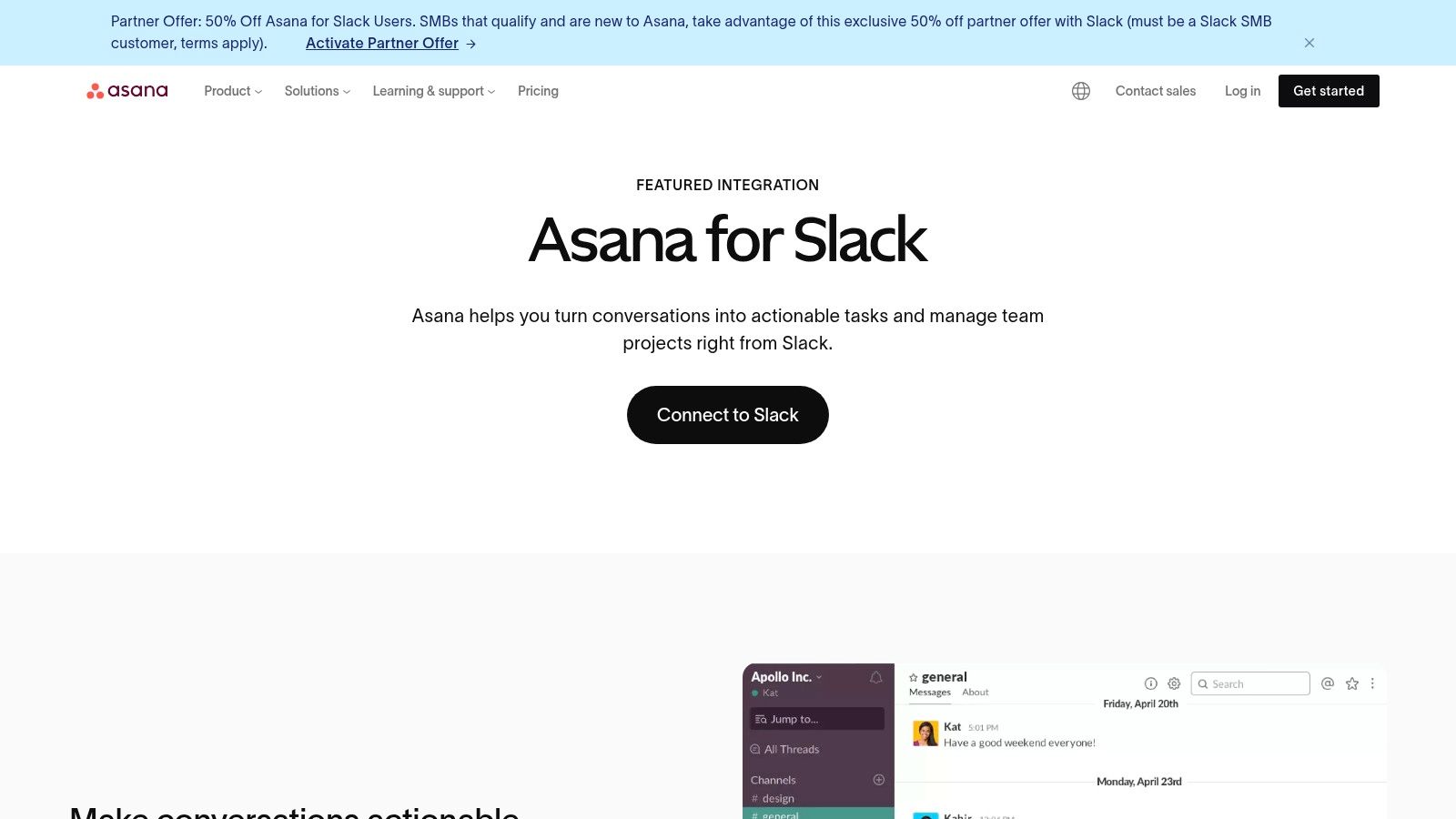
The integration’s real power lies in its bi-directional updates and automation. You can receive actionable notifications in Slack when a task is updated in Asana, comment on it, or mark it complete without ever leaving your chat. With Asana Rules, you can automate notifications to specific channels when tasks move between project stages, keeping everyone aligned without manual check-ins. It effectively turns Slack into a command center for your Asana projects.
Key Details & Tips
- Best For: Project teams already committed to the Asana ecosystem who need to formalize action items that originate from Slack discussions.
- Pros: Seamless conversation-to-task handoff; keeps work organized and tracked outside of Slack; excellent documentation and reliability.
- Cons: Primarily benefits existing Asana users; advanced features like Rules and AI summaries require paid Asana subscriptions.
- Pro Tip: Configure Asana Rules to post updates for high-priority projects into a dedicated
#project-updateschannel. This creates a real-time, high-level project feed for stakeholders.
Website: https://asana.com/slack
10. monday.com – Slack Integration
For teams managing projects in monday.com, its Slack integration is essential for bridging the gap between communication and execution. Instead of toggling between tabs to update tasks, this tool allows you to create monday.com items directly from Slack messages. This bi-directional sync turns conversations into actionable tasks and ensures project updates are automatically pushed to relevant channels, keeping everyone aligned without manual effort.
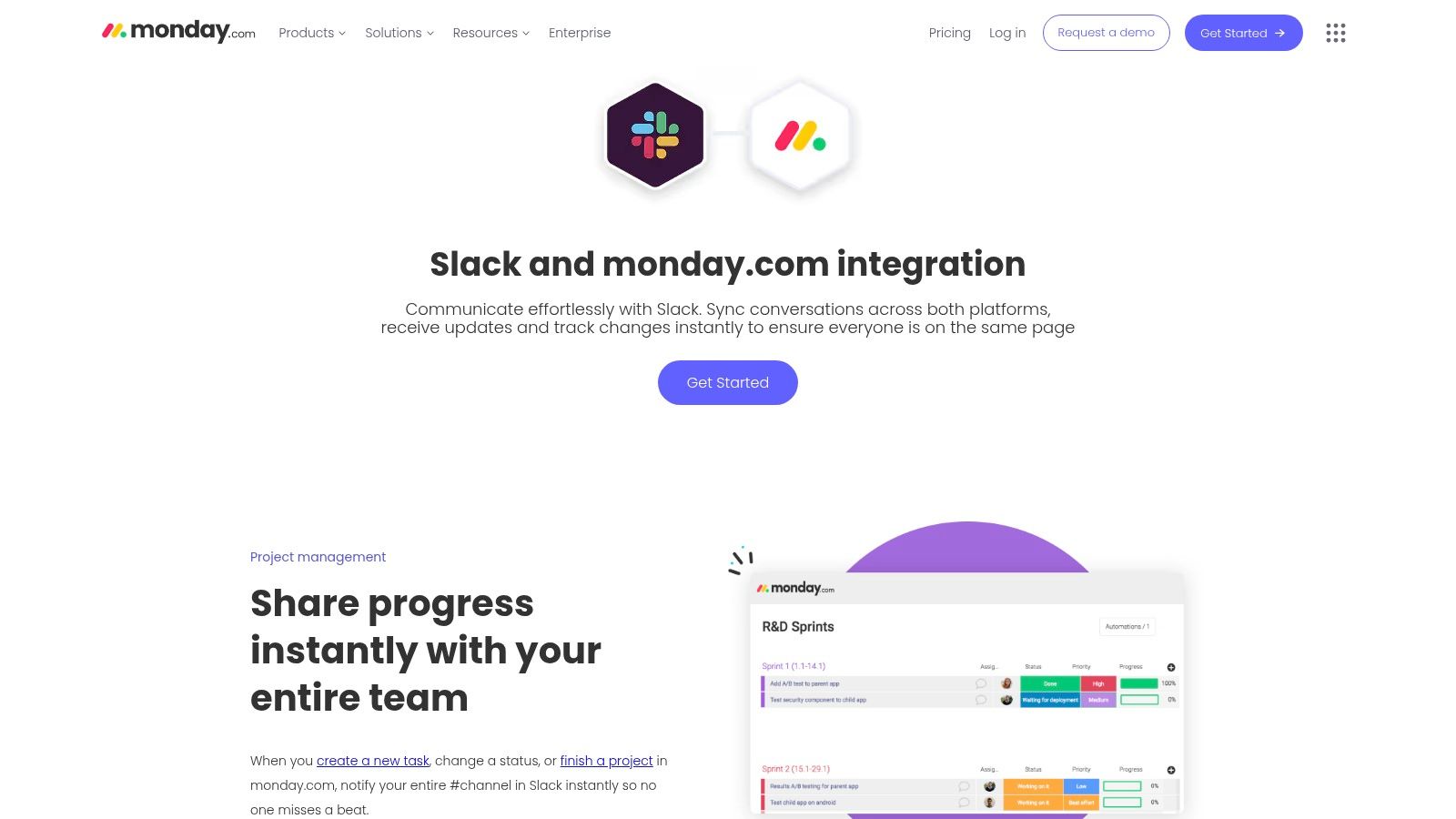
The integration’s power lies in its customizable automation recipes. You can set up notifications for status changes, new item assignments, or approaching deadlines to be sent to specific public or private channels. This transforms Slack from a simple chat app into a dynamic project management hub, making it one of the most effective slack productivity tools for teams that live inside monday.com.
Key Details & Tips
- Best For: Project managers and teams that use monday.com as their primary work OS and need to sync updates seamlessly with Slack.
- Pros: Pre-built automation recipes for common workflows; works with both public and private channels; excellent setup documentation and support.
- Cons: The most powerful automation features are tied to paid monday.com plans; requires careful permission management for channels and the app.
- Pro Tip: Use the
When a status changes to something, notify someone
recipe to instantly alert stakeholders in a dedicated Slack channel the moment a critical task is completed, eliminating follow-up emails.
Website: https://monday.com/integrations/slack
11. IFTTT – Slack Service
For teams wanting a simple, no-code entry point into automation, IFTTT (If This Then That) is an excellent starting point. It specializes in lightweight, single-step automations that connect various apps and services to your Slack channels. Think of it as the go-to tool for piping external alerts and signals directly into your workspace with minimal setup.
Its core strength lies in its simplicity. Using pre-built “Applets,” you can instantly create connections like posting a message in #social when your brand is mentioned on X (formerly Twitter) or getting a notification in #general when a new file is added to a specific Dropbox folder. While it lacks the multi-step complexity of platforms like Zapier, it’s one of the best slack productivity tools for straightforward, set-and-forget notifications.
Key Details & Tips
- Best For: Individuals or small teams who need simple, one-way notifications from other apps pushed into Slack without complex configuration.
- Pros: Extremely easy for non-technical users to set up; huge library of consumer and prosumer app integrations; great for personal productivity alerts.
- Cons: Limited to single-action automations; the free tier has noticeable speed and rate limits; less suitable for complex business workflows.
- Pro Tip: Use IFTTT to monitor RSS feeds for industry news or competitor updates. Set up an Applet to post new articles directly into a #news or #competitive-intel channel to keep your team informed automatically.
Website: https://ifttt.com/slack
12. Product Hunt – Slack Tools Topic/Collections
If the official Slack Marketplace is the established library, Product Hunt is the exciting, bleeding-edge bookstore where the next generation of slack productivity tools is launched. It's a community-driven platform where makers showcase their new apps, bots, and AI assistants. For anyone looking to find innovative or niche tools before they hit the mainstream, Product Hunt’s dedicated Slack topic page is an essential resource.
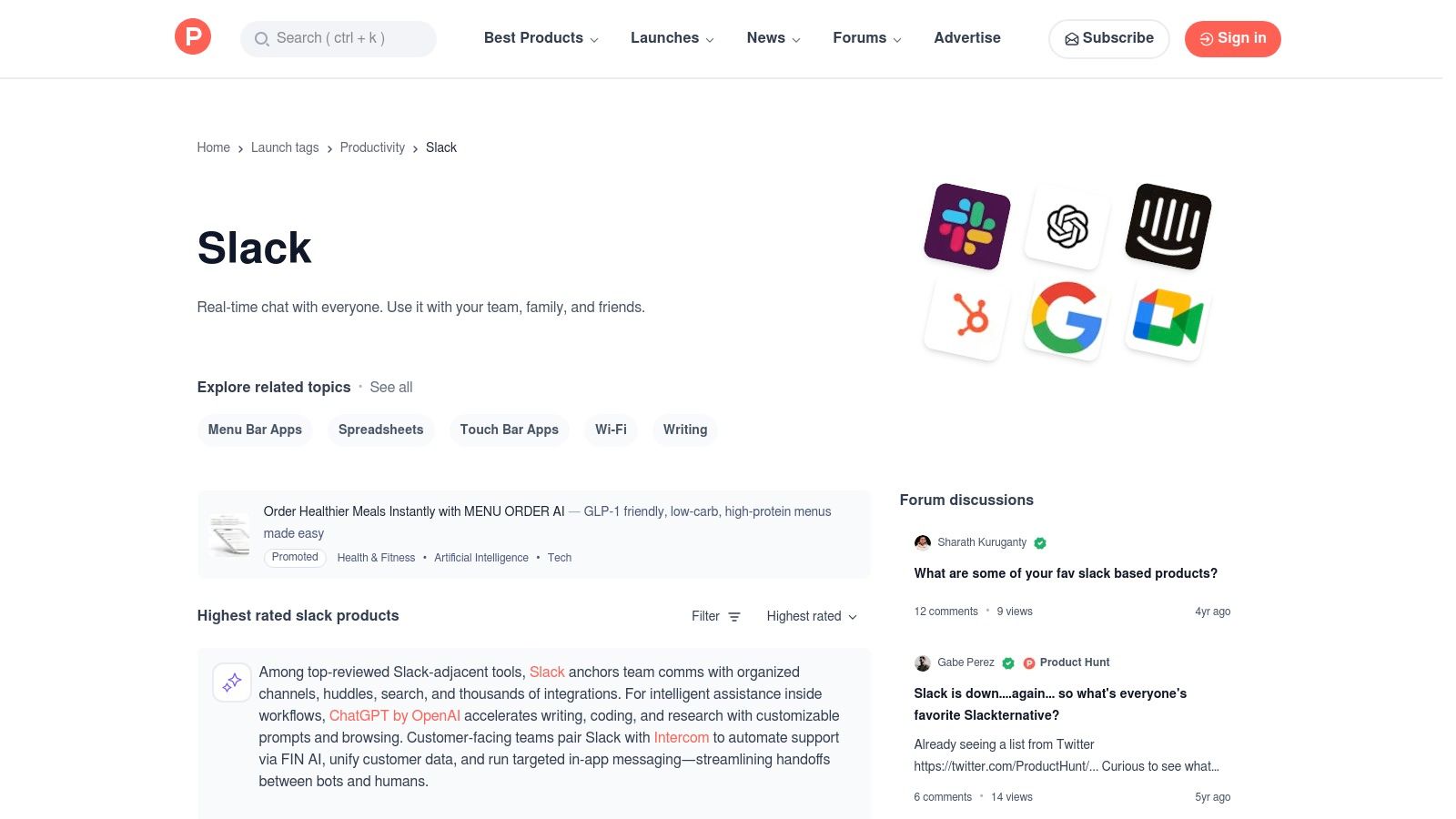
What makes it unique is the direct interaction with the creators and early adopters. You can read genuine first impressions, ask questions directly to the developers, and get a feel for a tool’s potential from real user feedback. This makes it the perfect place to discover clever, indie-built solutions that address specific pain points you won’t find covered by larger, more established applications.
Key Details & Tips
- Best For: Innovative teams and early adopters wanting to discover the newest, most creative Slack integrations before they become popular.
- Pros: Excellent for finding innovative or niche tools; real user feedback and direct engagement with developers; surfaces unique indie projects.
- Cons: Product quality and longevity can vary as many are early-stage; less rigorous vetting compared to the official Slack Marketplace.
- Pro Tip: Sort the Slack topic by
Most Voted
over the last week or month to quickly see which new tools are generating the most excitement and positive feedback from the community.
Website: https://www.producthunt.com/topics/slack
Comparison of 12 Slack Productivity Resources
| Product | Core features | UX / Quality ★ | Price / Value 💰 | Target audience 👥 | Unique selling point ✨ |
|---|---|---|---|---|---|
| SAI 🏆 | Zero‑setup Slack AI — learns from conversations; 24/7 context-aware answers | ★★★★★ instant, intent-aware | 💰 Early Access: Free single channel; high ROI (saves ~2+ hrs/day) | 👥 Slack admins, support, HR/IT, SMBs & startups | ✨ Auto-captures answers into a living knowledge base; no training |
| Slack Marketplace | Vetted catalog, one‑click installs, app pages & reviews | ★★★★☆ tight Slack UX & security | 💰 App-dependent (many freemium) | 👥 Workspace admins & app discoverers | ✨ Official, widest Slack-native selection |
| Slack Integrations (official hub) | Guidance on integrations, Workflow Builder & API pointers | ★★★★☆ authoritative docs | 💰 N/A (guidance hub) | 👥 Admins planning governance & deployments | ✨ Governance and deployment best practices |
| Zapier – Slack Integrations | No‑code Zaps, large template library, triggers & actions | ★★★★☆ fast prototyping | 💰 Free tier; task-based paid plans | 👥 Non‑technical teams, automation builders | ✨ Broad app coverage; visual builder |
| Make (Integromat) – Slack | Drag‑and‑drop scenarios, routers, iterators, error handling | ★★★★☆ powerful, steeper learning | 💰 Competitive for complex flows | 👥 Automation engineers & power users | ✨ Advanced branching, scheduling & error control |
| Google Workspace Marketplace – Slack listings | Google→Slack add-ons, org‑wide installs & admin controls | ★★★☆☆ focused on Workspace integrations | 💰 Many free installs; some paid | 👥 Google Workspace admins | ✨ Org-wide deployment & admin management |
| Atlassian Marketplace | Jira/Confluence Slack apps, notifications & commands | ★★★★☆ strong for engineering workflows | 💰 Mix of free trials and paid apps | 👥 Engineering, IT & product teams | ✨ Deep Atlassian→Slack workflow integrations |
| GitHub Marketplace – Slack + GitHub | Repo subscriptions, unfurling, in‑Slack PR/issue actions | ★★★★☆ maintained, widely adopted | 💰 Core features free | 👥 Engineering teams & maintainers | ✨ Native GitHub actions and rich previews in Slack |
| Asana – Slack Integration | Create/assign tasks from messages; task updates; AI summaries | ★★★★☆ effective convo→task flow | 💰 Free integration; advanced features need Asana paid tiers | 👥 PMs, ops teams using Asana | ✨ Seamless conversation→task handoff; Asana AI |
| monday.com – Slack Integration | Bi‑directional sync, status notifications, templates | ★★★☆☆ good for project sync | 💰 Basic free; automations often need paid monday plans | 👥 Project teams using monday.com | ✨ Prebuilt recipes & private channel support |
| IFTTT – Slack Service | Ready-made Applets, simple posts & Webhooks | ★★★☆☆ easiest for simple automations | 💰 Free/basic; Pro for multi-action chains | 👥 Non‑technical users, prosumers | ✨ Fast setup for lightweight integrations |
| Product Hunt – Slack Tools | Community launches, reviews, links to product pages | ★★★☆☆ discovery-focused, variable quality | 💰 Free discovery | 👥 Makers, early adopters & scouts | ✨ Surfaces indie and emerging Slack tools |
From Constant Pings to Uninterrupted Progress
Navigating the vast landscape of Slack productivity tools can feel overwhelming, but the journey from a chaotic, notification-heavy workspace to a streamlined hub of focused work is more achievable than you think. The true power of these integrations isn't just about adding features; it's about fundamentally changing how your team interacts with information and tasks. The goal is to make Slack a seamless conduit for progress, not a source of constant distraction.
Imagine a day where your team never has to leave Slack to find an answer. No more digging through shared drives, no more searching old Confluence pages, no more asking the same questions over and over. By implementing a central knowledge tool like SAI, you create a single, intelligent source of truth directly within the conversations where work already happens. This strategic shift transforms your workspace from a simple communication tool into a genuine productivity engine.
Charting Your Path to a Smarter Slack
The key to a successful transformation is to be deliberate. Instead of adding a dozen new apps at once, start by identifying your team's most significant bottleneck.
- Is it repetitive questions? If your experts spend hours answering the same queries, a tool like SAI can provide instant, automated answers, freeing up valuable time for high-impact work.
- Is it disjointed project management? If tasks discussed in Slack get lost in the shuffle, integrating Asana, monday.com, or a tool from the Atlassian Marketplace can turn conversations into trackable actions with a single click.
- Is it manual, cross-app workflows? If your team is stuck copying and pasting data between platforms, automation builders like Zapier or Make can create powerful, custom workflows that handle the busywork for you.
Start with one pain point. Choose one tool from this list that directly addresses that challenge and commit to integrating it fully into your team's daily routine. The most impactful change begins not with a complete overhaul, but with a single, smart adjustment that gives your team back its most valuable resource: uninterrupted time to focus on what truly matters.
Ultimately, the best Slack productivity tools are the ones that become invisible, working silently in the background to remove friction and empower your team to do their best work. By thoughtfully curating your integrations, you can build a Slack environment that doesn't just enable communication, it actively accelerates progress and fosters a culture of deep, meaningful work.
Ready to stop searching and start knowing? Transform your Slack workspace into the ultimate source of truth with SAI. See how you can eliminate repetitive questions and give your team instant access to the information they need, right where they work. Discover SAI today.
