12 Top Slack Apps to Transform Your Workflow in 2025
Imagine a workday where information finds you, not the other way around. No more frantic searches through endless channels, no more shoulder-tapping a coworker for a link they sent last week, and no more context-switching that kills your focus just to find one simple answer. The constant hunt for information isn't just an annoyance; it's a silent productivity killer draining your team's potential.
Many teams accept this digital chaos as the normal cost of doing business in Slack. But what if your workspace could actively work for you? What if every question your team has could be answered instantly, right where the conversation is happening, without ever leaving Slack? This is the transformation we're talking about. It’s not about adding more noise; it’s about making your team’s central communication hub dramatically smarter.
This guide cuts through the clutter to show you the top Slack apps that turn your workspace into a single, reliable source of truth. We’ve done the research, digging into the most powerful tools that automate tedious tasks, centralize knowledge, and create a seamless workflow. Each entry includes a clear breakdown of its best use case, key features, and practical pros and cons, complete with screenshots and direct links to get you started. Stop searching and start doing. Let’s build a Slack workspace that gives your team its most valuable asset back: time.
1. SAI
Imagine a workday where you and your team never have to open another tab, document, or drive to find information again. Imagine never searching through Confluence, Google Docs, or old project threads to get an answer. Instead, you simply ask a question in Slack, and the correct, context-aware answer from your team's collective knowledge appears instantly. This is the streamlined reality SAI creates, making it one of the top Slack apps for any business drowning in repetitive questions.
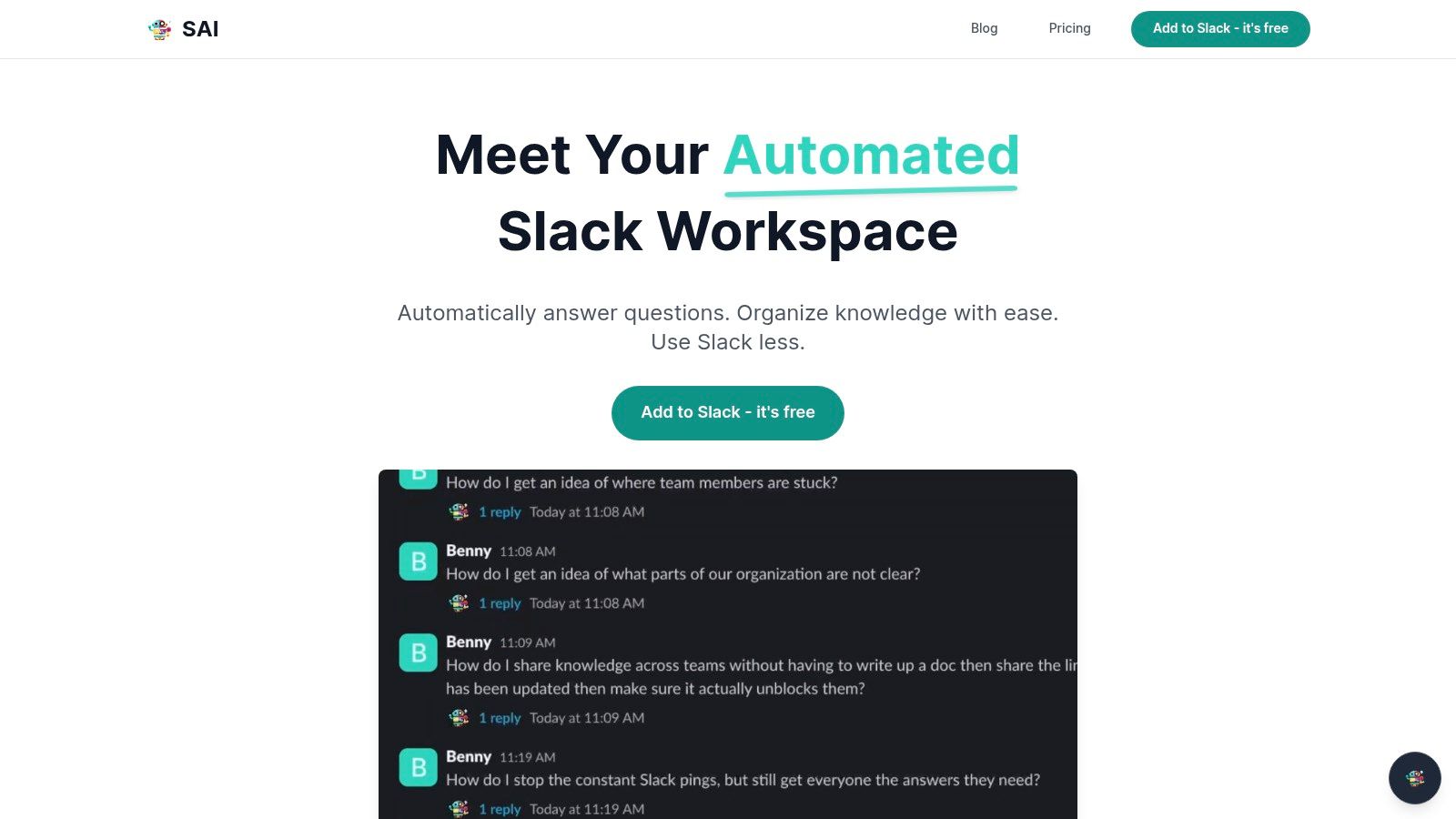
Its standout advantage is the zero-setup, immediate value proposition. Unlike traditional knowledge bases that require months of manual data entry and configuration, SAI learns directly from your existing Slack conversations. It listens to the questions your team asks and the answers they provide, automatically building an intelligent knowledge layer without any extra work. This turns your team’s daily collaboration into a durable, self-improving asset that works from day one.
Key Strengths & Use Cases
- On-Demand Answers for Sales & Support: A sales rep can ask,
“What’s our latest pricing for the enterprise tier?”and get an immediate, accurate answer in-channel instead of interrupting a product manager. - Streamlined HR & IT Onboarding: New hires can ask common questions like,
“How do I set up my VPN?”and receive instant guidance, freeing up HR and IT teams from repetitive support tasks. - Operational Efficiency: Teams can instantly find process-related information, such as
“What’s the approval workflow for new marketing assets?”directly within the Slack channels where they already work.
SAI excels at reducing the constant context-switching and interruptions that kill productivity. By delivering answers 24/7, it empowers team members to stay focused and self-sufficient. This approach aligns perfectly with modern workflows, transforming Slack from a communication tool into a centralized brain for your entire organization. Learn more about how this builds upon the principles of a modern knowledge management system.
| Feature | Practical Benefit |
|---|---|
| Zero-Setup Learning | Starts delivering value immediately by analyzing existing conversations; no manual data entry is needed. |
| Context-Aware Responses | Understands the intent behind a question, providing relevant answers even if phrasing isn't exact. |
| Native Slack Workflow | Keeps users in the tool they use most, eliminating the need to search across multiple platforms for information. |
| 24/7 Availability | Provides instant support for global teams and reduces dependency on specific team members being online. |
Pricing & Access
SAI is currently available through a free Early Access plan, which includes unlimited AI responses within a single Slack channel and access to community support. There is no credit card required to get started, making it a risk-free way to test its impact on your team’s productivity.
- Pros: Starts working instantly with zero setup, significantly reduces interruptions, turns conversations into lasting knowledge, and offers a generous free plan.
- Cons: The free tier is limited to a single channel, and as an AI tool, crucial or sensitive information should always be double-checked for accuracy.
Website: https://sai-bot.ai
2. Slack App Directory (Slack Marketplace)
Before diving into individual apps, the single most important resource for any workspace admin is Slack's own App Directory. Think of it as the official, authoritative marketplace for extending Slack’s capabilities. With over 2,000 vetted applications, this is your starting point for discovering tools that can transform how your team communicates and collaborates, making it an essential hub for finding top Slack apps.
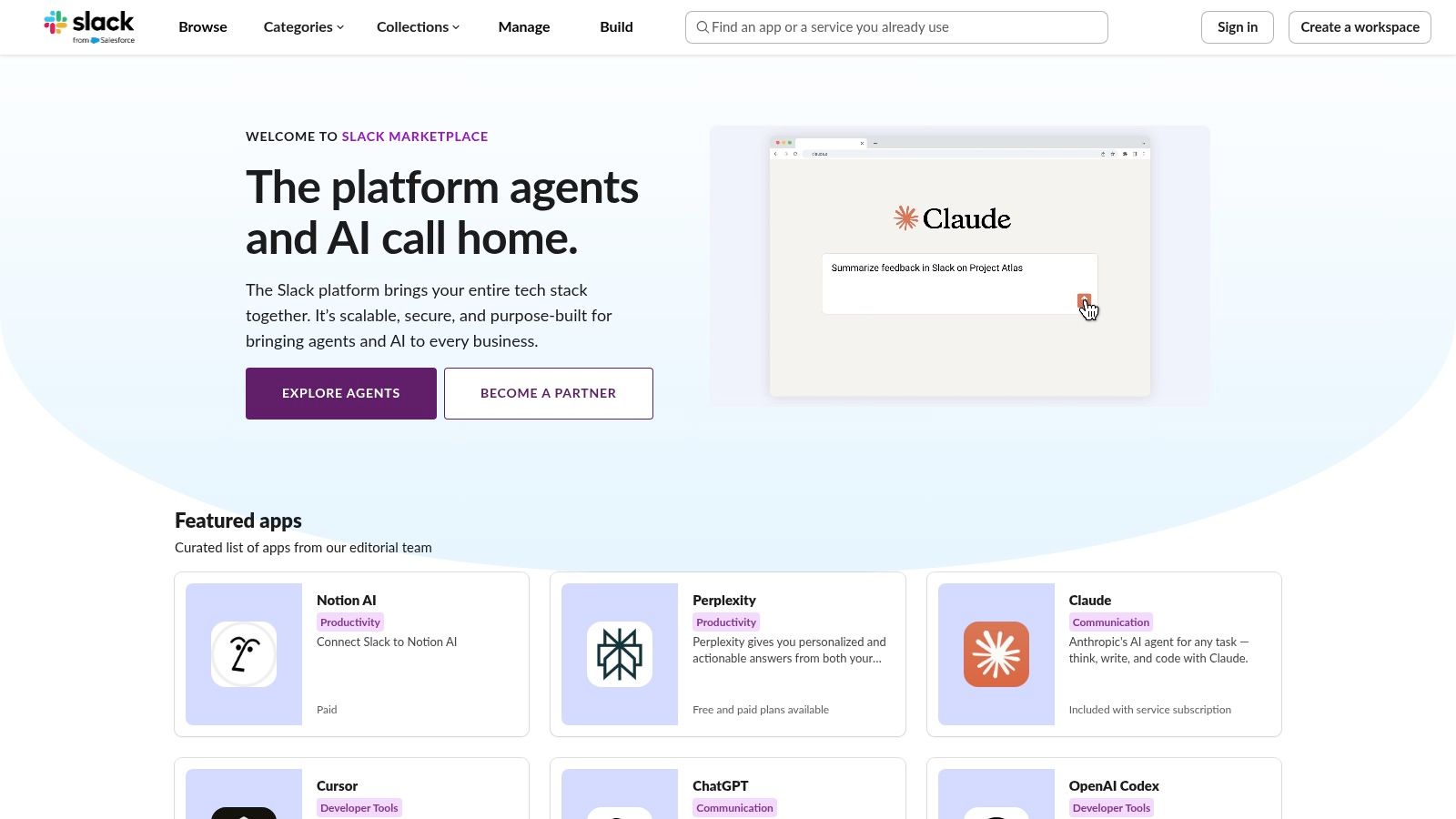
Its core value lies in trust and simplicity. Every app listed has undergone a review by Slack, ensuring a baseline of security and quality. The platform offers a clean user experience with one-click “Add to Slack” installs and centralized permission management, which is a lifesaver for admins managing multiple integrations. You can easily filter by categories like project management, developer tools, or AI to find exactly what you need.
Why It’s a Go-To Resource
The directory excels at providing a comprehensive, organized, and secure discovery experience. While you can find apps elsewhere, no other source offers the same level of integration with Slack's administrative controls. The detailed app pages, which outline required permissions (scopes) and usage instructions, give admins full transparency before installation.
- Pros: Authoritative source with Slack-vetted apps, streamlined installation and permission flows, deep coverage across most business software categories.
- Cons: Some listings might be outdated, and complex setups may require you to visit the vendor's website to complete the process.
This marketplace is the definitive first stop for any admin looking to enhance their workspace. For a curated look at some standout tools you can find there, check out these 12 cool Slack apps to transform your workflow in 2025.
3. Product Hunt (Slack topic and product pages)
For those looking to stay ahead of the curve, Product Hunt is the go-to community for discovering the next big thing in tech, including emerging Slack apps. It’s where innovative developers launch their latest creations, giving you a front-row seat to the newest tools before they hit the mainstream. This platform is invaluable for finding unique solutions that can give your team a competitive edge.
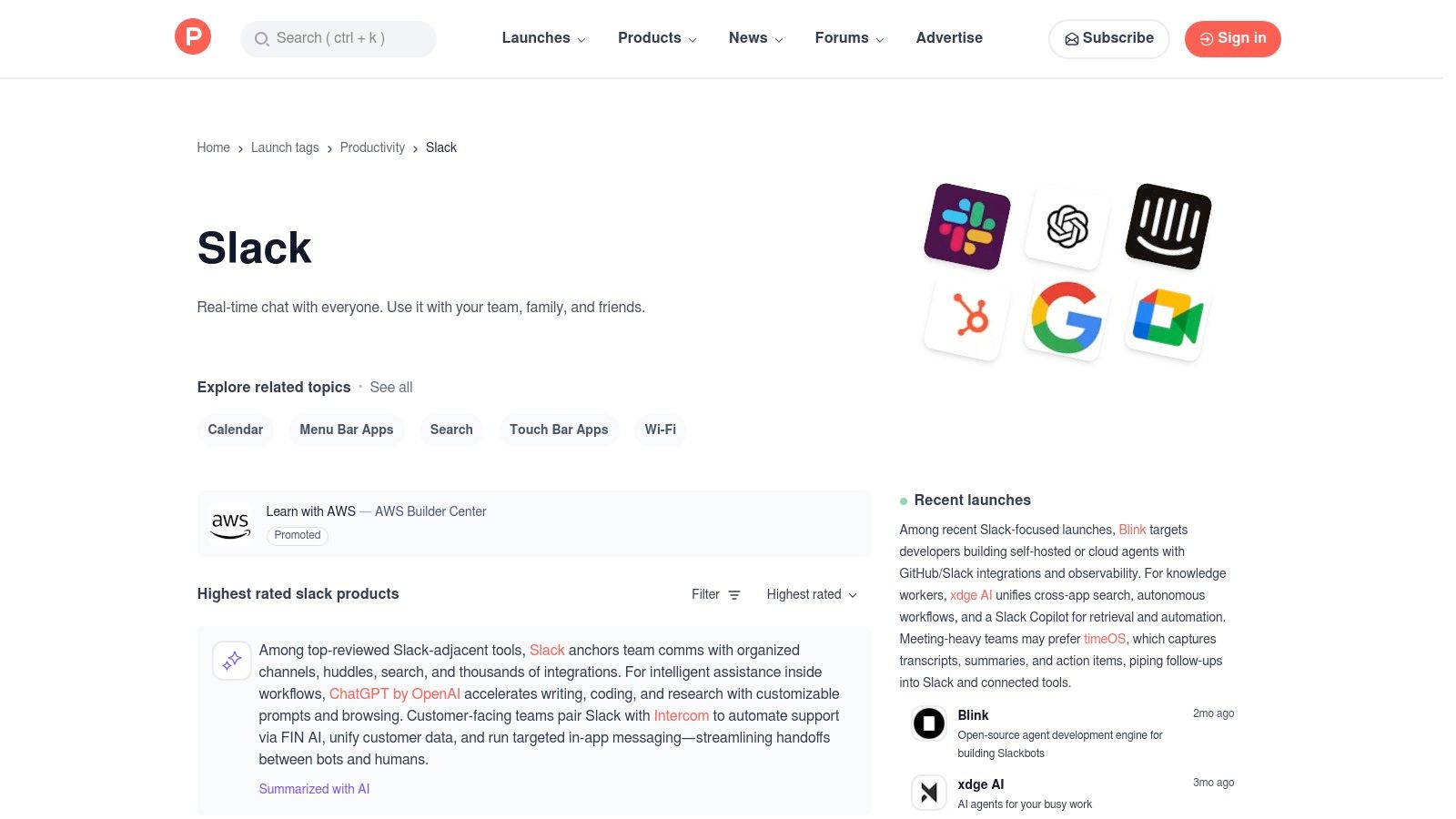
The core value of Product Hunt lies in its community-driven discovery and social proof. You can see which apps are gaining traction through upvotes and read real-time discussions between makers and early adopters in the comments. This direct line of communication provides unfiltered insights into an app’s purpose, features, and potential, helping you identify innovative tools for your workspace.
Why It’s a Go-To Resource
Product Hunt excels at being a launchpad for brand-new and trending apps, making it a powerful resource for finding top Slack apps that haven't yet saturated the market. The dedicated Slack topic page aggregates these tools, allowing you to filter through what's new and noteworthy. Unlike a formal marketplace, its strength is in the raw, authentic feedback from a tech-savvy community.
- Pros: Great for early adopters and spotting what’s new, social proof via upvotes and comments helps triage choices.
- Cons: Quality varies as many apps are very new, not a centralized install marketplace since purchases happen on vendor sites.
If you want to be the first to know about a game-changing app, make a habit of checking Product Hunt. It’s the perfect place to unearth hidden gems that could revolutionize your team's workflow.
4. Zapier – Slack Integrations Directory
While the Slack App Directory lists native integrations, Zapier’s directory offers a different, powerful approach: no-code automation. This platform acts as a bridge, allowing you to connect Slack with thousands of other apps, even those without an official Slack integration. It’s the ultimate resource for building custom workflows that automate repetitive tasks and pipe critical information directly into your channels, making it a key destination for finding top Slack apps that fit your unique processes.
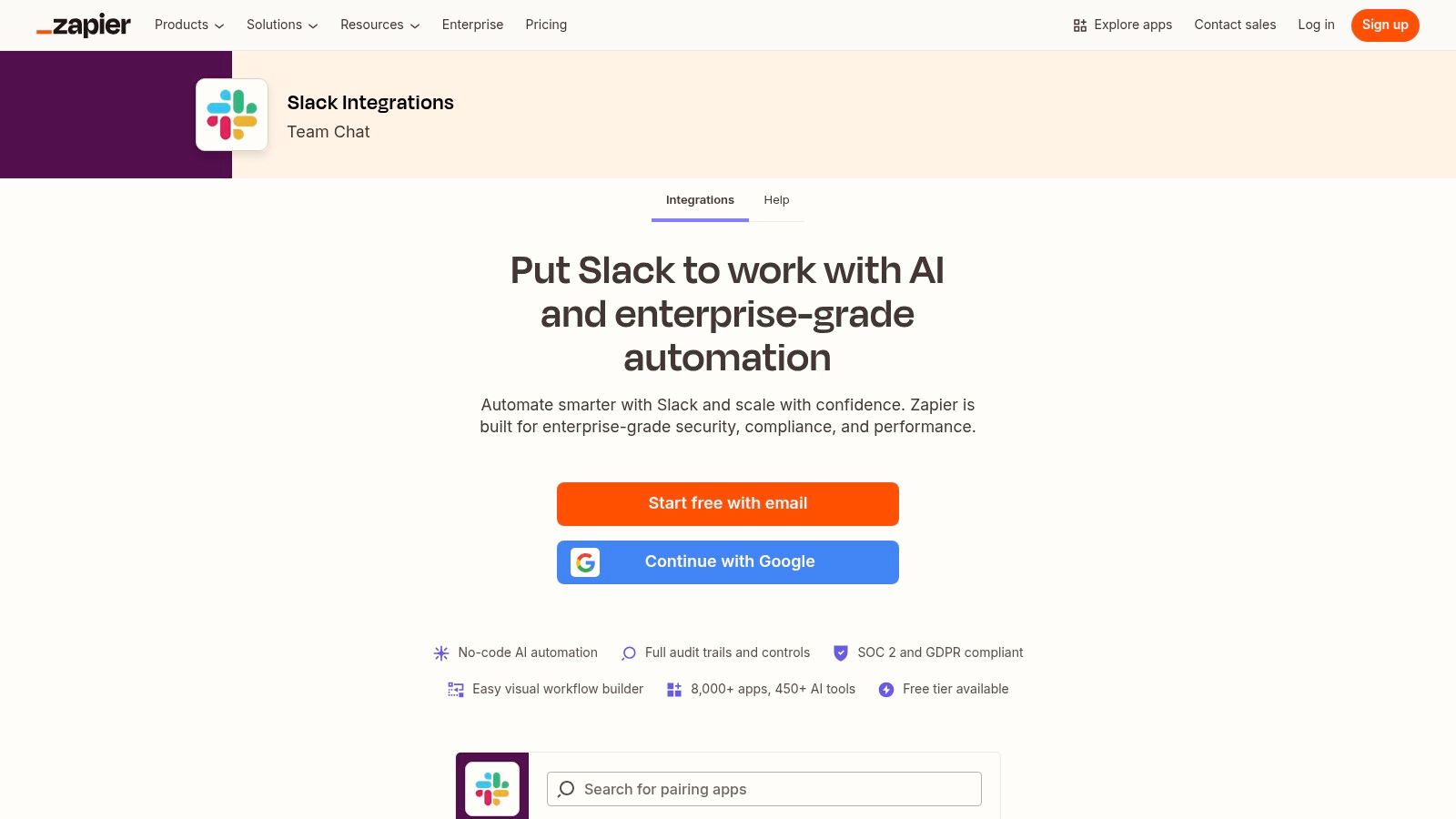
The core concept is simple: you create Zaps
based on triggers and actions. For example, a new entry in a Typeform (trigger) can automatically post a formatted message in a specific Slack channel (action). Zapier's App Home for Slack even lets you manage and run these automations from within your workspace, streamlining the experience. The directory is filled with pre-built templates, excellent documentation, and detailed catalogs of what each app can do, making it accessible even for non-technical users.
Why It’s a Go-To Resource
Zapier excels at empowering teams to create highly specific, automated workflows without writing a single line of code. It’s perfect for testing an integration idea or filling a gap where a native app doesn't exist. This flexibility allows you to prototype and implement solutions quickly, transforming how your team shares information between tools. For instance, you can automatically send new Google Sheets rows or Trello card updates directly into a project channel, ensuring everyone stays informed without manual effort.
- Pros: Enables quick proof-of-concepts with no-code automations, extensive documentation and support, connects Slack to a vast ecosystem of apps.
- Cons: Advanced usage and multi-step Zaps require paid Zapier tiers, and automations can sometimes be affected by platform changes from Slack or the connected app.
Explore the possibilities and start building your custom automations at the Zapier Slack Integrations Directory.
5. Make (formerly Integromat) – Slack Integrations
When your Slack automation needs go beyond simple if-this-then-that logic, Make is the platform that steps up to the challenge. It’s a powerful, visual, no-code tool designed for creating complex, multi-step workflows. Think of it as a flowchart for your apps, where you can build intricate scenarios with branching logic, data mapping, and robust error handling that other platforms can’t easily manage.
Its core value is its visual, drag-and-drop scenario builder. This interface lets you connect Slack to thousands of other apps and services with granular control over every step. You can visually map out how data moves from a new CRM lead, to a project management task, to a specific Slack channel notification with customized buttons. This granular approach makes it one of the top Slack apps for technical teams and operations managers who need to build sophisticated, mission-critical automations without writing code.
Why It’s a Go-To Resource
Make excels where other automation tools hit a wall. Its strength lies in handling complex logic, transformations, and dependencies within a single workflow. For example, you can create an automation that triggers from a Slack message, queries a database, formats the result based on conditional logic, and then posts a detailed, interactive report back into the channel. The platform's transparent, pay-per-operation pricing model is also a significant draw for teams who want to scale without unpredictable costs.
- Pros: Powerful for complex multi-step automations, competitive alternative to Zapier for advanced flows, highly visual and intuitive for mapping complex logic.
- Cons: The learning curve can be steep for first-time users, and the free plan has usage limits that are easy to hit with complex scenarios.
For a deep dive into its capabilities, visit the Make Slack integration page.
6. GitHub Marketplace – Slack apps and official GitHub + Slack
For development teams, connecting your code repository to your communication hub is non-negotiable. The official GitHub Marketplace provides the definitive, first-party integration for linking GitHub repositories directly to Slack. This platform is the go-to resource for developers looking to streamline workflows around pull requests, issues, reviews, and deployments without ever leaving their Slack channels, making it a crucial tool for any tech-driven company seeking top Slack apps.
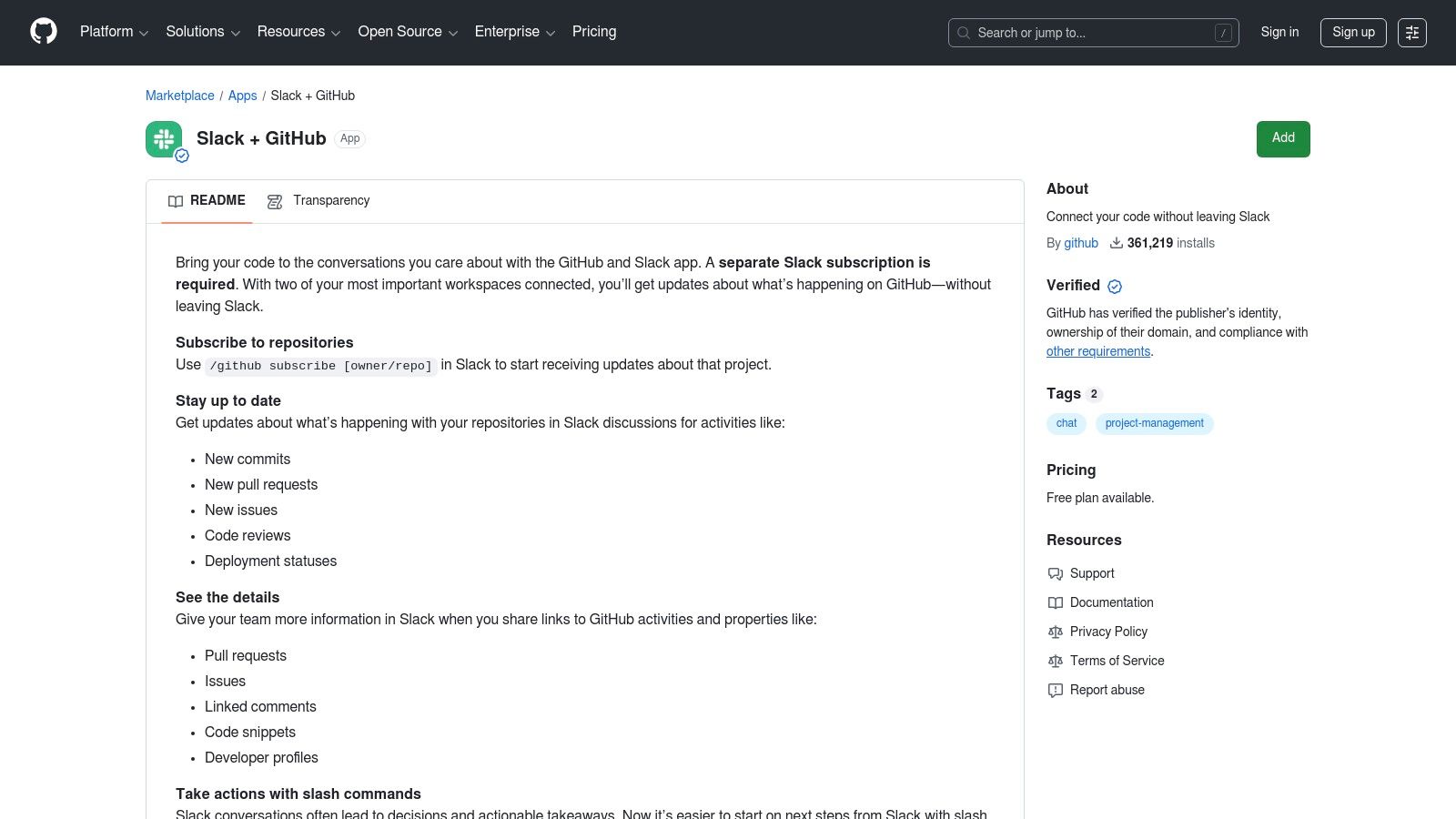
Its core value is providing a deep, natively supported connection maintained by GitHub itself. This ensures reliability and access to the latest features. With the official app, you can subscribe channels to specific repositories and receive real-time notifications on commits, PRs, and deployment statuses. Slash commands allow your team to create new issues or close existing ones directly from a Slack message, turning conversations into actionable development tasks instantly.
Why It’s a Go-To Resource
The GitHub Marketplace is the authoritative source for the official Slack integration, guaranteeing a seamless and secure setup. Unlike third-party connectors, this app offers the most robust and up-to-date features, like rich unfurls of GitHub links that provide context at a glance. It centralizes critical development events into the place where your team already collaborates, reducing context switching and keeping everyone synchronized on project progress.
- Pros: Official, maintained integration from GitHub; free core features for repository notifications; powerful slash commands for in-Slack actions.
- Cons: Tightly focused on developer workflows and may offer limited value for non-technical teams or use cases.
For any organization that relies on GitHub, this integration isn't just a nice-to-have; it's an essential productivity driver. You can install it directly from the GitHub Marketplace.
7. Google Workspace Marketplace – Slack for Gmail
For teams living at the intersection of email and Slack, the official Slack for Gmail add-on, found in the Google Workspace Marketplace, is a non-negotiable tool. This integration provides a direct bridge between your inbox and your workspace, allowing you to instantly push important emails, including attachments, into specific Slack channels or direct messages. It's an essential utility for turning chaotic email threads into actionable Slack conversations.
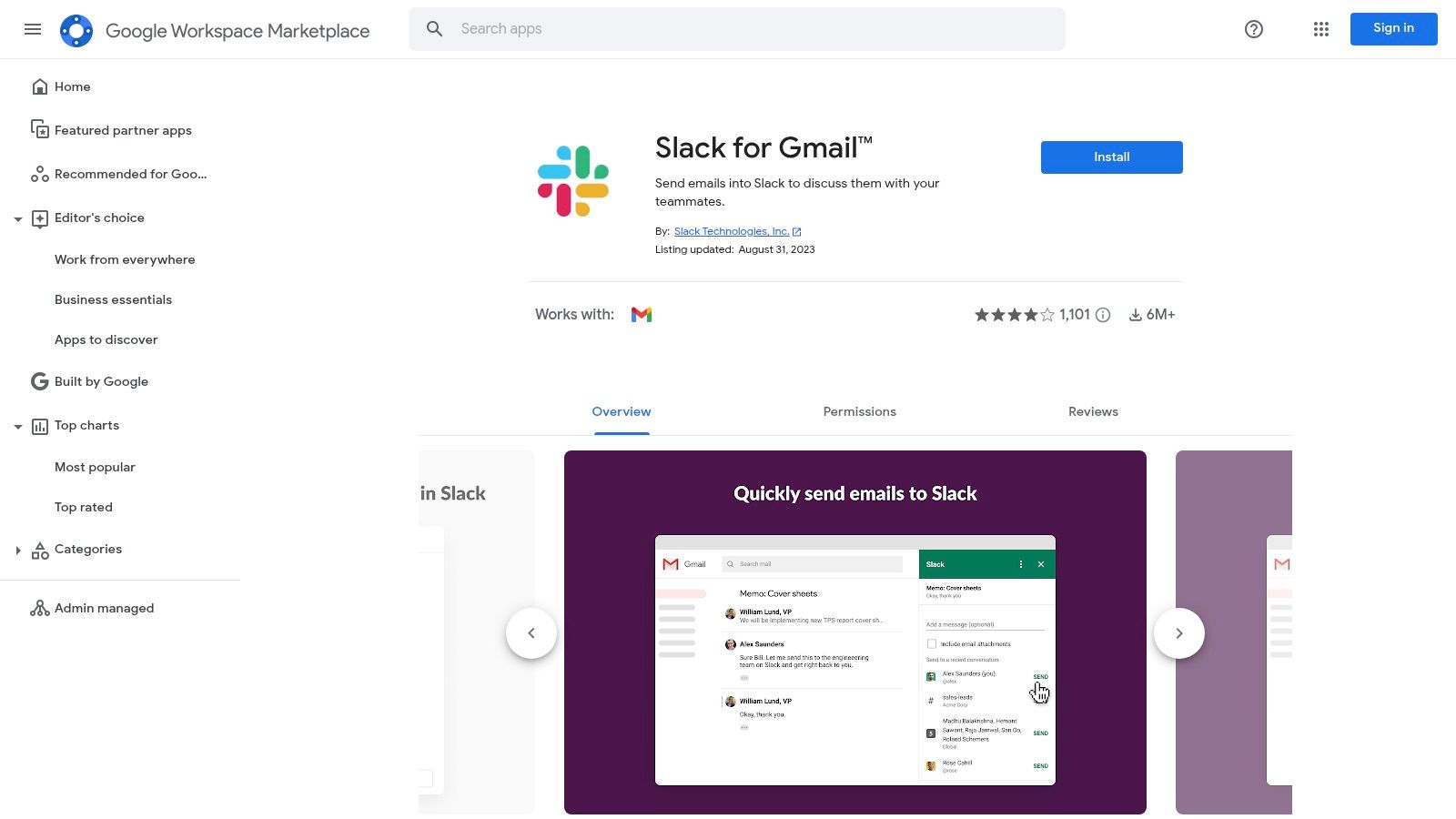
Its core value is eliminating the friction of context-switching. Instead of copying and pasting email content, you can use the add-on directly within the Gmail interface to send a complete message to a designated channel. This is incredibly powerful for support teams triaging tickets, sales teams sharing client communications, or project managers flagging critical updates from external stakeholders. The process is seamless and maintains the integrity of the original email.
Why It’s a Go-To Resource
The add-on excels at one specific task: getting email-based information into Slack quickly and reliably. Since it lives inside the Google Workspace Marketplace, installation is secure and straightforward for admins. This tight integration ensures that critical communications from customers, partners, or vendors are never lost in an inbox. It transforms email from a siloed information source into a collaborative asset inside your primary communication hub.
- Pros: Official, secure integration maintained by Google and Slack; drastically speeds up the process of sharing emails in Slack for triage and discussion.
- Cons: Very narrow scope focused only on the Gmail to Slack workflow; requires both Google and Slack accounts to function.
This is one of the top Slack apps for any team that needs to make external email communications visible and actionable for the rest of the organization. You can find and install it directly from the Google Workspace Marketplace.
8. HubSpot App Marketplace – Slack for HubSpot and related apps
For go-to-market teams living in both HubSpot and Slack, the HubSpot App Marketplace is the definitive resource for bridging the two platforms. This isn't just a single integration; it's an ecosystem where HubSpot’s native Slack app and third-party connectors come together. It centralizes the tools needed to manage CRM alerts, support tickets, and sales notifications directly within Slack, eliminating the constant need to switch contexts.
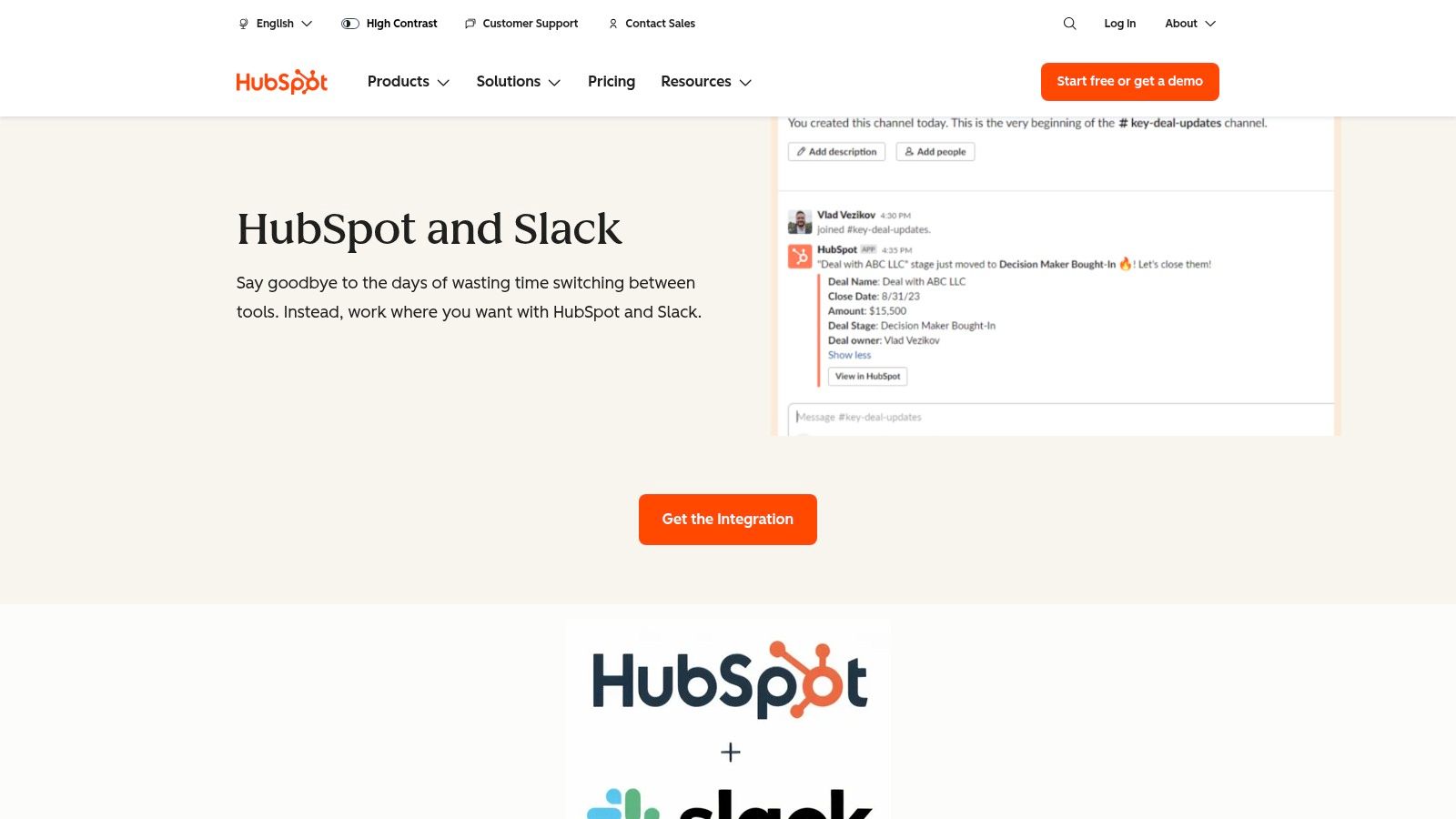
The marketplace’s primary value is its focus on creating seamless, bi-directional workflows between your CRM and your communication hub. You can find detailed app listings that clarify compatibility with your HubSpot plan, required permissions, and user ratings. The Get the Integration
flows are straightforward, guiding you through connecting your accounts and configuring automated notifications or slash commands. This curated experience makes finding top Slack apps specifically for HubSpot users much simpler.
Why It’s a Go-To Resource
The HubSpot App Marketplace excels by providing deep, well-documented solutions tailored for sales, marketing, and customer support teams. Instead of a generic integration, you get purpose-built workflows, like creating HubSpot tasks from Slack messages or receiving lead notifications in dedicated sales channels. The clear documentation and plan-specific information help admins make informed decisions before installing anything, ensuring the tool fits their existing HubSpot tier and operational needs.
- Pros: Strong documentation for CRM and Slack workflows, highly useful for go-to-market teams, streamlines lead and ticket management.
- Cons: The value of many apps is tied to your HubSpot plan, and some integrations require specific HubSpot tiers or separate paid vendor plans.
For any team powered by HubSpot, this marketplace is the best place to find integrations that keep your sales and support cycles moving quickly within Slack. You can explore the offerings at the official HubSpot + Slack integration page.
9. Atlassian Marketplace – Slack integrations for Jira, Confluence, Trello, Opsgenie, etc.
For teams deeply embedded in the Atlassian ecosystem, the Atlassian Marketplace is the definitive source for connecting tools like Jira, Confluence, Trello, and Opsgenie directly into Slack. It serves as a centralized hub where you can find official and third-party apps designed to bridge the gap between Atlassian’s powerful project management and collaboration software and your team’s communication center. This makes it a crucial resource for finding top Slack apps tailored for development and project-oriented workflows.
The core value of this marketplace is its specialized focus. While the official Slack App Directory lists these integrations, Atlassian’s platform provides a more granular view, including detailed vendor information, security specifics, and user reviews from an Atlassian-centric perspective. It simplifies discovery for organizations that have standardized on Atlassian, allowing them to procure and manage Slack connectors alongside their other Atlassian add-ons, often under a single billing arrangement.
Why It’s a Go-To Resource
The marketplace excels at providing deep, officially supported integrations that go beyond basic notifications. You can create Jira issues, comment on Confluence pages, or manage Trello cards without ever leaving Slack. It ensures that your development, IT, and project management teams can stay in their primary communication tool while interacting with the systems that drive their work, streamlining workflows and reducing context switching.
- Pros: Deep integrations with the Atlassian product suite, a centralized discovery and procurement hub for organizations standardized on Atlassian.
- Cons: The quality and support of third-party apps can vary by vendor, and some integrations are niche with limited use cases.
This is the essential destination for any team looking to fully integrate their Atlassian toolchain with Slack. For more information, visit the Atlassian Marketplace.
10. GetApp (by Gartner) – Software directories filtered for “Integrates with Slack”
When your search for top Slack apps extends beyond the official marketplace, GetApp by Gartner is an excellent resource for broader software discovery. It's a comprehensive directory where you can compare thousands of business tools side-by-side, but its real power for Slack admins lies in its powerful filtering. By specifically filtering for tools that Integrate with Slack,
you can evaluate potential solutions based on features, pricing, and, most importantly, verified user reviews.
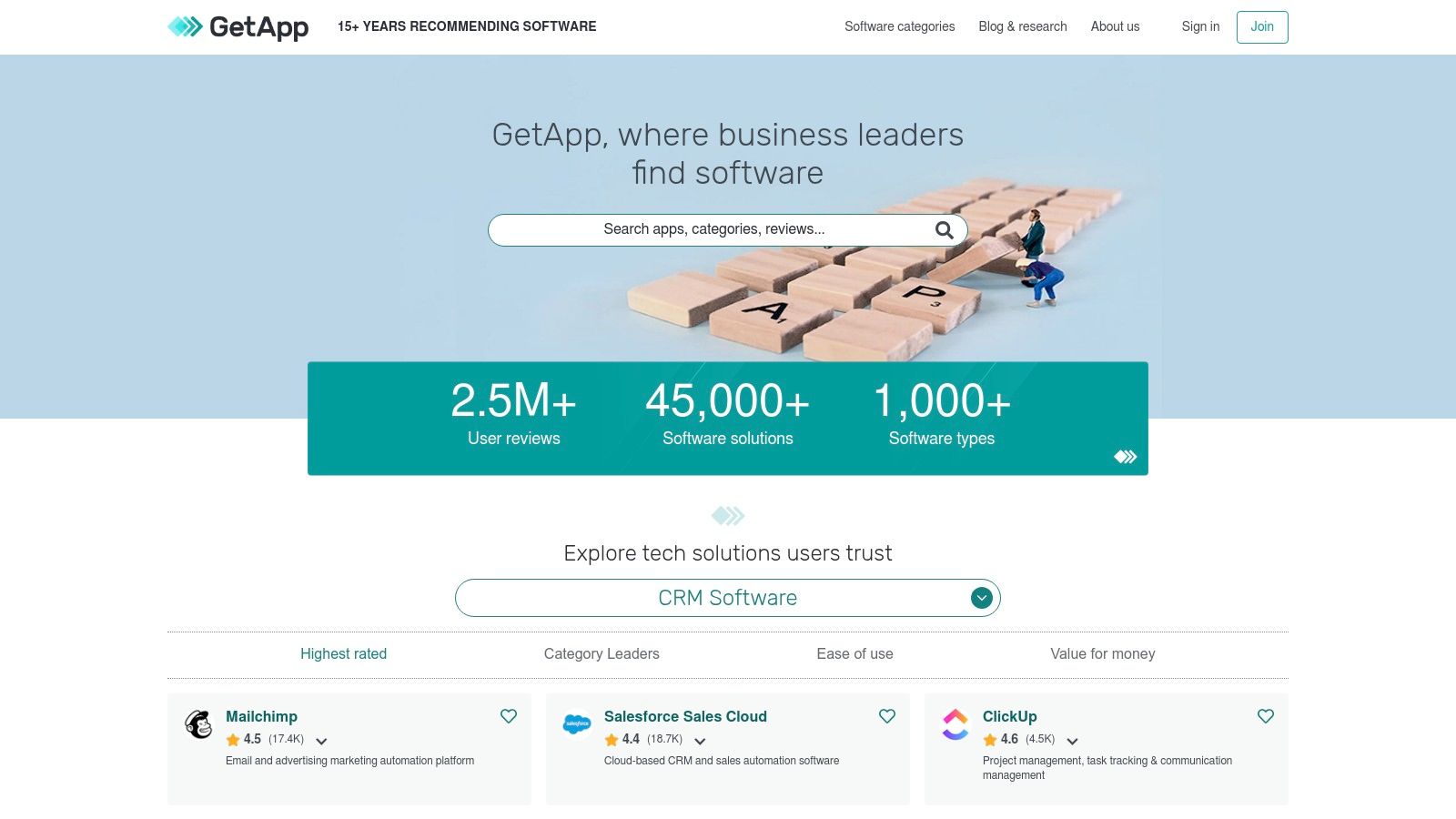
GetApp’s core value is providing a neutral, data-driven platform for software buyers. Instead of relying on marketing copy, you can compare tools based on authentic peer ratings and detailed feature breakdowns. This approach helps you shortlist Slack-compatible software in any category, from CRM to HR, ensuring the tools you consider will fit neatly into your existing Slack-centric workflow. This is especially useful for finding niche or emerging tools that may not have high visibility in the main Slack App Directory yet.
Why It’s a Go-To Resource
The platform excels at facilitating in-depth buyer research before you commit. While the Slack App Directory is perfect for installation, GetApp is ideal for the evaluation phase. Its side-by-side comparison tables and extensive user reviews provide the context needed to make an informed decision on which top Slack apps are truly worth integrating. It helps you understand not just what a tool does, but how well it performs for businesses like yours.
- Pros: A neutral marketplace with thousands of verified buyer reviews, excellent filtering for narrowing down Slack-compatible tools in any software category.
- Cons: Not every listing links directly to its Slack App Directory page, and purchases or sign-ups typically happen on external vendor sites.
11. G2 – Reviews and comparisons for Slack‑integrated apps
Beyond Slack’s official marketplace, G2 serves as a critical third-party resource for due diligence. It’s a peer-review platform where real users share their unfiltered experiences with business software, including thousands of apps that integrate with Slack. This is where you go for social proof and to understand how a tool performs in the wild, not just how it's marketed.
G2’s value comes from its sheer volume of candid reviews and detailed comparison grids. You can quickly see how different top Slack apps stack up against each other based on user satisfaction, features, and pricing. The platform also highlights which tools are leaders in their categories with its well-known awards and badges, providing a quick visual cue for quality and popularity. This makes it an invaluable resource for shortlisting options before you commit to a purchase.
Why It’s a Go-To Resource
G2 excels at providing the real-world context that a marketplace listing often lacks. You can dig into specific pros and cons from people in roles similar to your own, discover unforeseen use cases, and gauge the quality of a vendor’s customer support. It helps you answer the crucial question: “Will this app actually solve my team’s problem?”
- Pros: High volume of recent, authentic user reviews for Slack-compatible tools, excellent for comparing features and understanding real-world advantages and disadvantages.
- Cons: Unlocking some in-depth comparisons requires creating a free account, and finding a dedicated list of only Slack-integrated apps can sometimes be indirect.
For businesses looking to make informed decisions, G2 provides the necessary social proof. If you are looking for more vetted tools, check out our list of 12 essential apps for small businesses to transform your workflow.
12. GitHub Topics – Open‑source Slack apps/bots
For technical teams that want ultimate control or prefer building their own tools, GitHub Topics is an invaluable resource. Unlike polished app stores, topic pages like slack-bot aggregate thousands of open‑source projects, from complete bots to essential SDKs like Bolt. This is the go-to destination for developers looking to build custom Slack integrations, find self-hosted alternatives, or simply inspect the code behind a tool for security and learning purposes.
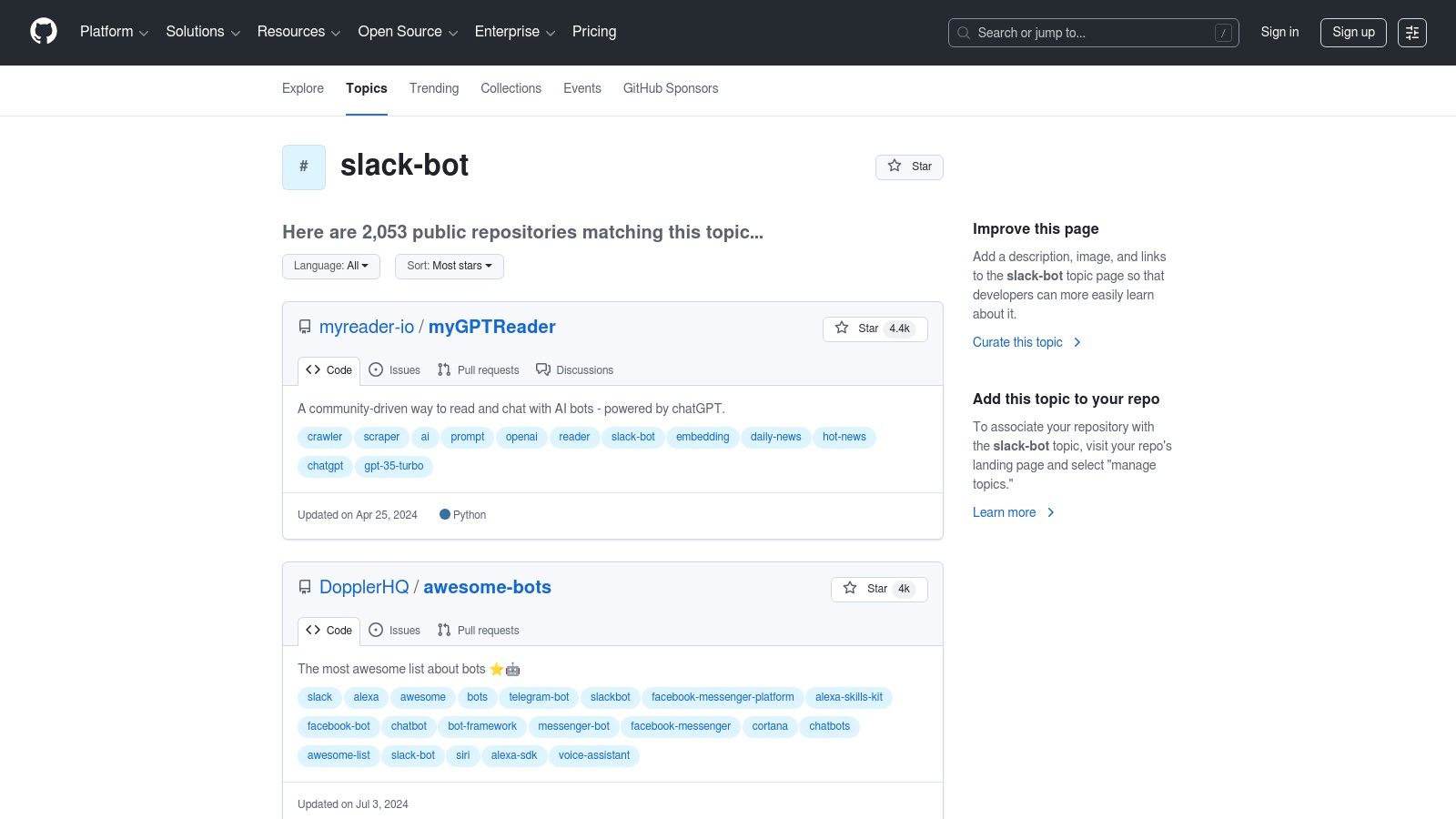
Its core value is transparency and customization. Here, you get direct access to the source code, allowing your team to fork, modify, and deploy applications on your own infrastructure. This is particularly crucial for organizations with strict data residency or security policies that prevent the use of third-party cloud services. You can easily sort repositories by stars, recent updates, or programming language to find a project that fits your team’s stack and needs.
Why It’s a Go-To Resource
GitHub Topics excels at empowering developers and security-conscious teams. It provides the building blocks for creating tailored solutions that aren’t available in the official marketplace, making it one of the most flexible resources for finding top Slack apps. While the Slack App Directory offers vetted, ready-to-install solutions, GitHub provides the raw materials for teams that prefer to build and maintain their own integrations, ensuring a perfect fit for their unique workflows.
- Pros: Free and open-source options with full code transparency, ideal for security-sensitive teams that prefer to self-host and customize.
- Cons: Requires significant technical effort to deploy and maintain, and the maturity and support vary widely across different community projects.
This hub is the definitive starting point for any development team looking to build custom Slack bots or self-host their tools. Explore the possibilities at GitHub's slack-bot topic page.
Top 12 Slack App Resources Comparison
| Solution | Core capability | UX / Quality | Value & Price | Target audience | Unique selling points |
|---|---|---|---|---|---|
| SAI 🏆 | Learns Slack history to surface instant, context‑aware answers and build a shared knowledge base | ★★★★☆ — native Slack, immediate value | 💰 Free Early Access (1 channel); paid plans coming | 👥 Slack admins, ops, HR, support, startups | ✨ Zero setup; intent-aware answers; durable KB |
| Slack App Directory (Marketplace) | Centralized app discovery + one‑click installs and permission flows | ★★★★★ — Slack‑vetted listings | 💰 Free to browse; app pricing varies | 👥 Workspace admins, IT | ✨ Official catalog & clean install UX |
| Product Hunt (Slack topic) | Community launches, reviews, and maker discussions for new Slack apps | ★★★☆☆ — varies by product maturity | 💰 Free discovery; vendor pricing varies | 👥 Early adopters, product scouts | ✨ Real‑time launches and social proof |
| Zapier – Slack Integrations | No‑code automations (Zaps) connecting Slack to thousands of apps | ★★★★☆ — reliable templates | 💰 Free tier (limits); paid tiers for advanced use | 👥 Ops, PMs, automation builders | ✨ Wide template library; easy proofs‑of‑concept |
| Make (formerly Integromat) | Visual, flowchart‑style automation with granular branching & error handling | ★★★★ — powerful for complex flows | 💰 Free tier (limits); paid for heavy usage | 👥 DevOps, technical automators | ✨ Drag‑drop scenarios; advanced branching |
| GitHub Marketplace – Slack apps | Official GitHub ↔ Slack integrations for PRs, issues, deployments | ★★★★ — maintained integrations | 💰 Core features free; some paid apps | 👥 Developers, engineering teams | ✨ Repo‑centric notifications & slash commands |
| Google Workspace Marketplace – Slack for Gmail | Push emails/attachments from Gmail into Slack channels/DMs | ★★★★ — integrated Gmail actions | 💰 Free/depends on Workspace accounts | 👥 Support, sales, triage teams | ✨ Fast email → Slack bridge inside Gmail |
| HubSpot App Marketplace – Slack apps | CRM ↔ Slack integrations for alerts, tickets, and notifications | ★★★★ — good documentation | 💰 Depends on HubSpot plan & integration | 👥 Sales, marketing, support | ✨ Bi‑directional CRM workflows |
| Atlassian Marketplace – Slack integrations | Jira/Confluence/Trello alerts, issue updates, incident workflows in Slack | ★★★★ — deep product integrations | 💰 Varies by listing; trials common | 👥 Teams using Atlassian tools | ✨ Centralized Atlassian ↔ Slack catalog |
| GetApp (by Gartner) | Neutral software directory with “Integrates with Slack” filters and comparisons | ★★★☆☆ — buyer‑focused data | 💰 Free to use; links to vendor sites | 👥 Buyers, procurement teams | ✨ Filtered comparisons & verified reviews |
| G2 – Reviews for Slack apps | User reviews, pricing snapshots, feature matrices for Slack‑integrated tools | ★★★★ — strong review volume | 💰 Free browsing; some gated features | 👥 Buyers, decision‑makers | ✨ Large review corpus + awards/badges |
| GitHub Topics – Open‑source Slack apps | Curated OSS bots, SDKs, and examples for self‑hosting or building custom bots | ★★★☆☆ — quality varies by repo | 💰 Free (OSS); hosting/maintenance costs apply | 👥 Developers, security‑sensitive teams | ✨ Full code transparency; customizable solutions |
Build a Smarter Slack, Not a Busier One
Navigating the vast ecosystem of Slack integrations can feel overwhelming. With thousands of options available across marketplaces like Slack's own App Directory, Product Hunt, and Zapier, the challenge isn't finding an app; it's finding the right app. This guide was designed to cut through that noise, moving beyond simple lists to provide a strategic framework for enhancing your digital headquarters. We've explored everything from project management powerhouses like Jira and Asana to customer support heroes like Zendesk and Intercom, and even the custom automation wizards Zapier and Make. The goal, however, was never to encourage you to install every tool you see.
The true measure of a successful Slack integration strategy isn't the number of apps in your sidebar. It’s the amount of friction you remove from your team's daily workflow. It's about building a cohesive, intelligent environment where information flows freely and manual tasks disappear. A bloated Slack workspace, cluttered with redundant notifications and underutilized apps, is just as unproductive as a disorganized shared drive. The key is strategic implementation, focusing on tools that solve specific, high-impact problems for your organization.
From Tool Overload to Intelligent Workflow
The real transformation begins when you shift your mindset from which app should we add?
to what problem are we trying to solve?
. Are your engineers context-switching constantly between Slack and GitHub? The official GitHub integration is a non-negotiable. Is your sales team struggling to keep CRM data updated? The HubSpot or Salesforce integration is your answer.
But there's a deeper, more universal challenge that plagues nearly every growing organization: knowledge management. It’s the constant, repetitive questions that interrupt deep work. It's the new hire waiting hours for an answer on a process that’s buried in a forgotten Confluence page. It’s the tribal knowledge that walks out the door when a senior employee leaves. This is where the most powerful of the top Slack apps create a truly revolutionary impact.
Imagine a workspace where your team never has to leave Slack to find an answer. No more digging through Google Drive, no more pinging the one person who knows the Wi-Fi password, no more waiting for a manager in another time zone to clarify a company policy. Imagine your team’s collective intelligence being captured automatically, right from the conversations you’re already having. This isn't just about convenience; it's about building a resilient, self-sufficient organization.
Your Action Plan for a More Powerful Slack
To turn these insights into reality, start with a simple audit. Don't just add new apps; evaluate what you currently have and identify the biggest bottlenecks in your team's communication and processes.
- Identify Your Core Bottleneck: Is it project tracking, customer support, or internal knowledge sharing? Prioritize the single biggest pain point.
- Start Small and Targeted: Choose one or two high-impact integrations from our list to solve that core problem. Don't try to overhaul everything at once.
- Focus on Knowledge Flow: Critically, consider how information and answers are shared. If your team spends more time searching than doing, an AI-powered knowledge base like SAI should be your top priority. It acts as the central brain for your entire operation, making every other tool and process smarter.
By selectively integrating the top Slack apps, you’re not just adding features. You are fundamentally redesigning how your team collaborates, learns, and executes. You're building a smarter Slack, not a busier one, empowering your team to focus on what truly matters: innovation, growth, and delivering exceptional value. The ultimate goal is an invisible, seamless workflow where the right information finds the right person at the right time, every time.
Ready to stop repetitive questions and make your team’s knowledge instantly accessible? SAI transforms your Slack conversations into a self-updating knowledge base, providing instant, accurate answers right where your team works. Discover how you can eliminate knowledge silos and empower your team by visiting SAI today.
